17

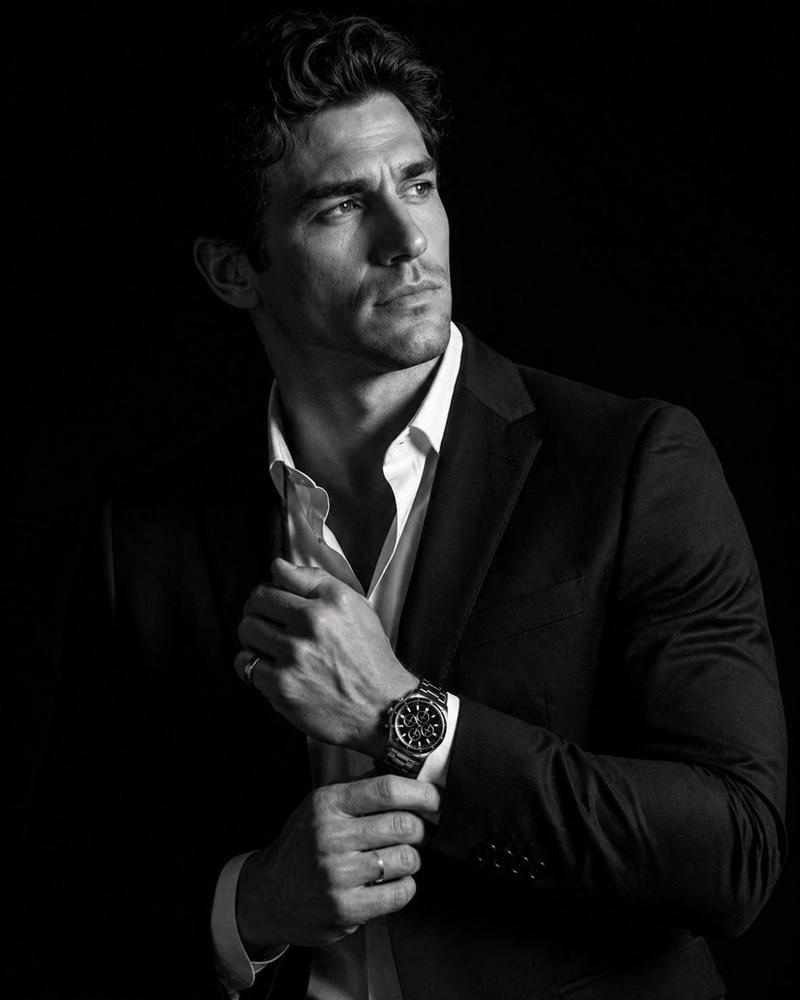
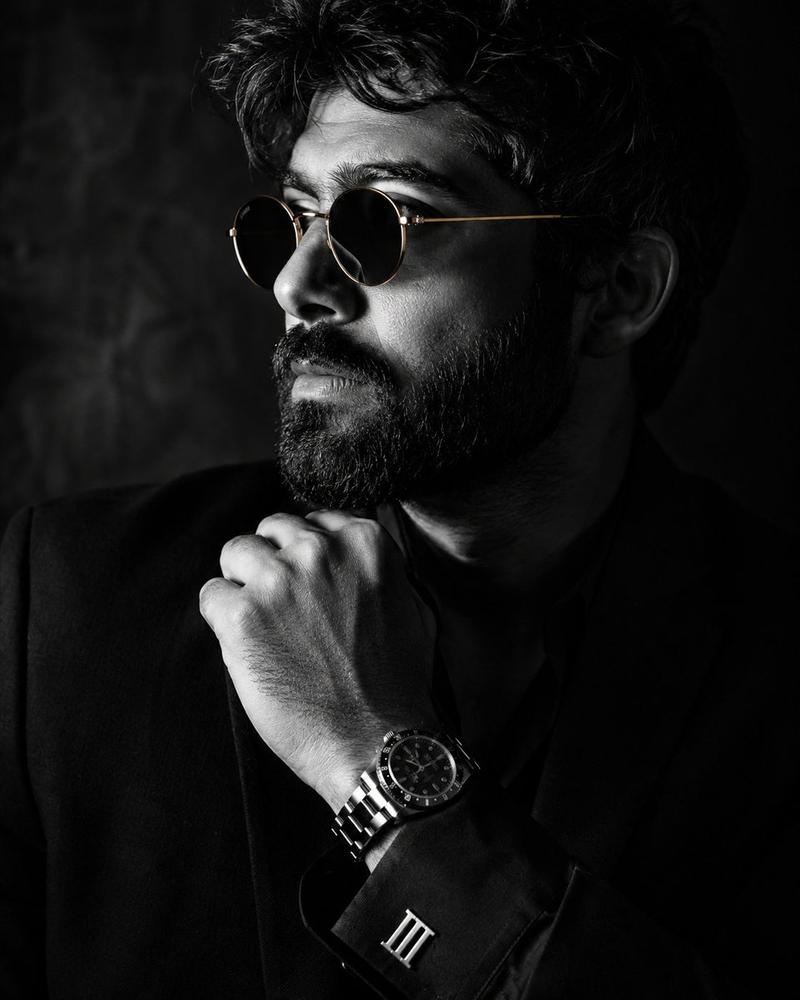
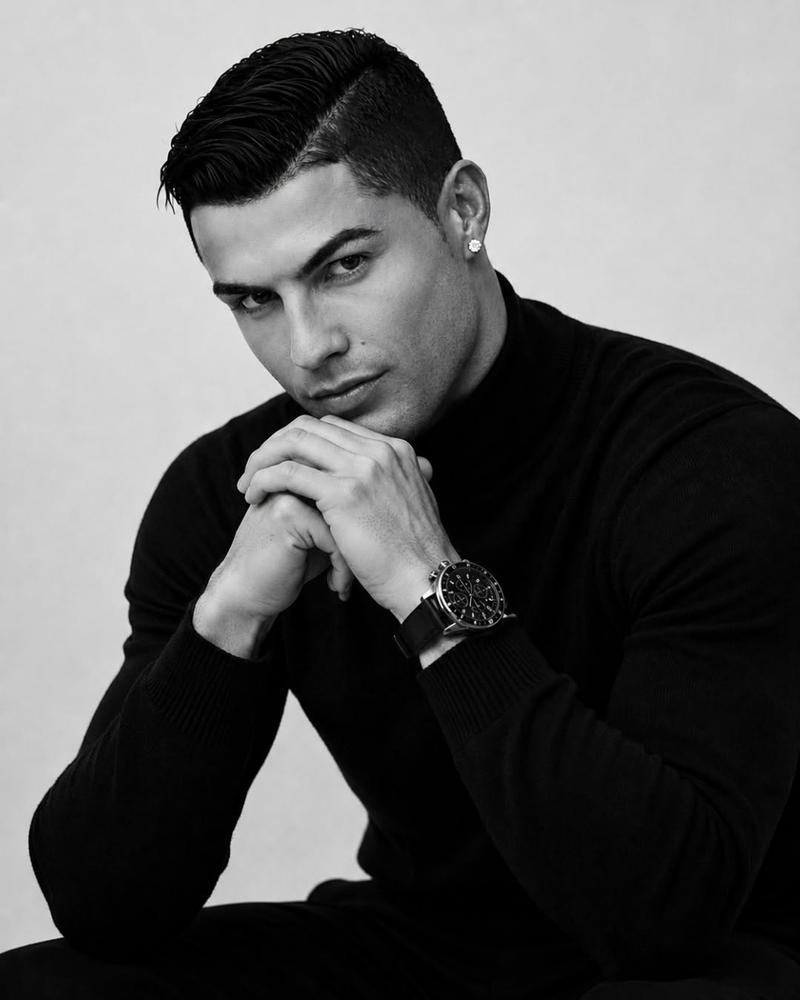
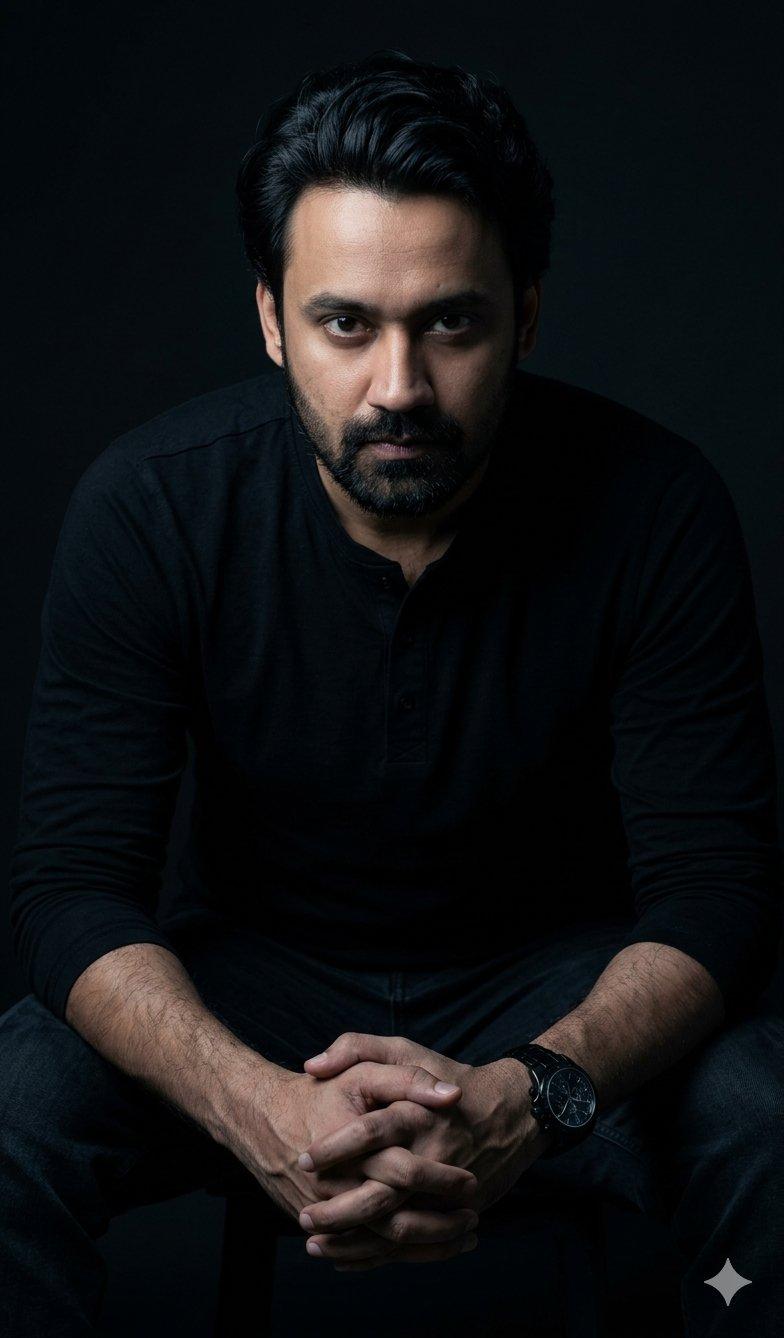
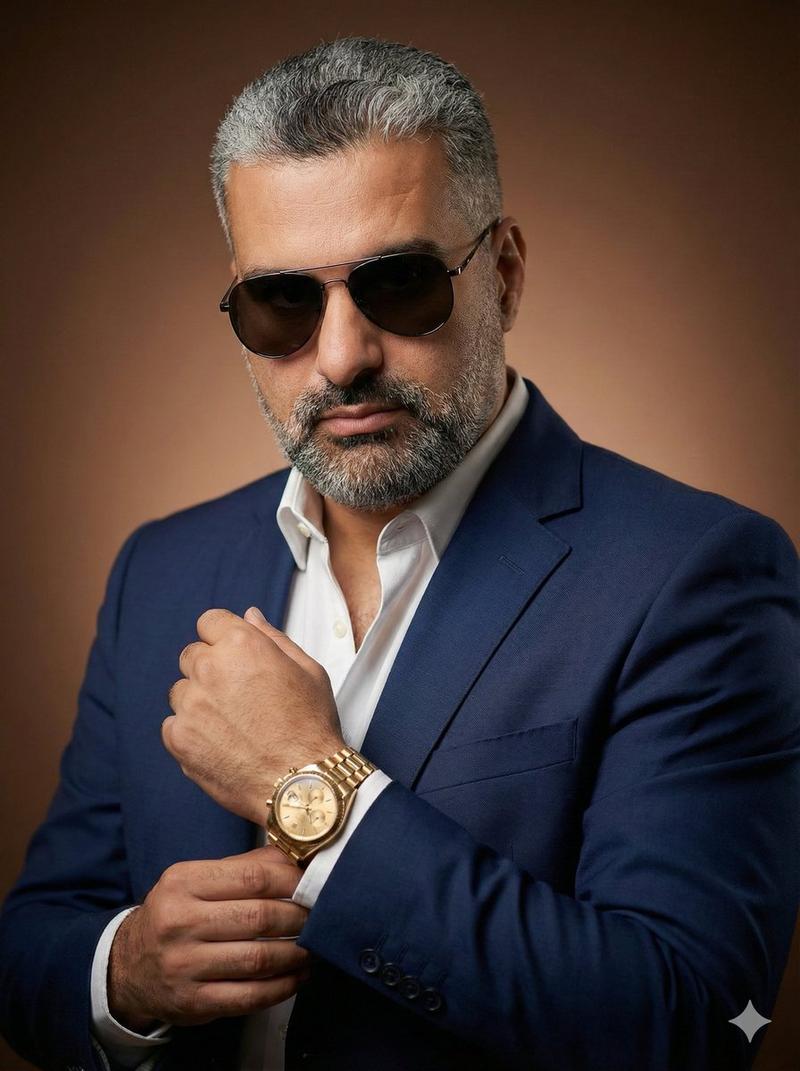
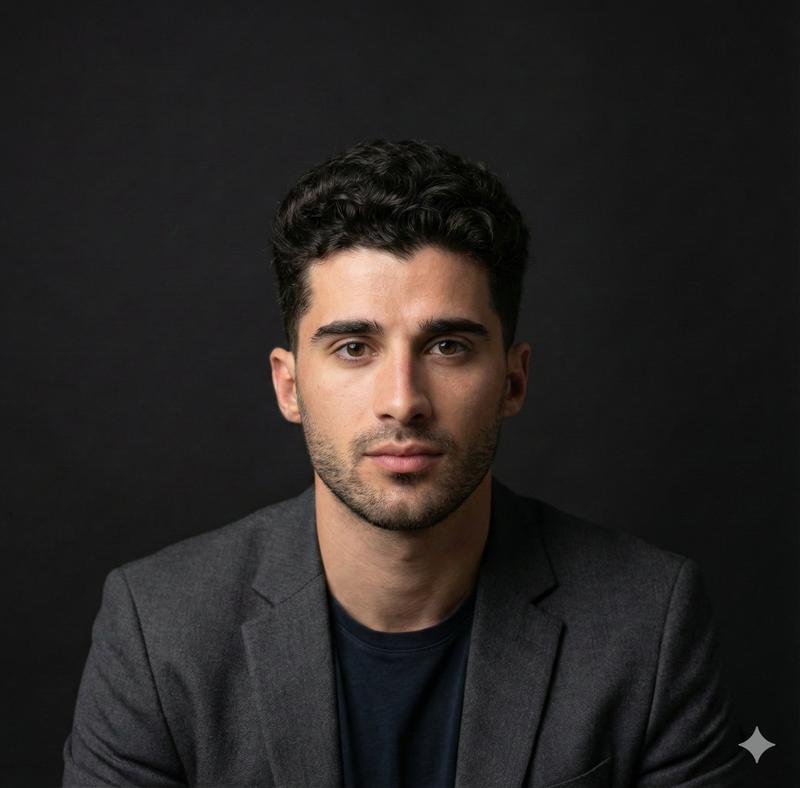
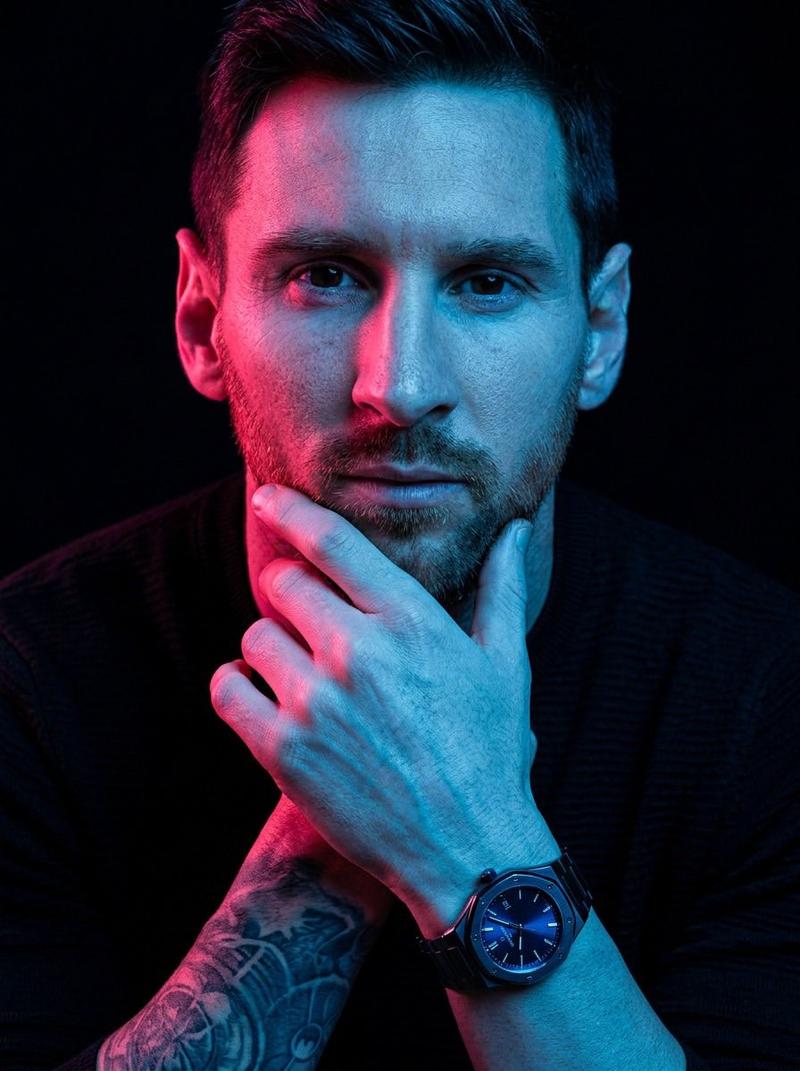
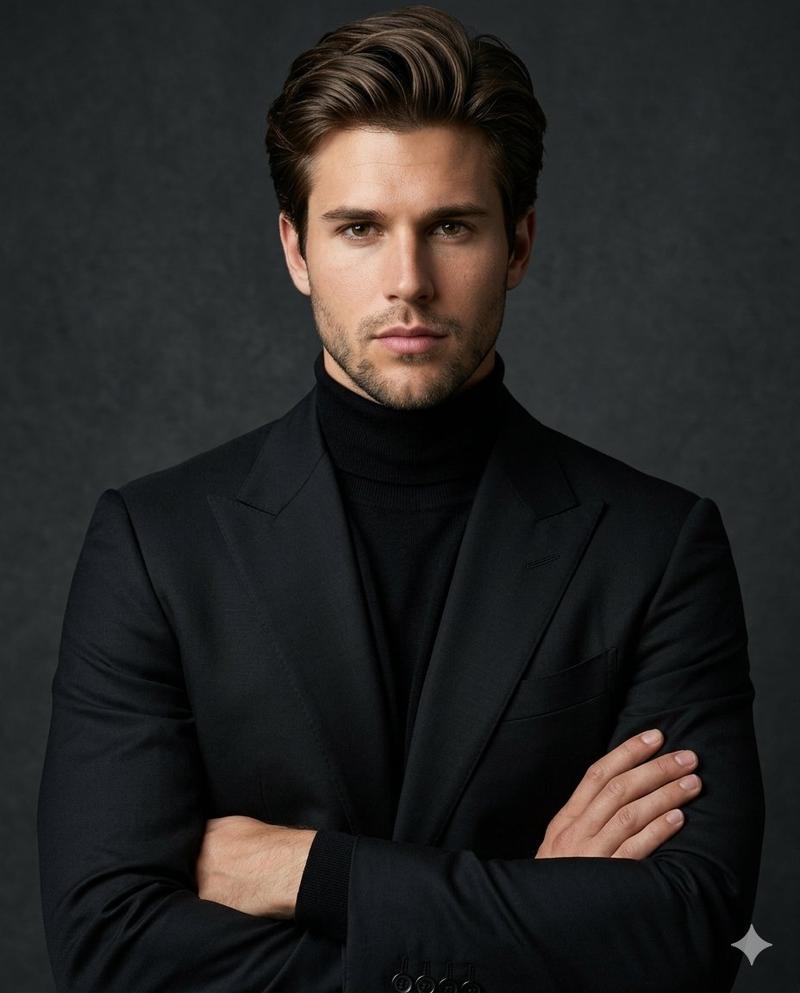
超写实明暗对照法肖像
Enlarge

超写实明暗对照法肖像

Prompt
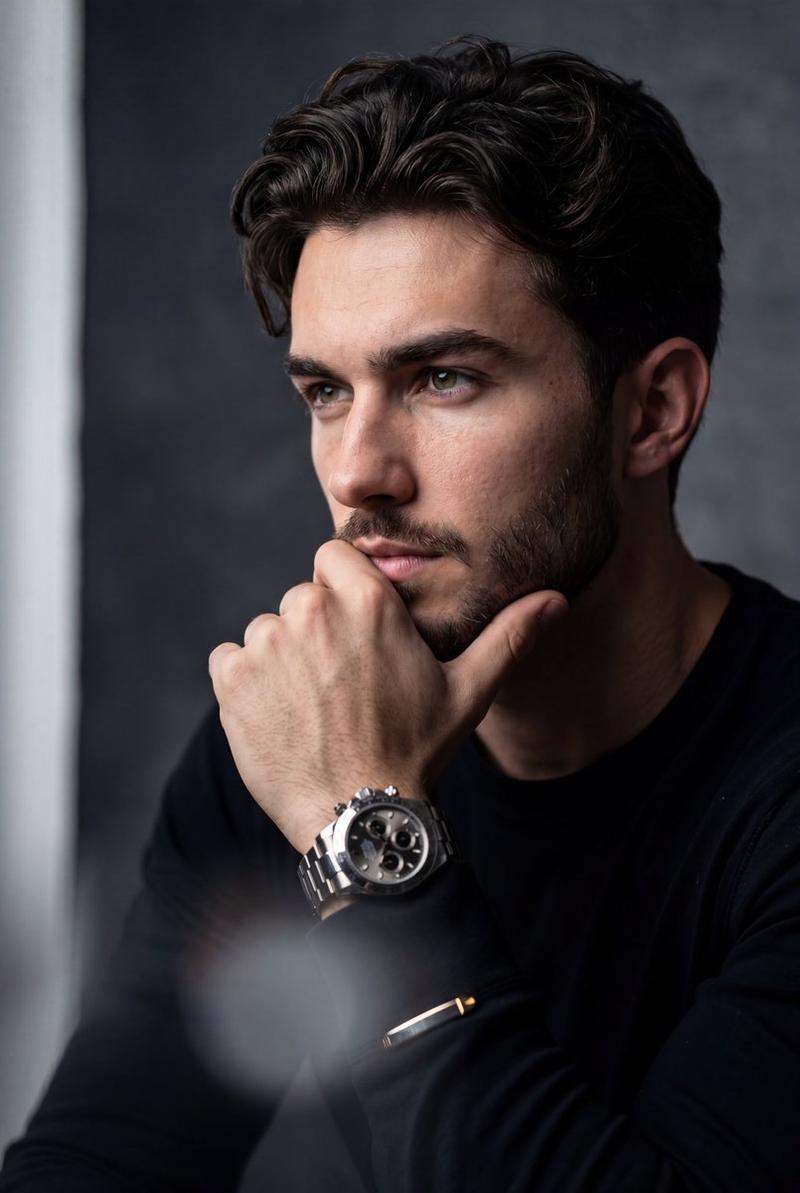
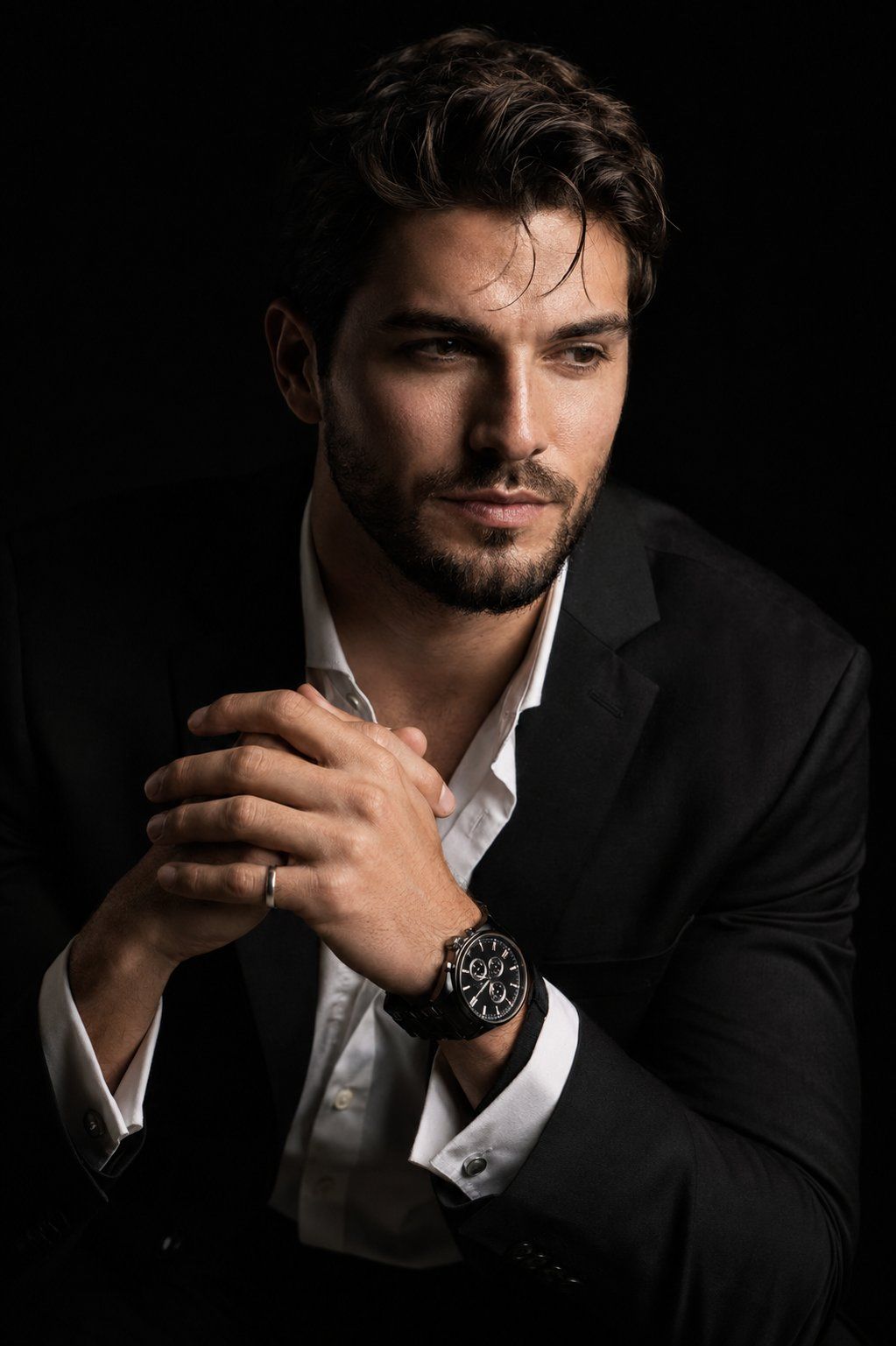
Create a hyper-realistic 8K cinematic portrait of the uploaded person in a {argument name="lighting style" default="dramatic chiaroscuro style"}. The subject is seated at a three-quarter angle, leaning slightly forward with a relaxed yet commanding posture. His face is turned slightly away from the camera,not looking at the lens, with one side of the face sharply illuminated and the opposite side fading into deep, velvety black shadow. His expression is contemplative. His hands are near the chest in a natural, precise pose, with the fingers gently and correctly interlocked. One wrist clearly shows a {argument name="watch" default="luxury black chronograph watch"} with a detailed metal link bracelet, and one hand wears a subtle silver ring. He is dressed in a {argument name="suit" default="sharp black suit jacket over a white dress shirt"} with the top buttons open, showing refined fabric texture and natural folds. The background is solid seamless black. Use strong directional studio lighting with rich contrast, clean shadow falloff, and realistic skin texture. Highlight fine details such as hair strands, beard(if present) bristles, eye moisture, facial texture, the watch face, metal bracelet reflections, and the silver ring. Shot with an 85mm portrait lens look, shallow depth of field, premium commercial photography, ultra-sharp focus, smooth natural skin transitions, cinematic contrast, no artificial plastic skin, no extra fingers, no distorted hands, no messy anatomy.
Category
Charts & Infographics
Model
GPT Image 2
Creator
Aijaz
Views0
Source ID
25029
Published
Jun 10, 2026

Guide

About "超写实明暗对照法肖像"

What is this prompt for?

"超写实明暗对照法肖像" AI image prompt for GPT Image 2 (Charts & Infographics). 一个高对比度的电影感肖像提示词,专注于戏剧性的摄影棚灯光、真实的皮肤纹理以及奢华配饰。 Copy it on Picva and recreate the look in one…

The full copyable prompt and example visuals above are ready for AI image generation or one-click recreate in Picva.

How to use this prompt

  1. Step 1

    Open the prompt detail

    Review the example visuals, category, and full prompt text for "超写实明暗对照法肖像".

  2. Step 2

    Copy the prompt

    Copy the prompt body from this page, or load it directly in Studio.

  3. Step 3

    Pick a model (GPT Image 2)

    Prefer GPT Image 2. If you switch models, keep subject and composition and tweak style terms.

  4. Step 4

    Generate and export

    Recreate the look in Picva, or export into your workflow for editing and publishing.

FAQ

What is the "超写实明暗对照法肖像" prompt?
It is an AI image-generation prompt for GPT Image 2 in the Charts & Infographics category. This page includes the full prompt text, example visuals, and a one-click recreate path in Picva.
How do I use this prompt to generate an image?
Copy the prompt from this page, or use Generate / Studio. Paste it into a compatible image model, or recreate the look in Picva with optional reference images.
Which model is this prompt for?
This page lists GPT Image 2. Most descriptive prompts also transfer to nearby image models such as GPT Image, Flux, or Midjourney with light style tweaks.
Can I use the result commercially?
You can usually copy the prompt for creation, but commercial use of the final image depends on the model terms, reference-image rights, and the generated content. Follow the source author and platform rules.