哥特牡丹肖像
Prompt
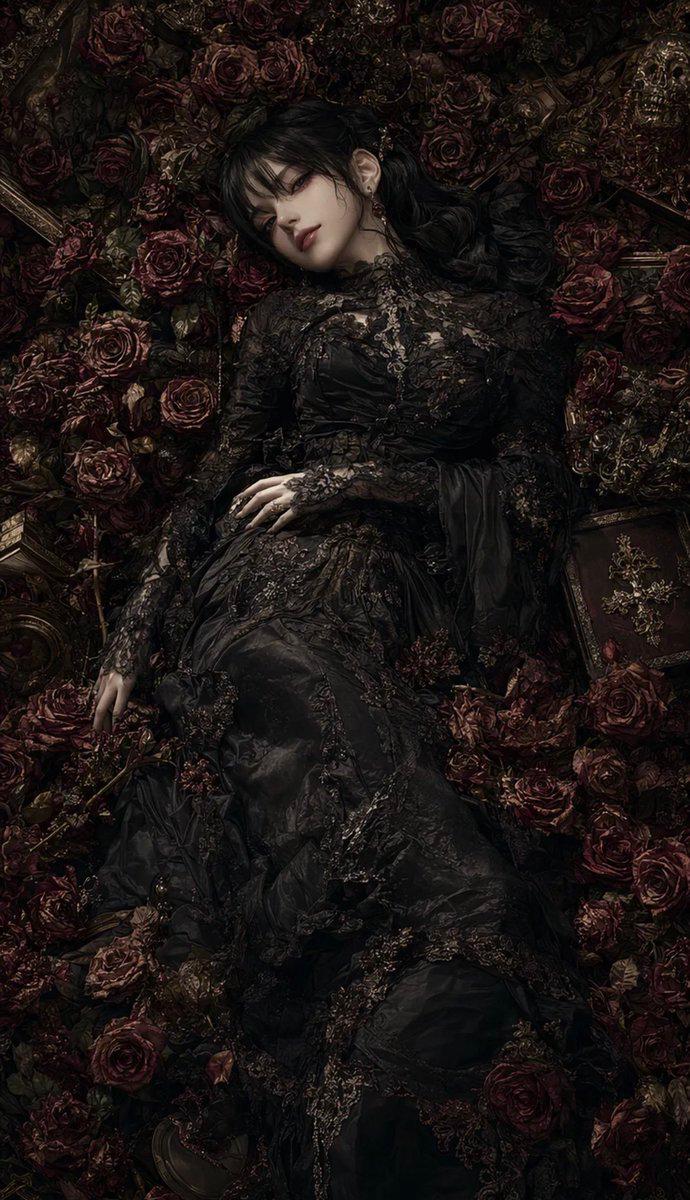
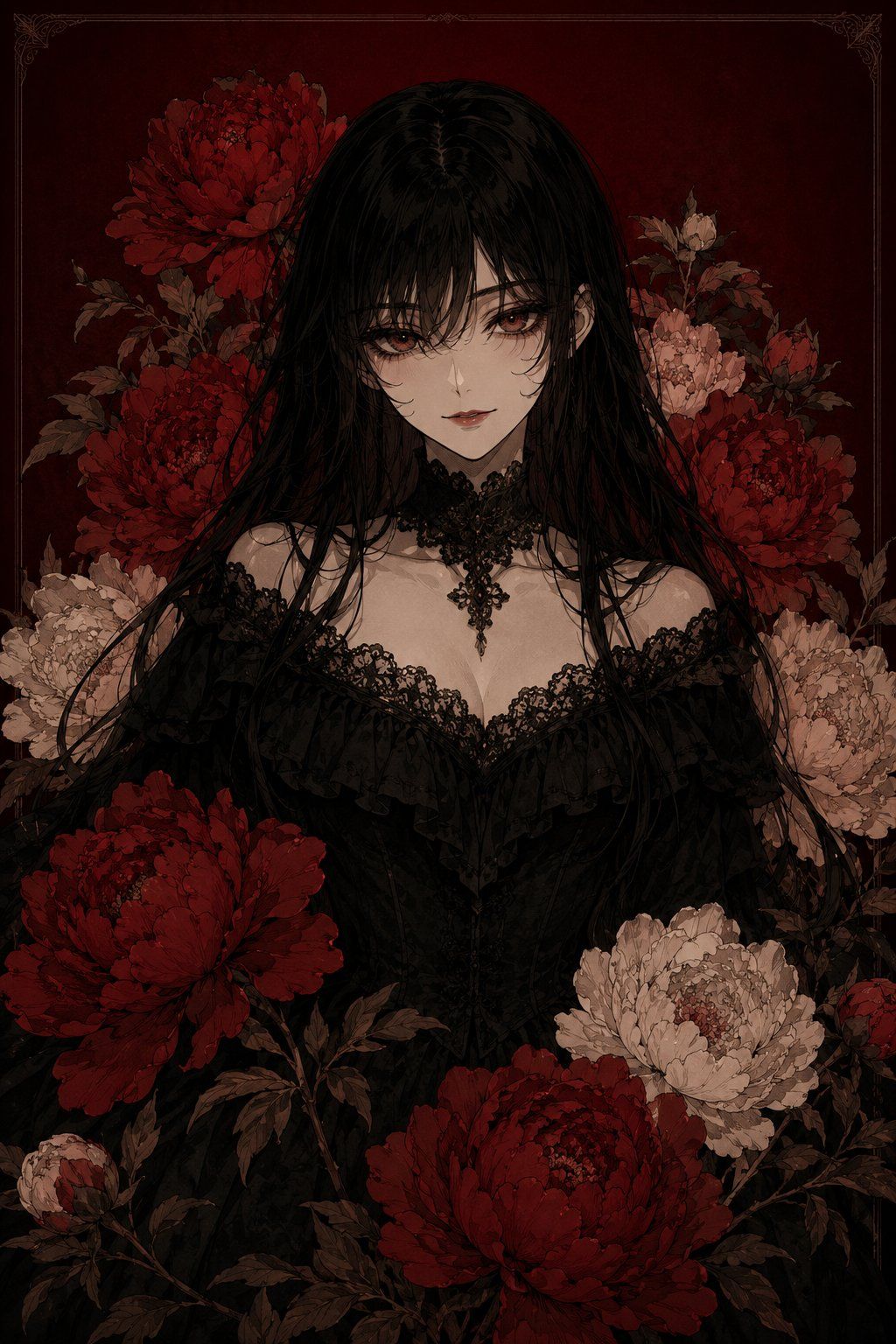
Create a dark gothic digital illustration in a vertical 2:3 portrait format, centered on a mysterious young woman with {argument name="hair color" default="long glossy black hair"} falling in tangled strands over her shoulders and chest. Her face is deliberately hidden by a plain soft-edged square censor block in muted brown-gray, placed exactly over the facial area, while one ear and the hair part remain visible. She wears an elaborate {argument name="dress style" default="black Victorian off-shoulder lace dress"} with dense ruffles, floral lace trim, a low sweetheart neckline, a fitted corset bodice, and a black ornate lace choker with a dangling cross-shaped filigree pendant. Surround her with exactly 10 prominent peony blossoms and buds: 1 huge deep red peony at the upper left behind her head, 1 medium deep red peony on the left beside her shoulder, 1 large cream peony at the left edge, 1 small cream blossom at the upper right, 1 pale pink peony behind her right shoulder, 1 deep red peony at the right edge, 1 huge deep red peony in the lower left foreground, 1 large cream peony in the lower right foreground, 1 huge deep red peony at the bottom center foreground, and 1 small pale bud at the lower left corner. Add dark brown-green leaves and stems weaving around the flowers and figure. Use a {argument name="background color" default="deep burgundy"} background with subtle aged-paper texture and a thin ornate vintage border in the corners and along the edges. The mood should be romantic, somber, and occult, with muted reds, black, ivory, sepia shadows, fine ink-like linework, painterly anime realism, intricate lace detail, low-key lighting, and no visible text or watermark.- Category
- Photography & Realism
- Model
- GPT Image 2
- Creator
- FridiT_tw
- Source ID
- 25260
- Published
- Jun 11, 2026
Views0