19

民间艺术风格转换提示词
Enlarge

民间艺术风格转换提示词

Prompt
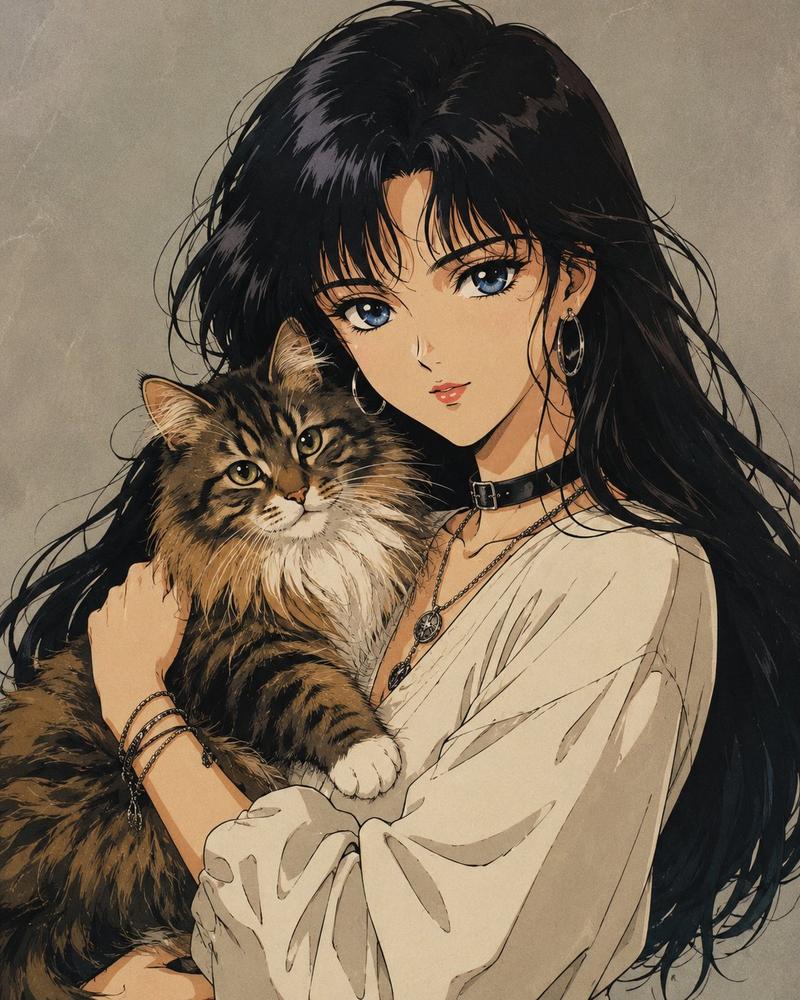
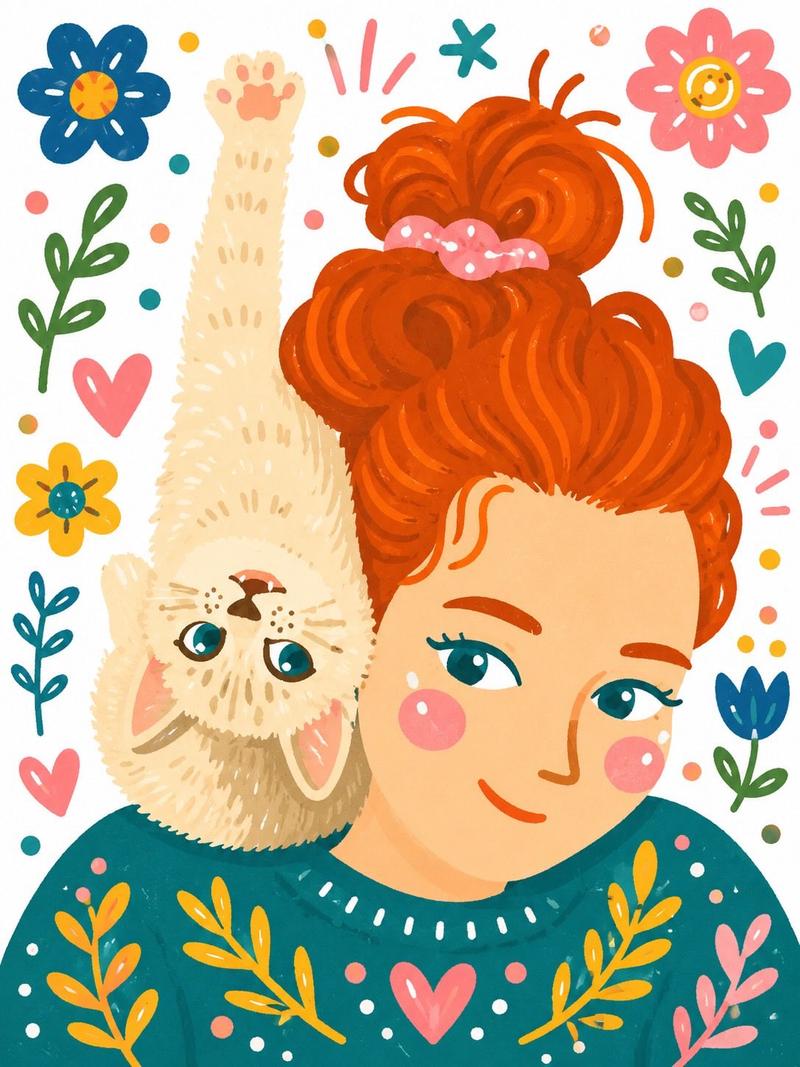
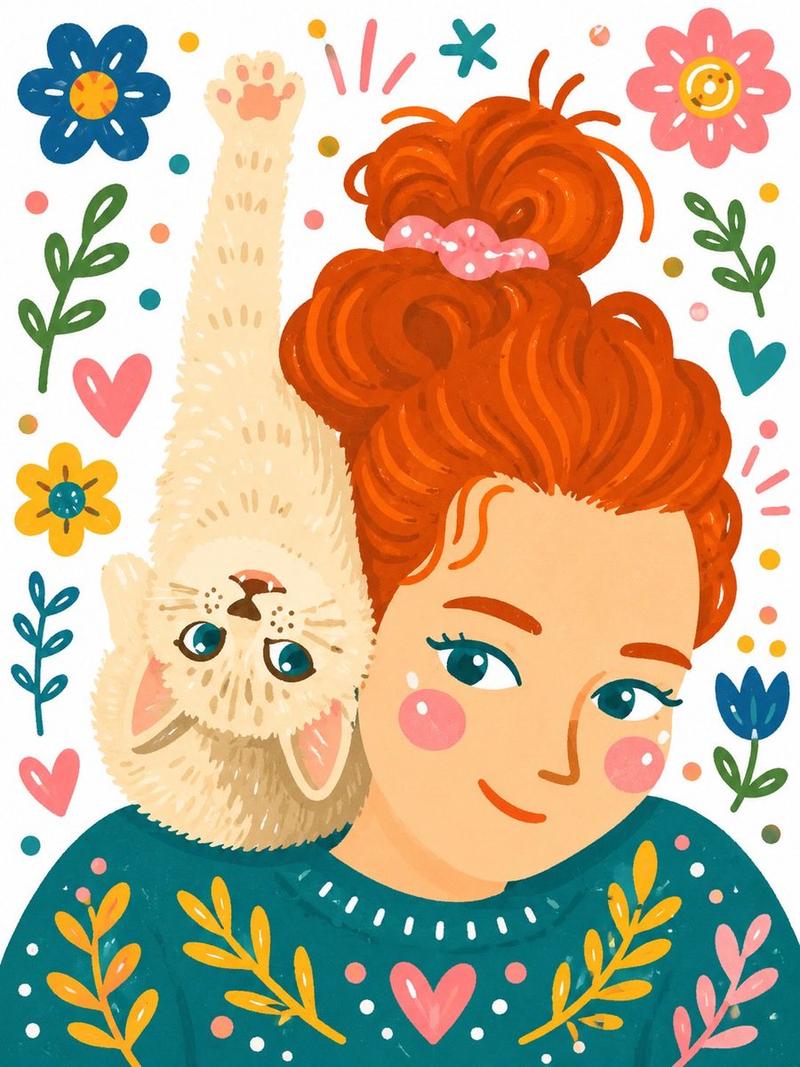
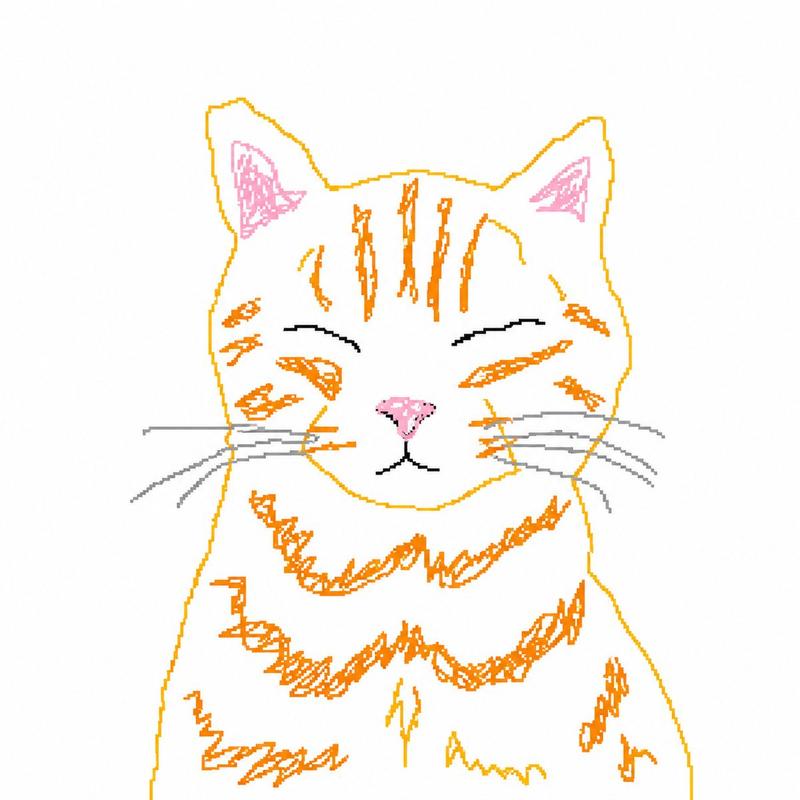
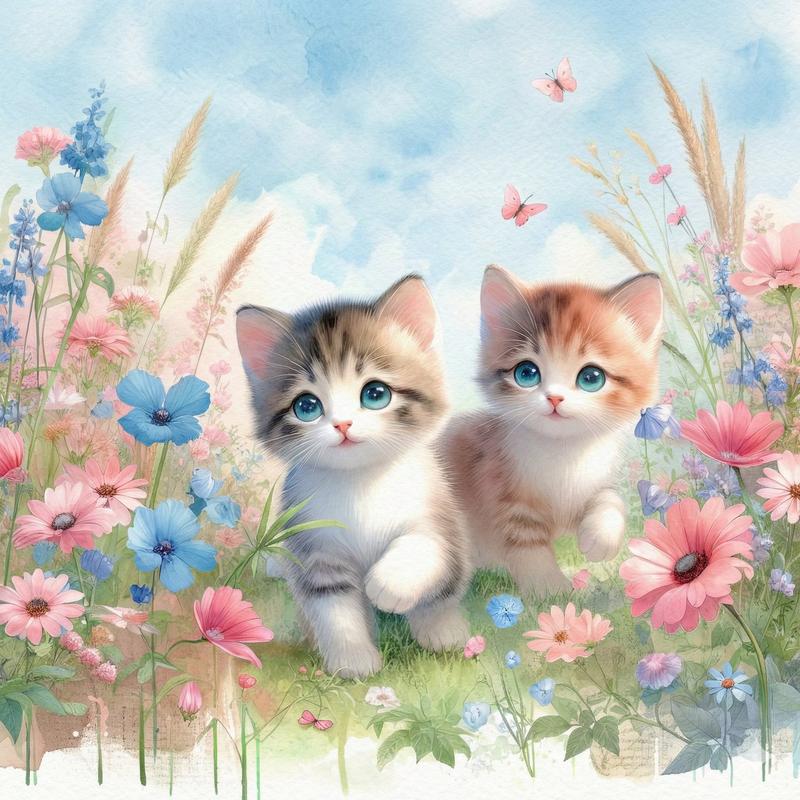
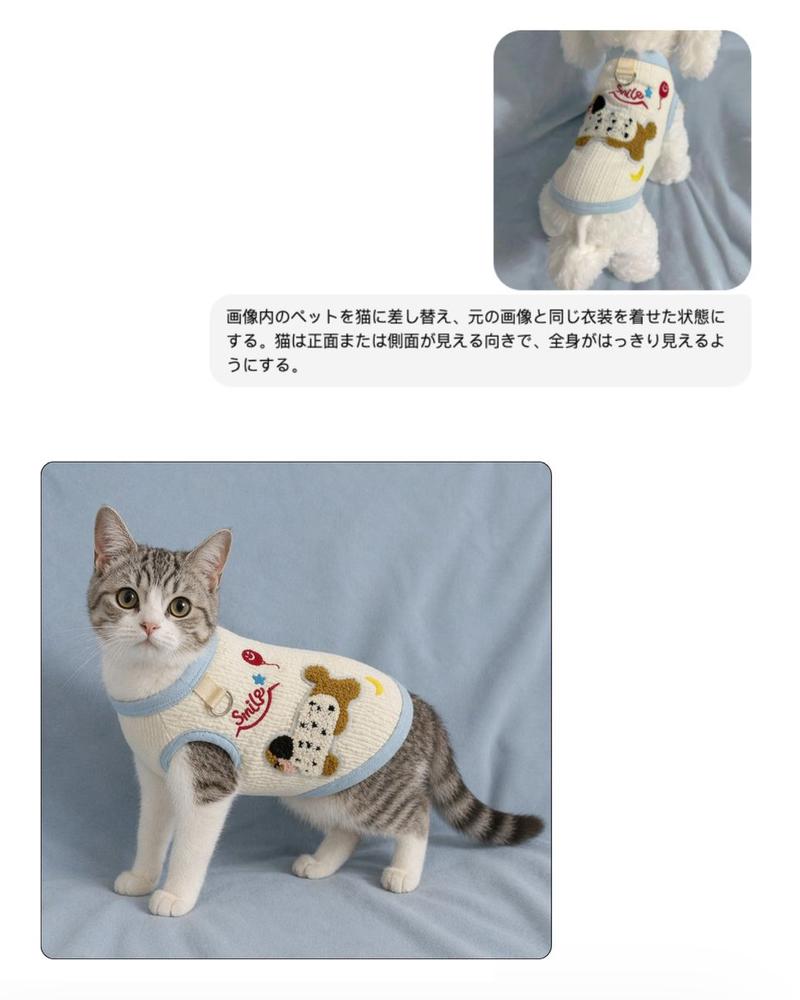
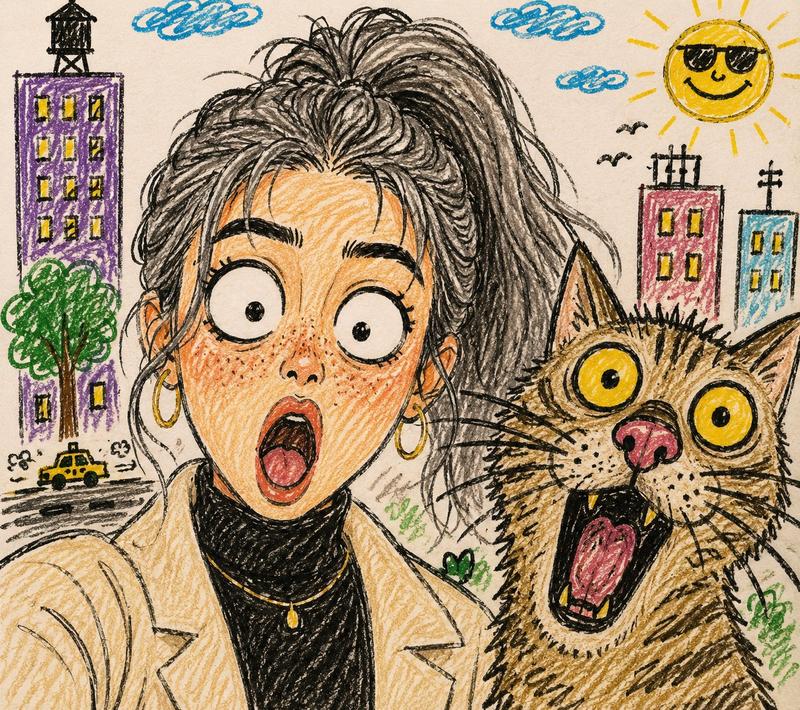
Transform the uploaded image into a single Decorative Folk Art Flat Illustration with playful doodle-style details. Preserve the exact composition, pose, facial features, hairstyle, cat, clothing, and overall framing of the original photo while completely reimagining it in a whimsical handmade folk-art aesthetic. Use a {argument name="color palette" default="bold, vibrant, and unexpected color palette"} that is entirely different from the original photograph. Simplify all elements into clean flat shapes with minimal shading, soft imperfect outlines, and hand-painted textures. The woman should have rosy cheeks, expressive eyes, simplified facial features, and flowing decorative hair patterns. The {argument name="pet" default="cat"} should be stylized with charming folk-art markings, simplified fur details, and a cute storybook appearance. Add decorative folk-art elements throughout the composition, including flowers, leaves, hearts, stars, dots, swirls, tiny doodles, and playful pattern accents surrounding the subjects. Incorporate handcrafted brush textures, stitched details, and ornamental motifs inspired by {argument name="regional style" default="Scandinavian folk art, Polish folk art, and modern children's book illustrations"}. The background should be bright white paper with colorful doodle decorations scattered around the subjects. Maintain a warm, cozy, joyful mood with a handmade, slightly imperfect appearance, as if carefully drawn and painted by hand.
Category
Photography & Realism
Model
GPT Image 2
Views0
Source ID
25989
Published
Jun 17, 2026

Guide

About "民间艺术风格转换提示词"

What is this prompt for?

"民间艺术风格转换提示词" AI image prompt for GPT Image 2 (Photography & Realism). 将真实照片转换为充满奇趣的民间艺术插画,呈现手工质感与鲜艳色彩。 Copy it on Picva and recreate the look in one click.

The full copyable prompt and example visuals above are ready for AI image generation or one-click recreate in Picva.

How to use this prompt

  1. Step 1

    Open the prompt detail

    Review the example visuals, category, and full prompt text for "民间艺术风格转换提示词".

  2. Step 2

    Copy the prompt

    Copy the prompt body from this page, or load it directly in Studio.

  3. Step 3

    Pick a model (GPT Image 2)

    Prefer GPT Image 2. If you switch models, keep subject and composition and tweak style terms.

  4. Step 4

    Generate and export

    Recreate the look in Picva, or export into your workflow for editing and publishing.

FAQ

What is the "民间艺术风格转换提示词" prompt?
It is an AI image-generation prompt for GPT Image 2 in the Photography & Realism category. This page includes the full prompt text, example visuals, and a one-click recreate path in Picva.
How do I use this prompt to generate an image?
Copy the prompt from this page, or use Generate / Studio. Paste it into a compatible image model, or recreate the look in Picva with optional reference images.
Which model is this prompt for?
This page lists GPT Image 2. Most descriptive prompts also transfer to nearby image models such as GPT Image, Flux, or Midjourney with light style tweaks.
Can I use the result commercially?
You can usually copy the prompt for creation, but commercial use of the final image depends on the model terms, reference-image rights, and the generated content. Follow the source author and platform rules.