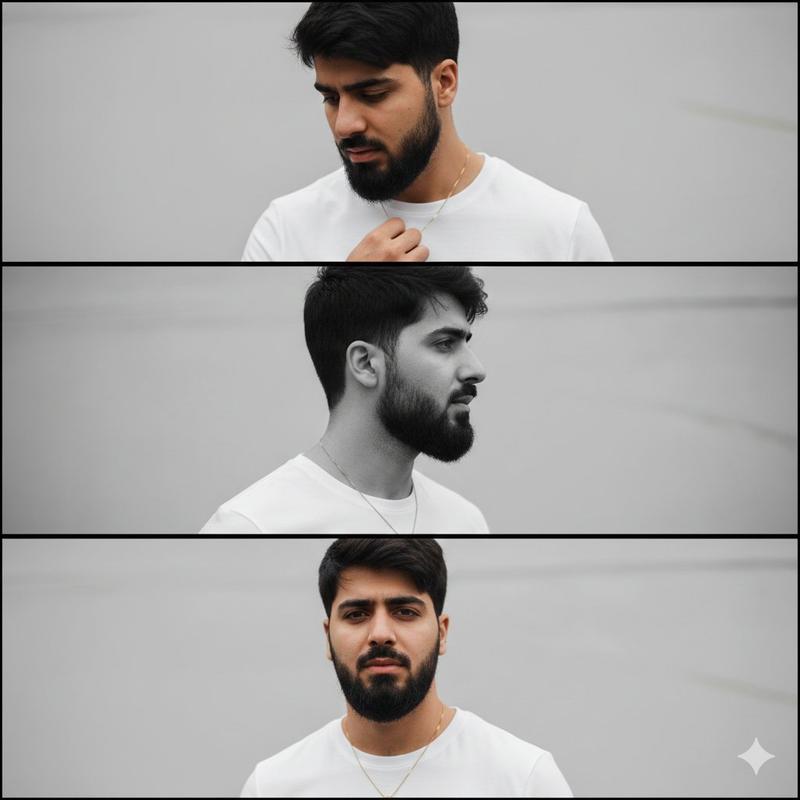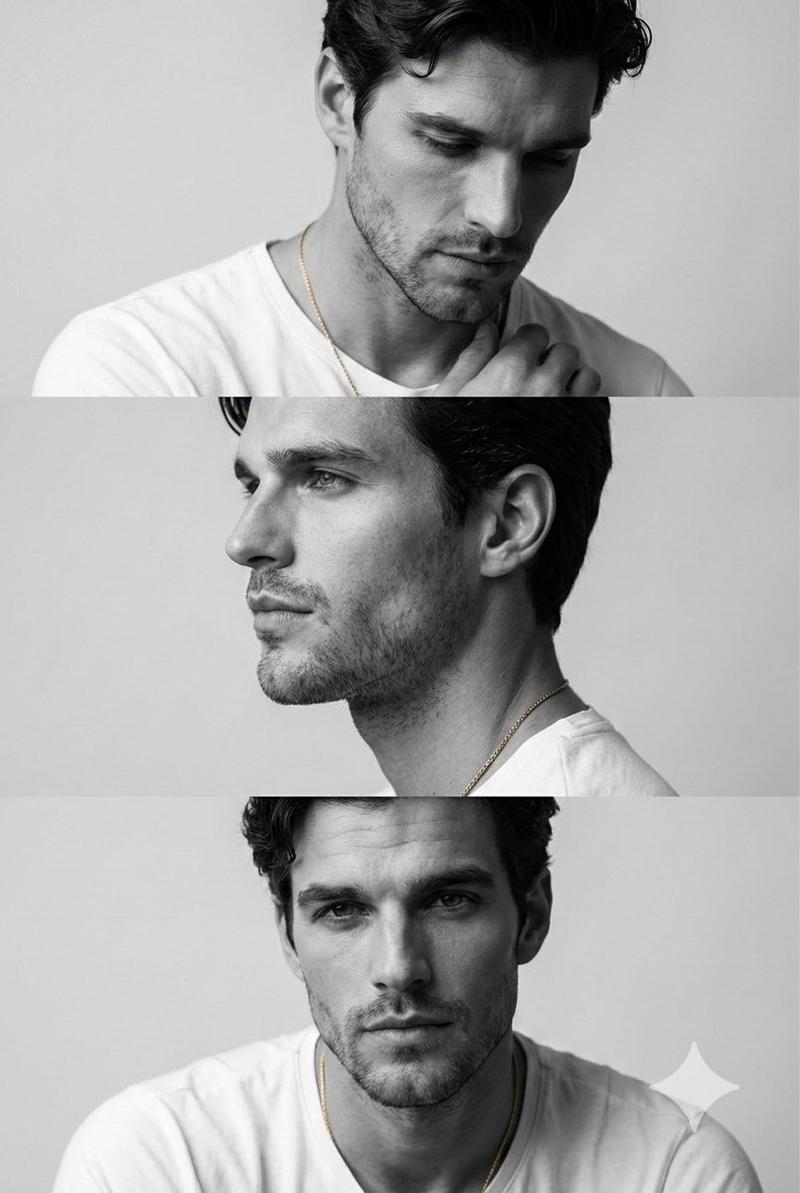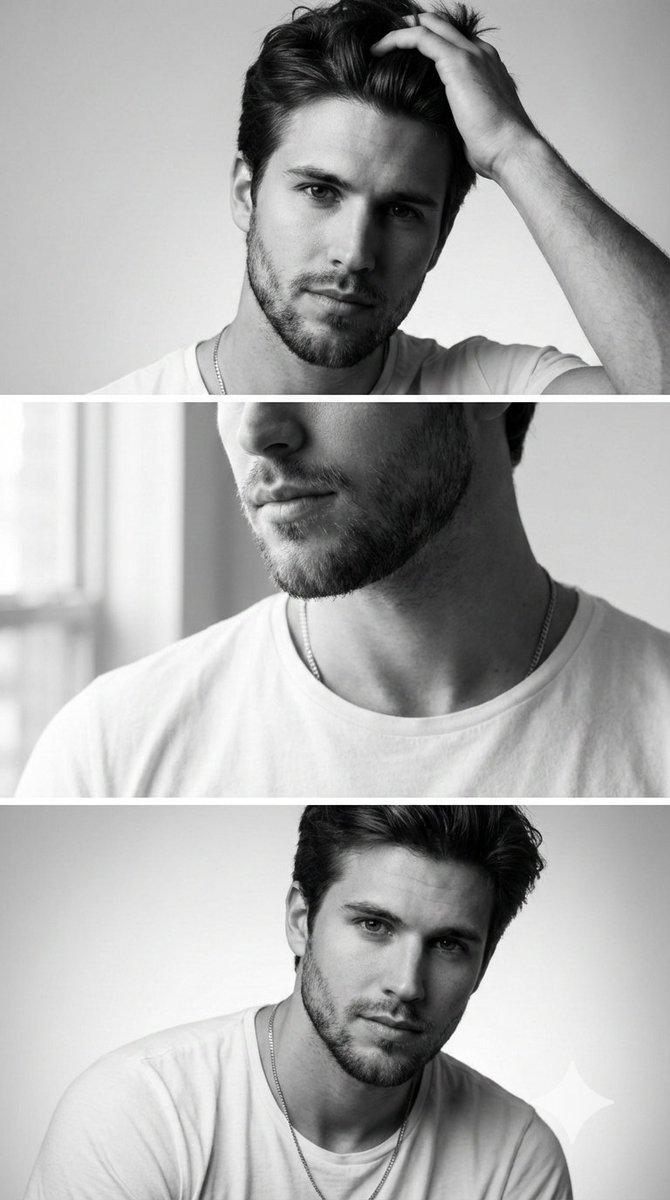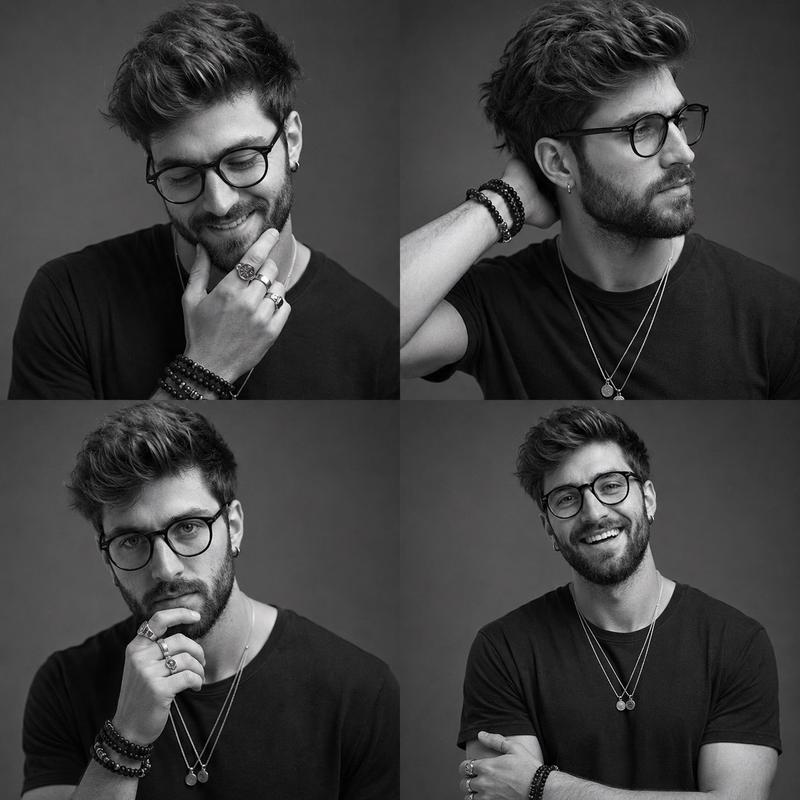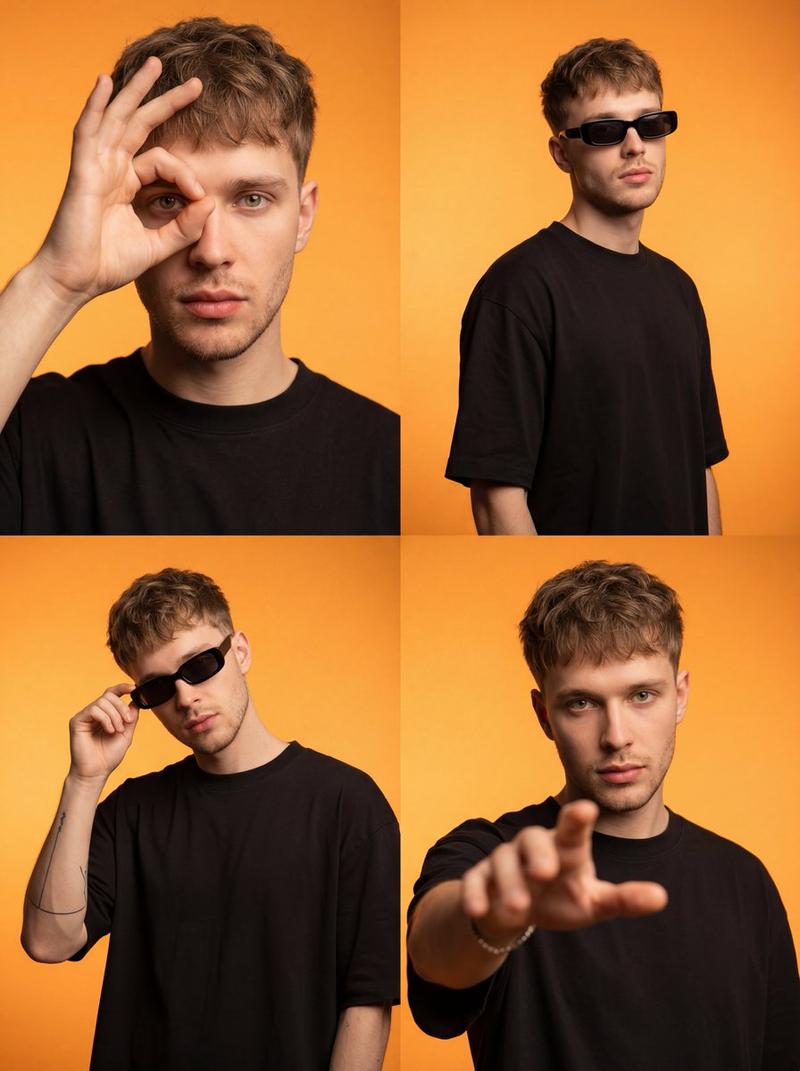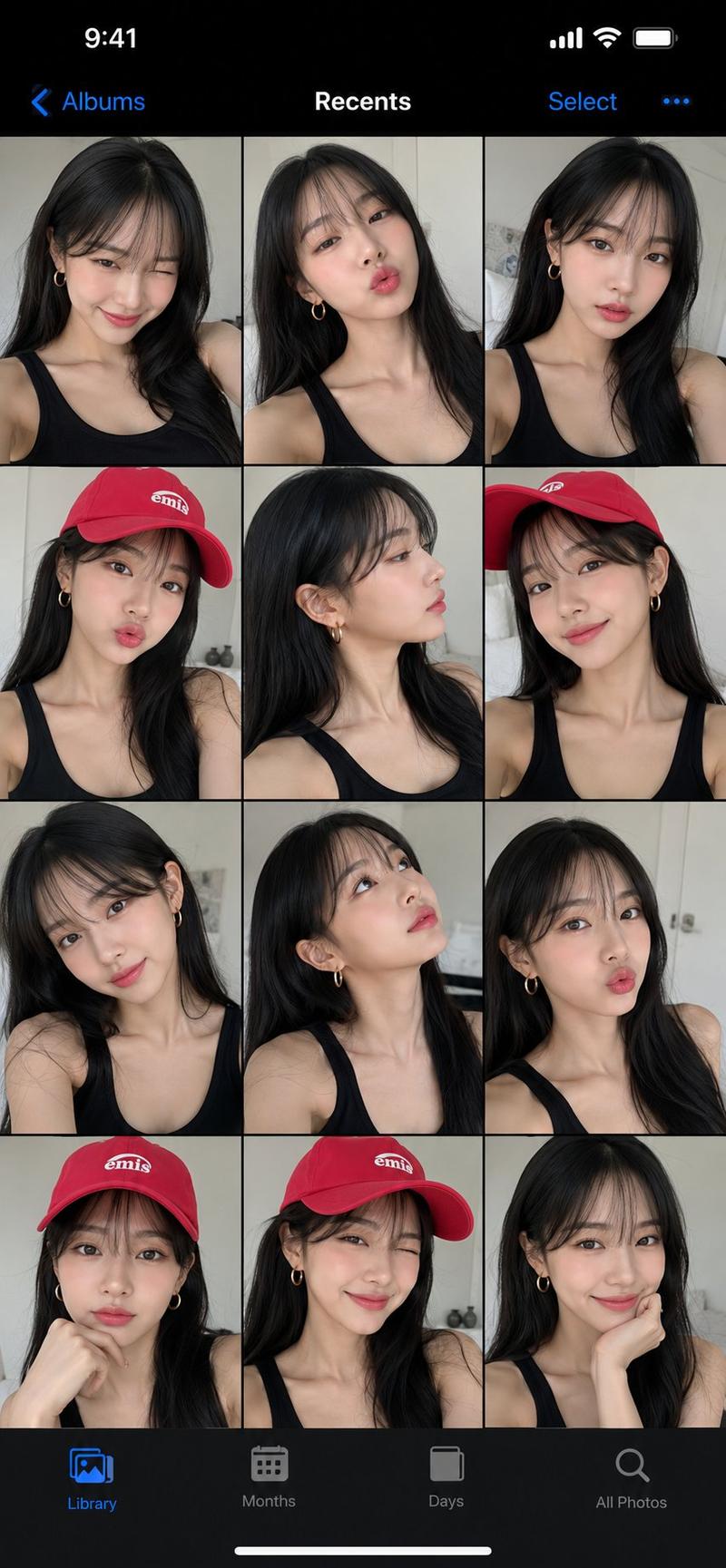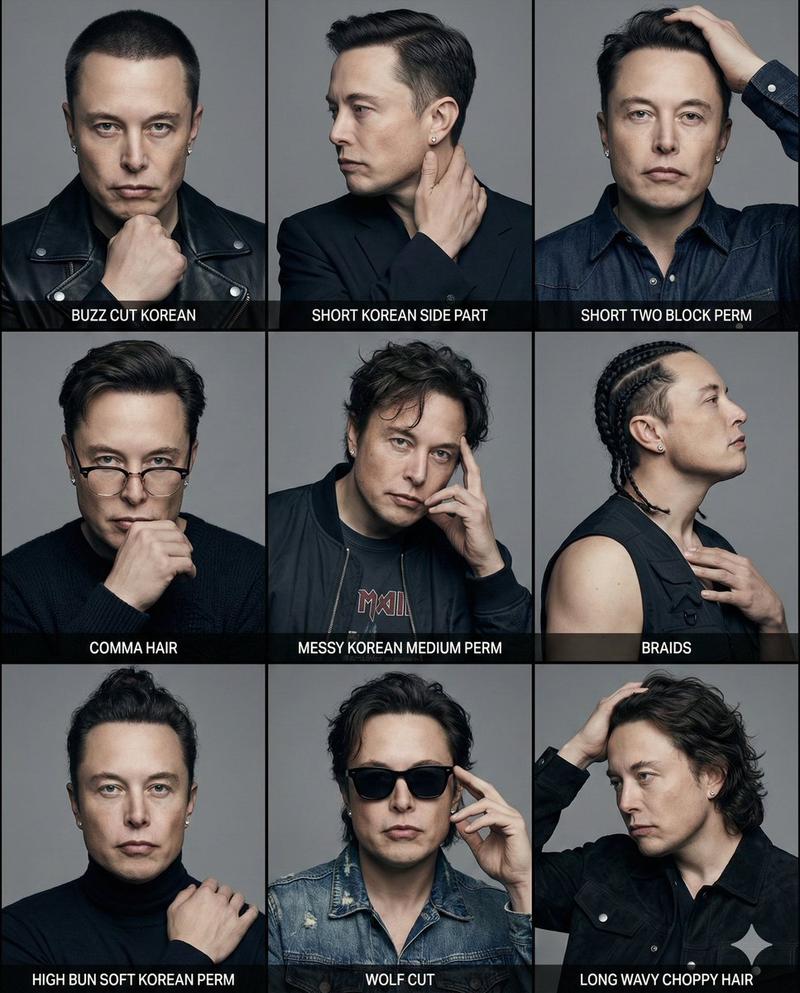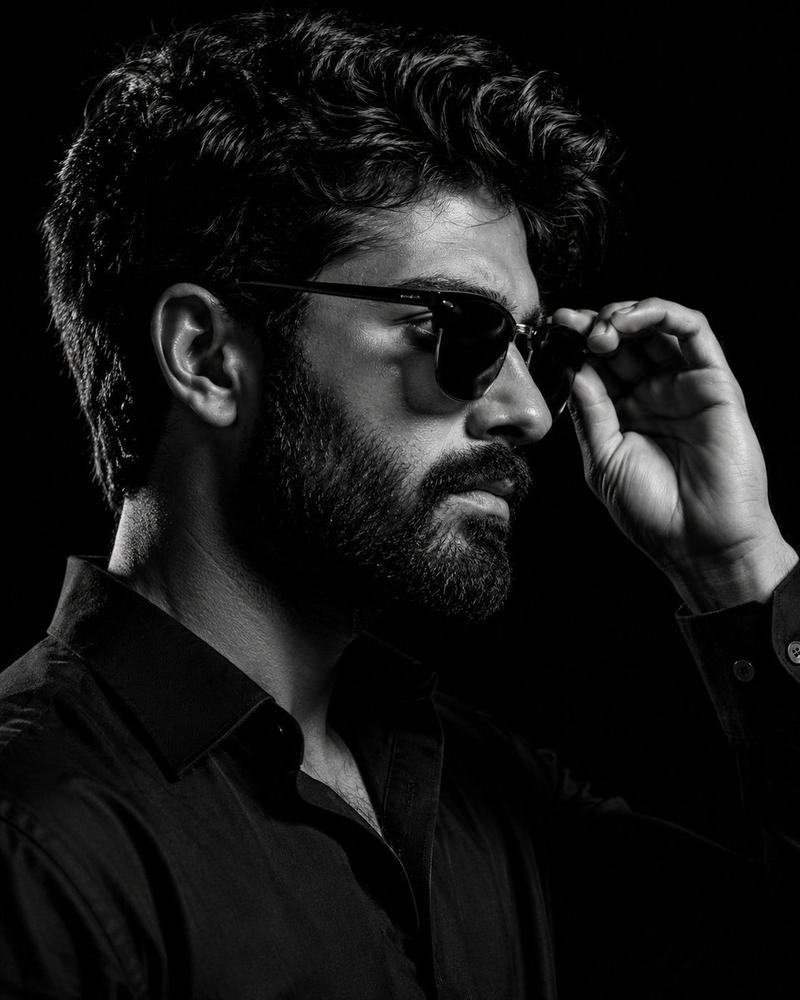
超写实肖像拼贴
Prompt
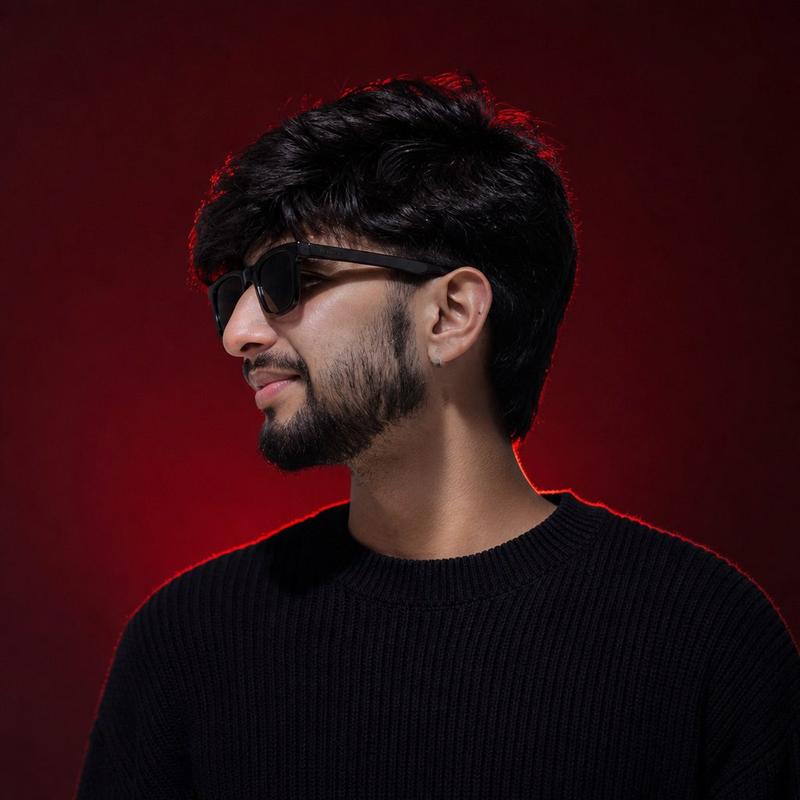
Use my uploaded face image as the primary identity reference. Preserve my exact facial identity, face shape, hairstyle, hair texture, beard style, skin tone, eye shape, eyebrows, nose, lips, and all unique facial details with maximum accuracy. Do not change my face or make me look like a different person.

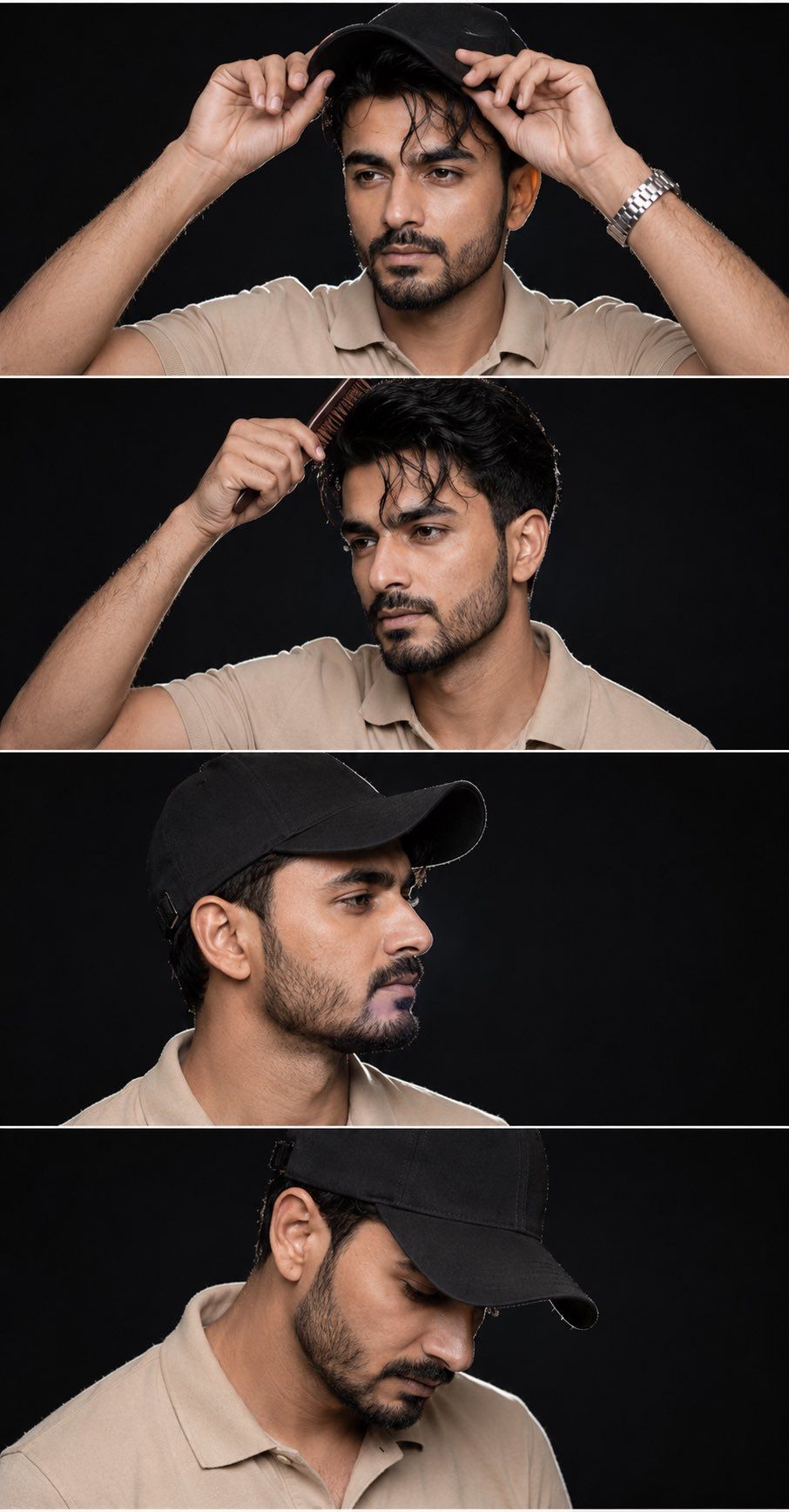
Create a hyper-realistic studio portrait collage inspired by the reference image: a 4-panel vertical layout showing the same person in different poses while wearing a clean {argument name="headwear" default="black baseball cap"} and {argument name="clothing" default="beige polo shirt"}. Keep a {argument name="background" default="dark black background"} with professional studio lighting.

Panel 1: front-facing close-up portrait, both hands adjusting the cap brim, calm confident expression, watch on wrist, cinematic lighting.

Panel 2: three-quarter side angle, one hand brushing hair under the cap with a comb, natural pose, detailed beard and facial features.

Panel 3: side profile portrait wearing the white cap, looking forward, sharp jawline, realistic skin texture.

Panel 4: looking downward slightly, cap shadow covering part of the face, thoughtful expression.

Style: ultra-realistic photography, high-end fashion photoshoot, DSLR quality, sharp details, natural skin texture, soft shadows, realistic proportions, black studio backdrop. Maintain my exact identity in every panel. No face swap, no beautification, no artificial changes.

Negative prompt: different person, altered face, smooth plastic skin, cartoon, AI face, distorted features, extra fingers, blurry, low quality.- Category
- Photography & Realism
- Model
- GPT Image 2
- Creator
- Professor
- Source ID
- 26206
- Published
- Jun 19, 2026
Views0