13

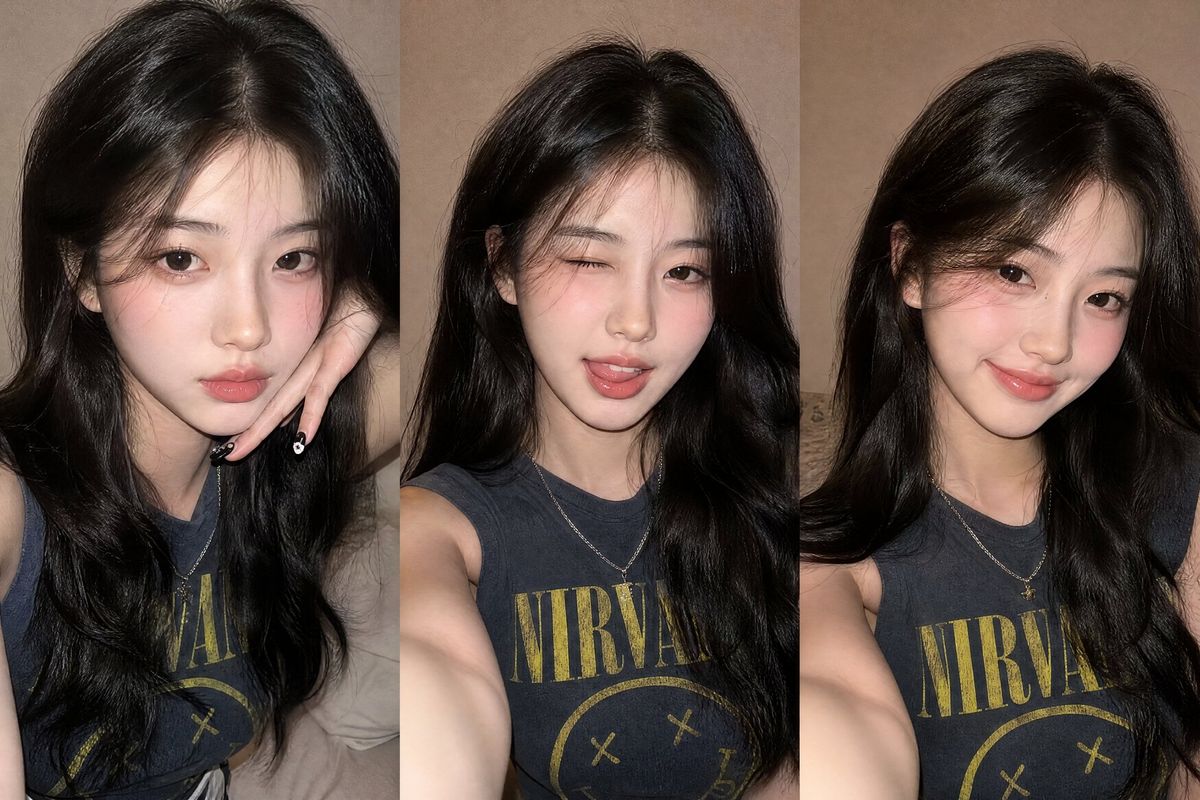
Z 世代闪光灯自拍拼贴画
Enlarge

Example images

Z 世代闪光灯自拍拼贴画

Prompt
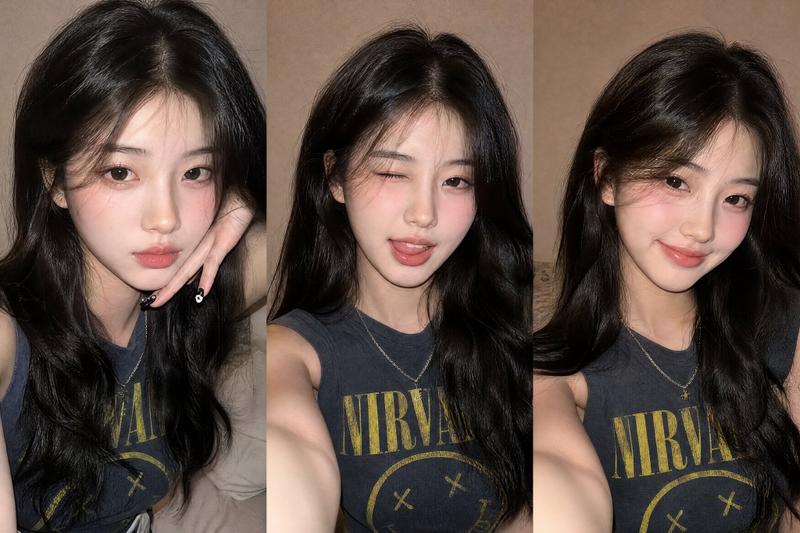
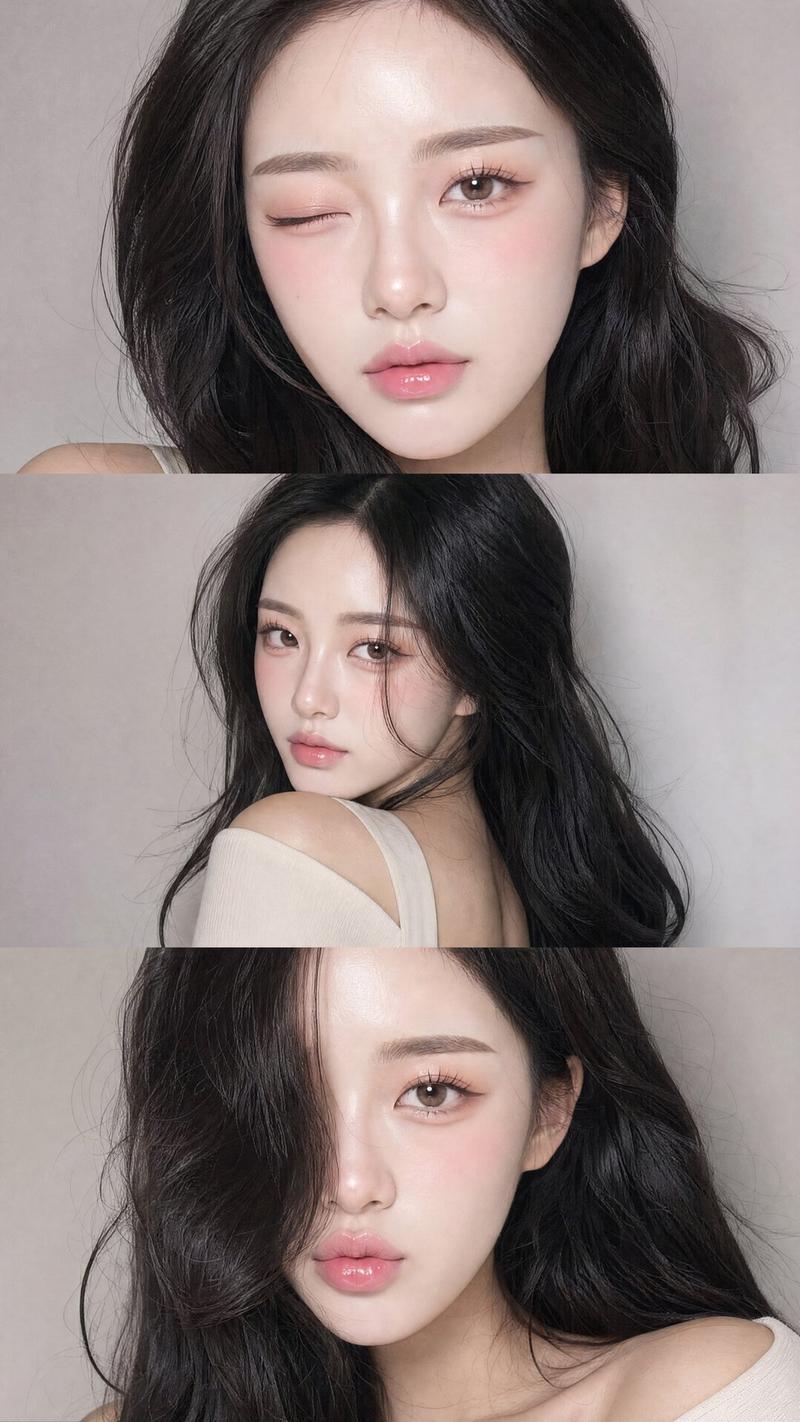
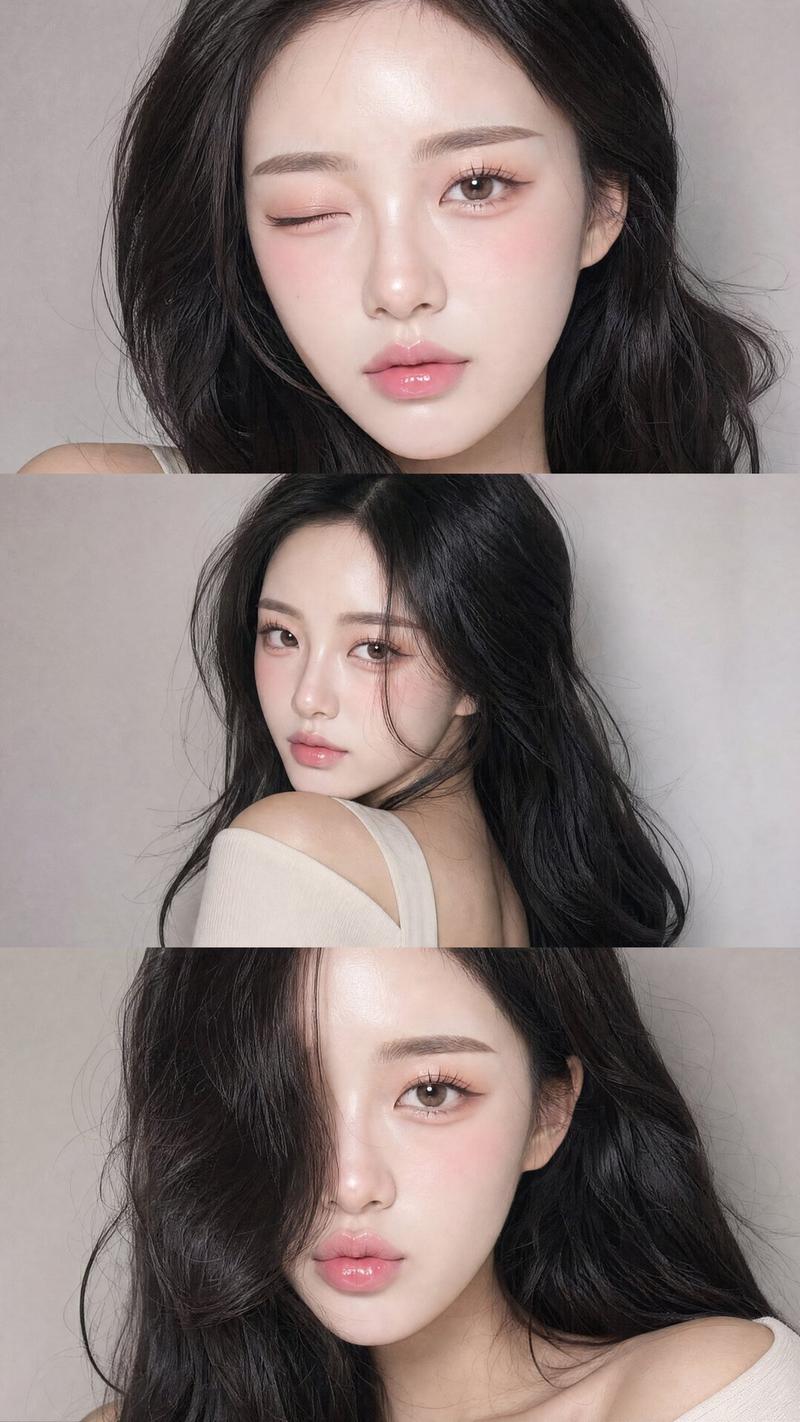
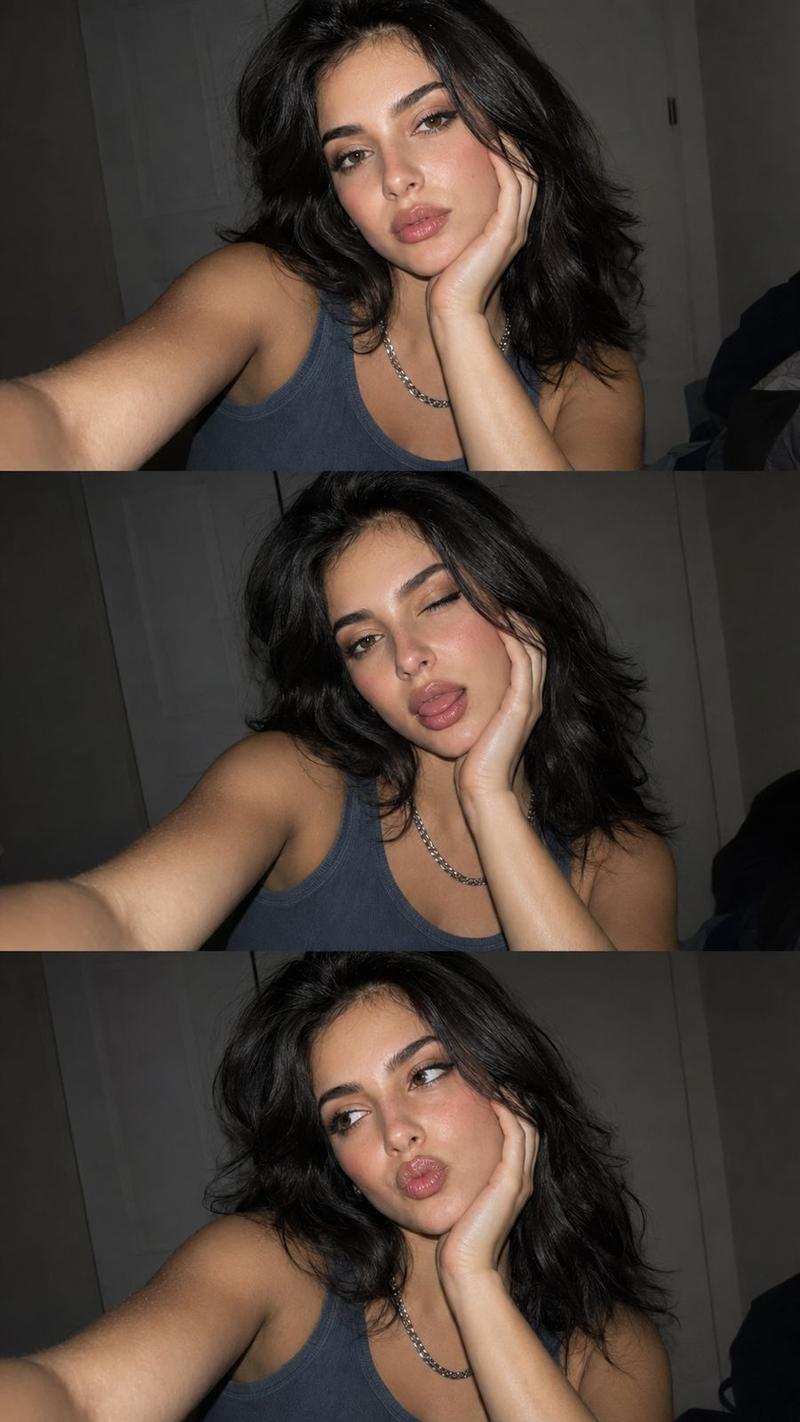
Ultra-realistic Gen Z-style selfie collage featuring three vertical smartphone flash photos of a young woman with {argument name="hair style" default="long, softly curled black hair"}, luminous glass-like skin, subtle rosy cheeks, glossy peach-toned lips, and fresh natural makeup. She wears a {argument name="top" default="vintage blue-gray sleeveless Nirvana top"}, a silver chain necklace, and black nail polish with detailed nail art. Each selfie captures a different expression: {argument name="expressions" default="chin resting on hand, playful wink with tongue sticking out, and a warm cheerful smile"}. Bright phone-flash lighting, authentic social media aesthetic, casual candid vibe, highly detailed and photorealistic.
Category
Photography & Realism
Model
GPT Image 2
Creator
WasifAI
Views0
Source ID
26519
Published
Jun 22, 2026

Guide

About "Z 世代闪光灯自拍拼贴画"

What is this prompt for?

"Z 世代闪光灯自拍拼贴画" AI image prompt for GPT Image 2 (Photography & Realism). 一组超写实的智能手机闪光灯自拍拼贴画,展现了一位身穿复古 Nirvana 上衣的年轻女性,充满随性的社交媒体氛围。 Copy it on Picva and recreate…

The full copyable prompt and example visuals above are ready for AI image generation or one-click recreate in Picva.

How to use this prompt

  1. Step 1

    Open the prompt detail

    Review the example visuals, category, and full prompt text for "Z 世代闪光灯自拍拼贴画".

  2. Step 2

    Copy the prompt

    Copy the prompt body from this page, or load it directly in Studio.

  3. Step 3

    Pick a model (GPT Image 2)

    Prefer GPT Image 2. If you switch models, keep subject and composition and tweak style terms.

  4. Step 4

    Generate and export

    Recreate the look in Picva, or export into your workflow for editing and publishing.

FAQ

What is the "Z 世代闪光灯自拍拼贴画" prompt?
It is an AI image-generation prompt for GPT Image 2 in the Photography & Realism category. This page includes the full prompt text, example visuals, and a one-click recreate path in Picva.
How do I use this prompt to generate an image?
Copy the prompt from this page, or use Generate / Studio. Paste it into a compatible image model, or recreate the look in Picva with optional reference images.
Which model is this prompt for?
This page lists GPT Image 2. Most descriptive prompts also transfer to nearby image models such as GPT Image, Flux, or Midjourney with light style tweaks.
Can I use the result commercially?
You can usually copy the prompt for creation, but commercial use of the final image depends on the model terms, reference-image rights, and the generated content. Follow the source author and platform rules.