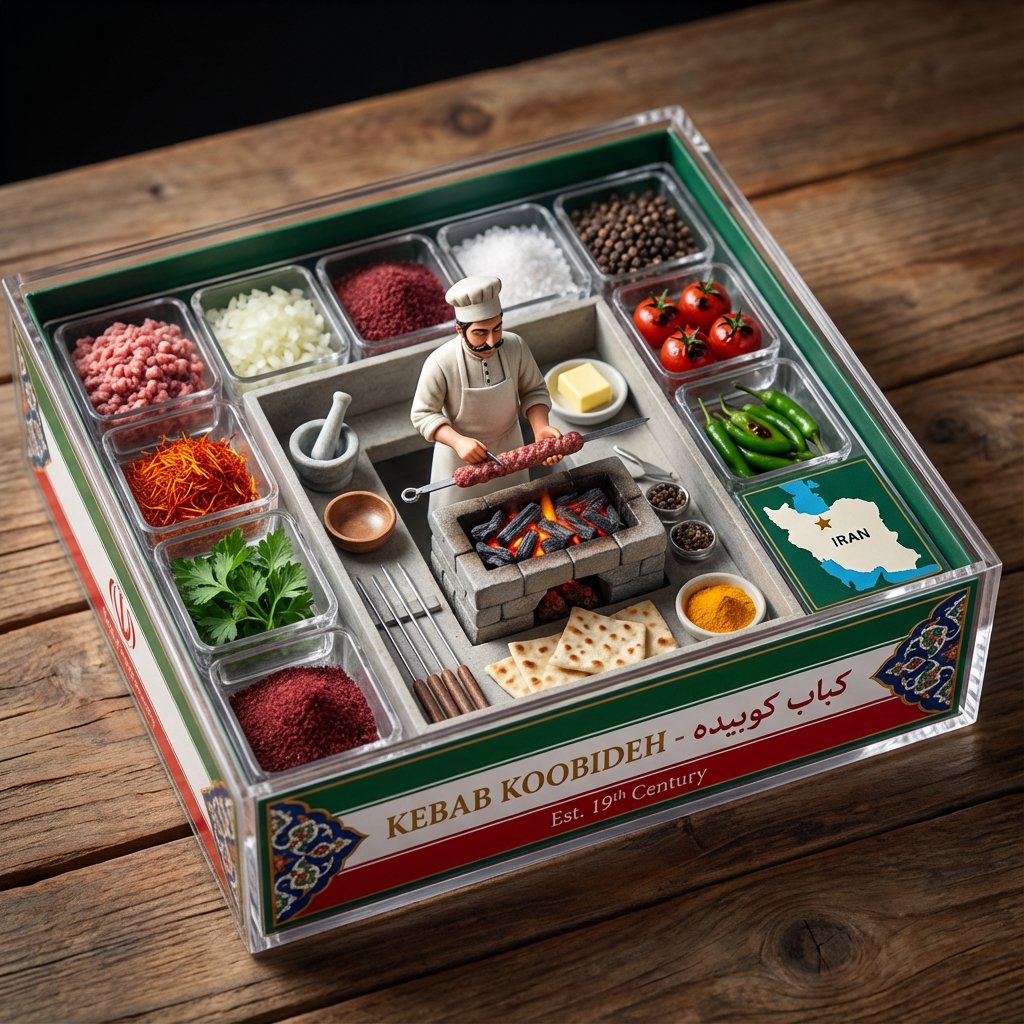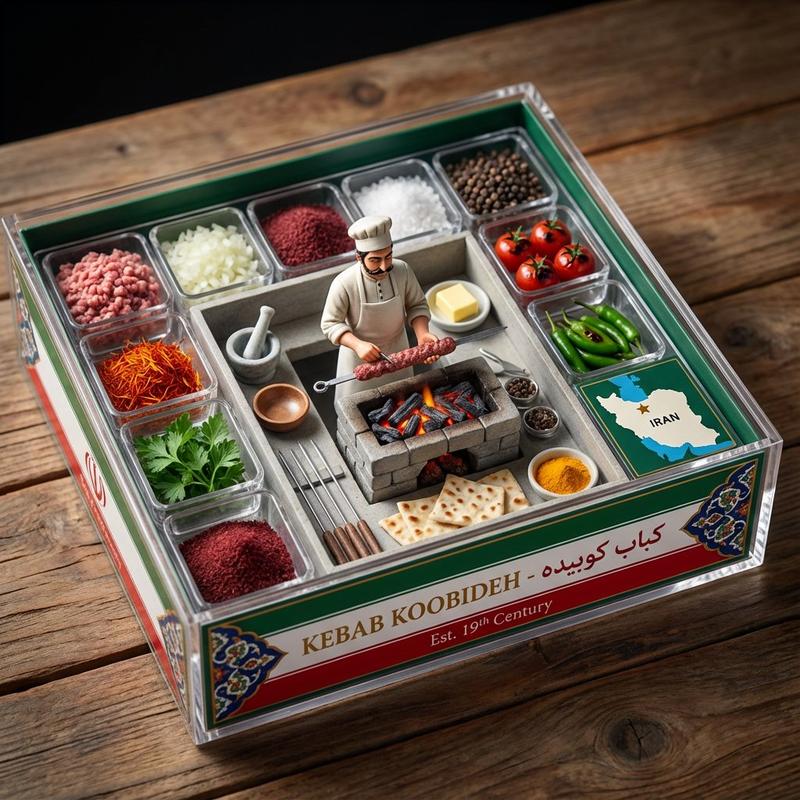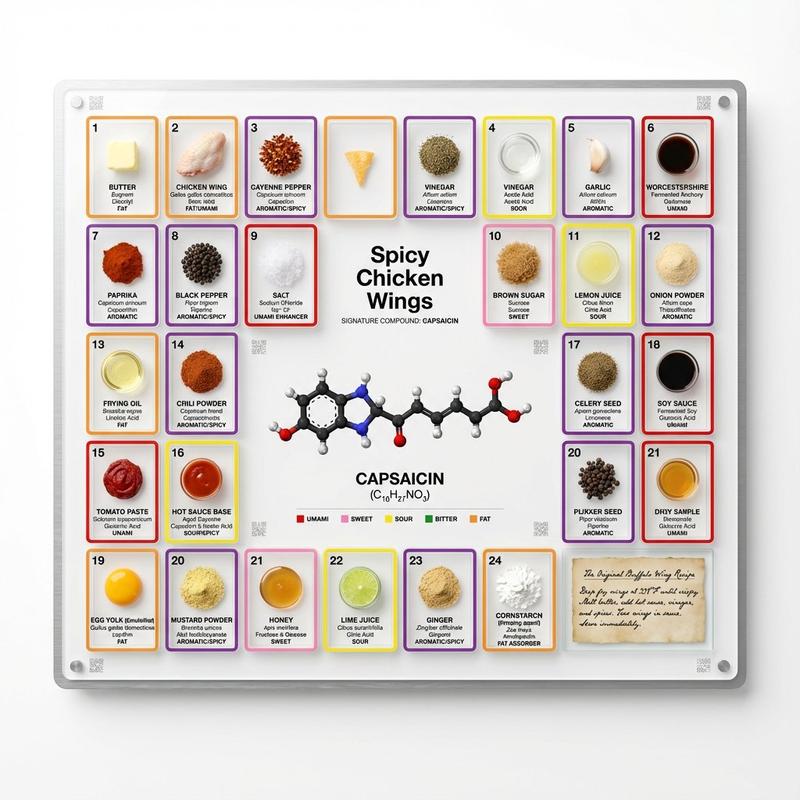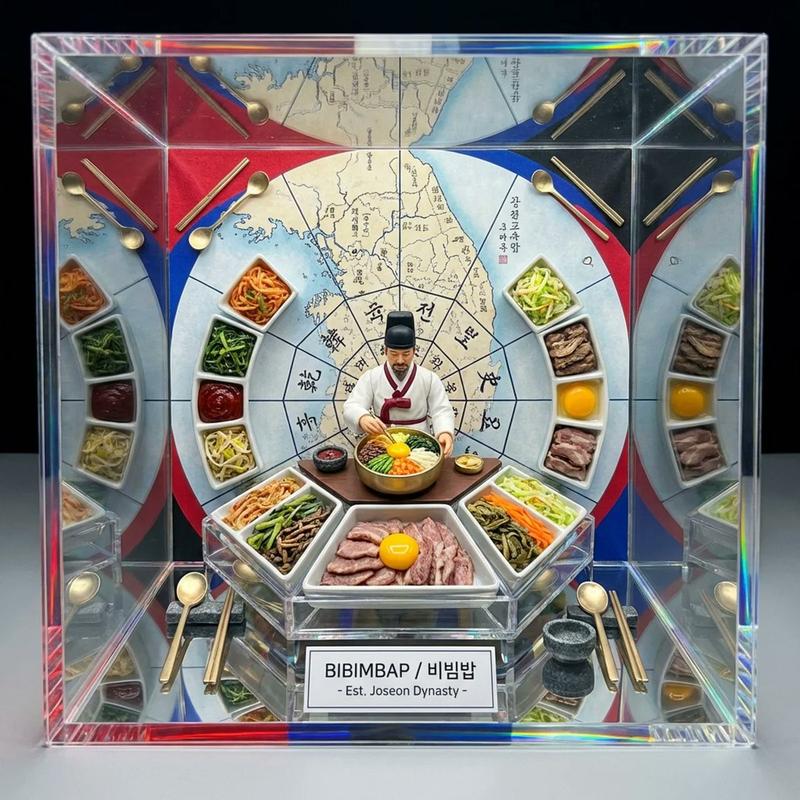
烹饪科学立体模型:巧克力的化学
提示词
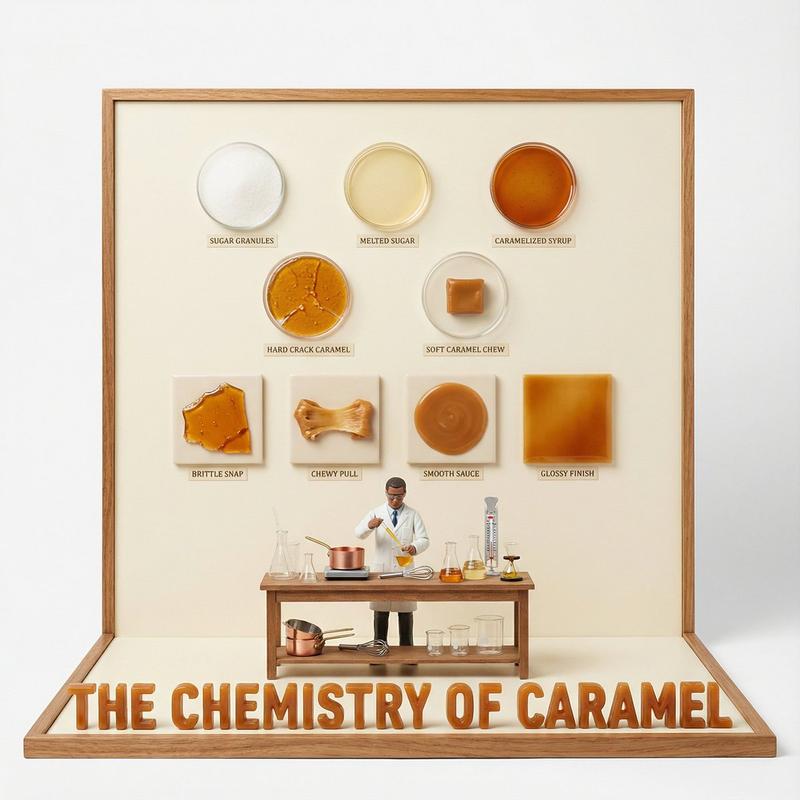
do this for {argument name="Food Item" default="caramel"} <instruction>

Input A is a Complex Food Item or Dish (e.g., Chocolate, Bread, Cheese, Coffee).
Deconstruct the subject into   3 Scientific Layers  :
     The States of Matter:  Identify 4–5 stages of processing.
         (e.g., Cocoa Bean -> Nibs -> Liquor -> Powder. Wheat -> Flour -> Dough -> Crumb).
     The Texture Samples:  Identify the physical properties to display as swatches.
         (e.g., Snap/Gloss for Chocolate. Porosity/Crust for Bread. Rind/Creaminess for Cheese).
     The Material: Identify the substance for the 3D text.
         (e.g., Molded Dark Chocolate, Baked Bread Crust, Hard Wax/Cheese).

  2. Container:
Goal: "Culinary Science" Diorama Photography.
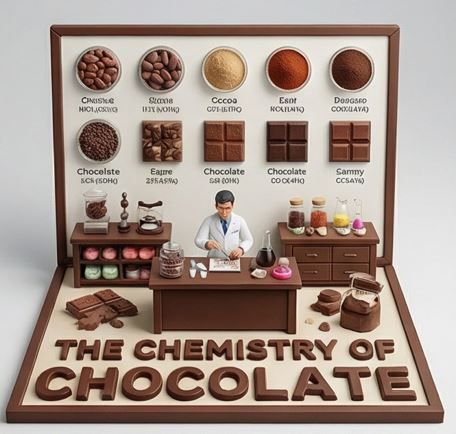
     The Stage:  An   L-Shaped Display Box   (Vertical Backboard + Horizontal Floor).
     The Finish:  Clean, matte Cream or White plastic, resembling a high-end educational kit or museum exhibit.
     The Frame:  A simple wooden or plastic border framing the scene.

  3. Periodic Table background:
     The Grid:  The vertical wall features a neat, symmetrical grid of circular   Petri Dishes or Ceramic Bowls  .
     The Contents:  Each dish contains a sample of the "States of Matter" (Step 1).
     The Swatches:  Below the dishes are square tiles displaying the "Texture Samples" (e.g., a square of perfectly tempered chocolate next to a bloomed one).
     The Labels:  Tiny, legible scientific text (Serif font) printed directly on the wall under each sample.

  4. The Floor (The Laboratory):
     The Narrative:  A 1:12 scale   Scientist or Chef   figure (wearing a lab coat) stands at a central wooden workbench.
    Equipment:  The desk is cluttered with a mix of   Chemistry Glassware   (Beakers, Flasks) and   Culinary Tools   (Whisks, Scales).
     The Experiment:  The figure is actively testing or measuring the food product.

  5. Typography :
     Placement:  Massive, thick   3D Extruded Letters   stand on the very front edge of the floor, acting as a barrier.
     Construction:  The letters are made  of  the food itself (e.g., "THE CHEMISTRY OF CHOCOLATE" molded in dark chocolate).
     Text:  "THE CHEMISTRY OF {argument name="Input A" default="CHOCOLATE"}".

  Output:   ONE image, 1:1 Aspect Ratio, Studio Product Lighting, "Wes Anderson" Symmetry, Educational Aesthetic.
</instruction>- 分类
- 创意图片
- 模型
- Nano Banana Pro
- 来源作者
- Gadgetify
- 来源 ID
- 016555f4-1836-42e5-9ca8-d9ce64ba7784
- 发布时间
- 2026年3月8日
浏览量0