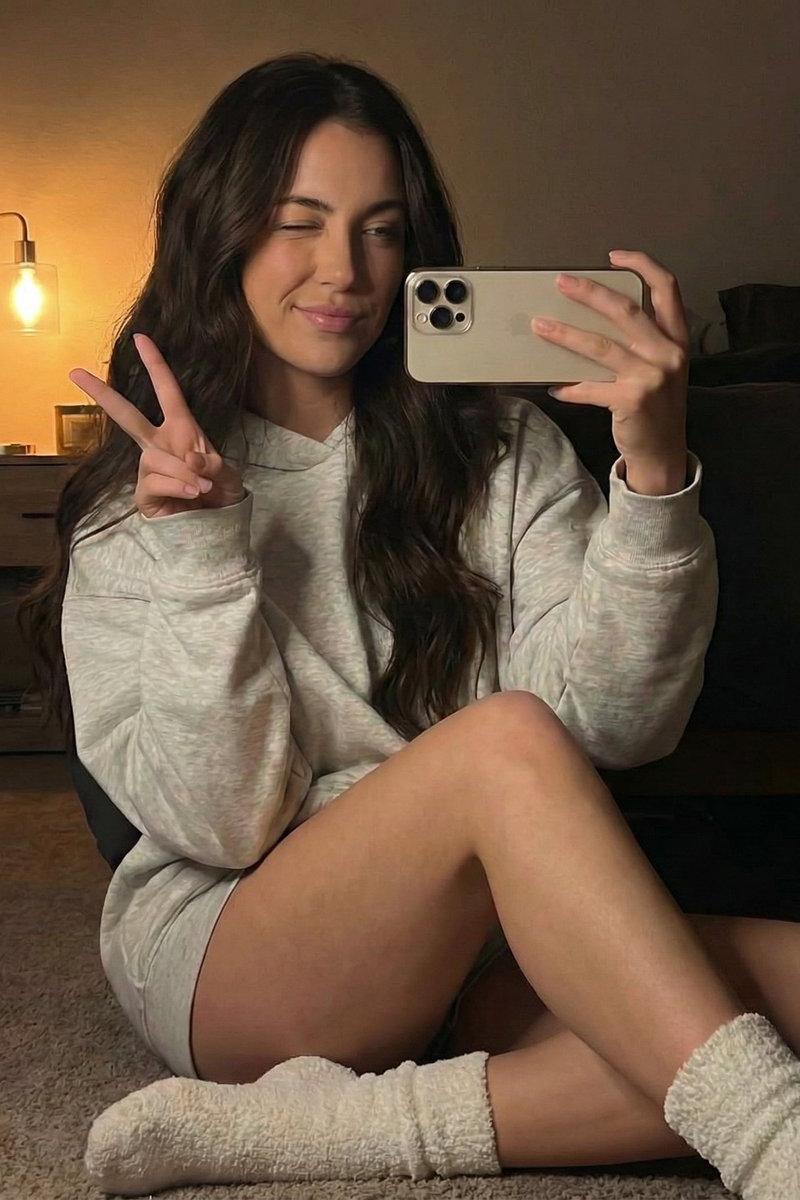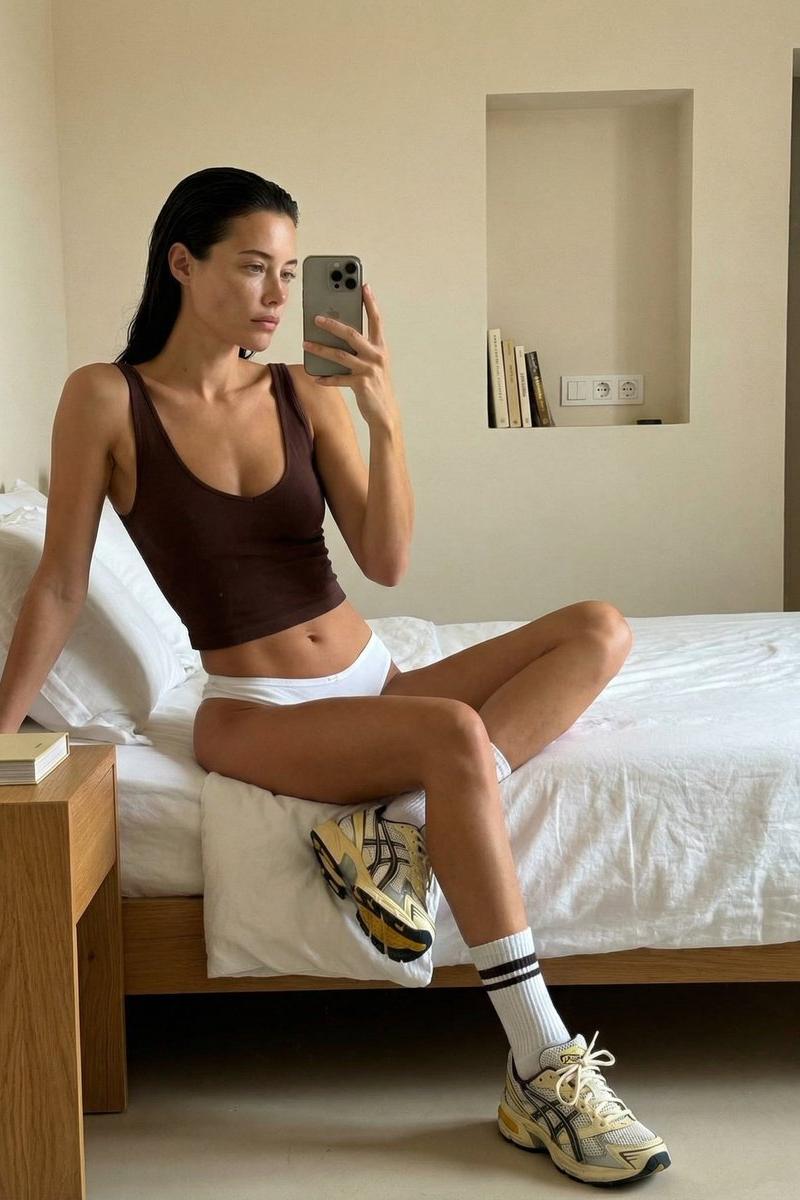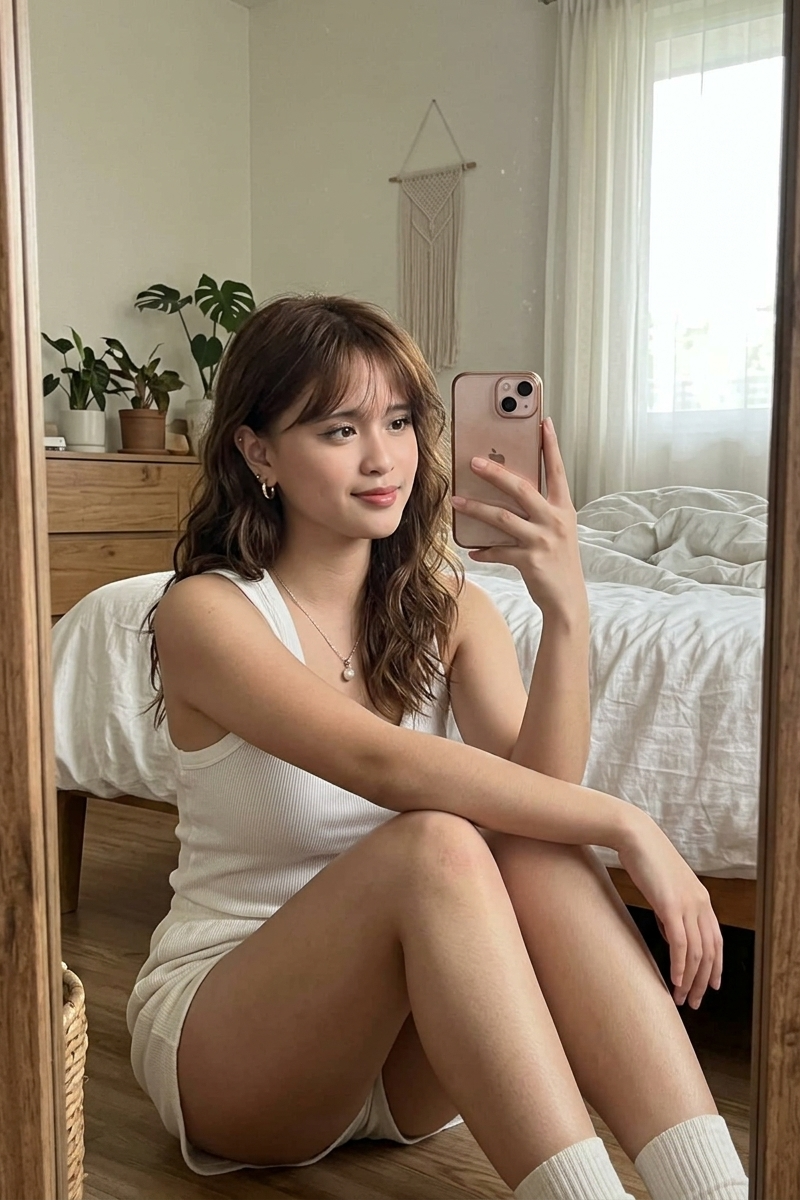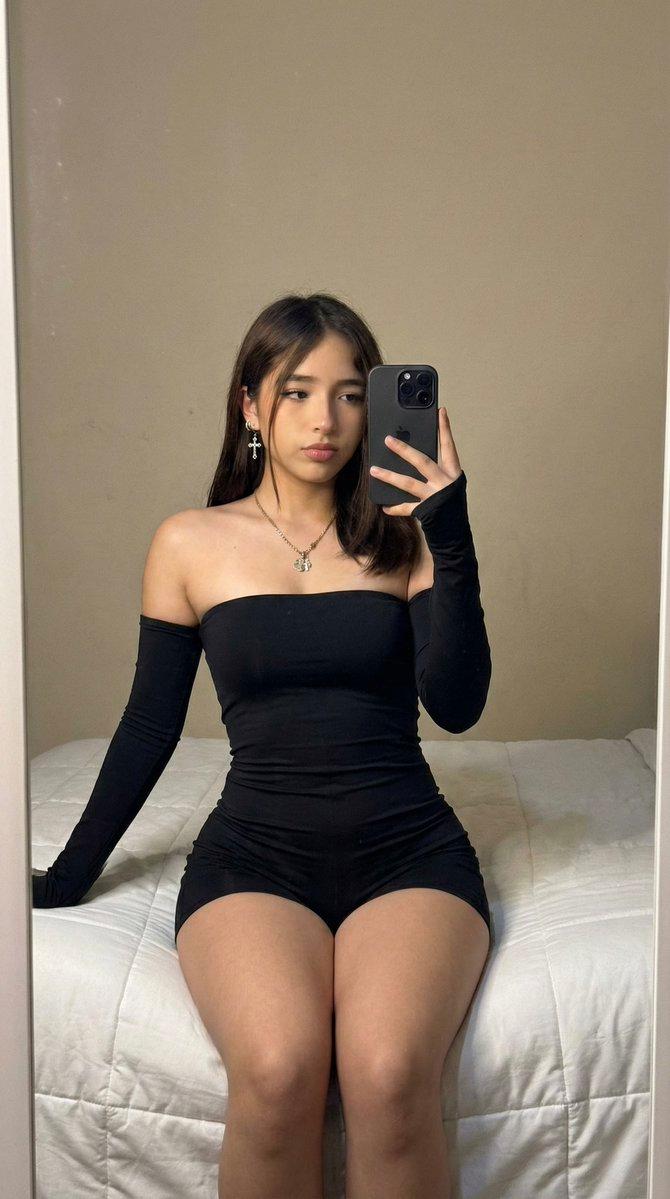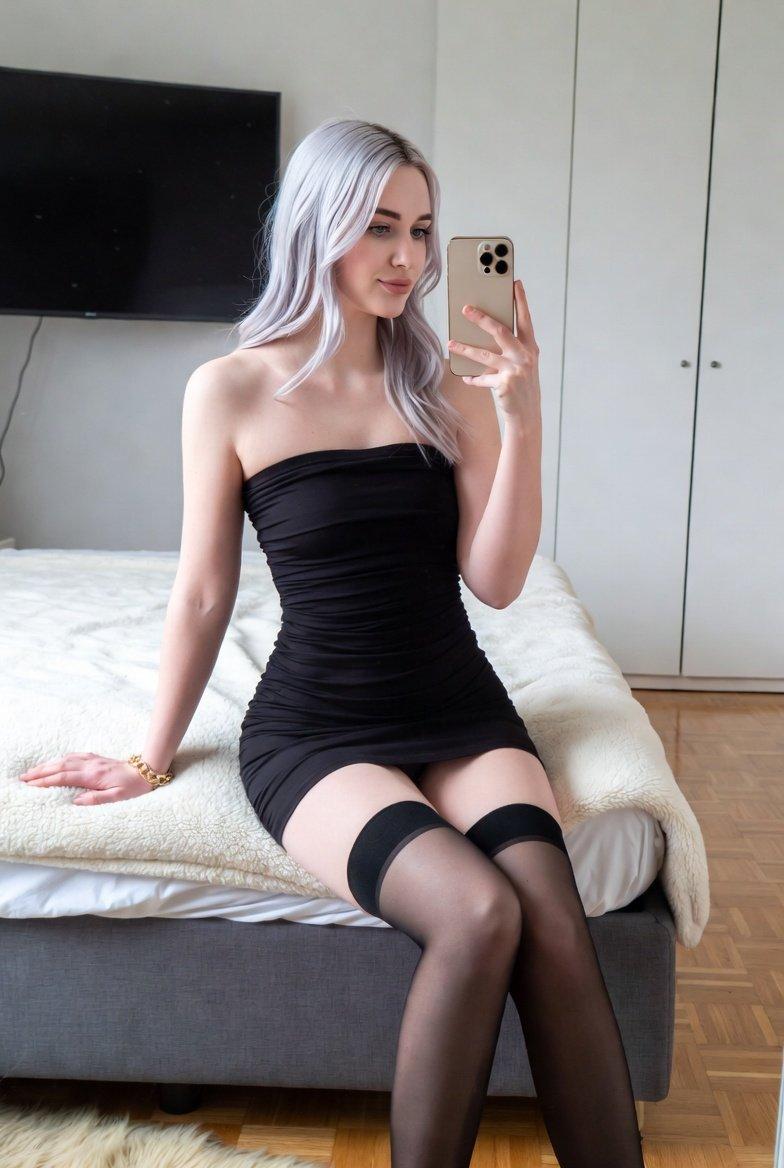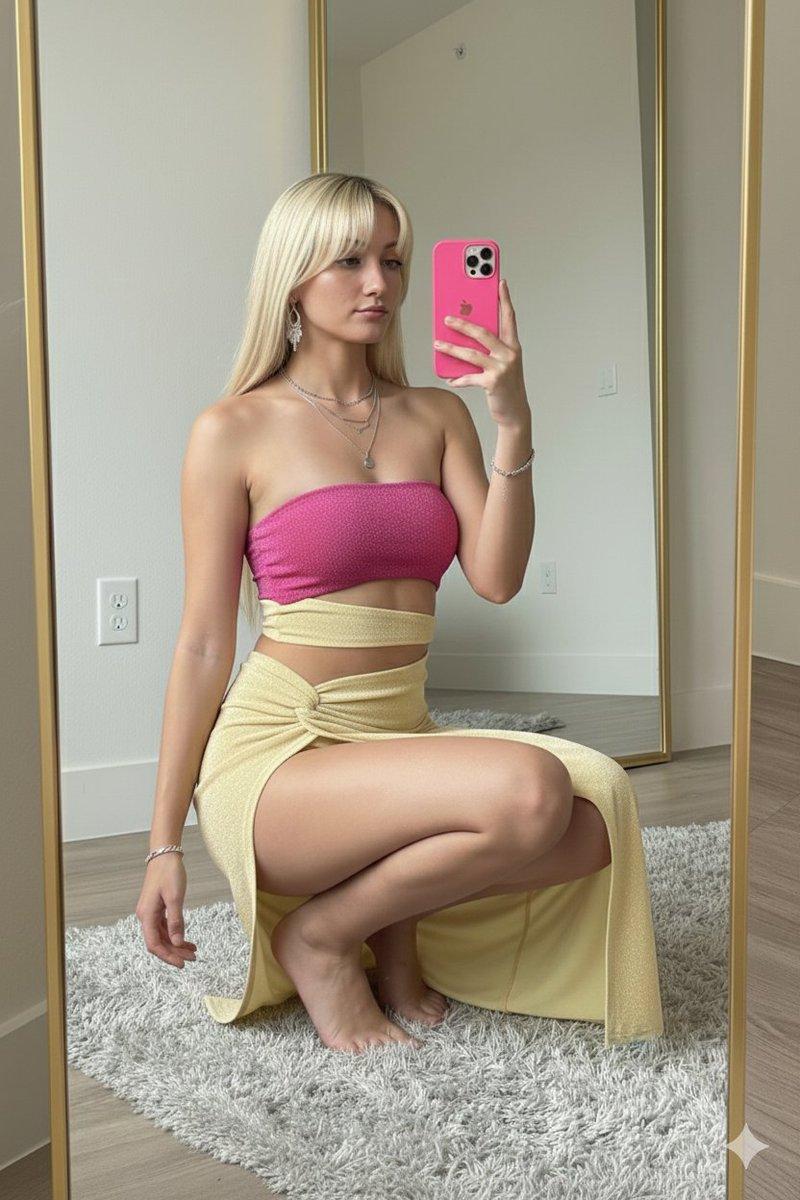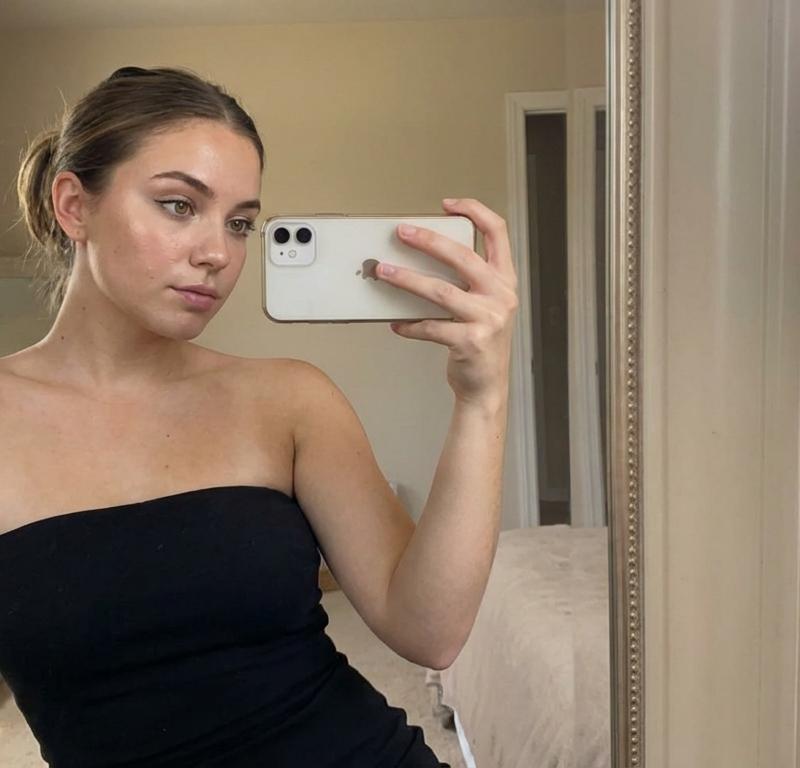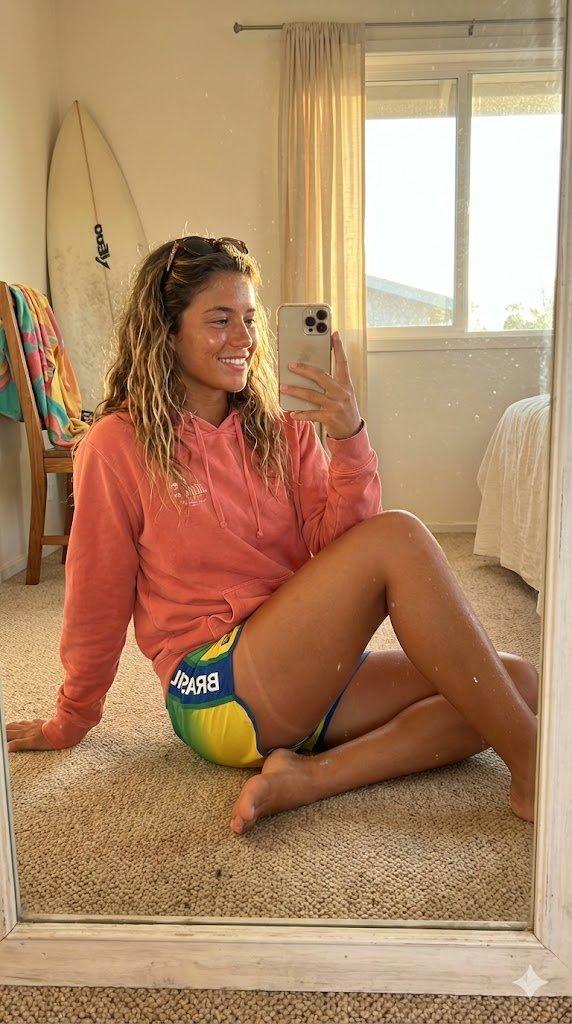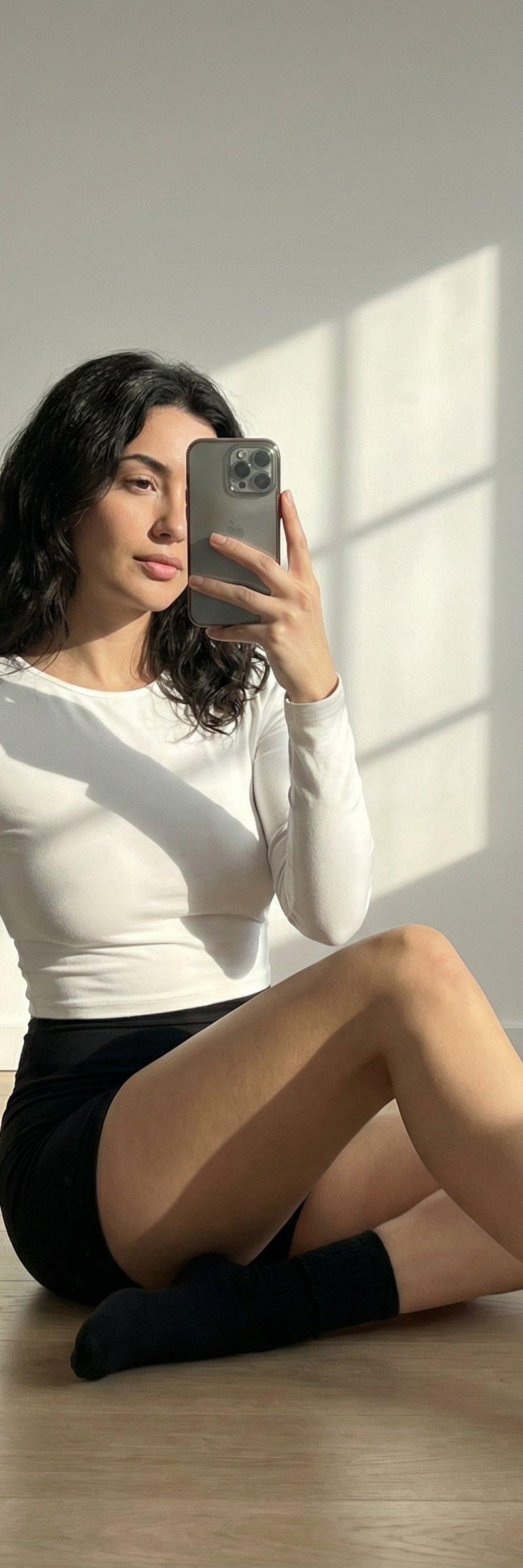
阳光下的自我肖像
提示词
Nano Banana Pro Gemini 3.0
@xmiiru_
{
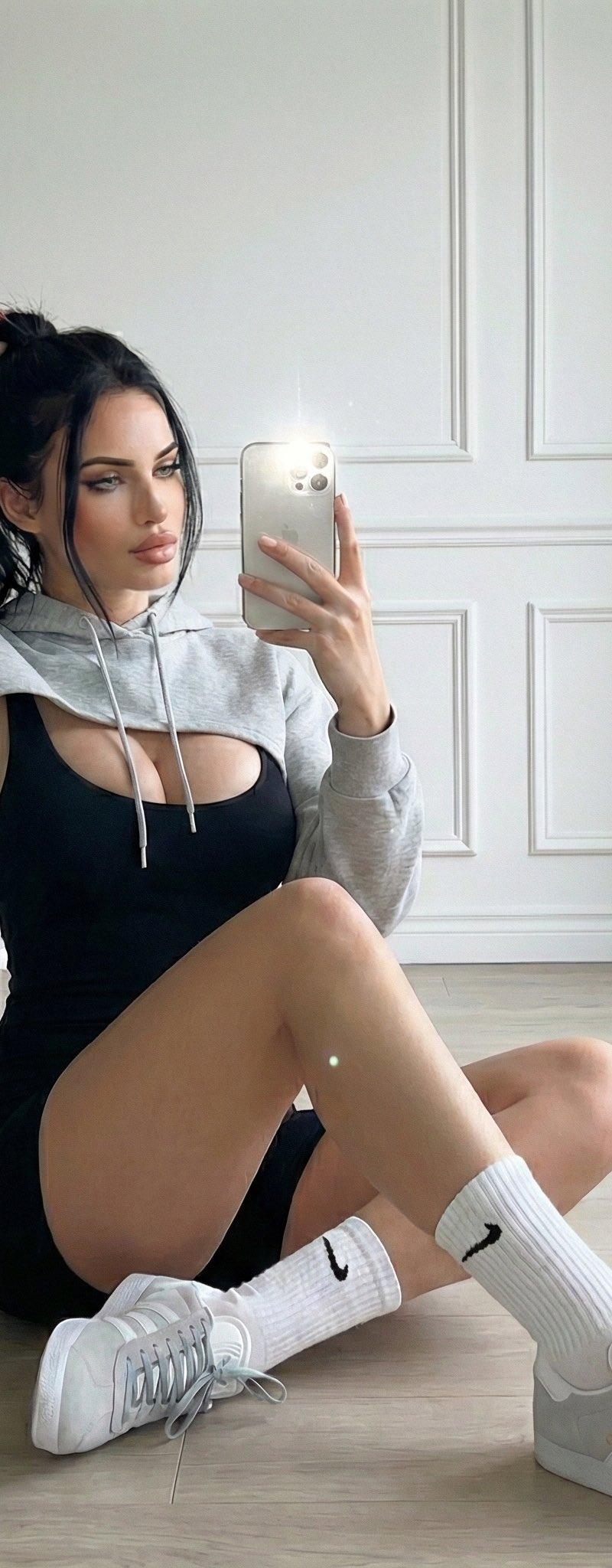
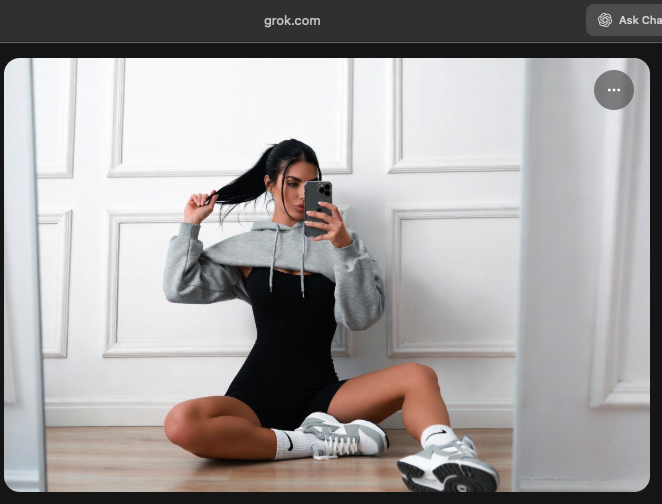
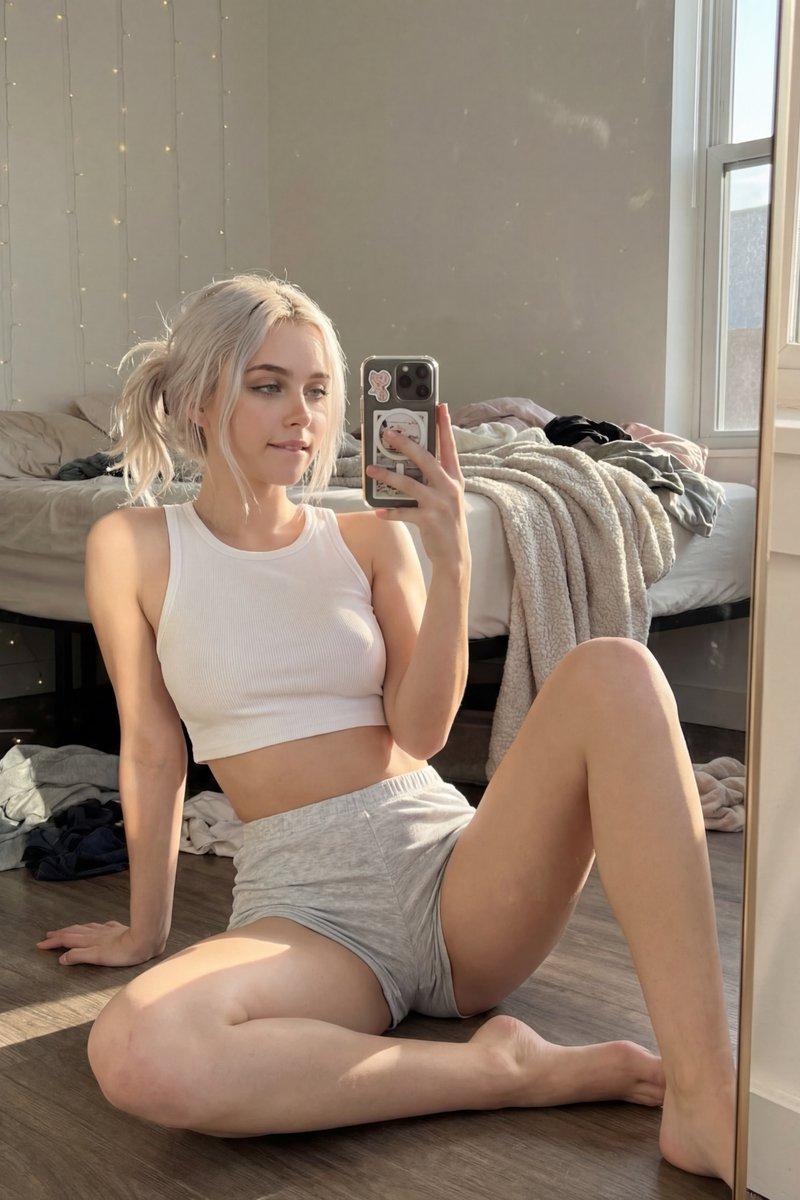
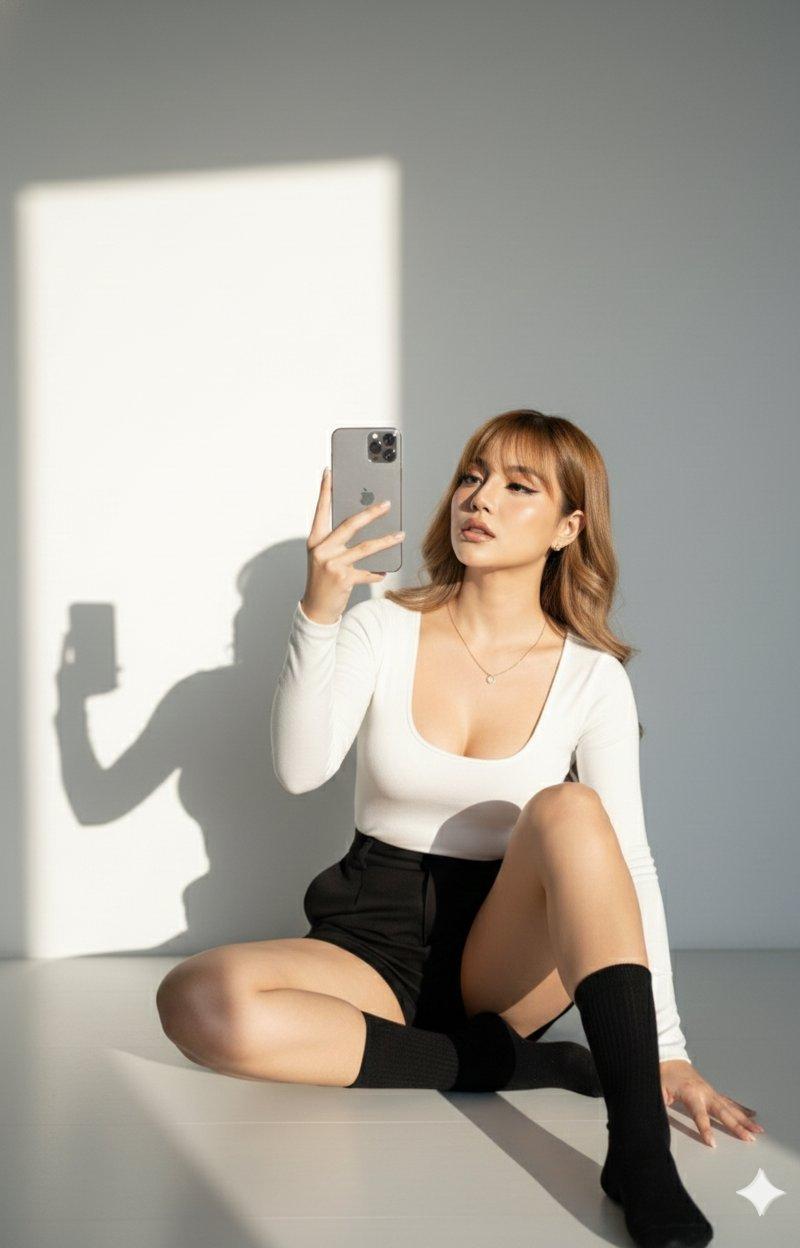
 "prompt_title": "Sunlight Shadow Self Portrait",
 "style": "Ultra-realistic editorial photography",
 "subject": {
 "identity": "Same woman as reference image",
 "pose": "Sitting on the floor with legs bent and relaxed",
 "expression": "Natural, calm, self-portrait vibe",
 "action": "Holding a smartphone and taking a mirror-style selfie",
 "face_visibility": "Phone partially covering face but facial features clearly recognizable"
 },
 "clothing": {
 "top": "Fitted white long-sleeve top with deep neckline",
 "bottom": "High-waisted black shorts",
 "footwear": "Black socks",
 "accessories": "Minimal accessories"
 },
 "environment": {
 "background": "Plain white wall",
 "location": "Indoor",
 "floor": "Clean, minimal floor surface"
 },
 "lighting": {
 "type": "Natural sunlight",
 "effect": "Soft sunlight shadows creating depth and contrast",
 "mood": "Clean, modern, editorial"
 },
 "composition": {
 "framing": "Self-portrait / mirror selfie style",
 "focus": "Sharp focus on subject with realistic skin texture",
 "aesthetic": "Minimal, high-fashion editorial look"
 },
 "quality": {
 "realism": "Ultra-realistic",
 "detail_level": "High detail, natural skin tones, accurate proportions",
 "resolution": "High resolution"
 }
}- 分类
- 真实摄影
- 模型
- Nano Banana Pro
- 来源作者
- ANKIT PATEL 🇮🇳 | AI
- 原始语言
- zh-CN
- 来源 ID
- sunlight-shadow-self-portrait
浏览量0