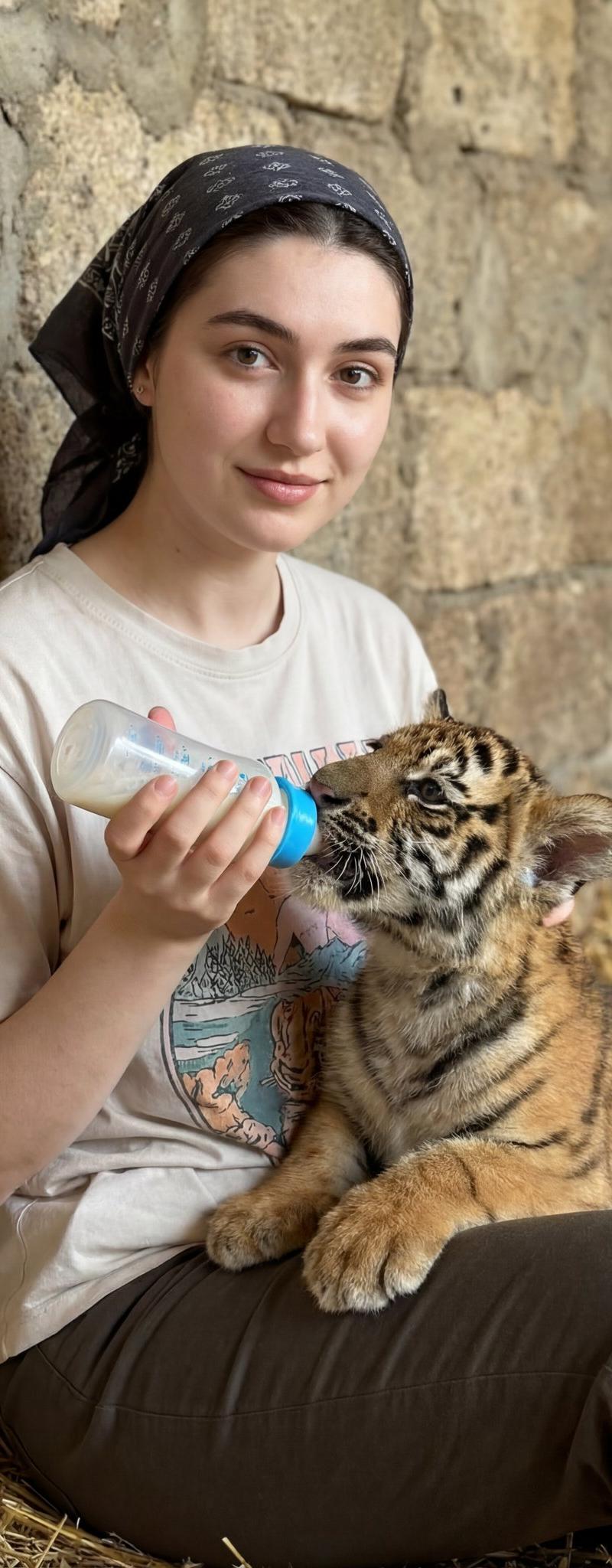
Lifestyle portrait with animal: GPT Image 2 prompt
Prompt
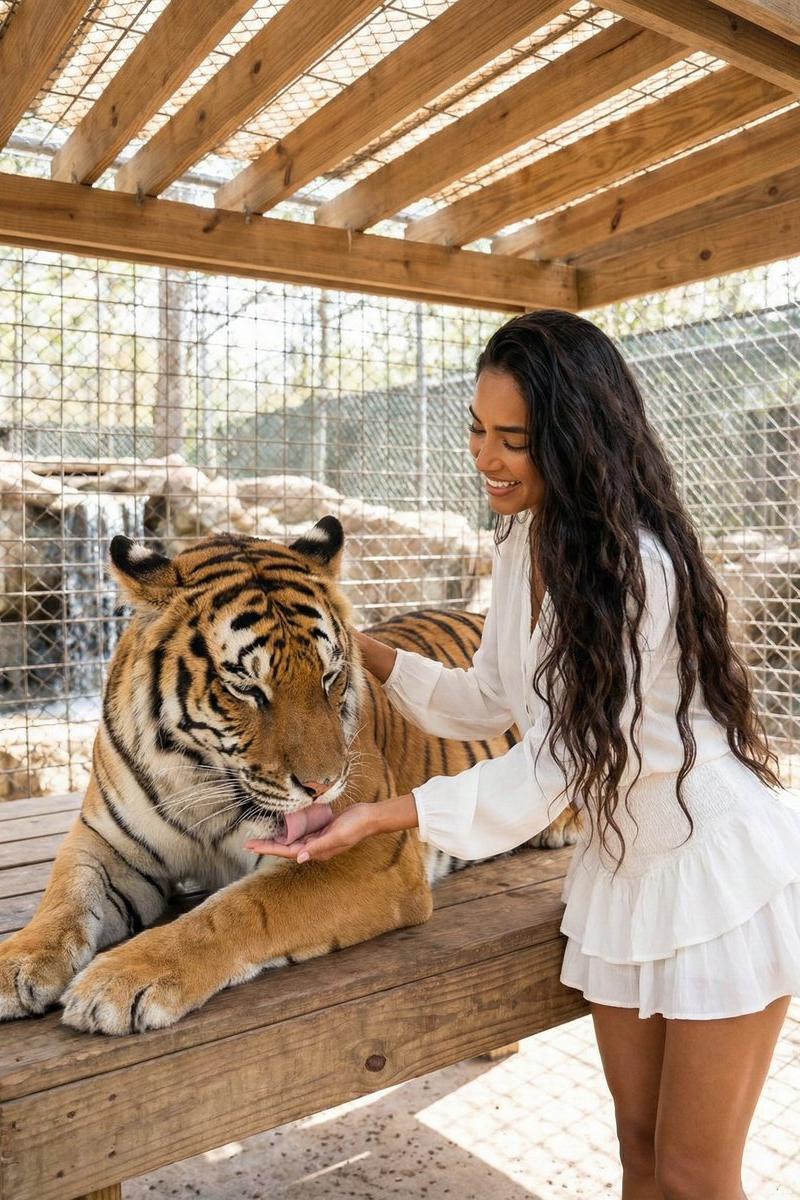
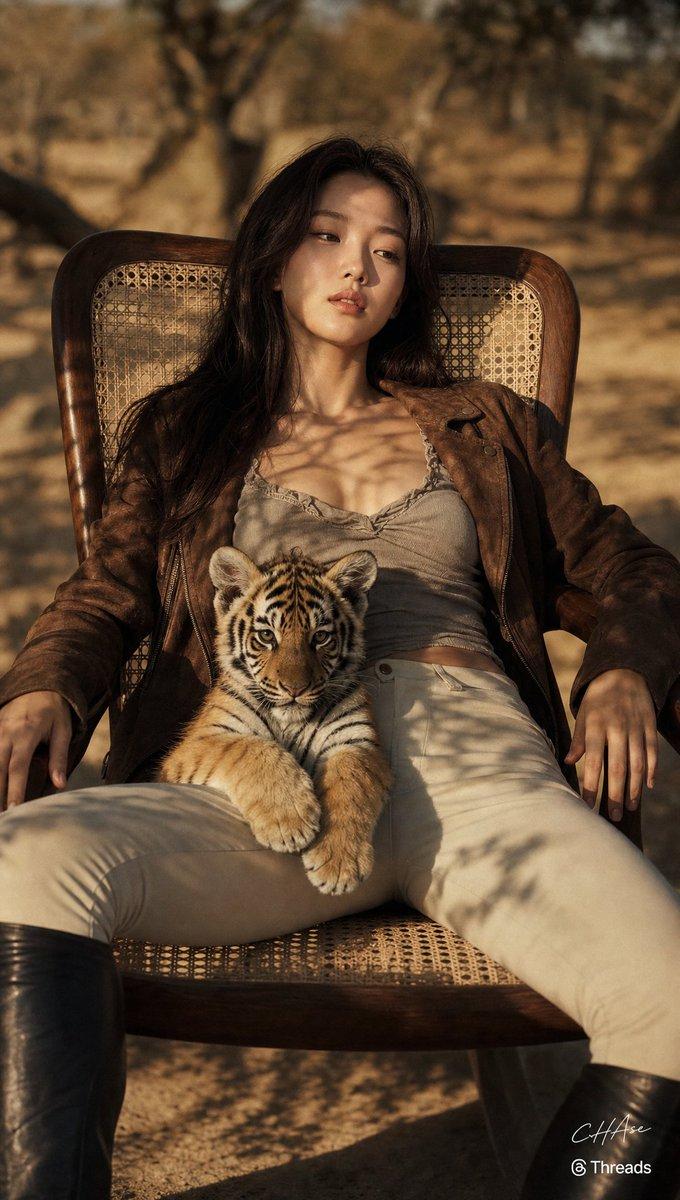
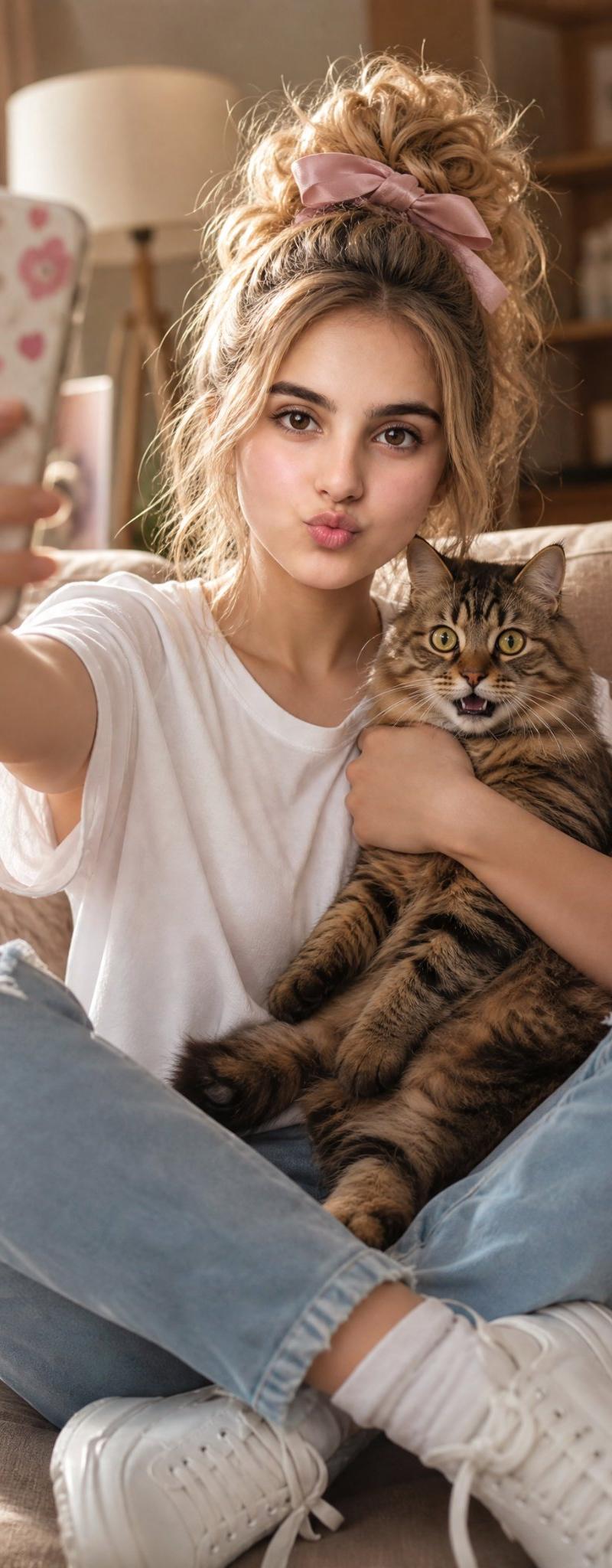
{ "scene_type": "lifestyle portrait with animal interaction", "composition": { "framing": "medium shot", "orientation": "portrait", "subject_placement": "human subject seated slightly right of center, animal positioned lower left, heads forming a gentle diagonal", "camera_angle": "eye-level", "depth_of_field": "moderate, background softly blurred but still textured", "visual_balance": "balanced by contrast between human face and animal body mass" }, "subjects": { "human": { "gender_presentation": "female", "age_range": "young adult", "pose": "seated, torso angled slightly left, head turned right", "expression": "soft smile, contemplative, calm", "gaze_direction": "on camera ", "skin_tone": "light", "hair": { "color": "brown", "style": "pulled back into bun or ponytail", "accessory": "dark patterned headscarf" }, "clothing": { "top": "light-colored graphic t-shirt with cherub illustration", "bottom": "dark pants", "accessories": [ "necklace with small bird-shaped pendant", "wristwatch" ] } }, "animal": { "species": "tiger cub", "size": "juvenile", "fur_pattern": "orange with black stripes and white facial markings", "pose": "lying on side, head tilted upward", "interaction": "drinking from bottle held by human" } }, "props": { "bottle": { "type": "baby feeding bottle", "color": "white with blue cap", "decoration": "pink star and small graphic icons", "function": "feeding animal" } }, "environment": { "location_type": "indoor, rustic or zoo-like enclosure", "background_material": "rough stone wall", "floor_texture": "straw or hay scattered on ground", "setting_mood": "warm, intimate, caretaking" }, "lighting": { "type": "soft natural or diffused artificial light", "direction": "from front-left", "quality": "warm, even, low contrast", "shadow_behavior": "gentle shadows, no harsh edges" }, "color_palette": { "dominant_colors": [ "warm beige", "stone gray", "soft brown", "orange" ], "accent_colors": [ "black", "white", "blue", "pink" ], "overall_tone": "warm and earthy" }, "texture_details": { "stone_wall": "coarse, uneven, aged", "fabric": "soft cotton t-shirt, matte finish", "fur": "dense, plush, clearly defined stripes" }, "stylistic_attributes": { "genre": "documentary-style lifestyle photography", "aesthetic": "natural, candid, emotionally warm", "retouching_level": "minimal, realistic skin and texture preservation" }, "technical_characteristics": { "lens_look": "standard to short telephoto", "focal_length_estimate": "35–50mm", "aperture_estimate": "f/2.8–f/4", "sharpness": "sharp focus on faces", "noise": "low", "dynamic_range": "moderate with preserved highlights" }, "emotional_read": { "primary_emotion": "tenderness", "secondary_emotions": [ "curiosity", "care", "gentle joy" ] }, "use_case_potential": [ "editorial storytelling", "animal care advocacy", "lifestyle inspiration", "UGC-style social media content" ] }- Category
- Photography & Realism
- Model
- GPT Image 2
- Creator
- Zara
- Source language
- en
- Source ID
- 2008342320761254374
- Published
- Jan 6, 2026
Views0