14

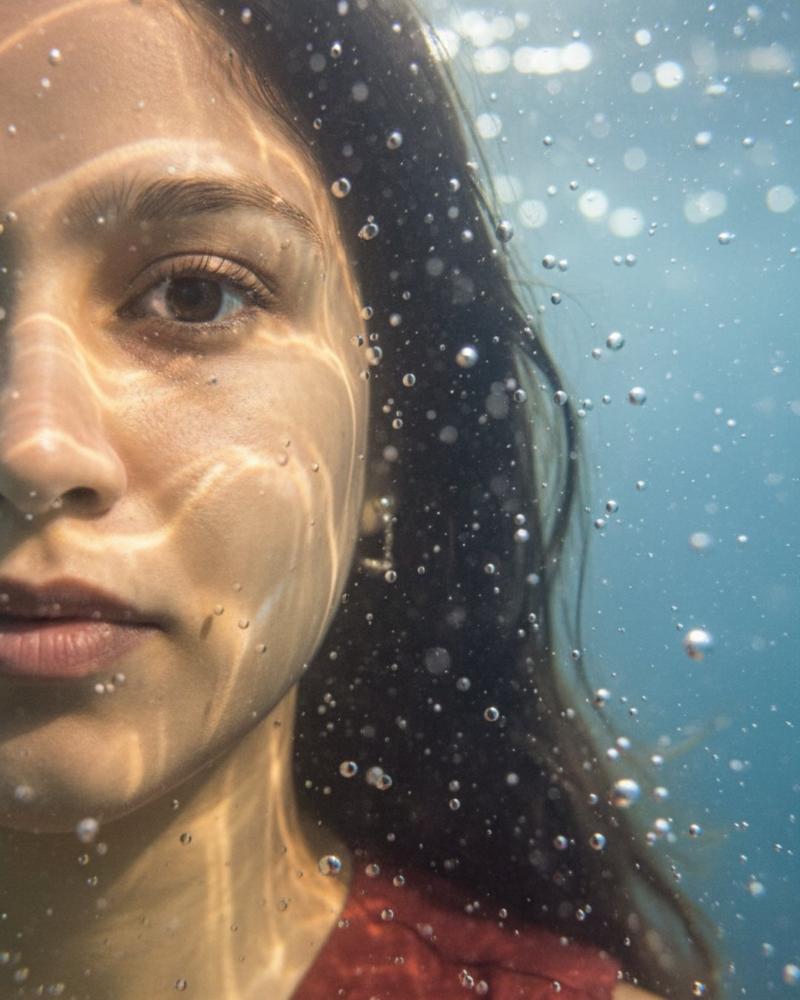
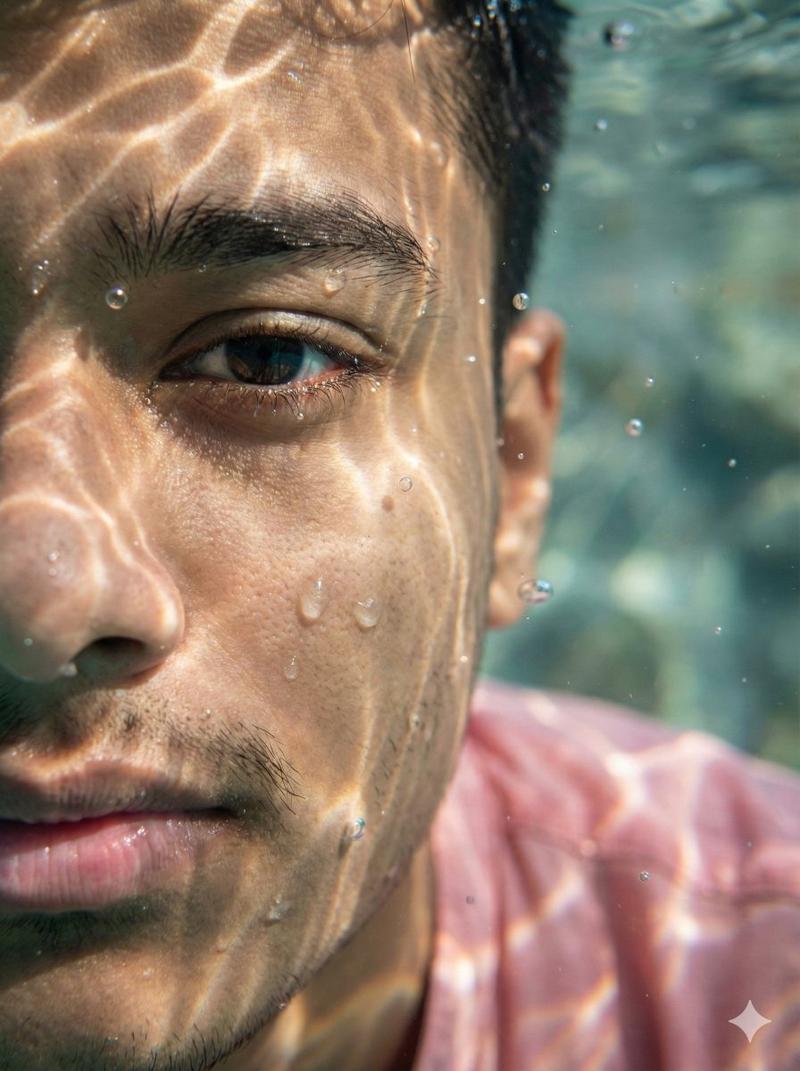
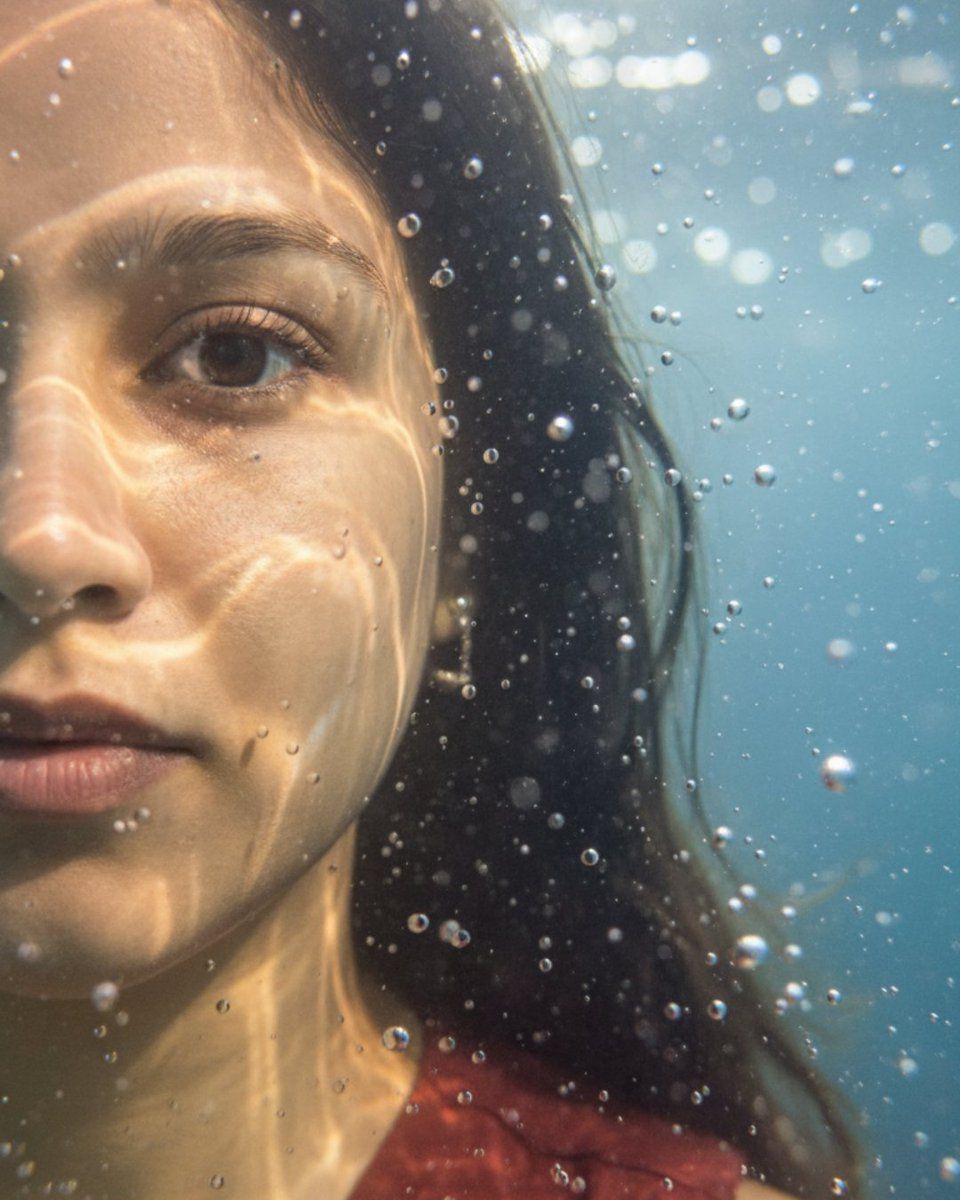
水下微距肖像(脸部左半边)
Enlarge

水下微距肖像(脸部左半边)

Prompt
‘Hyper-realistic, ultra-detailed close- up portrait showing only the left half of my face submerged in water, one eye in sharp focus, positioned on the far left of the frame, light rays creating caustic patterns on the skin, suspended water droplets and bubbles adding depth, cinematic lighting with soft shadows and sharp highlights, photorealistic textures including skin pores, wet lips, eyelashes, and subtle subsurface scattering, surreal and dreamlike atmosphere, shallow depth of field, underwater macro perspective. 3:4 aspect ratio’
Category
创意图片
Model
Nano Banana Pro
Views0
Source ID
b782c1d8-a5be-4f2d-8d0a-2eb80363d91d
Published
Mar 8, 2026

Guide

About "水下微距肖像(脸部左半边)"

What is this prompt for?

"水下微距肖像(脸部左半边)" AI image prompt for Nano Banana Pro (创意图片). 一个专为 Nano Banana Pro 设计的图像生成提示,专注于超现实、超写实、超细节的特写肖像。构图仅展现主体面部的左半部分浸入水中,强调电影级光照、焦散图案和水下微距视角。 --- “超现实…

The full copyable prompt and example visuals above are ready for AI image generation or one-click recreate in Picva.

How to use this prompt

  1. Step 1

    Open the prompt detail

    Review the example visuals, category, and full prompt text for "水下微距肖像(脸部左半边)".

  2. Step 2

    Copy the prompt

    Copy the prompt body from this page, or load it directly in Studio.

  3. Step 3

    Pick a model (Nano Banana Pro)

    Prefer Nano Banana Pro. If you switch models, keep subject and composition and tweak style terms.

  4. Step 4

    Generate and export

    Recreate the look in Picva, or export into your workflow for editing and publishing.

FAQ

What is the "水下微距肖像(脸部左半边)" prompt?
It is an AI image-generation prompt for Nano Banana Pro in the 创意图片 category. This page includes the full prompt text, example visuals, and a one-click recreate path in Picva.
How do I use this prompt to generate an image?
Copy the prompt from this page, or use Generate / Studio. Paste it into a compatible image model, or recreate the look in Picva with optional reference images.
Which model is this prompt for?
This page lists Nano Banana Pro. Most descriptive prompts also transfer to nearby image models such as GPT Image, Flux, or Midjourney with light style tweaks.
Can I use the result commercially?
You can usually copy the prompt for creation, but commercial use of the final image depends on the model terms, reference-image rights, and the generated content. Follow the source author and platform rules.