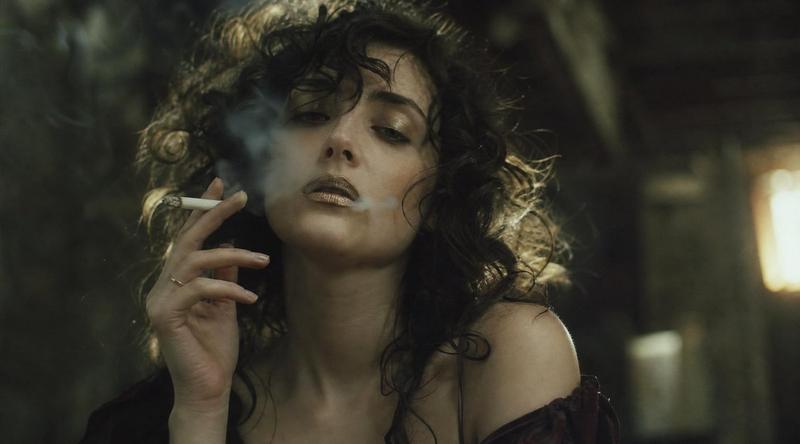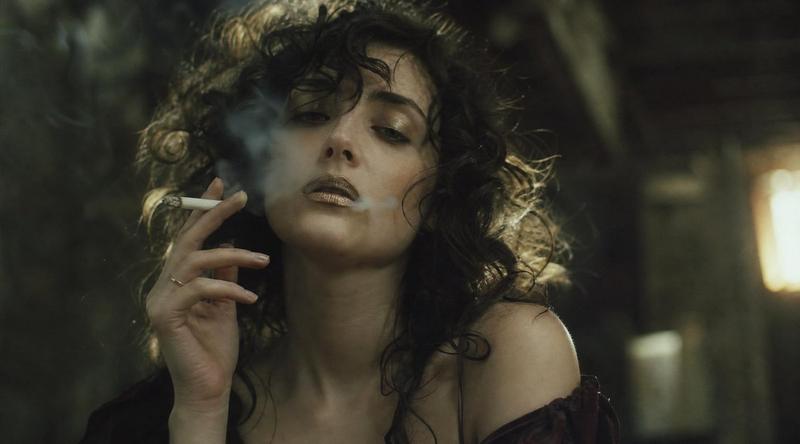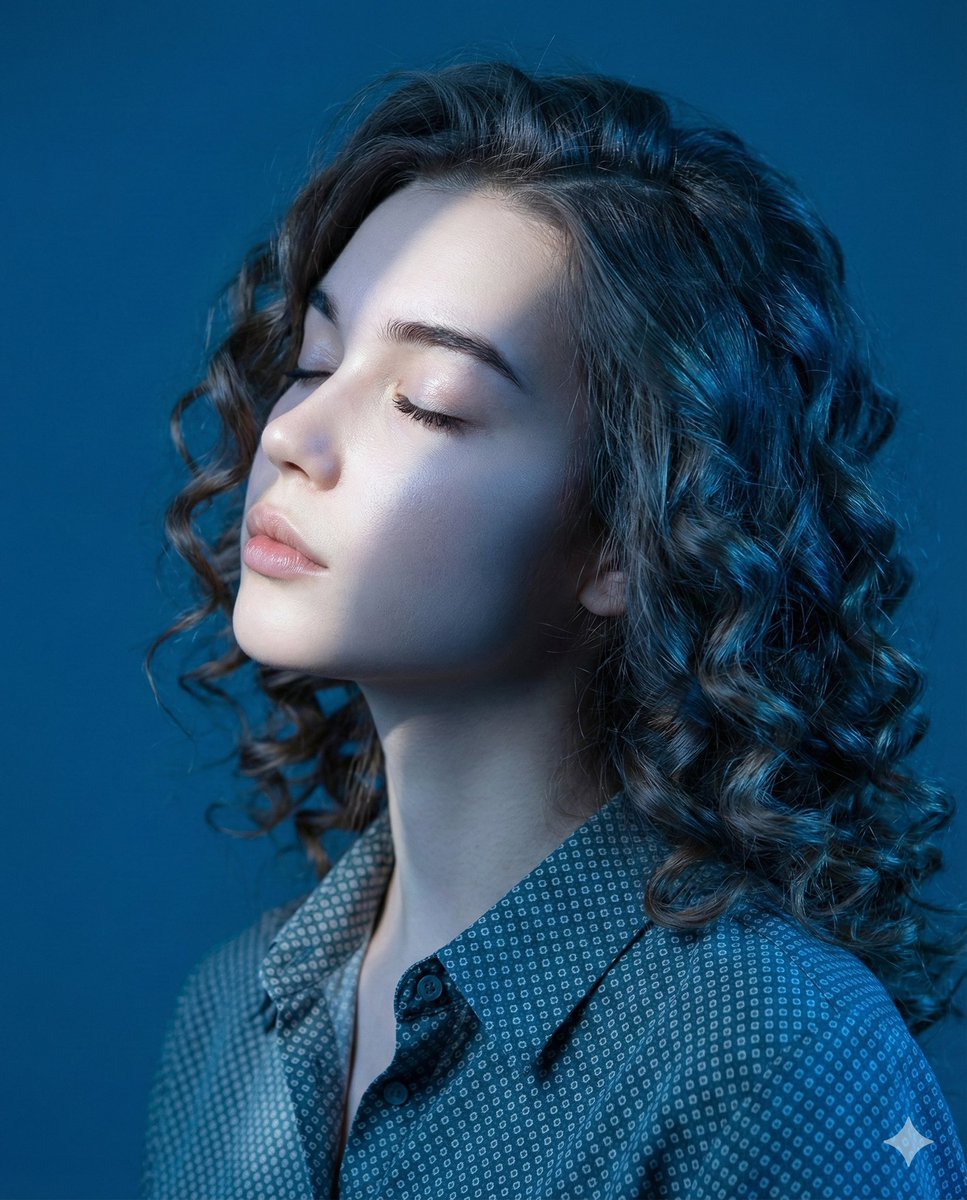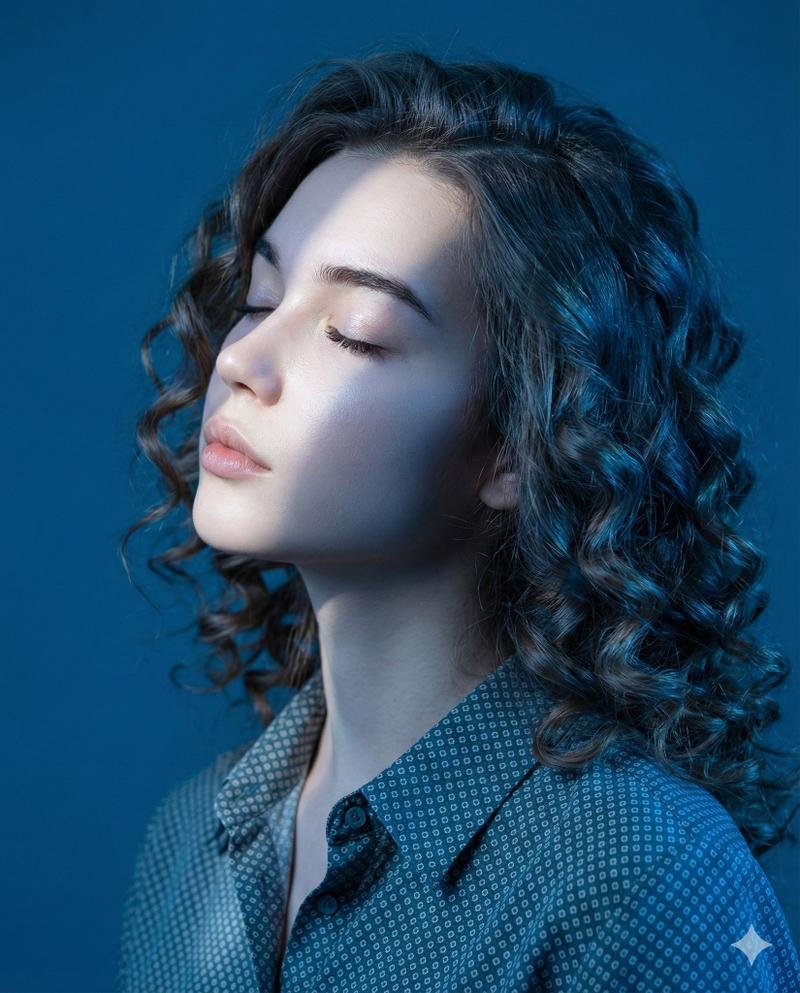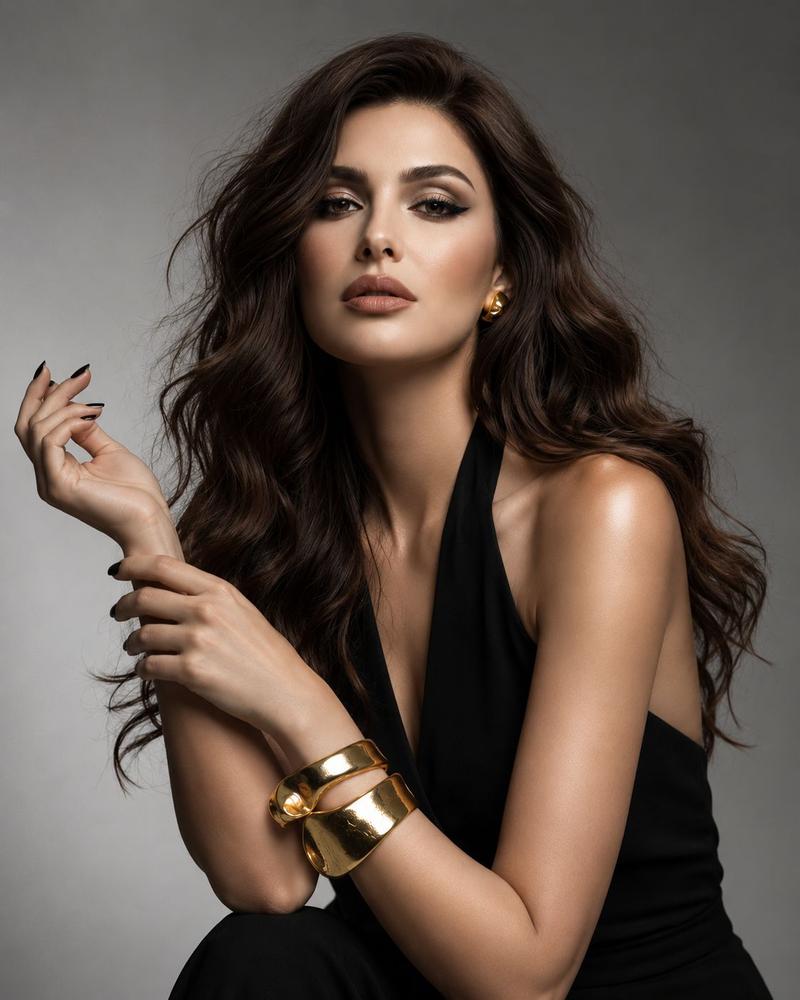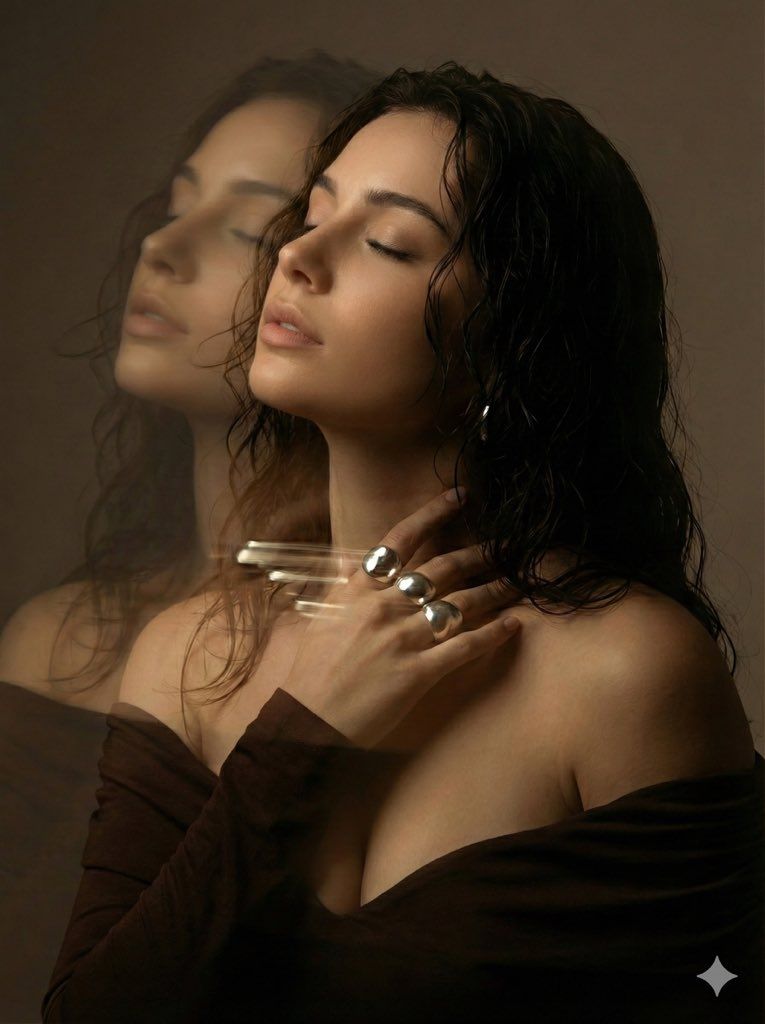
虚幻人像:动态模糊与双重曝光
Prompt
{
  "image_analysis_prompt": {
    "subject_details": {
      "demographics": "Young woman",
      "appearance": "Dark, wavy hair with a 'wet look' texture, smooth warm-toned skin, serene facial expression",
      "pose": "Head tilted slightly back, eyes closed, hand gently touching the neck/collarbone area, profile view transitioning into a three-quarter angle",
      "expression": "Dreamy, intimate, sensual, calm"
    },
    "attire_and_accessories": {
      "clothing": "Dark brown or black off-the-shoulder top",
      "jewelry": "Large, prominent statement rings on fingers ({argument name="jewelry material" default="silver or diamond"}), reflecting light heavily"
    },
    "visual_effects_and_technique": {
      "primary_effect": "Motion blur and double exposure 'ghosting' effect",
      "specifics": "A translucent, trailed duplicate of the face appears to the left of the main subject; horizontal light streaks (light painting effect) drag across the neck area, originating from the jewelry",
      "style": "Cinematic, ethereal, moody portrait"
    },
    "lighting_and_atmosphere": {
      "lighting_type": "Low-key, soft studio lighting",
      "color_palette": "Warm earth tones, chocolate browns, soft golds, muted beige, deep shadows",
      "mood": "Romantic, mysterious, emotional, hazy"
    },
    "technical_specs": {
      "composition": "Medium close-up shot",
      "camera_settings": "Long exposure simulation, shallow depth of field, soft focus",
      "resolution": "High definition, photorealistic textures"
    }
  }
}- Category
- 创意图片
- Model
- Nano Banana Pro
- Creator
- Iris
- Source ID
- 01802188-f41d-4542-9624-235dfdd9b2ba
- Published
- Mar 8, 2026
Views0