时尚杂志人像摄影与图形叠加提示
Prompt
{
  "meta": {
    "image_quality": "High",
    "image_type": "Editorial/Fashion Photography with Graphic Overlay",
    "resolution_estimation": "High resolution, likely 1080x1350 or similar portrait aspect ratio",
    "file_characteristics": {
      "compression_artifacts": "Low",
      "noise_level": "Low",
      "lens_type_estimation": "Portrait lens (approx 85mm), shallow depth of field simulated or real"
    }
  },
  "global_context": {
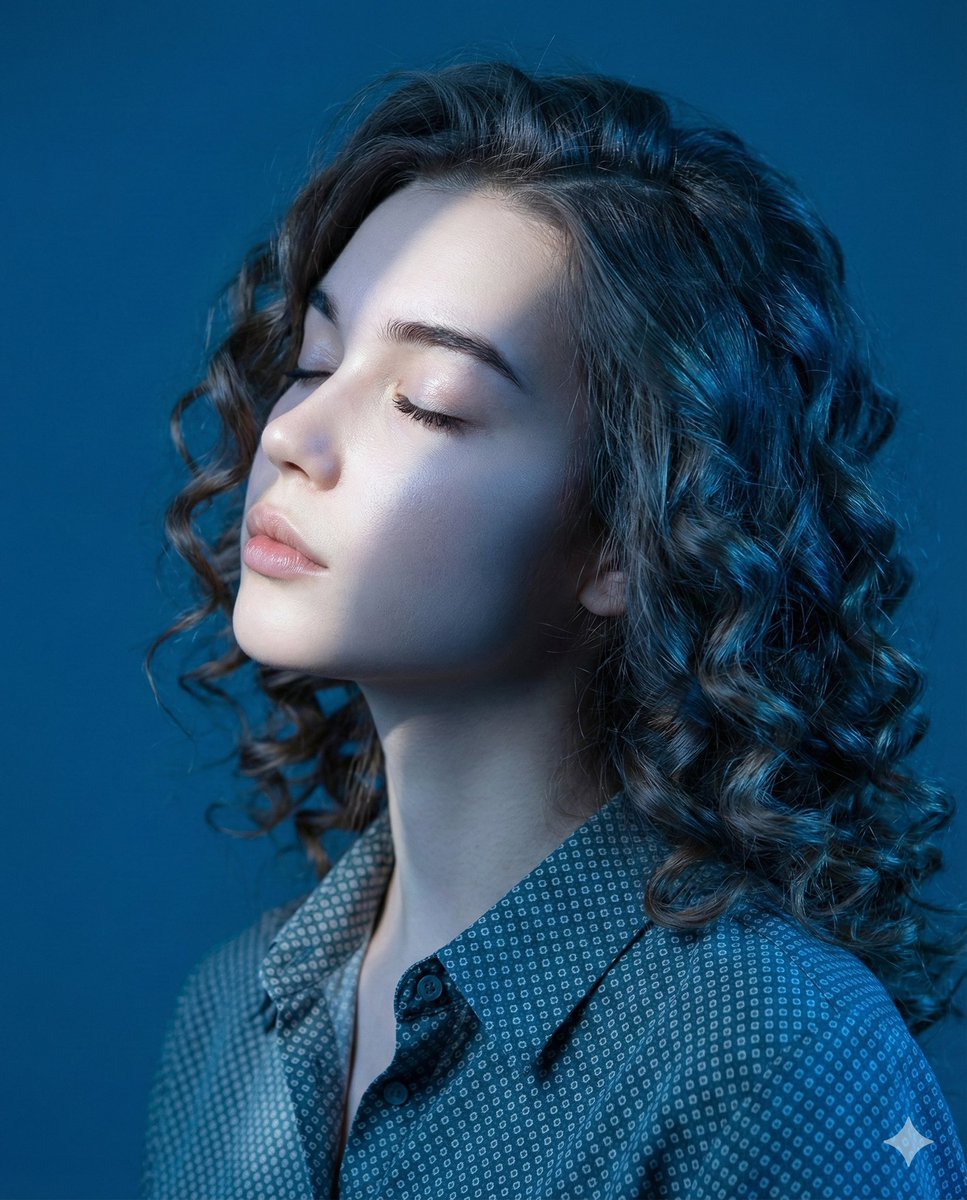
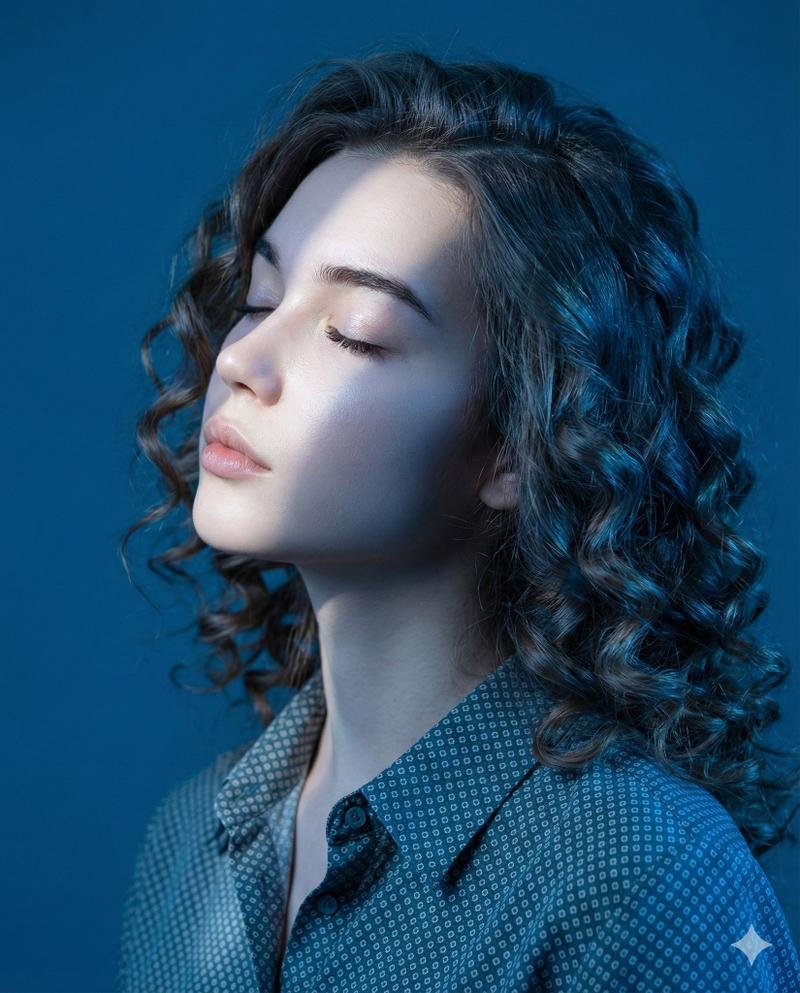
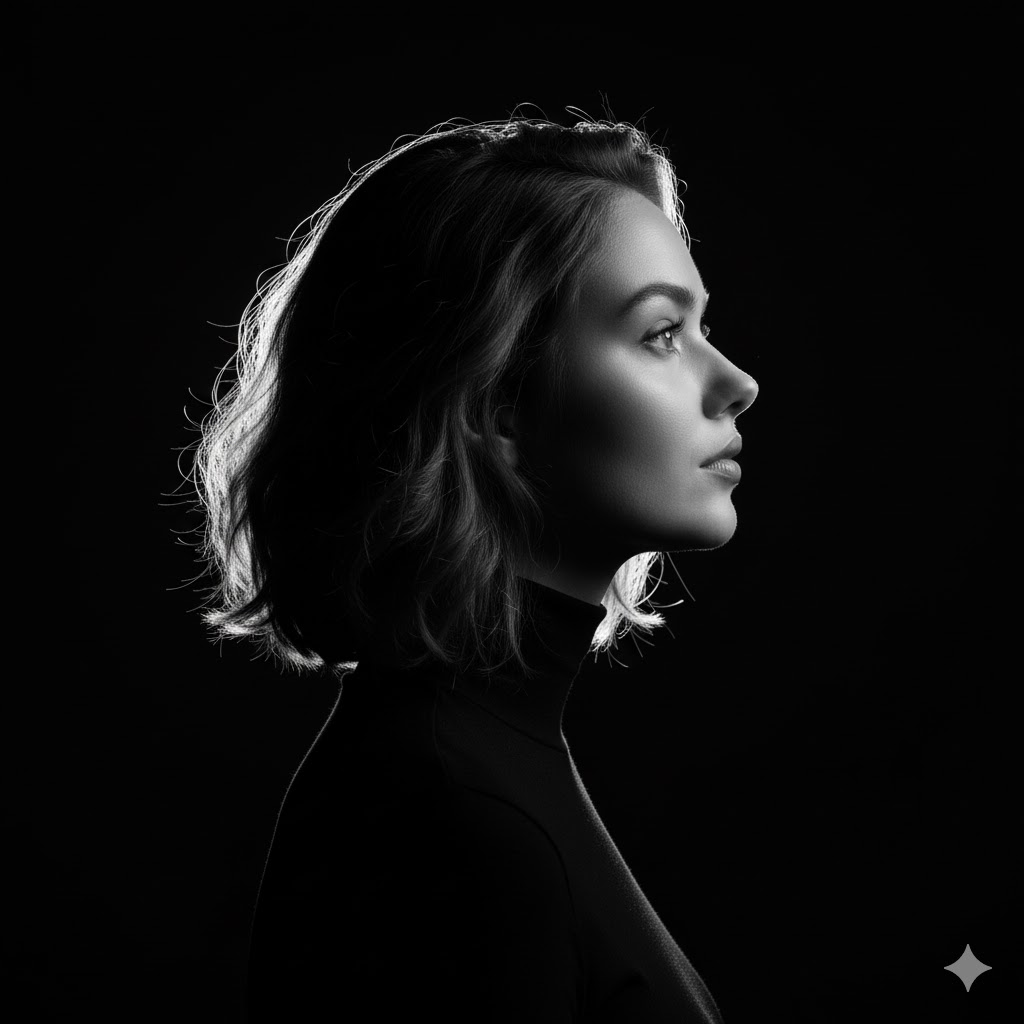
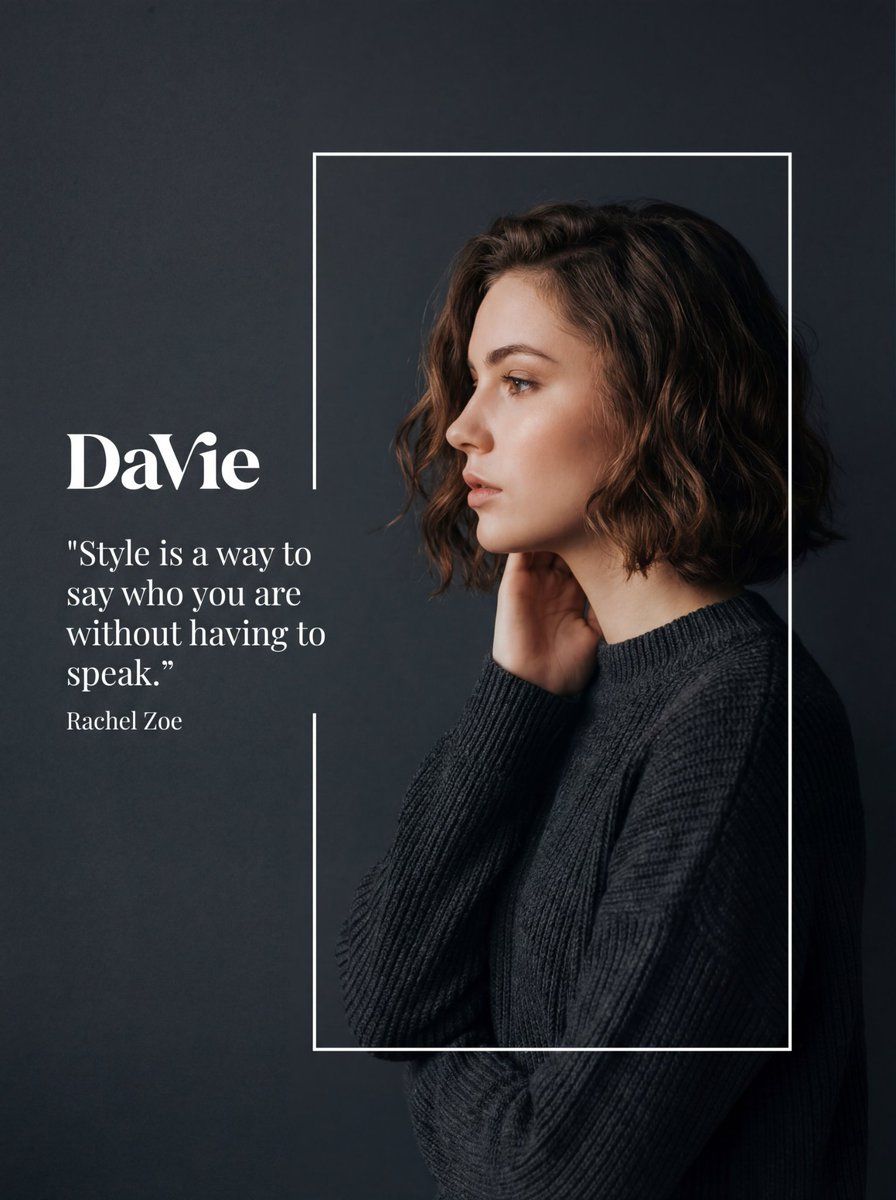
    "scene_description": "A stylized fashion editorial composition featuring a side-profile portrait of a young woman with short, wavy brown hair. She is framed within a thin white rectangular outline against a dark, matte charcoal-grey background. To her left, outside the frame, is white typography including a logo and a quote. The lighting is soft and moody, highlighting her facial features and hair texture.",
    "environment_type": "Studio",
    "time_of_day": "Indiscernible/Controlled Studio Lighting",
    "weather_atmosphere": "Serene, Sophisticated, Melancholic, Elegant",
    "lighting": {
      "source": "Artificial Studio Softbox",
      "direction": "Front-left relative to the model (illuminating face profile) with subtle rim lighting on hair",
      "quality": "Soft, Diffused",
      "color_temperature": "Neutral to slightly warm on skin tones"
    },
    "color_palette": {
      "dominant_hex_estimates": [
        "#2C2F33",
        "#3A3D42",
        "#E8CBBF",
        "#5D4B42"
      ],
      "accent_colors": [
        "#FFFFFF",
        "#D48C7D"
      ],
      "contrast_level": "Medium-High (due to dark background vs pale skin/white text)"
    }
  },
  "composition": {
    "camera_angle": "Eye-level",
    "framing": "Medium close-up (Head and shoulders)",
    "depth_of_field": "Medium (Subject sharp, background uniform)",
    "focal_point": "The model's face in profile and the white typography",
    "symmetry_type": "Asymmetrical balance (Text on left, Subject on right)",
    "rule_of_thirds_alignment": "Model's face aligns with the right vertical third line; Text aligns with the upper-left intersection area"
  },
  "objects": [
    {
      "id": "obj_001",
      "label": "Background",
      "category": "Backdrop",
      "location": {
        "relative_position": "Full Frame",
        "bounding_box_percentage": {
          "x": 0.0,
          "y": 0.0,
          "width": 1.0,
          "height": 1.0
        }
      },
      "dimensions_relative": "Full canvas",
      "distance_from_camera": "Far",
      "pose_orientation": "Vertical plane",
      "material": "Matte paper or digital fill",
      "surface_properties": {
        "texture": "Smooth with very fine grain",
        "reflectivity": "None",
        "micro_details": "Uniform color",
        "wear_state": "New"
      },
      "color_details": {
        "base_color_hex": "#2C2F33",
        "secondary_colors": [],
        "gradient_or_pattern": "Subtle vignetting or lighting falloff towards cor"
    }
  }
}- Category
- 创意图片
- Model
- Nano Banana Pro
- Creator
- Heisenberg
- Source ID
- 3ac31227-b970-48ef-98e3-5f9d341a3e80
- Published
- Mar 8, 2026
Views0