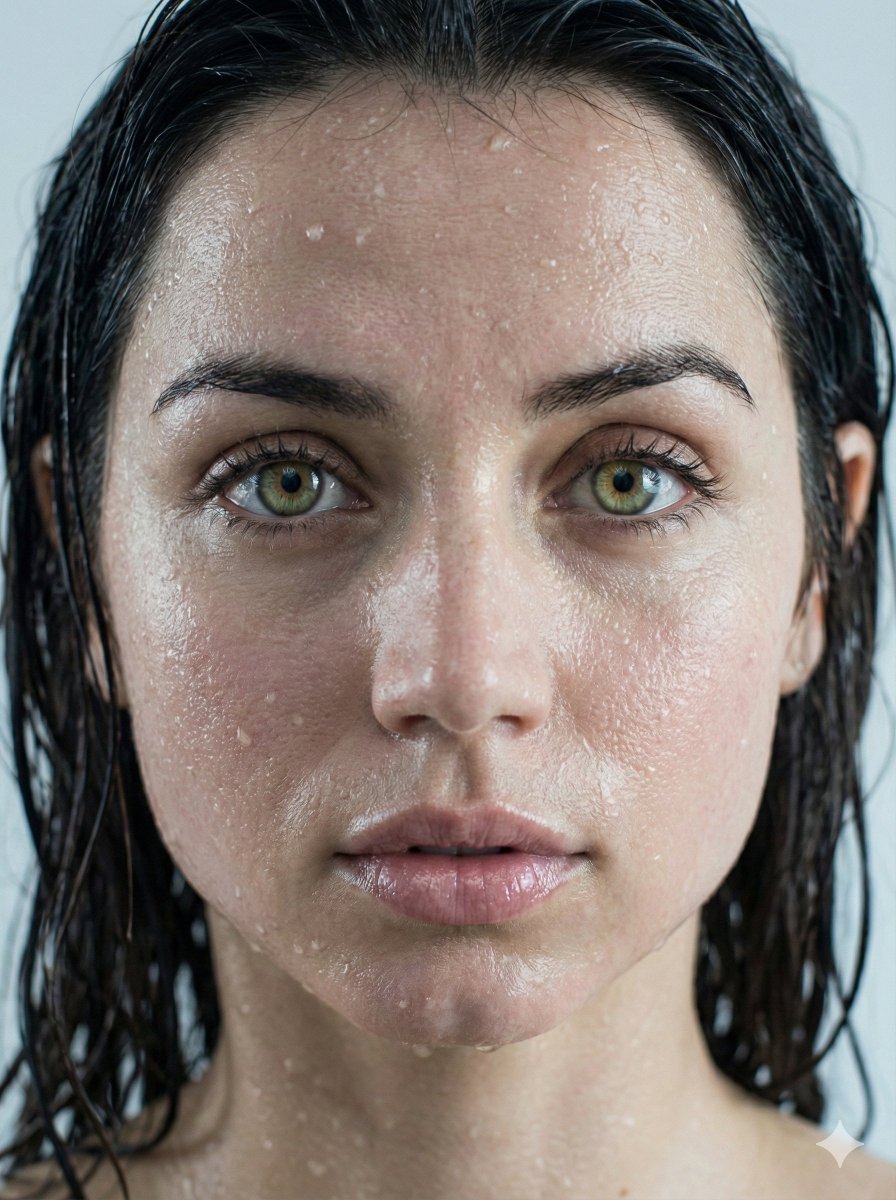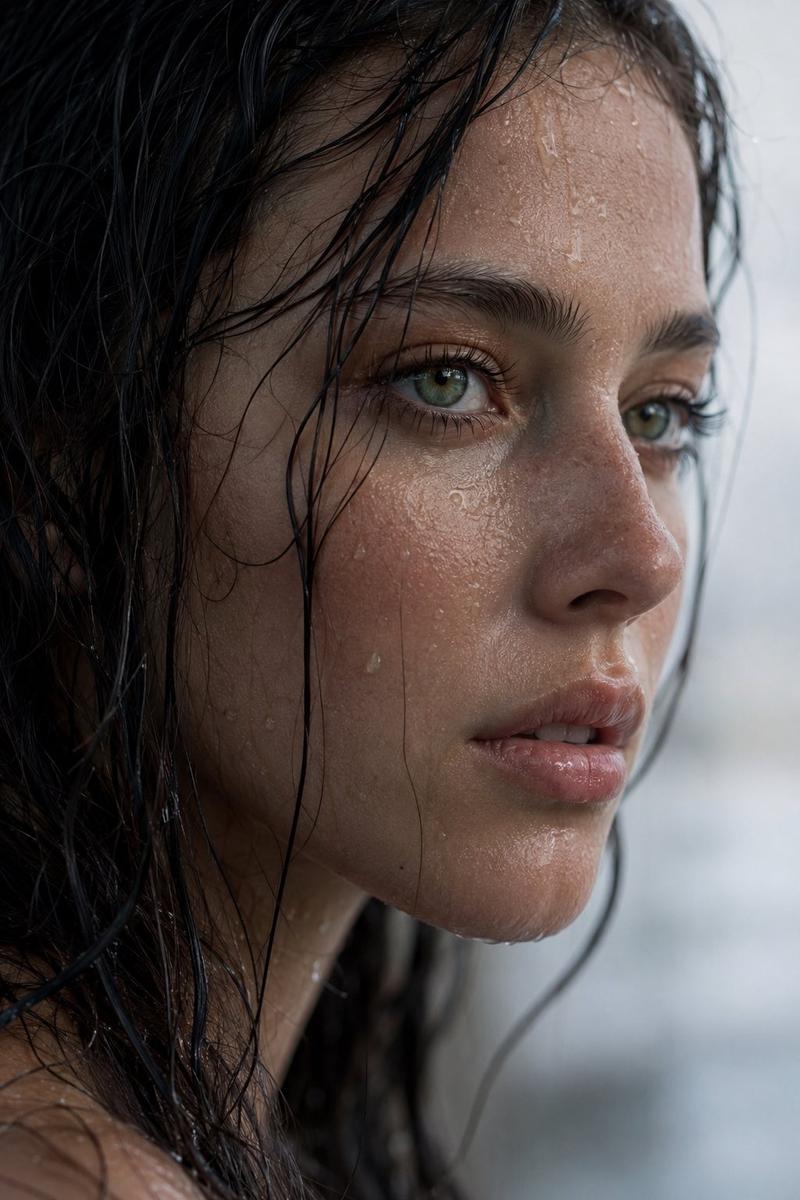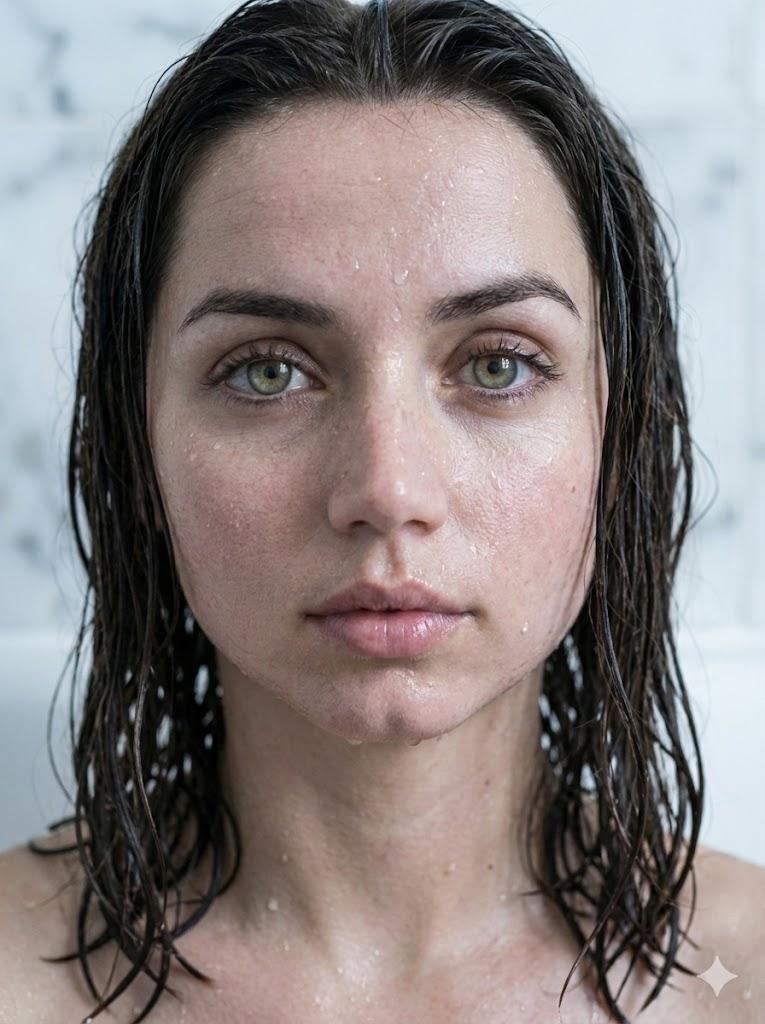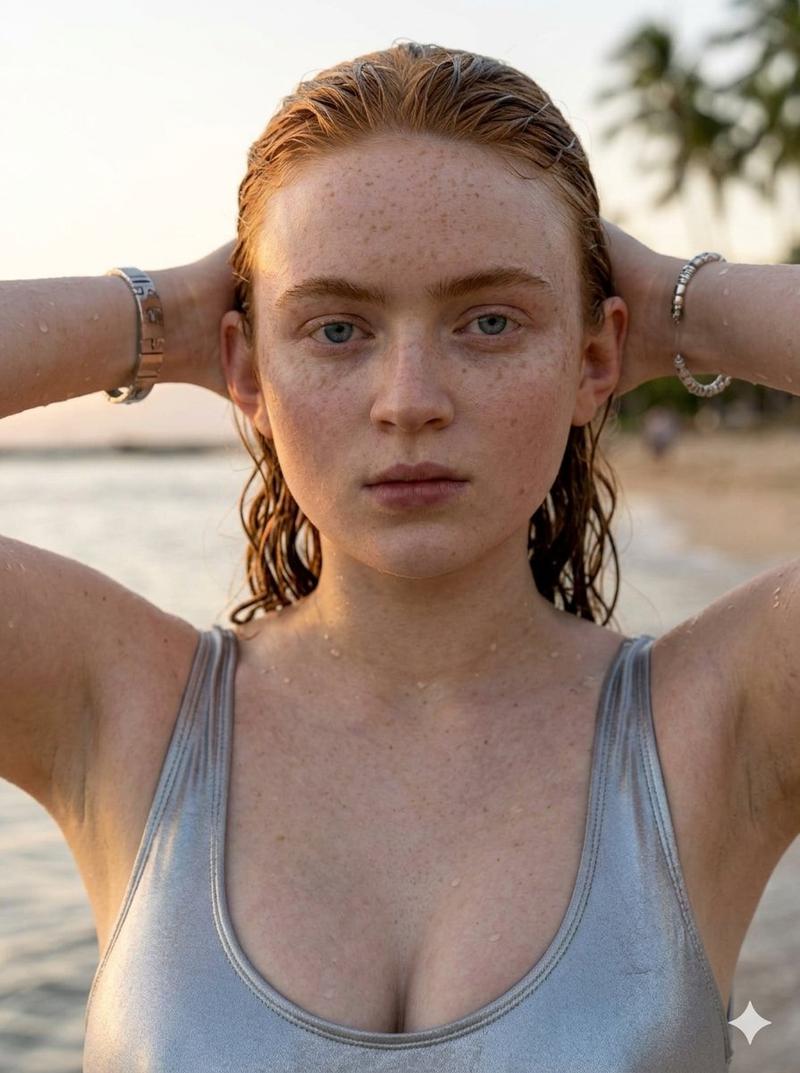
Ana de Armas 电影海滩拼贴画提示
Prompt
{
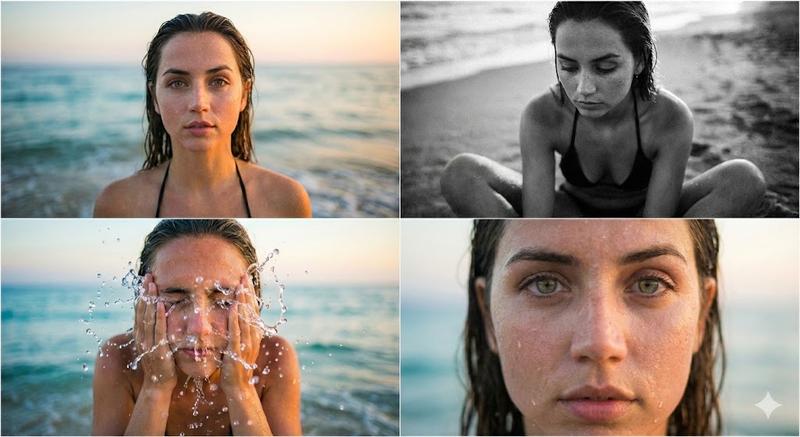
  "image_description": {
    "subject": "{argument name="subject name" default="Ana de Armas"}",
    "setting": "Beach, Oceanfront, Golden Hour",
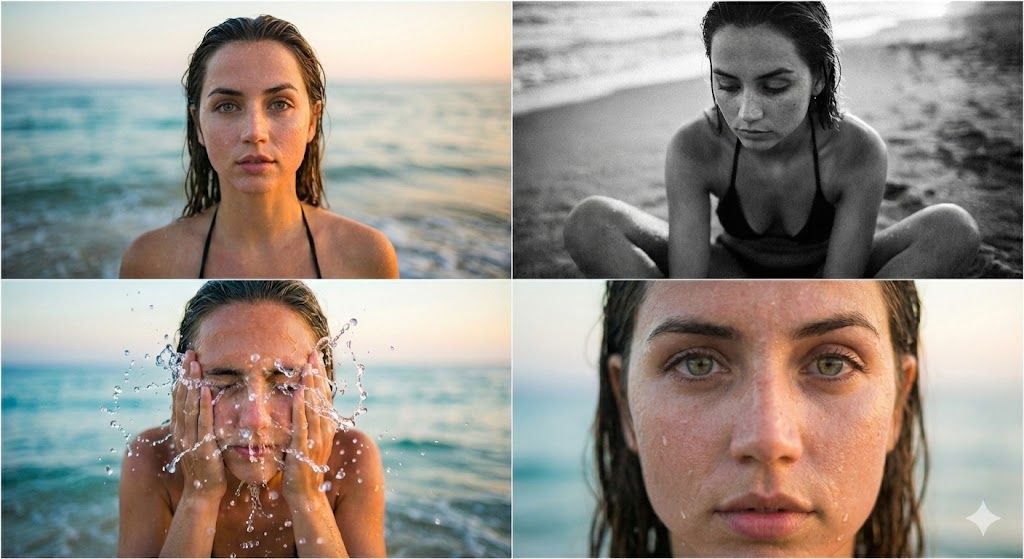
    "format": "Collage of 4 cinematic portraits",
    "overall_mood": "Natural, Raw, Cinematic, Serene",
    "theme": "Summer beach lifestyle, Wet look, Candid photography"
  },
  "panels": {
    "top_left": {
      "shot_type": "Medium Close-up Portrait",
      "action": "Direct gaze at camera",
      "visual_details": {
        "hair": "Wet, slicked back",
        "skin": "Natural texture, sun-kissed, wet",
        "attire": "Black bikini straps visible",
        "background": "Blurred ocean waves, soft horizon"
      },
      "lighting": "Soft evening light, diffuse shadows",
      "expression": "Calm, intense, confident"
    },
    "top_right": {
      "shot_type": "Full Body / Medium Shot",
      "style": "Black and White (Monochrome)",
      "action": "Sitting on sand cross-legged",
      "visual_details": {
        "pose": "Looking down, introspective",
        "attire": "Black bikini",
        "environment": "Sandy beach, washing waves"
      },
      "aesthetics": "High contrast, film grain texture, moody",
      "focus": "Sharp subject, blurred background waves"
    },
    "bottom_left": {
      "shot_type": "Action Shot / Frozen Motion",
      "action": "Splashing water on face",
      "visual_details": {
        "water_effects": "Crystal clear water droplets frozen in mid-air",
        "hands": "Cupping face, washing motion",
        "eyes": "Closed"
      },
      "lighting": "Backlit by sunset, golden rim light on water drops",
      "technical": "Fast shutter speed to freeze water"
    },
    "bottom_right": {
      "shot_type": "Extreme Close-up (Macro)",
      "focus_point": "Eyes and skin texture",
      "visual_details": {
        "eyes": "Green/Hazel, sharp focus, intense contact",
        "skin": "Visible pores, freckles, water droplets on face",
        "hair": "Wet strands framing the face"
      },
      "depth_of_field": "Very shallow (Bokeh effect)",
      "mood": "Intimate, raw beauty"
    }
  }, "technical_metadata_simulation": {
    "camera_model": "Sony A7R V",
    "lens": "85mm f/1.4 GM",
    "resolution": "High Definition",
    "aspect_ratio": "16:9 (Collage)",
    "color_grading": {
      "tone": "Warm, natural skin tones",
      "saturation": "Moderate",
      "contrast": "Cinematic"
    }
  },
  "tags": [
    "Ana de Armas",
    "Beach Portrait",
    "Wet Hair",
    "No Makeup Look",
    "Ocean",
    "Photography",
    "Cinematic Lighting",
    "Water Splash",
    "B&W Photography"
  ]
}- Category
- 创意图片
- Model
- Nano Banana Pro
- Creator
- Bahar azam
- Source ID
- 32d29d35-03e1-4822-9424-23e36ab63e6a
- Published
- Mar 8, 2026
Views0