17

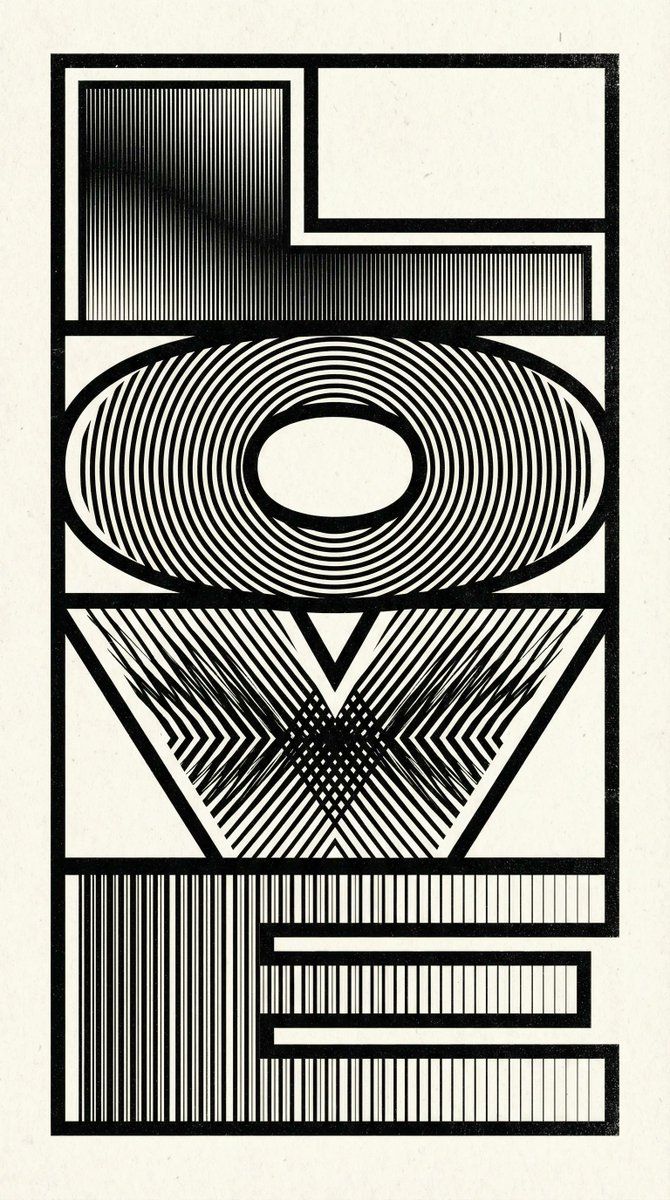
视错觉艺术 LOVE 字体海报提示
Enlarge

视错觉艺术 LOVE 字体海报提示

Prompt
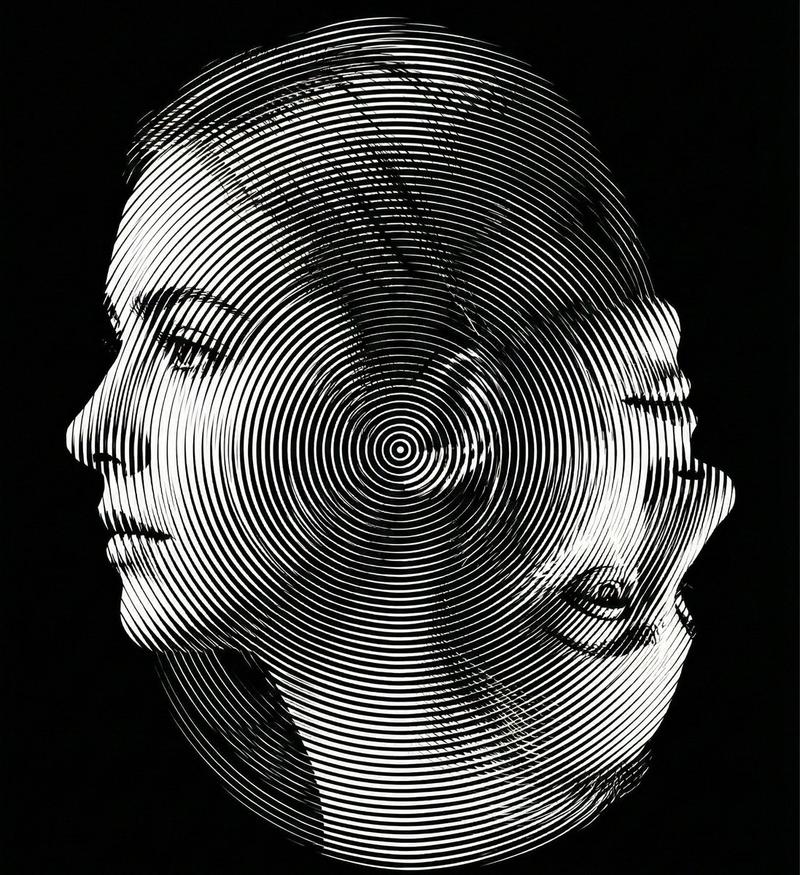
A black and white abstract typographic artwork spelling the word “{argument name="word" default="LOVE"}” in bold, blocky letters arranged in a stacked composition, each character filled with intricate line patterns: concentric circles for the O’s, straight vertical lines for L and E, diagonal converging lines for V, creating a moire optical illusion effect with high contrast and detailed shading gradients. Retro-futuristic graphic design style on a plain background, high-resolution, ultra-detailed, immersive visual texture.
Category
创意图片
Model
Nano Banana Pro
Views0
Source ID
1f4b171d-703e-49b1-83d2-09d08549b733
Published
Mar 8, 2026

Guide

About "视错觉艺术 LOVE 字体海报提示"

What is this prompt for?

"视错觉艺术 LOVE 字体海报提示" AI image prompt for Nano Banana Pro (创意图片). 生成一幅黑白抽象视错觉艺术字作品的提示,拼写为“LOVE”。字母内部填充有复杂的线条图案(同心圆、直线、汇聚线),以营造出催眠般的莫尔条纹光学错觉效果。 --- 一幅黑白抽象的文字艺术作品,…

The full copyable prompt and example visuals above are ready for AI image generation or one-click recreate in Picva.

How to use this prompt

  1. Step 1

    Open the prompt detail

    Review the example visuals, category, and full prompt text for "视错觉艺术 LOVE 字体海报提示".

  2. Step 2

    Copy the prompt

    Copy the prompt body from this page, or load it directly in Studio.

  3. Step 3

    Pick a model (Nano Banana Pro)

    Prefer Nano Banana Pro. If you switch models, keep subject and composition and tweak style terms.

  4. Step 4

    Generate and export

    Recreate the look in Picva, or export into your workflow for editing and publishing.

FAQ

What is the "视错觉艺术 LOVE 字体海报提示" prompt?
It is an AI image-generation prompt for Nano Banana Pro in the 创意图片 category. This page includes the full prompt text, example visuals, and a one-click recreate path in Picva.
How do I use this prompt to generate an image?
Copy the prompt from this page, or use Generate / Studio. Paste it into a compatible image model, or recreate the look in Picva with optional reference images.
Which model is this prompt for?
This page lists Nano Banana Pro. Most descriptive prompts also transfer to nearby image models such as GPT Image, Flux, or Midjourney with light style tweaks.
Can I use the result commercially?
You can usually copy the prompt for creation, but commercial use of the final image depends on the model terms, reference-image rights, and the generated content. Follow the source author and platform rules.