20

latent_op_art_subject select visual_output from latent_graphic_systems w...
Enlarge

latent_op_art_subject select visual_output from latent_graphic_systems w...

Prompt
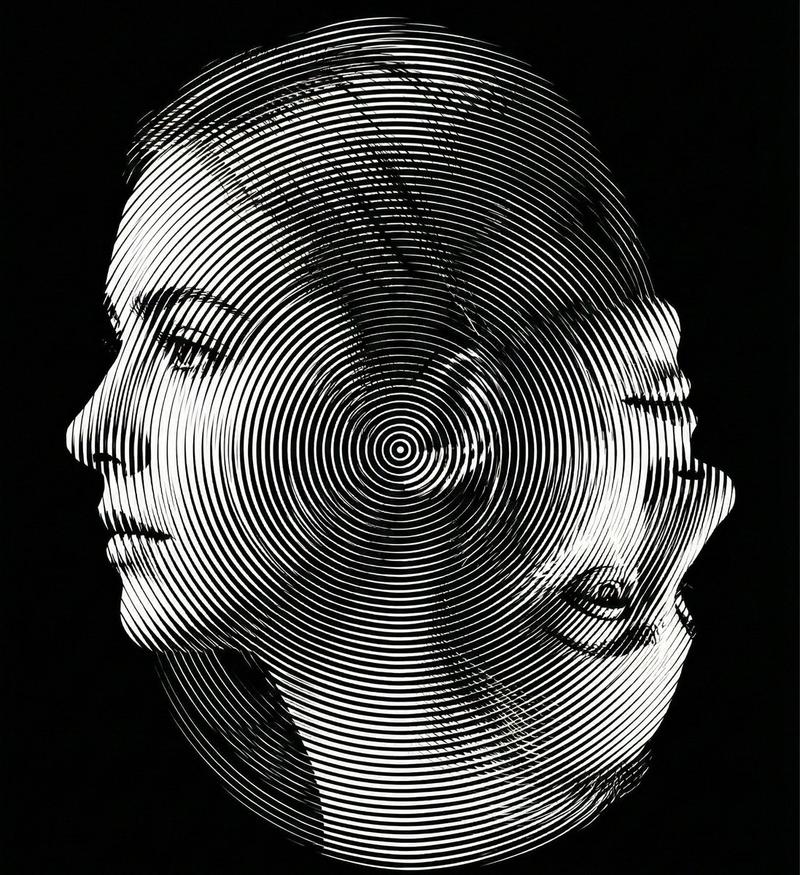
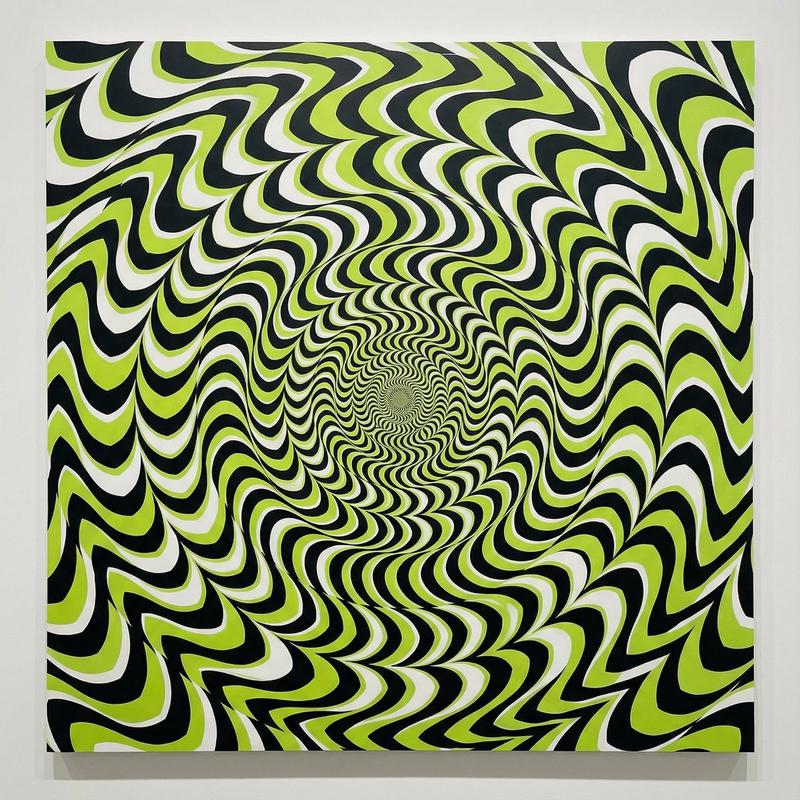
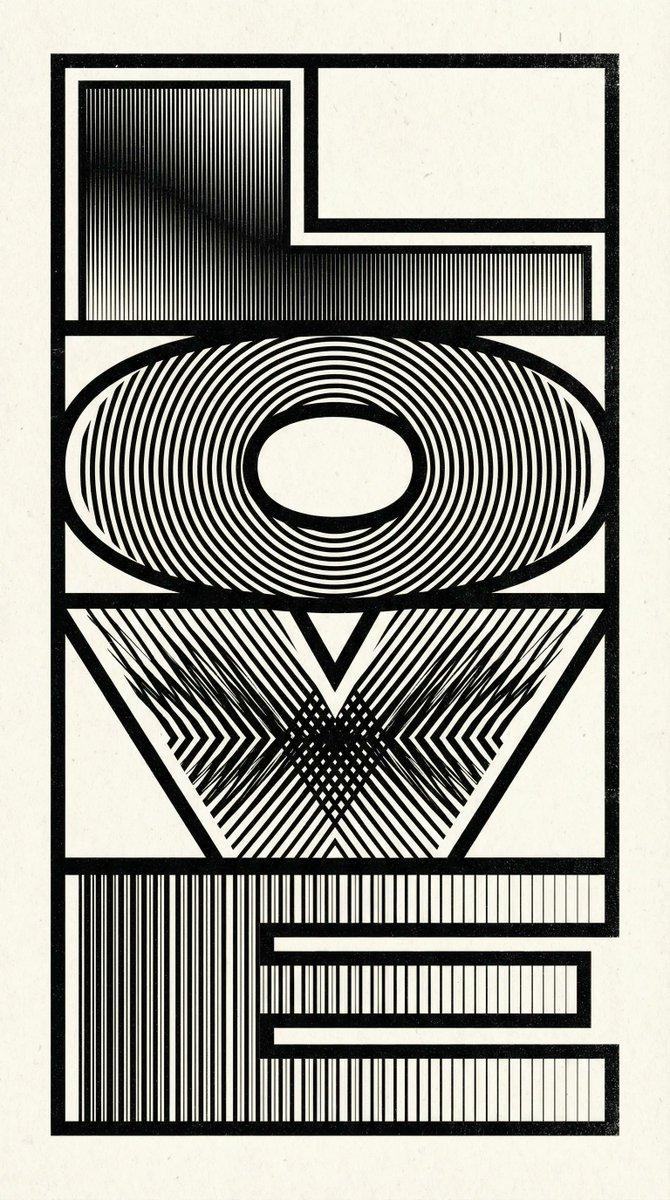
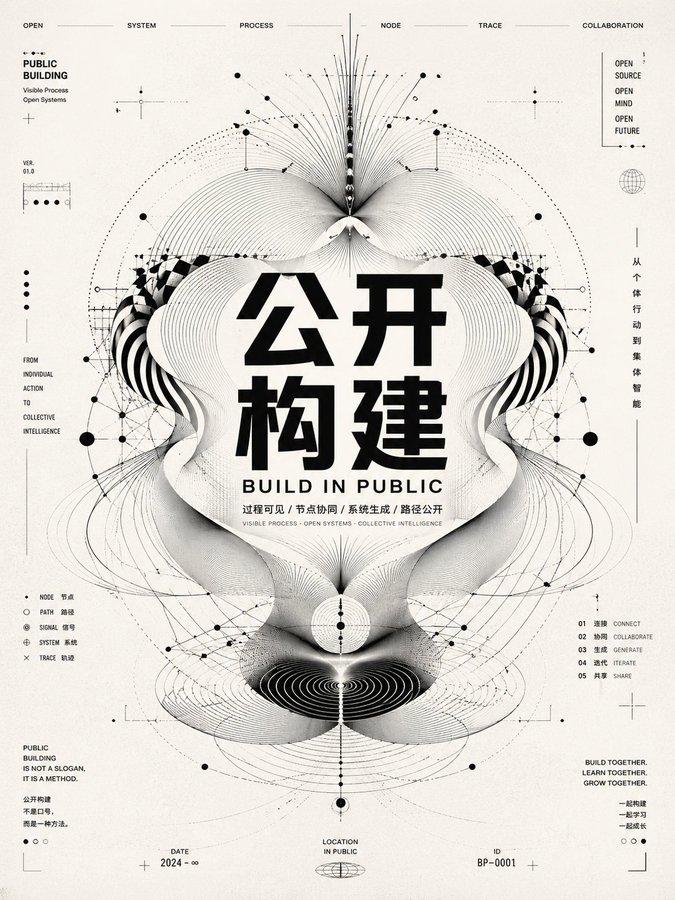
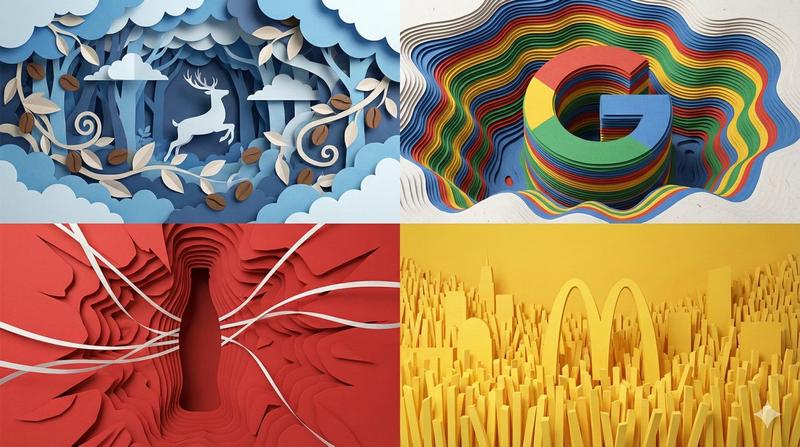
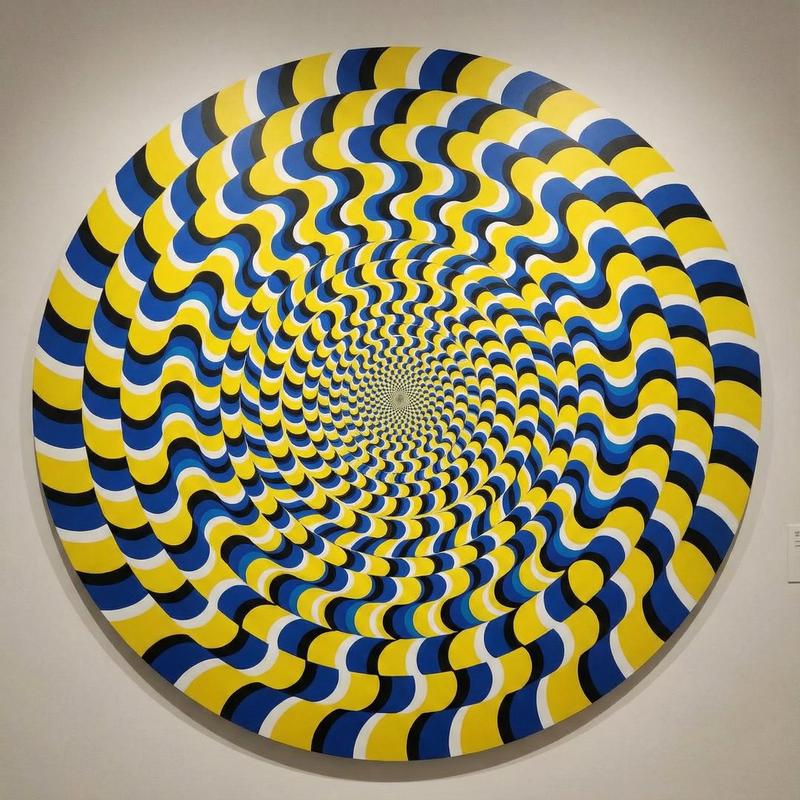
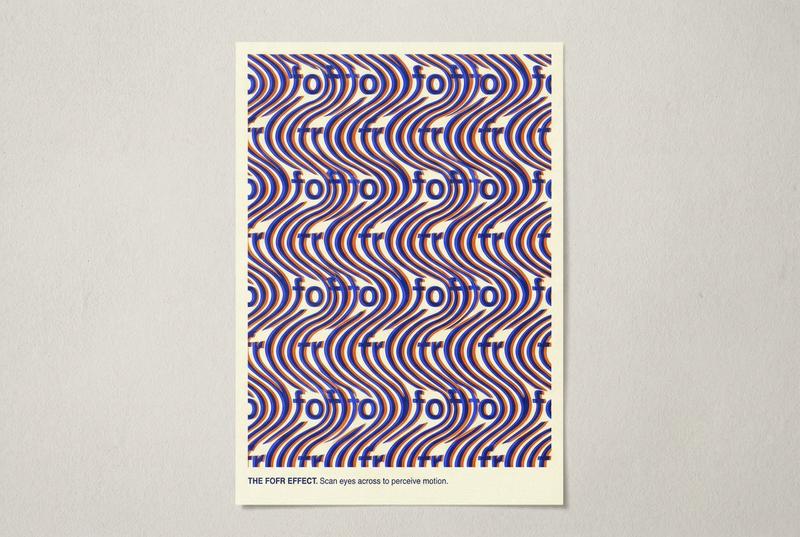
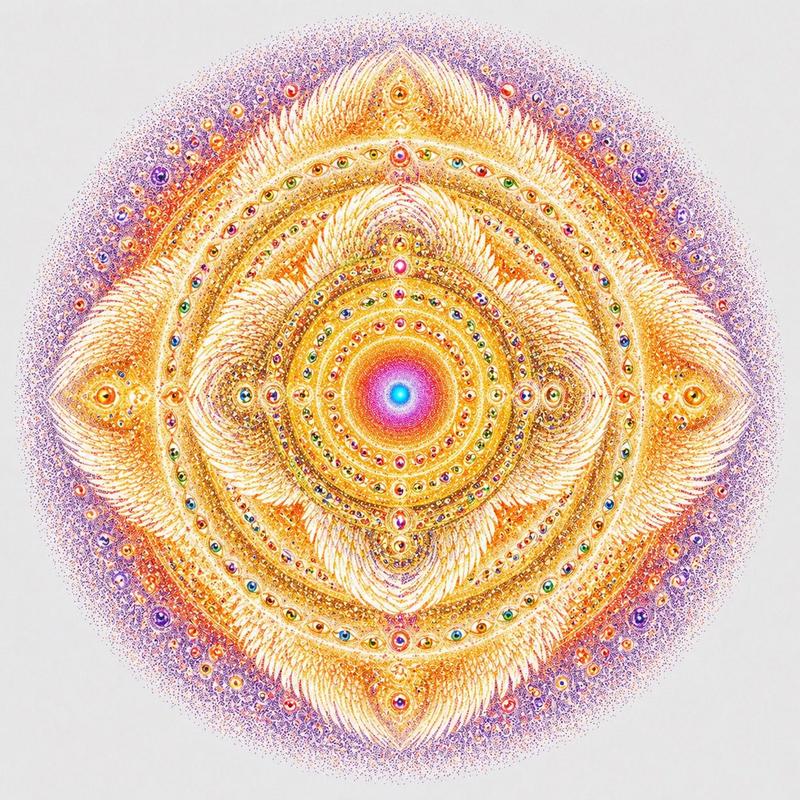
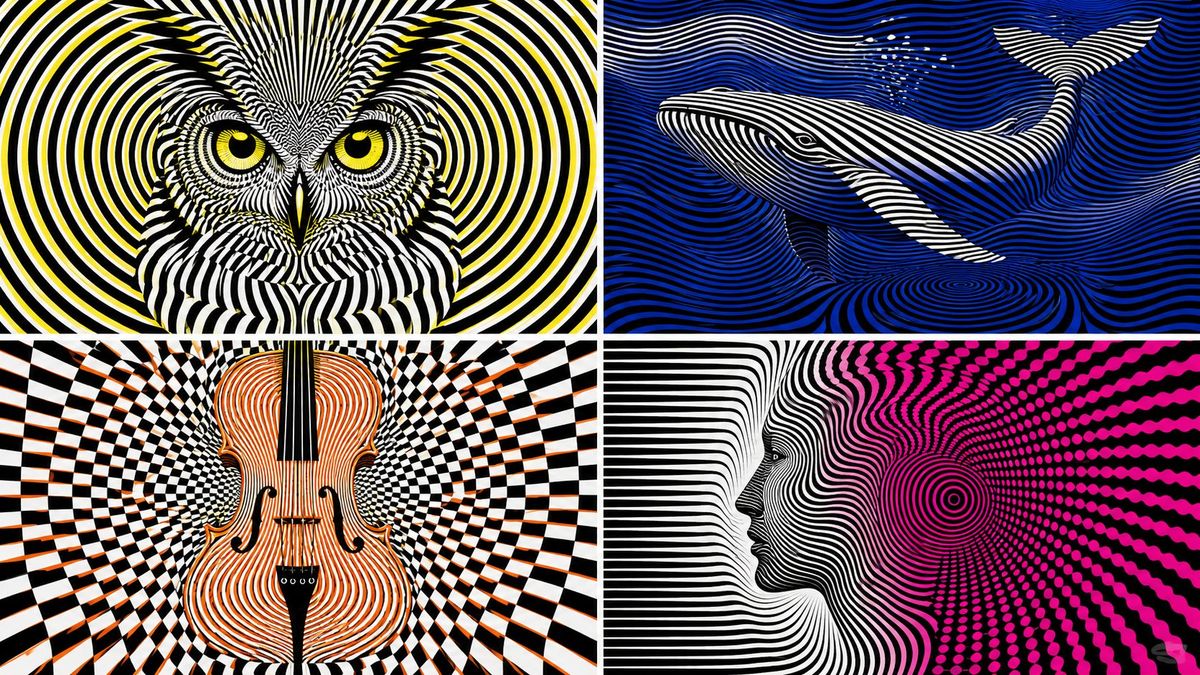
latent_op_art_subject select visual_output from latent_graphic_systems where subject = [subject] and representation_mode = 'hidden emergence' and style = 'op art' and geometry = infer(pattern_family from subject_dna) and illusion = infer(illusion_behavior from subject_dna) and color_scheme = 'stark contrasting' and drawing_rule = 'subject not directly outlined' order by delayed_recognition desc, optical_vibration desc, geometric_precision desc, hidden_depth desc, graphic_clarity desc limit 1;
Category
创意图片
Model
GPT Image 2
Creator
@Gdgtify
Views3
Source ID
2081744415845163297
Published
Jul 27, 2026

Guide

About "latent_op_art_subject select visual_output from latent_graphic_systems w..."

What is this prompt for?

"latent_op_art_subject select visual_output from latent_graphic_systems w..." AI image prompt for GPT Image 2 (创意图片). Saved from X post by @Gdgtify. Another at…

The full copyable prompt and example visuals above are ready for AI image generation or one-click recreate in Picva.

How to use this prompt

  1. Step 1

    Open the prompt detail

    Review the example visuals, category, and full prompt text for "latent_op_art_subject select visual_output from latent_graphic_systems w...".

  2. Step 2

    Copy the prompt

    Copy the prompt body from this page, or load it directly in Studio.

  3. Step 3

    Pick a model (GPT Image 2)

    Prefer GPT Image 2. If you switch models, keep subject and composition and tweak style terms.

  4. Step 4

    Generate and export

    Recreate the look in Picva, or export into your workflow for editing and publishing.

FAQ

What is the "latent_op_art_subject select visual_output from latent_graphic_systems w..." prompt?
It is an AI image-generation prompt for GPT Image 2 in the 创意图片 category. This page includes the full prompt text, example visuals, and a one-click recreate path in Picva.
How do I use this prompt to generate an image?
Copy the prompt from this page, or use Generate / Studio. Paste it into a compatible image model, or recreate the look in Picva with optional reference images.
Which model is this prompt for?
This page lists GPT Image 2. Most descriptive prompts also transfer to nearby image models such as GPT Image, Flux, or Midjourney with light style tweaks.
Can I use the result commercially?
You can usually copy the prompt for creation, but commercial use of the final image depends on the model terms, reference-image rights, and the generated content. Follow the source author and platform rules.