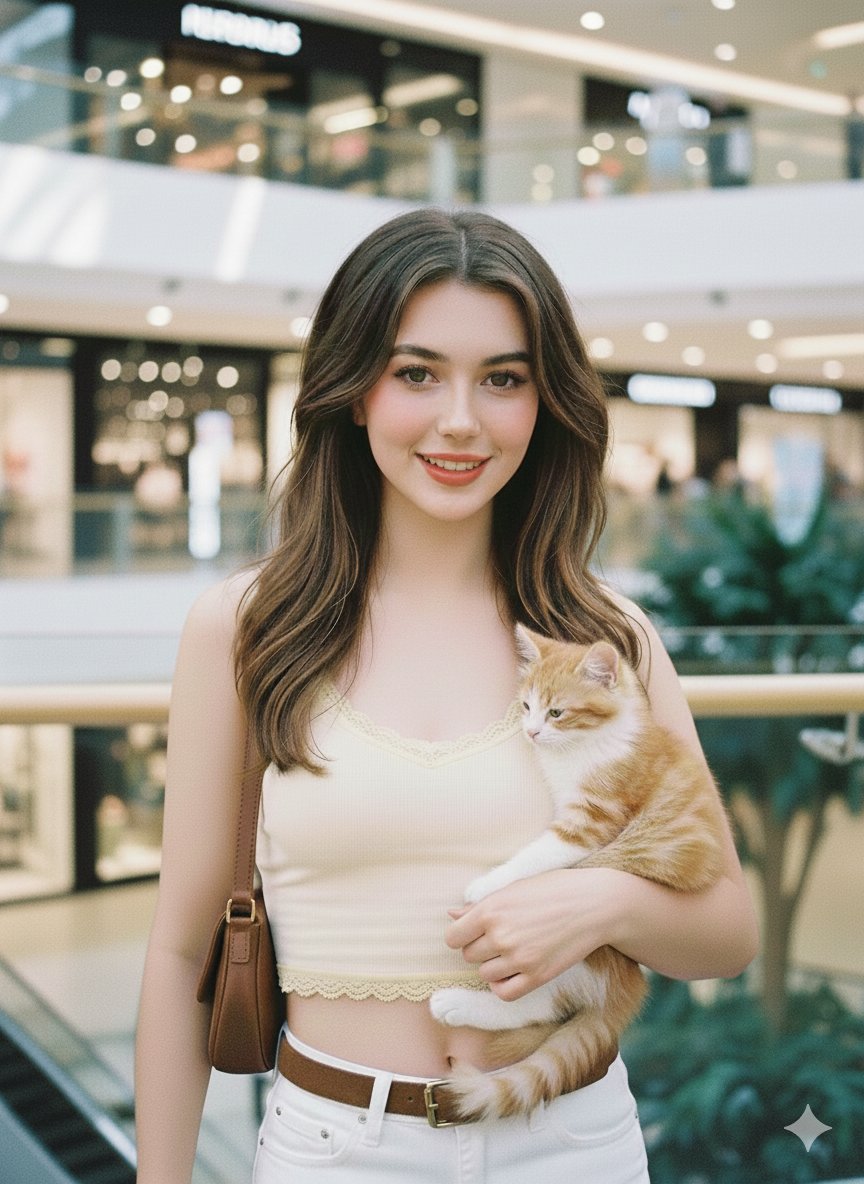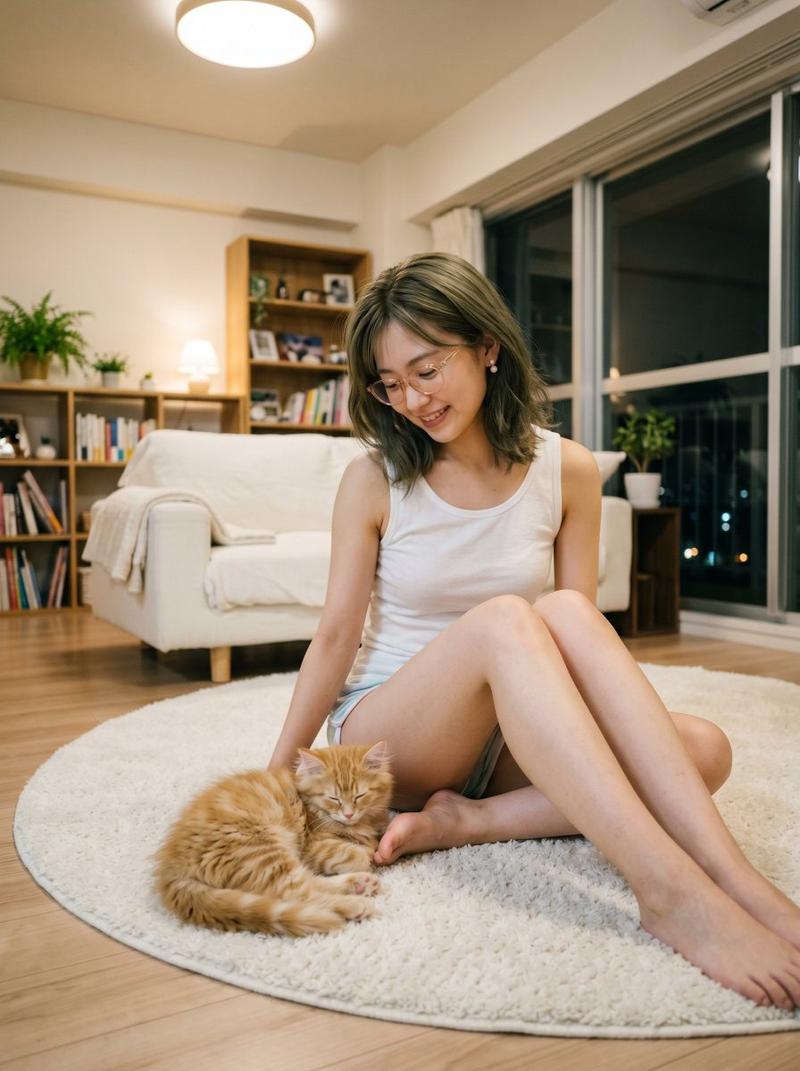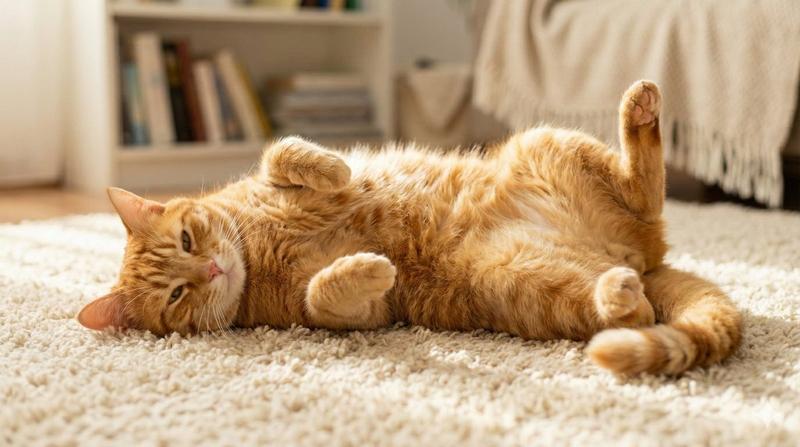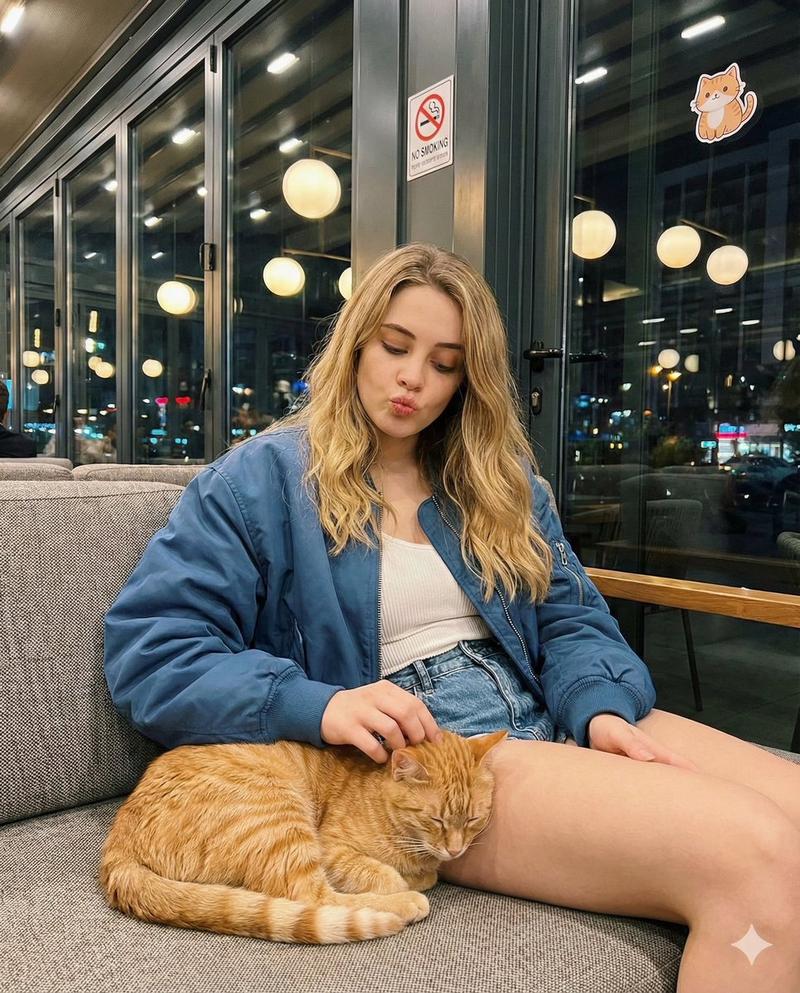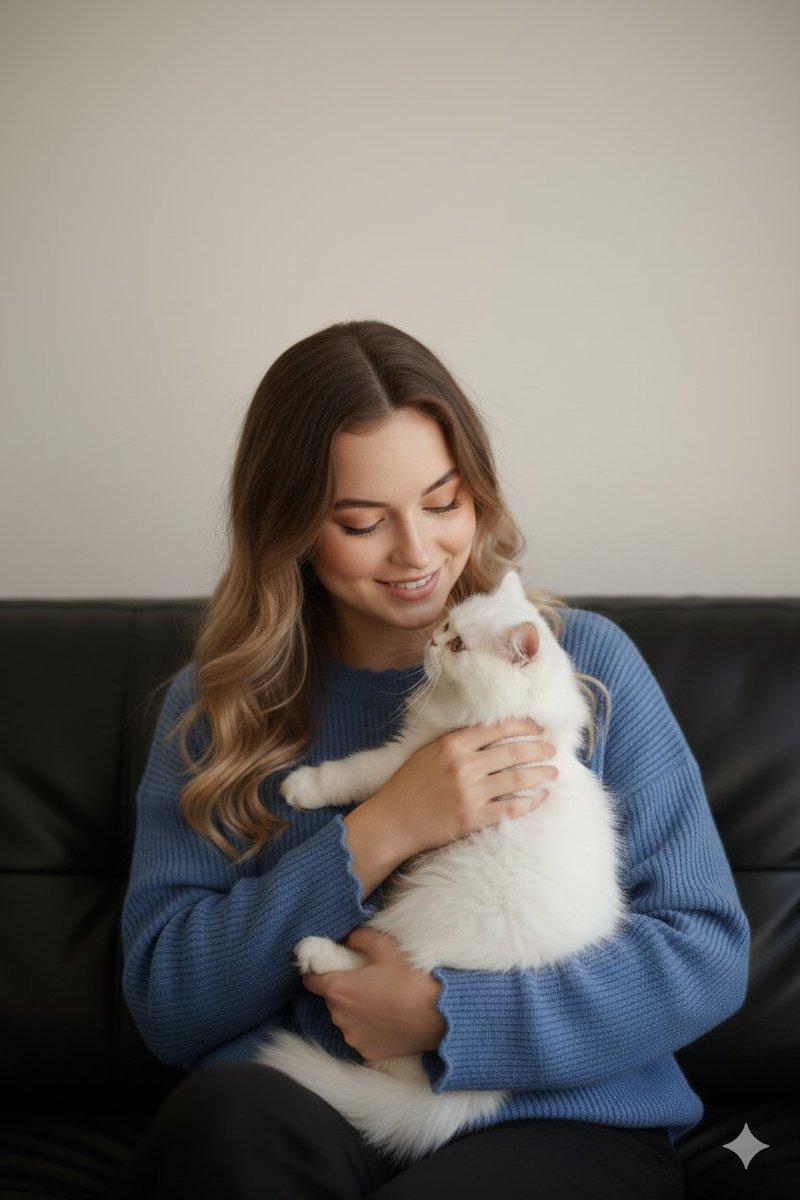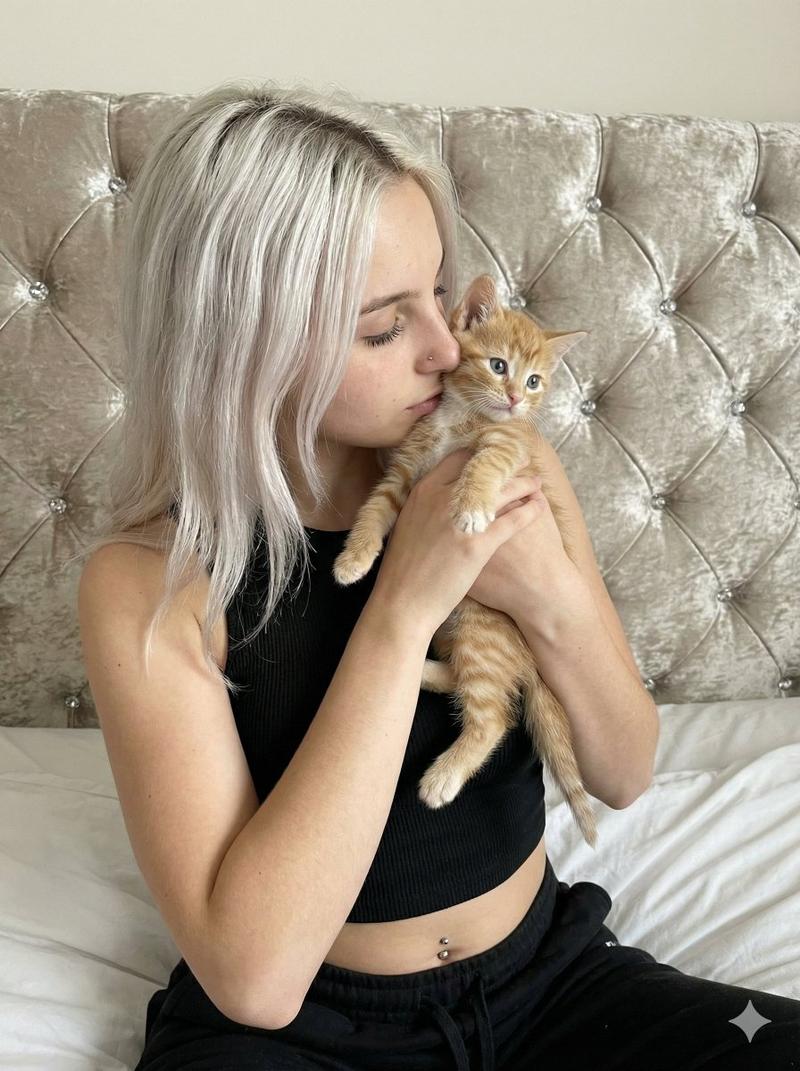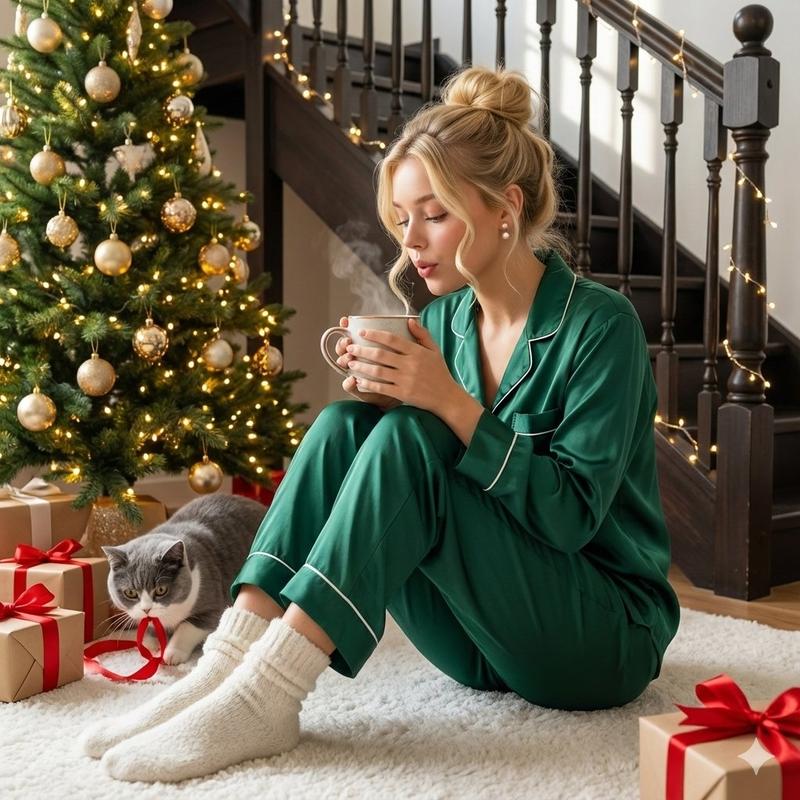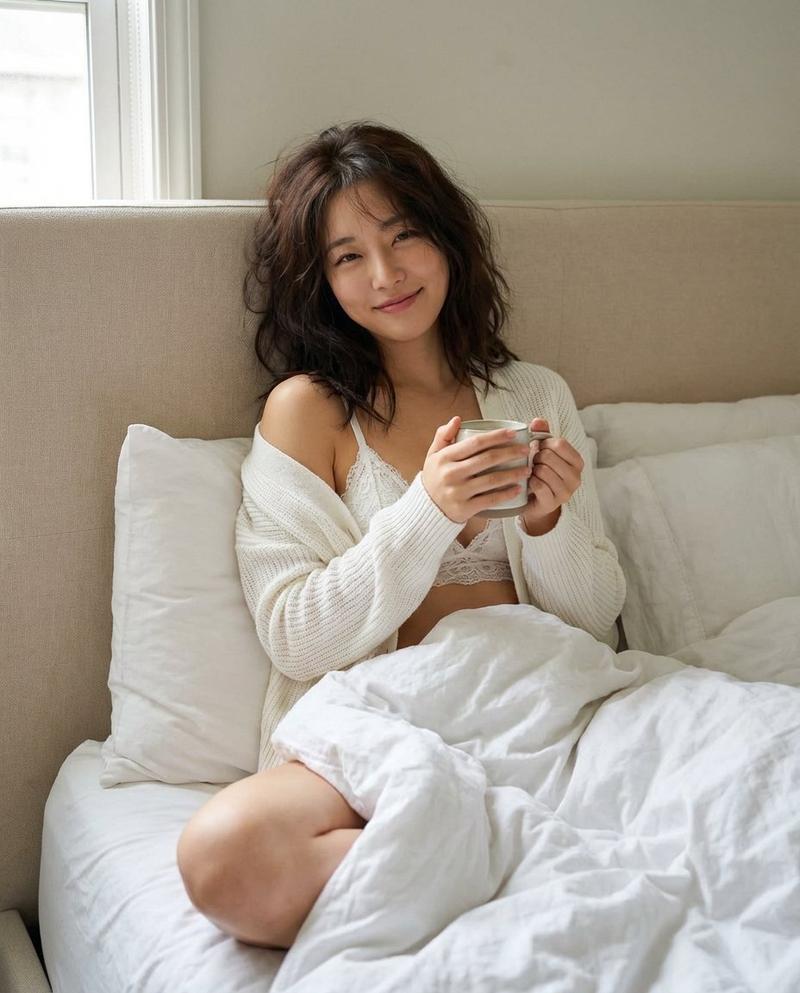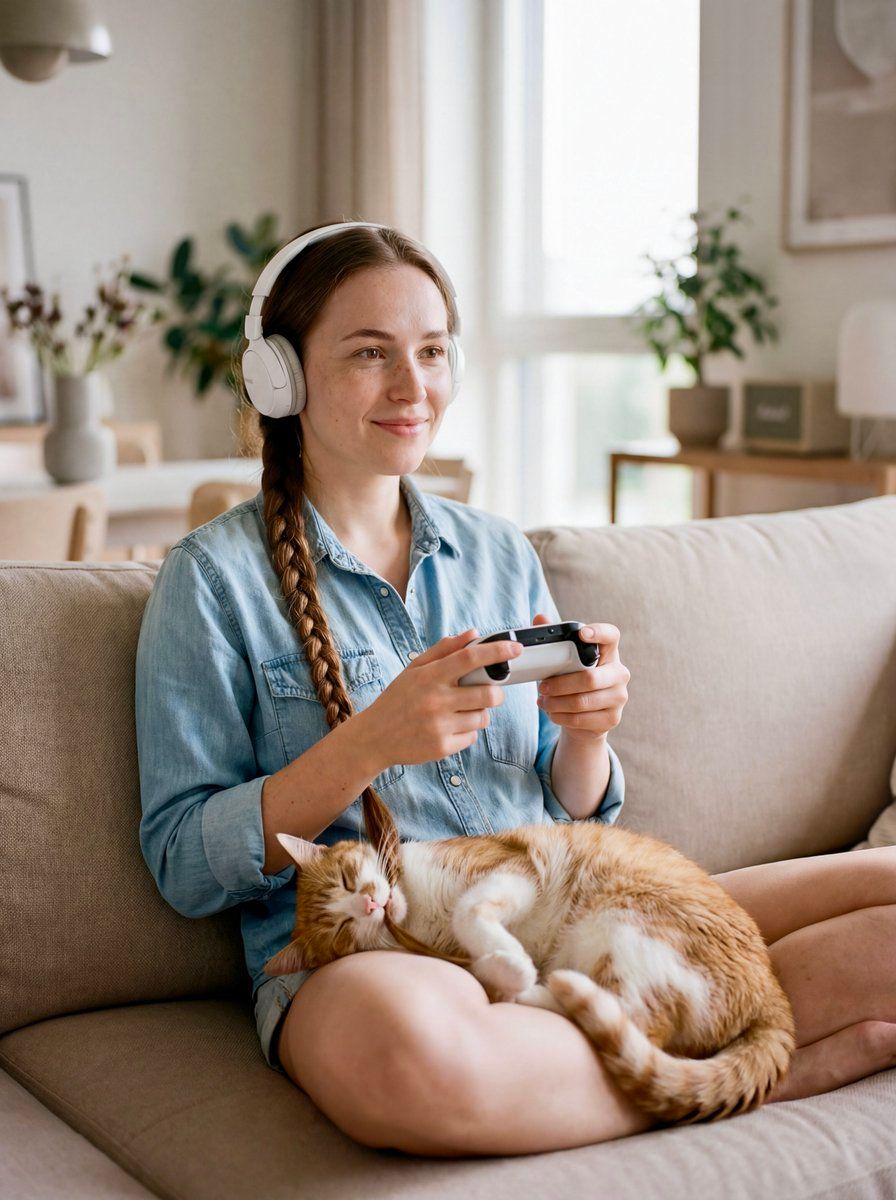
女性与猫咪互动编发造型的编辑肖像
Prompt
{
  "intent": "Create a modern editorial-style image capturing an intimate, playful moment between a beautiful woman and a sleeping cat, blending domestic warmth with contemporary digital lifestyle aesthetics.",
  "scene": {
    "environment": "modern minimalist apartment interior, soft neutral tones, subtle Scandinavian modernism, clean lines, warm ambient lighting",
    "time_of_day": "late afternoon",
    "mood": "calm, intimate, playful, contemporary"
  },
  "composition": {
    "aspect_ratio": "3:4",
    "shot_type": "medium-full body",
    "camera_angle": "slightly elevated eye-level",
    "framing": "woman seated comfortably, cat centered in her lap, braid visually connecting both subjects",
    "depth_of_field": "shallow depth of field, background softly blurred"
  },
  "subject": {
    "woman": {
      "age": 25,
      "appearance": "beautiful, natural makeup, subtle freckles, relaxed expression",
      "hairstyle": "single long braid extending downward into the cat’s reach",
      "outfit": "light blue denim jeans shirt, casually unbuttoned at the collar",
      "accessories": [
        "white over-ear headphones",
        "modern gaming controller or keyboard visible"
      ],
      "pose": "sitting comfortably, slightly leaning back, hands engaged in playing a computer game",
      "emotion": "focused yet serene"
    },
    "cat": {
      "type": "domestic cat",
      "pose": "lying on its back with belly up in the woman's lap",
      "state": "sleeping peacefully",
      "interaction": "gently biting and holding the woman's braid",
      "fur_detail": "soft, highly detailed fur texture with visible whiskers"
    }
  },
  "lighting": {
    "style": "soft cinematic daylight mixed with warm interior ambient light",
    "key_light": "diffused window light from the side",
    "fill_light": "subtle bounce light for skin realism",
    "highlights": "gentle highlights on headphones, braid, and cat fur"
  },
  "aesthetic": {
    "style": "modern editorial photography",
    "influences": [
      "contemporary lifestyle magazines",
      "minimalist modernism",
      "soft cinematic realism"
    ],
    "color_palette": "neutral whites, denim blue, warm beige, soft fur tones",
    "texture": "natural skin texture, visible fabric weave, realistic fur strands"
  },
  "photographic_details": {
    "lens": "50mm prime",
    "aperture": "f/1.8",
    "sensor_look": "full-frame",
    "imperfections": [
      "slight film grain",
      "natural skin pores",
      "minor motion blur on braid near the cat’s mouth"
    ]
  },
  "post_processing": {
    "color_grading": "soft editorial grade, warm highlights, neutral shadows",
    "contrast": "medium-low",
    "sharpness": "high on faces and cat, softer edges elsewhere"
  },
  "quality": {
    "resolution": "8K",
    "realism": "highly photorealistic",
    "finish": "luxury editorial, magazine-cover"
  }
}- Category
- 创意图片
- Model
- Nano Banana Pro
- Creator
- AI Tales - Not by Humans
- Source ID
- 81987432-d62d-4195-a37f-b7ae3b0c3e6b
- Published
- Mar 8, 2026
Views0