19

魔幻现实主义:画中飞龙
Enlarge

魔幻现实主义:画中飞龙

Prompt
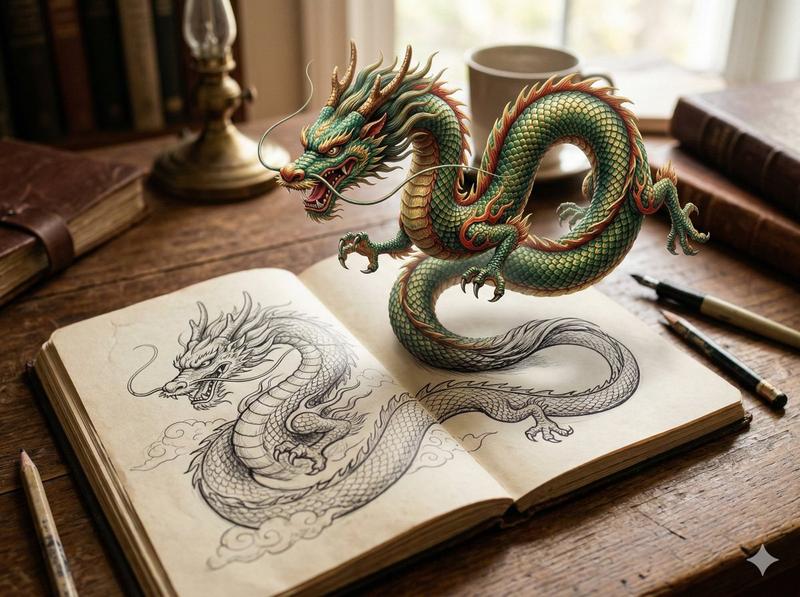
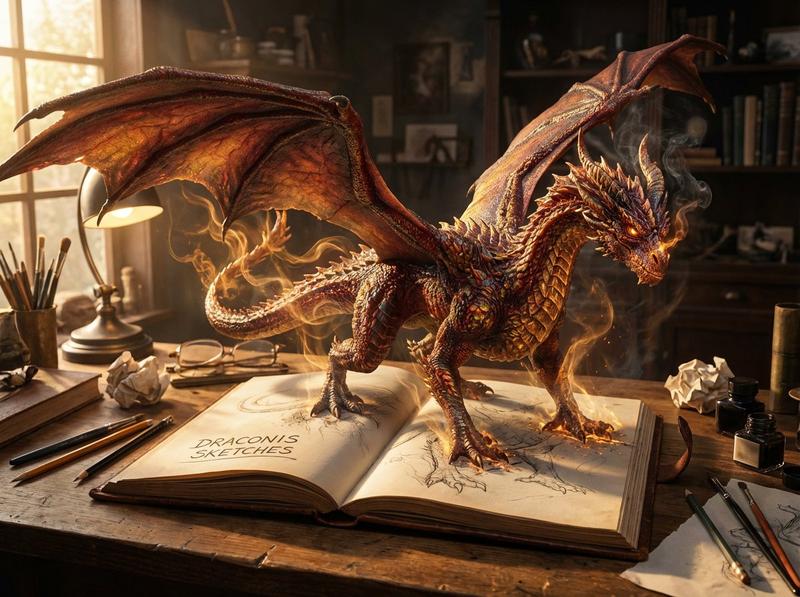
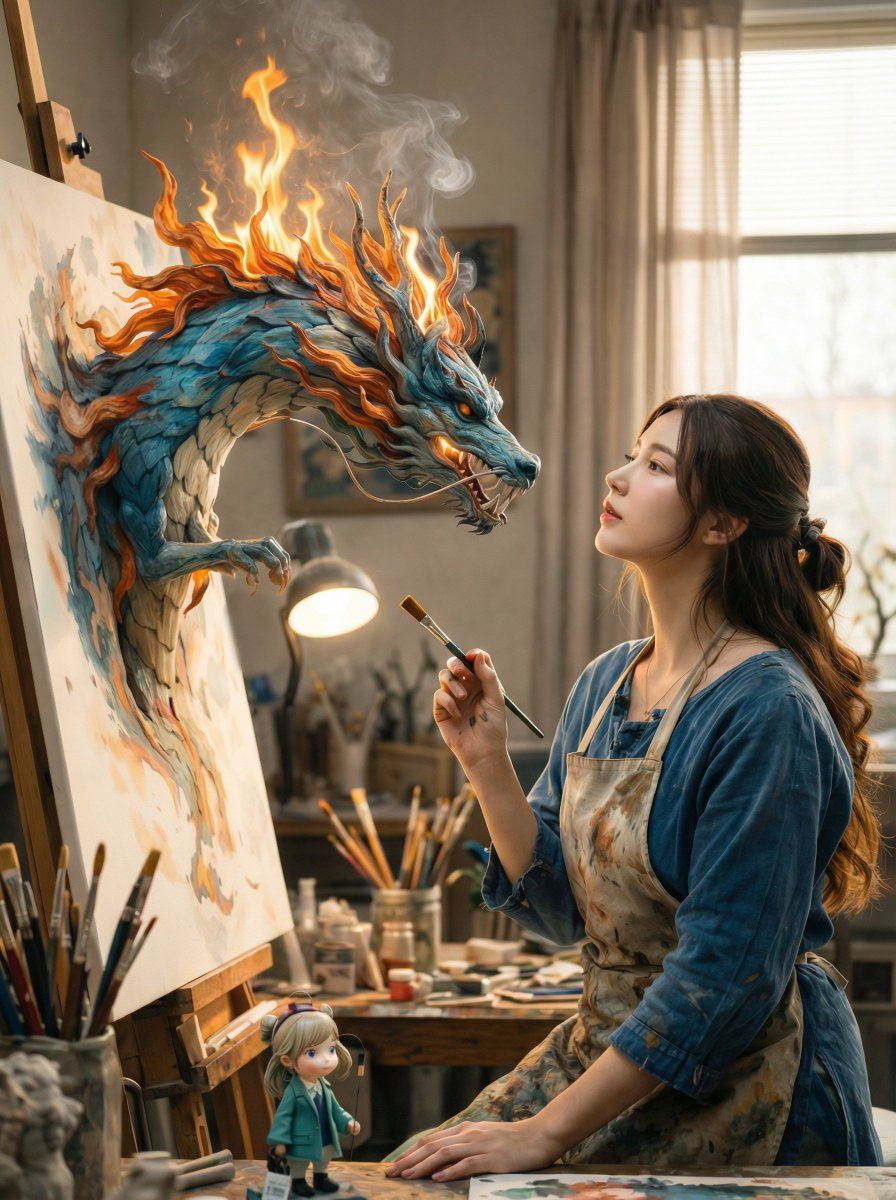
A cinematic fantasy scene inside a cozy artist’s studio. A young female painter wearing a paint-stained apron sits at an easel, holding a brush mid-air, gazing calmly at her canvas. From the canvas, a majestic Eastern-style dragon emerges in three dimensions, its scales painted in deep teal and blue hues, with flowing fiery orange flames along its mane and head, smoke curling upward. The dragon appears alive yet artistic, as if formed from brushstrokes and paint. Soft natural daylight filters through a window with sheer curtains, illuminating jars of brushes, paints, and art supplies scattered across the wooden workspace. Warm, realistic lighting, shallow depth of field, ultra-detailed textures, magical realism, fantasy realism style, 8k quality, highly detailed, cinematic composition, soft color grading, whimsical yet serene mood.
Category
创意图片
Model
Nano Banana Pro
Creator
Aijaz
Views0
Source ID
ef7bd130-8e5d-4225-923d-a2e8fda454d6
Published
Mar 8, 2026

Guide

About "魔幻现实主义:画中飞龙"

What is this prompt for?

"魔幻现实主义:画中飞龙" AI image prompt for Nano Banana Pro (创意图片). 一个用于生成电影级奇幻场景的提示:在一个艺术家的工作室里,一条雄伟的东方风格的龙,以青色和蓝色绘制,从画布中三维地浮现出来。提示中还指定了柔和的自然日光、超精细的纹理和魔幻现实主义风格。 --- 一个舒…

The full copyable prompt and example visuals above are ready for AI image generation or one-click recreate in Picva.

How to use this prompt

  1. Step 1

    Open the prompt detail

    Review the example visuals, category, and full prompt text for "魔幻现实主义:画中飞龙".

  2. Step 2

    Copy the prompt

    Copy the prompt body from this page, or load it directly in Studio.

  3. Step 3

    Pick a model (Nano Banana Pro)

    Prefer Nano Banana Pro. If you switch models, keep subject and composition and tweak style terms.

  4. Step 4

    Generate and export

    Recreate the look in Picva, or export into your workflow for editing and publishing.

FAQ

What is the "魔幻现实主义:画中飞龙" prompt?
It is an AI image-generation prompt for Nano Banana Pro in the 创意图片 category. This page includes the full prompt text, example visuals, and a one-click recreate path in Picva.
How do I use this prompt to generate an image?
Copy the prompt from this page, or use Generate / Studio. Paste it into a compatible image model, or recreate the look in Picva with optional reference images.
Which model is this prompt for?
This page lists Nano Banana Pro. Most descriptive prompts also transfer to nearby image models such as GPT Image, Flux, or Midjourney with light style tweaks.
Can I use the result commercially?
You can usually copy the prompt for creation, but commercial use of the final image depends on the model terms, reference-image rights, and the generated content. Follow the source author and platform rules.