15

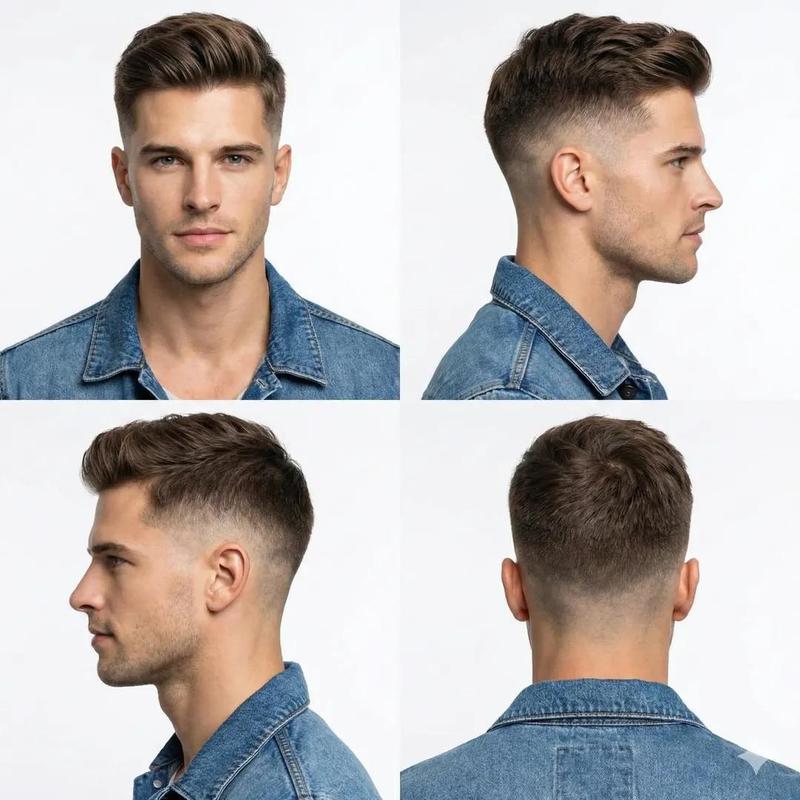
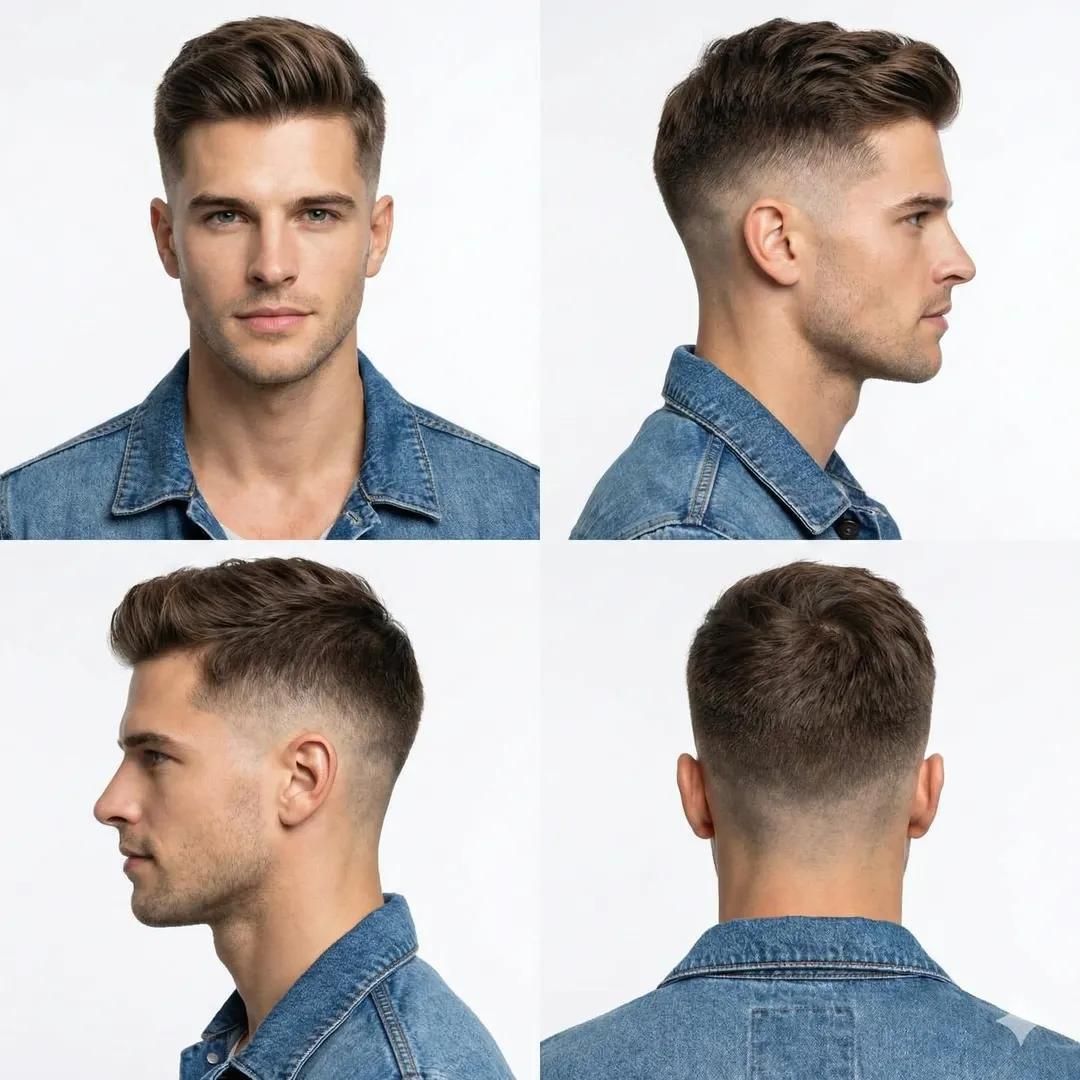
理发店发型参考照片网格
Enlarge

理发店发型参考照片网格

Prompt
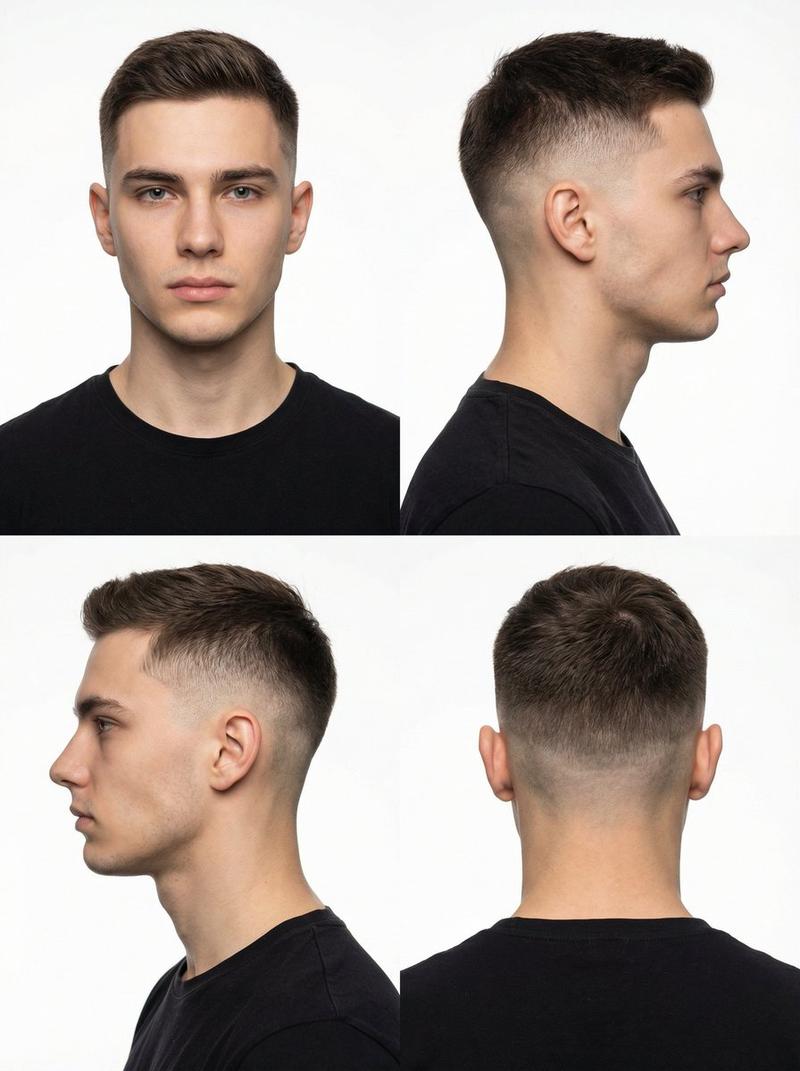
Professional studio portrait of a handsome young man showcasing a modern low-to-mid skin fade haircut with textured volume on top. Clean sharp hairline, smooth gradient fade on the sides and back. Four-angle layout: front view, right profile, left profile, and back view. Neutral light gray background, soft diffused studio lighting, even skin tones, high detail hair texture. Grooming catalog style, barbershop reference photo, ultra-realistic photography, 85mm lens, f/4, sharp focus, 8K resolution.
Category
创意图片
Model
Nano Banana Pro
Creator
Sandy
Views0
Source ID
9007bf22-084d-4df6-95b8-c0af6d52cfcc
Published
Mar 8, 2026

Guide

About "理发店发型参考照片网格"

What is this prompt for?

"理发店发型参考照片网格" AI image prompt for Nano Banana Pro (创意图片). 一个用于生成年轻男士现代发型专业超逼真工作室肖像的提示,以四角度布局(正面、右侧面、左侧面、背面)呈现,适用于美容产品目录或理发店参考。 --- 一位英俊的年轻男士的专业影棚肖像,展示了现代的低渐变到中…

The full copyable prompt and example visuals above are ready for AI image generation or one-click recreate in Picva.

How to use this prompt

  1. Step 1

    Open the prompt detail

    Review the example visuals, category, and full prompt text for "理发店发型参考照片网格".

  2. Step 2

    Copy the prompt

    Copy the prompt body from this page, or load it directly in Studio.

  3. Step 3

    Pick a model (Nano Banana Pro)

    Prefer Nano Banana Pro. If you switch models, keep subject and composition and tweak style terms.

  4. Step 4

    Generate and export

    Recreate the look in Picva, or export into your workflow for editing and publishing.

FAQ

What is the "理发店发型参考照片网格" prompt?
It is an AI image-generation prompt for Nano Banana Pro in the 创意图片 category. This page includes the full prompt text, example visuals, and a one-click recreate path in Picva.
How do I use this prompt to generate an image?
Copy the prompt from this page, or use Generate / Studio. Paste it into a compatible image model, or recreate the look in Picva with optional reference images.
Which model is this prompt for?
This page lists Nano Banana Pro. Most descriptive prompts also transfer to nearby image models such as GPT Image, Flux, or Midjourney with light style tweaks.
Can I use the result commercially?
You can usually copy the prompt for creation, but commercial use of the final image depends on the model terms, reference-image rights, and the generated content. Follow the source author and platform rules.