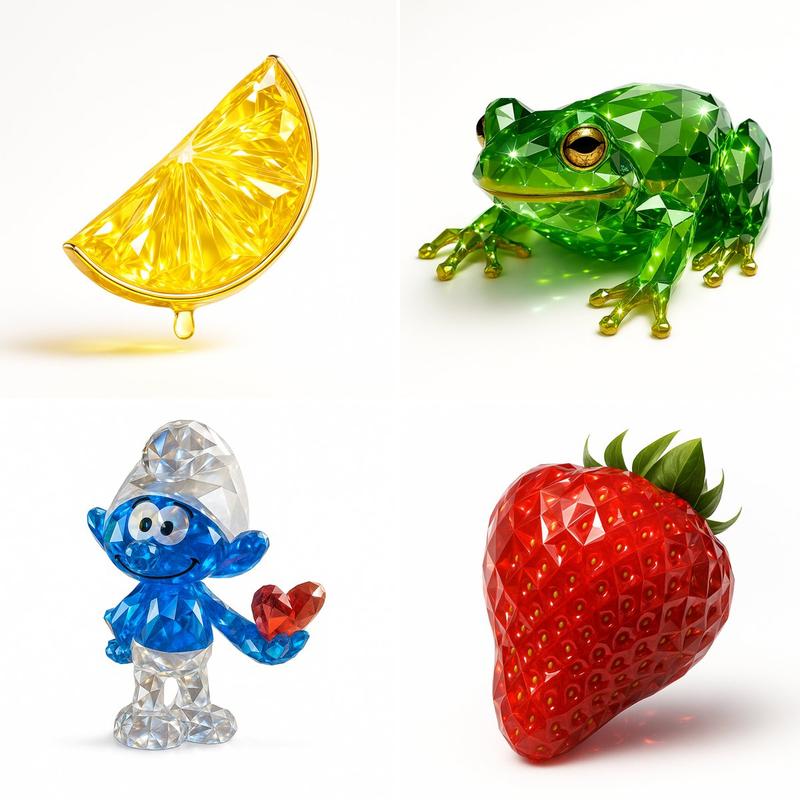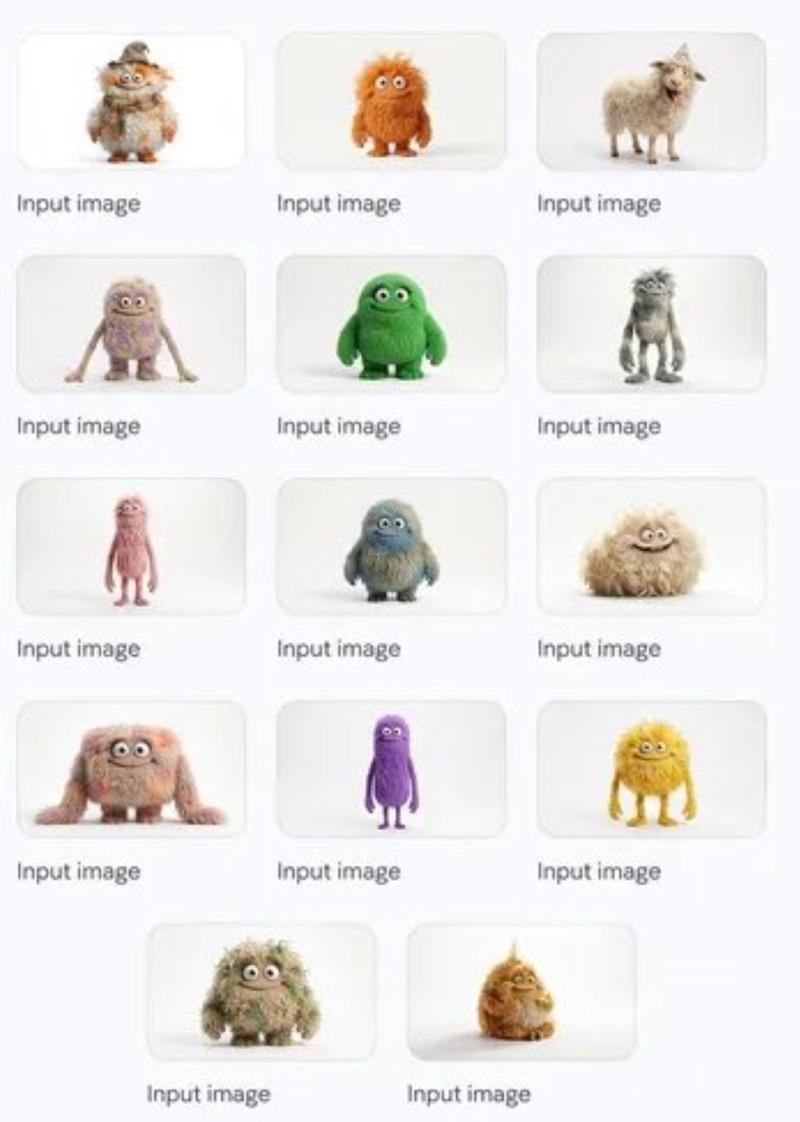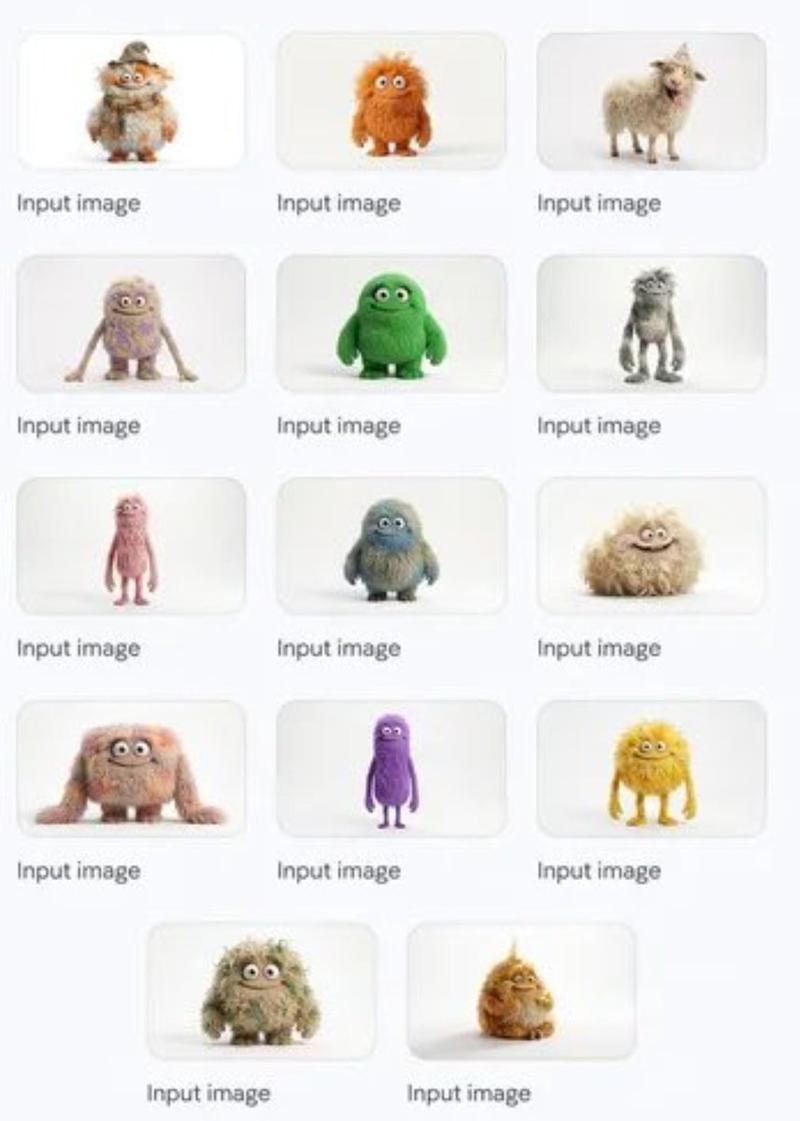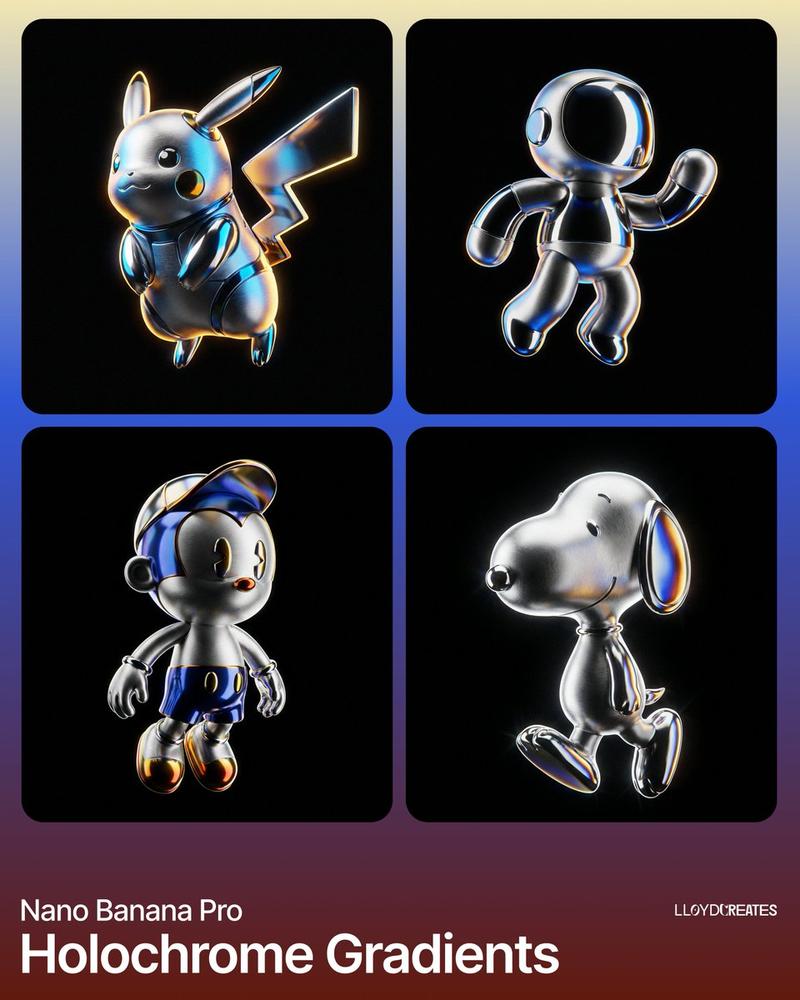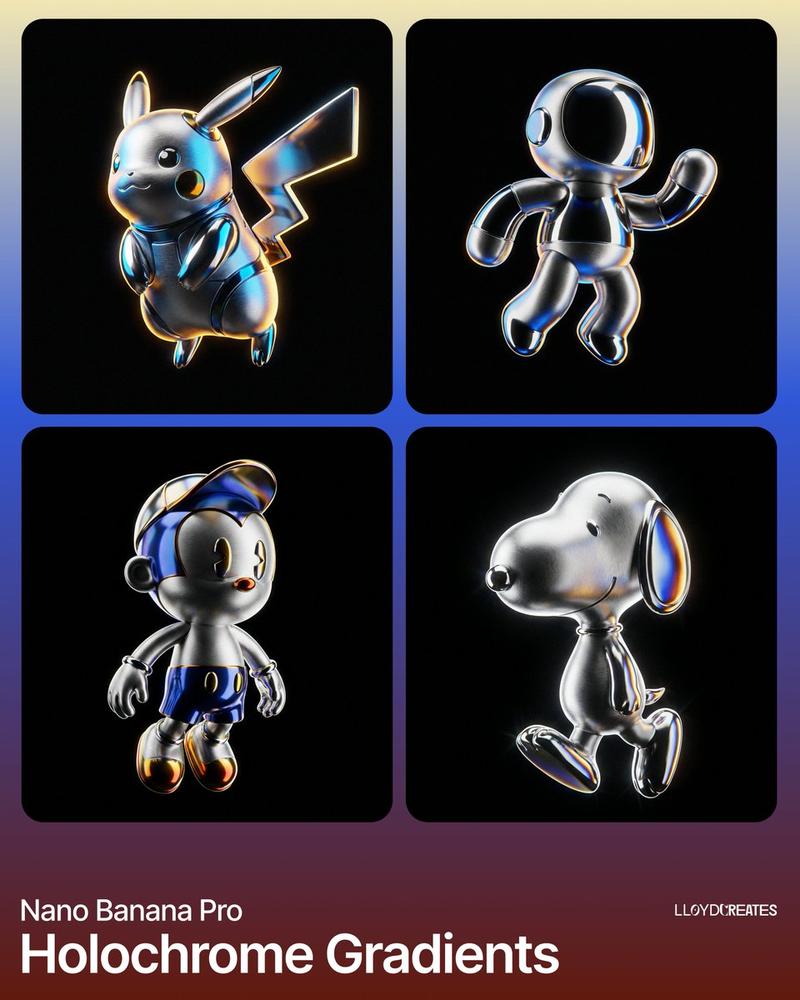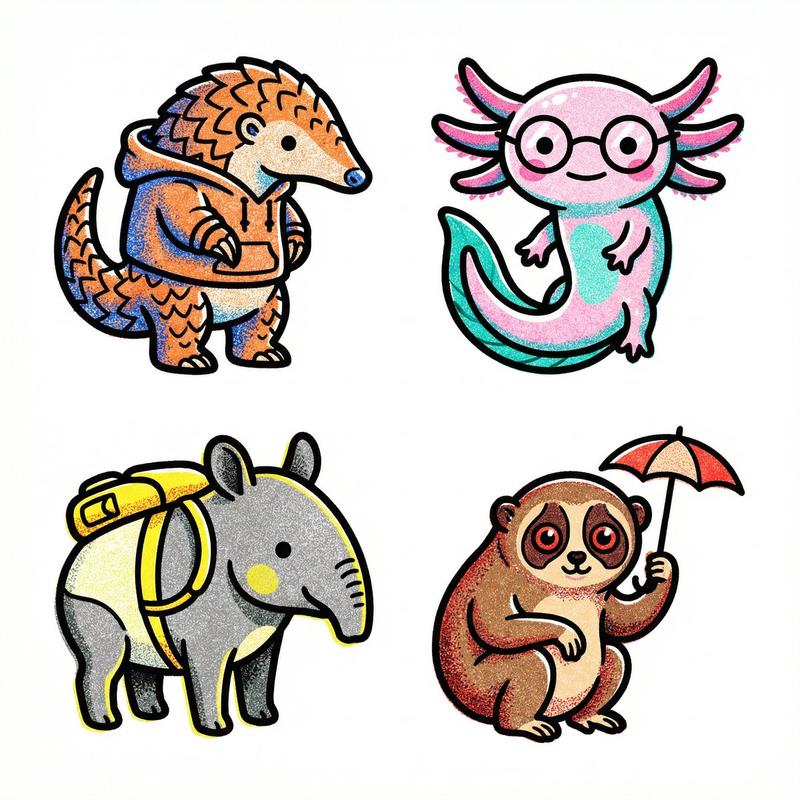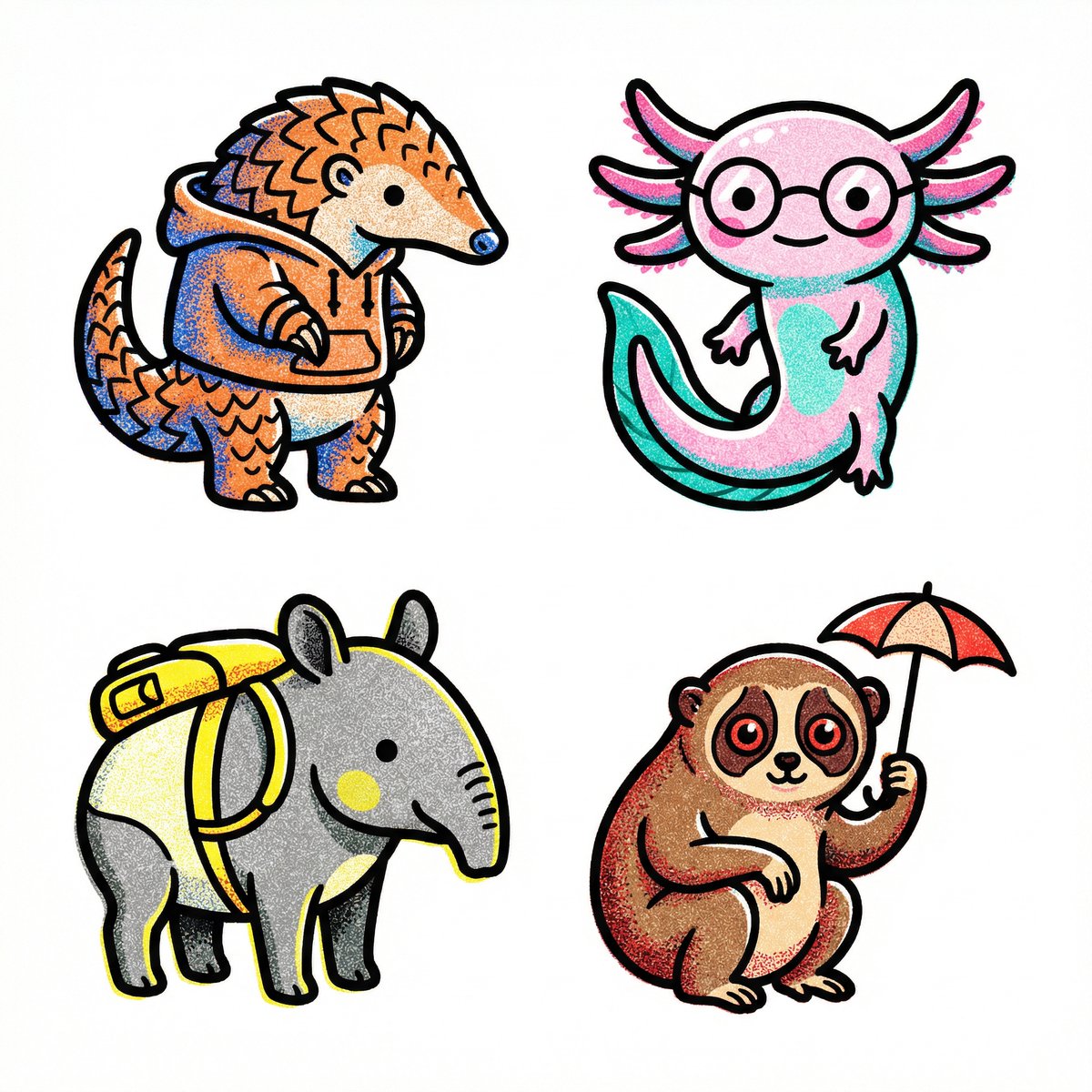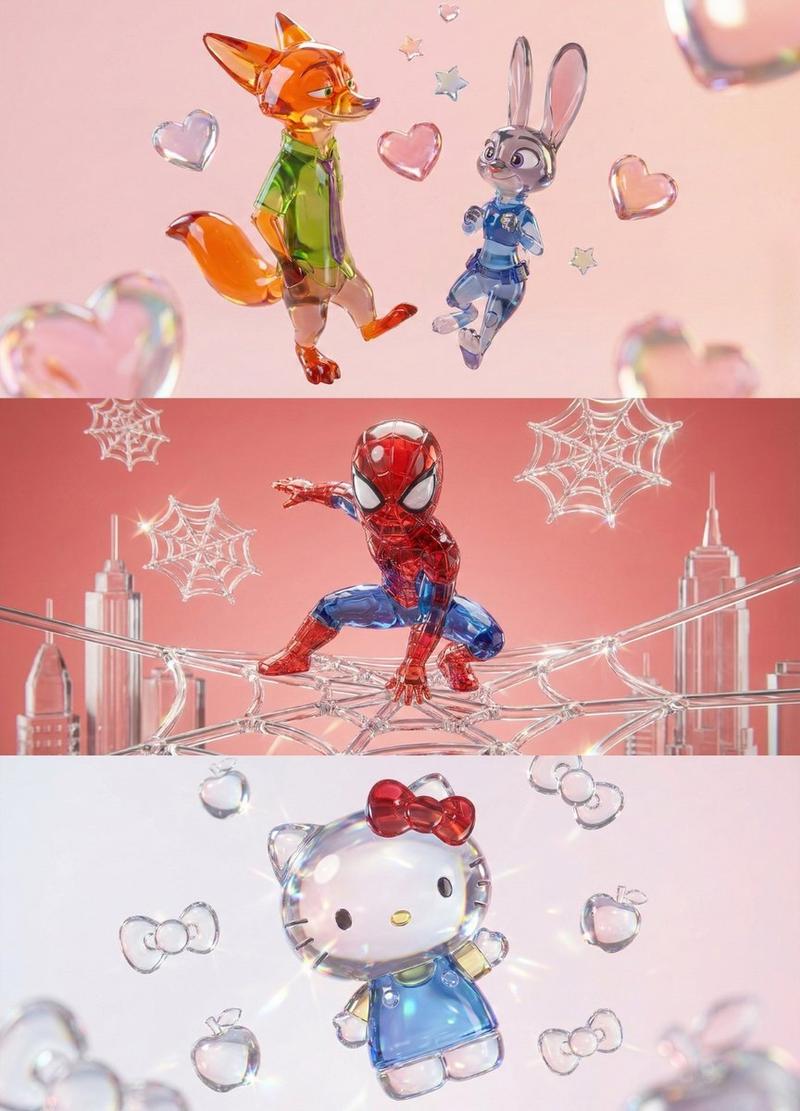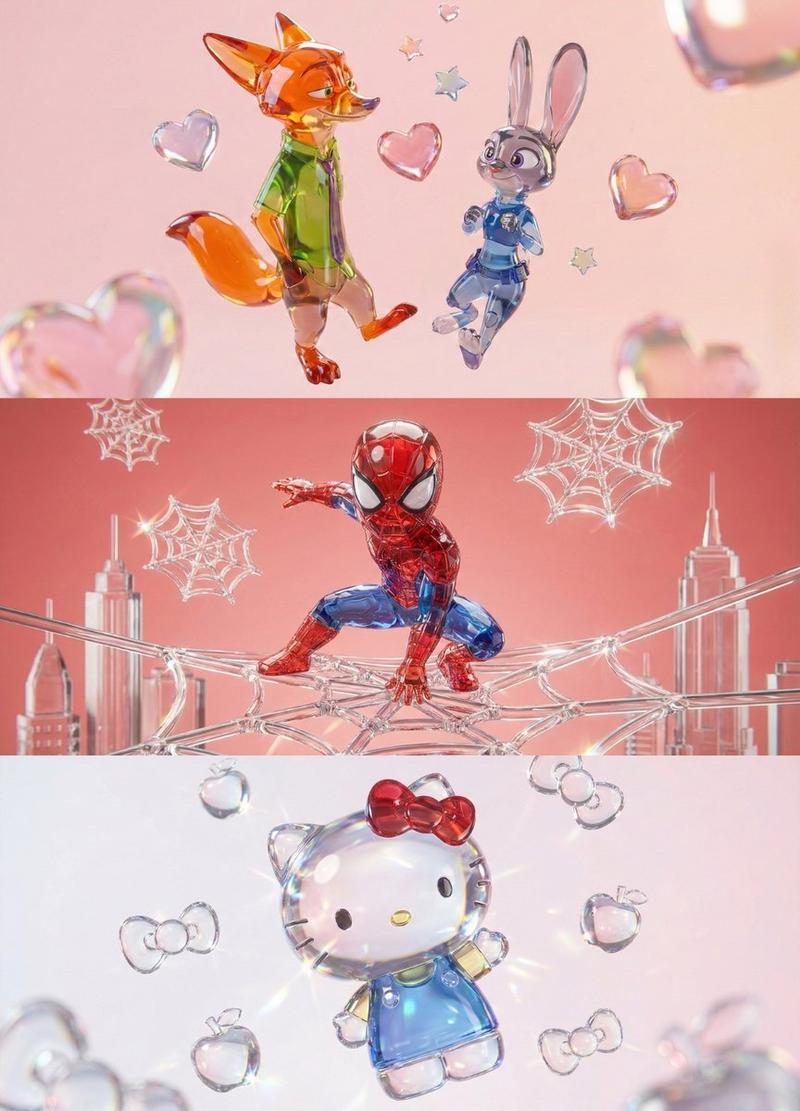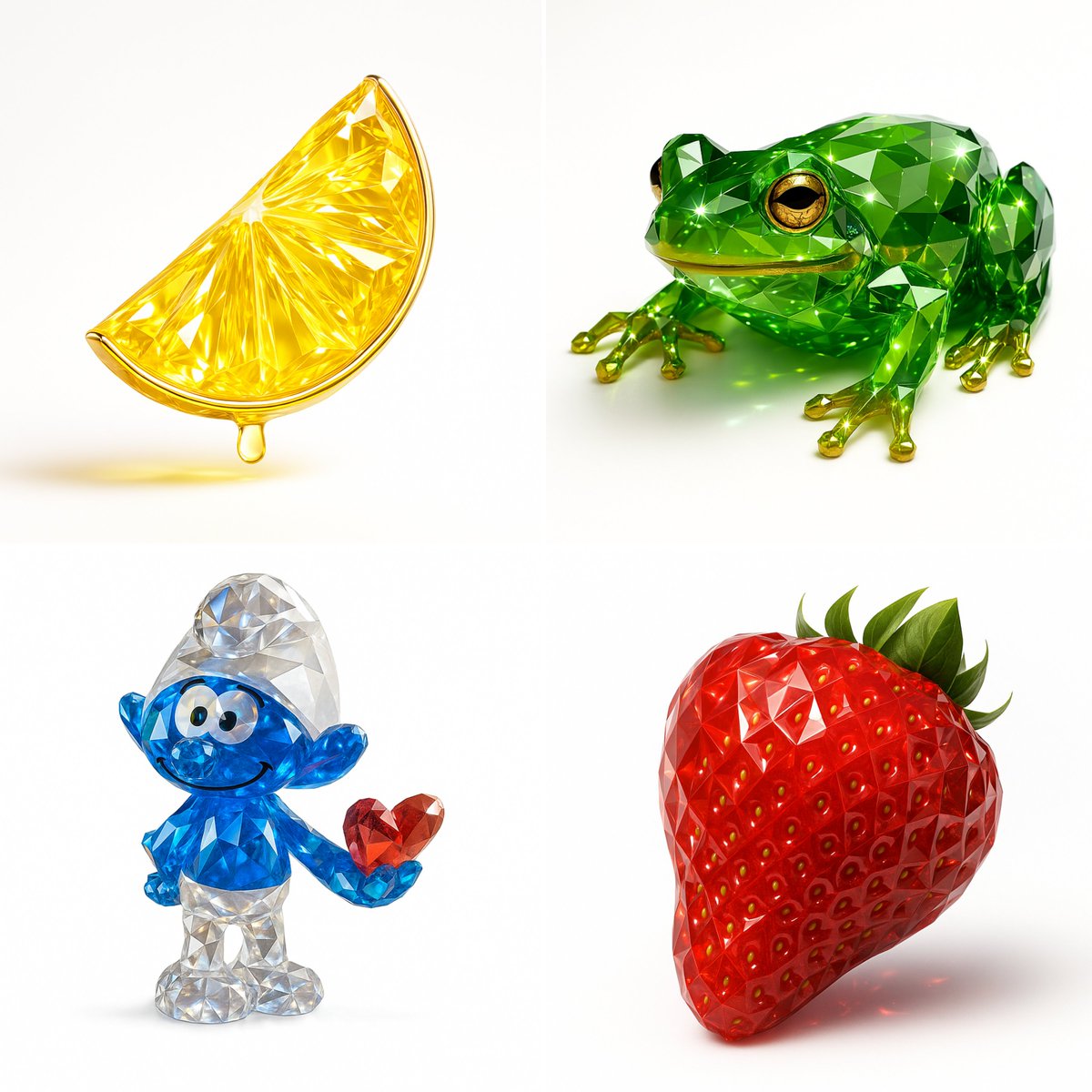
渲染宝石
Prompt
Recreate this image using the pamareters of the JSON provided.
{
  "name": "Gemstone Render",
  "object": {
    "type": "auto",
    "detected_color": "auto",
    "form": "realistic, natural form preserved",
    "material": "crystal or faceted gemstone glass",
    "surface": "precision-cut facets, sharp reflections",
    "transparency": "high clarity with light refraction",
    "internal_features": "color depth, internal shimmer, and light dispersion"
  },
  "color_and_light": {
    "primary_color": "{detected_color}",
    "highlight_effects": "specular highlights, gemstone brilliance, caustics",
    "lighting_setup": "studio lighting with white or soft background",
    "metallic_accents": {
      "enabled": true,
      "material": "gold or chrome",
      "application": "rim, stem, or edge detailing"
    }
  },
  "style": {
    "artistic_style": [
      "photorealistic 3D render",
      "Gemstone Render Style",
      "luxury object visualization"
    ],
    "design_language": [
      "faceted precision modeling",
      "jewelry-like rendering",
      "optical depth and brilliance"
    ]
  },
  "technical_details": {
    "render_engine": [
      "Blender with Cycles",
      "Cinema 4D + Redshift/Octane"
    ],
    "rendering_techniques": [
      "physically-based rendering (PBR)",
      "ray tracing",
      "global illumination"
    ],
    "resolution": "ultra high-res (4K–8K)",
    "post_processing": [
      "subtle glow",
      "enhanced reflections",
      "color-preserving contrast boost"
    ]
}- Category
- 创意图片
- Model
- Nano Banana Pro
- Creator
- @alban_gz
- Source ID
- 77e86f31-cc71-4da1-8b69-5d1b55ab2cfc
- Published
- Dec 27, 2025
Views6