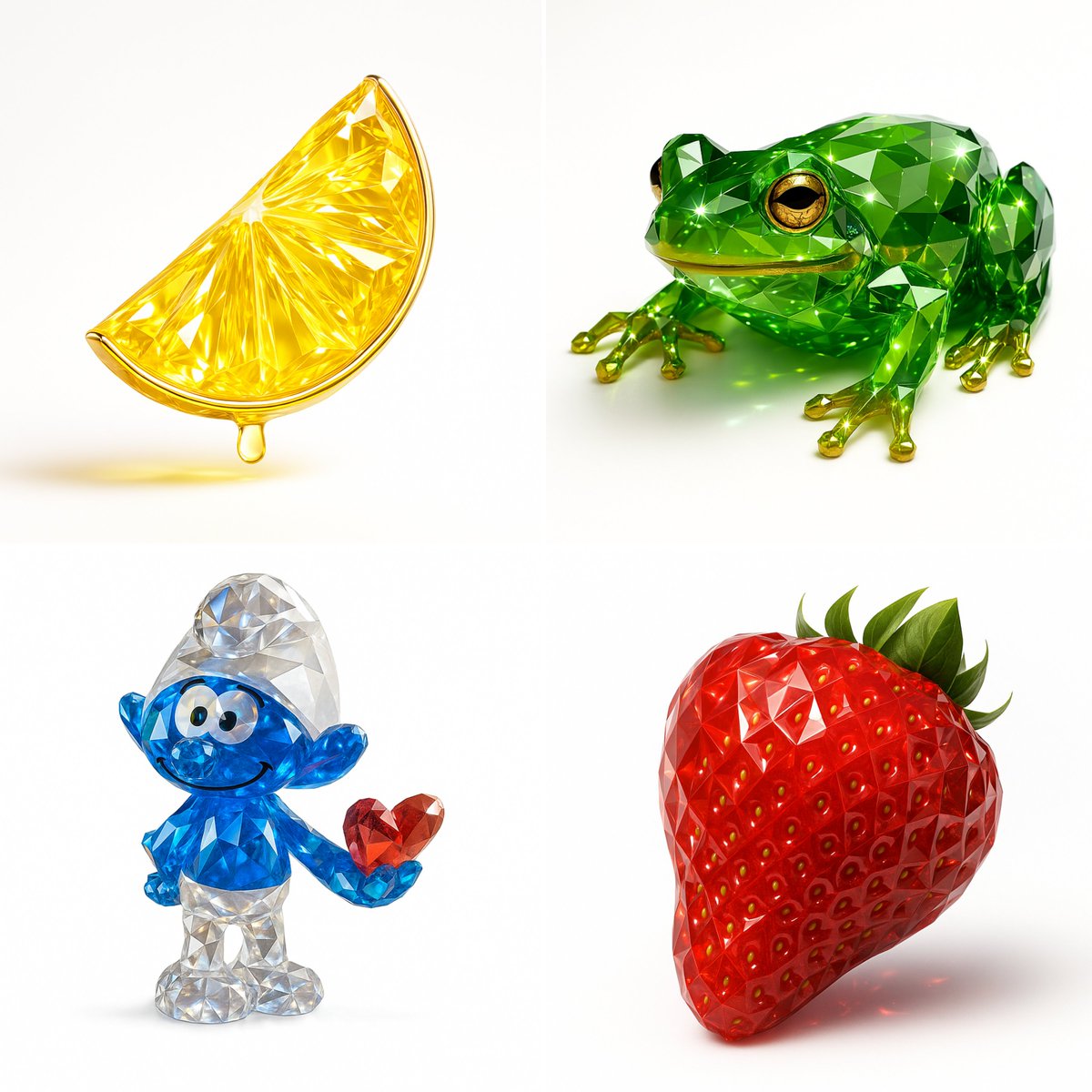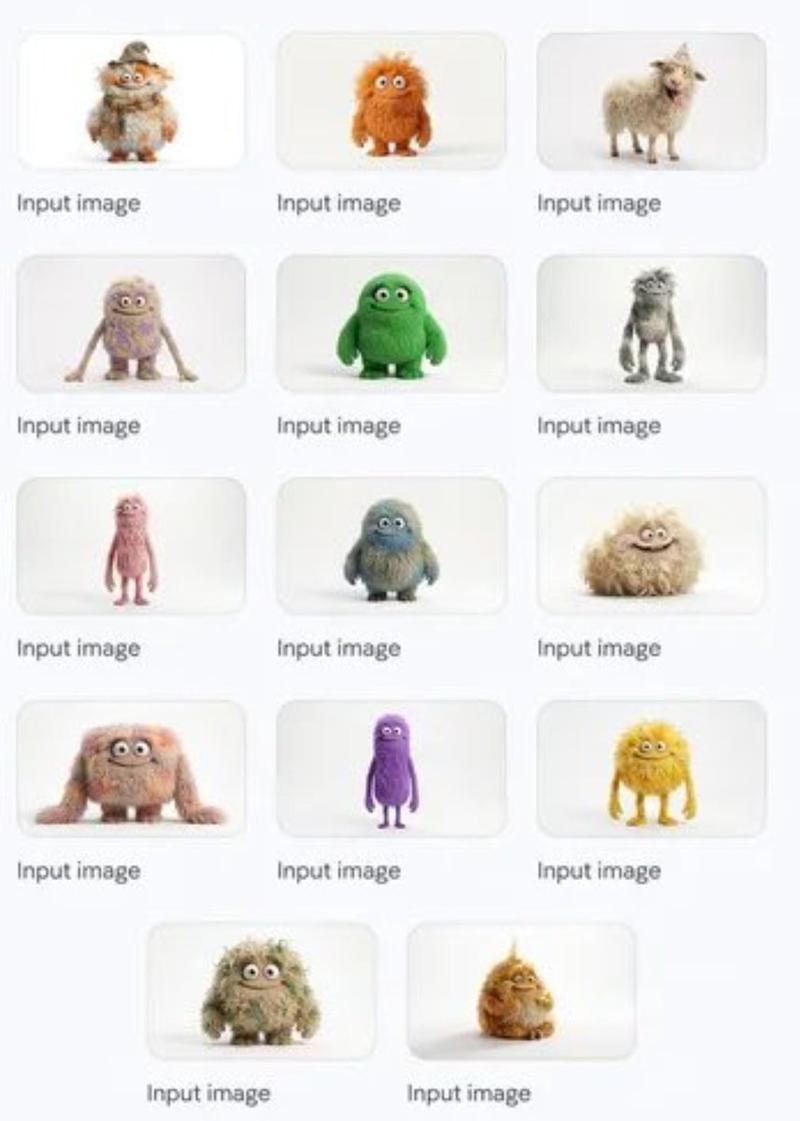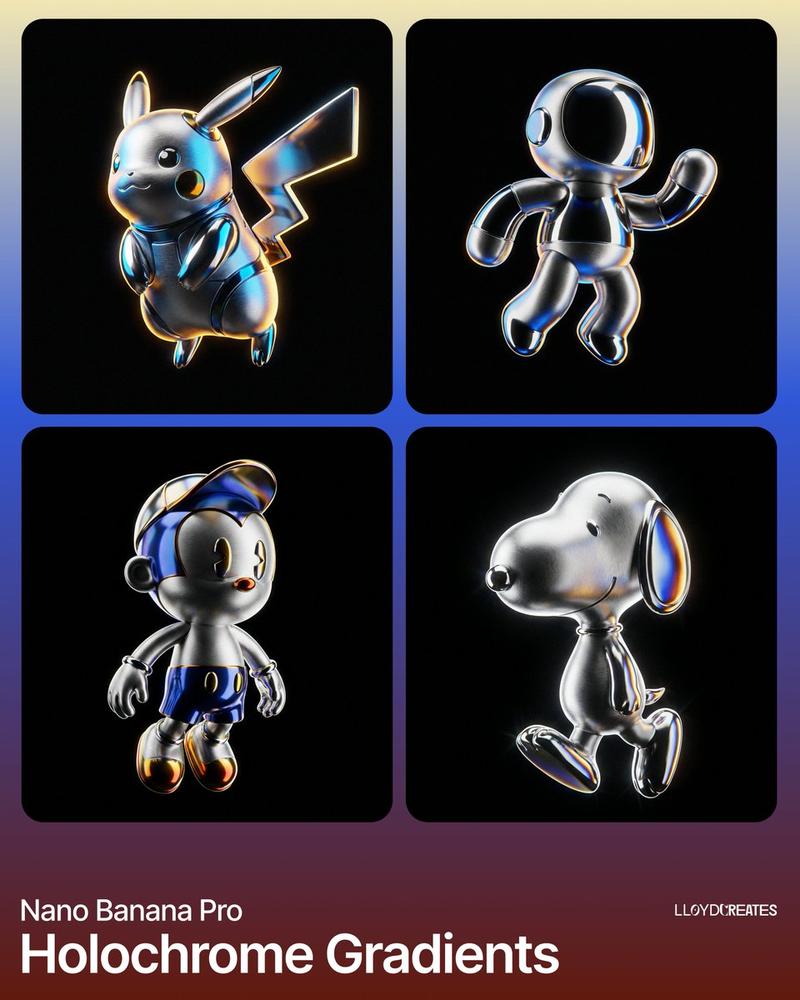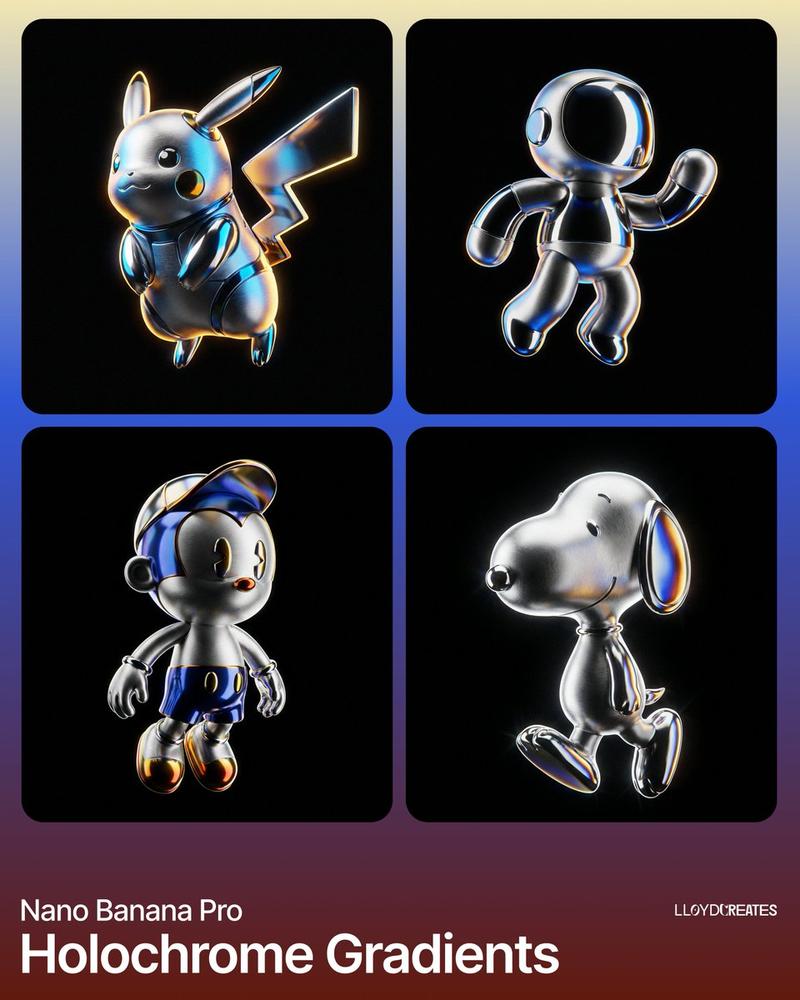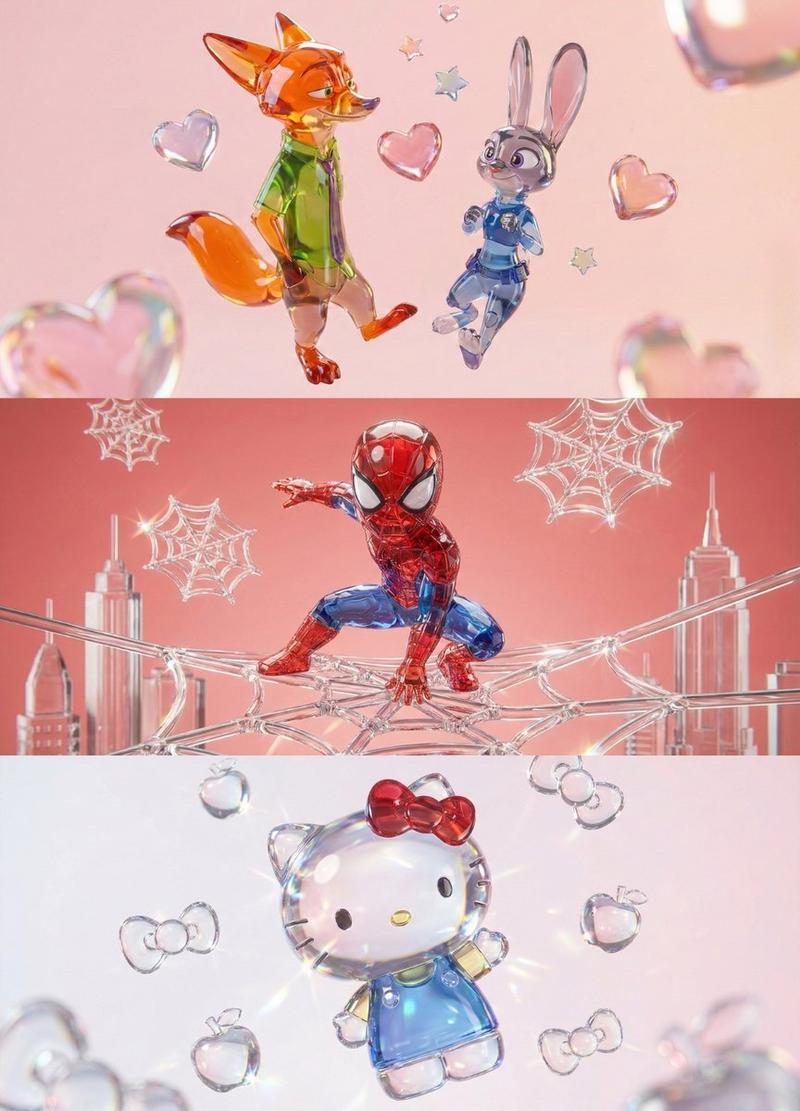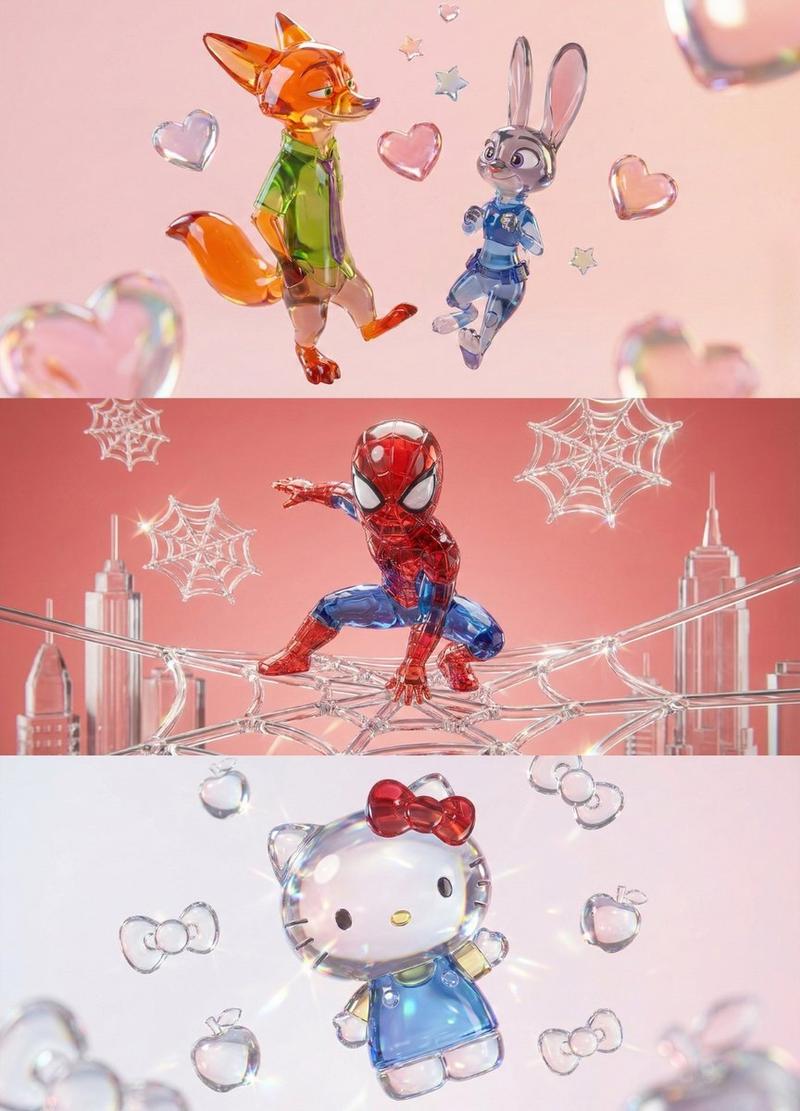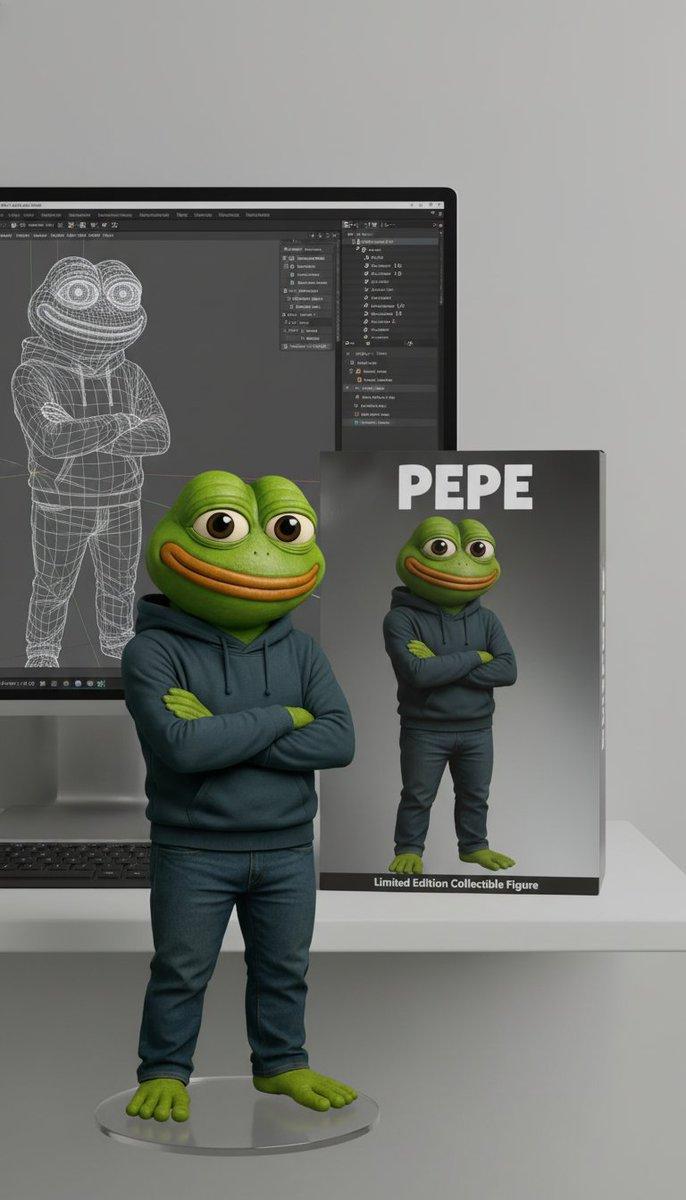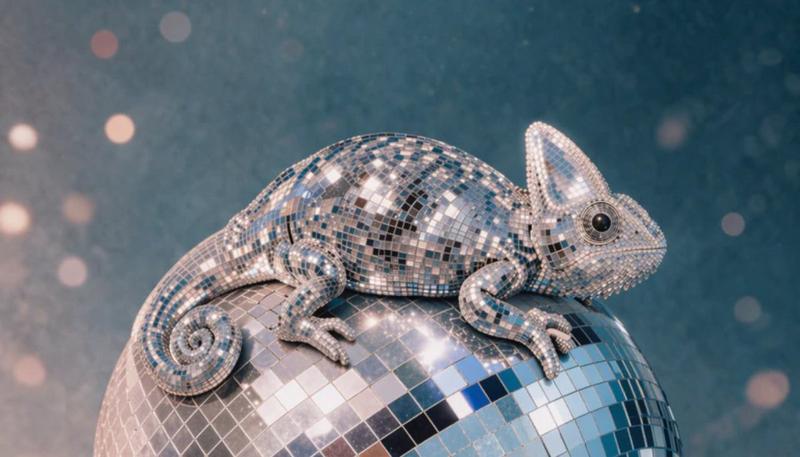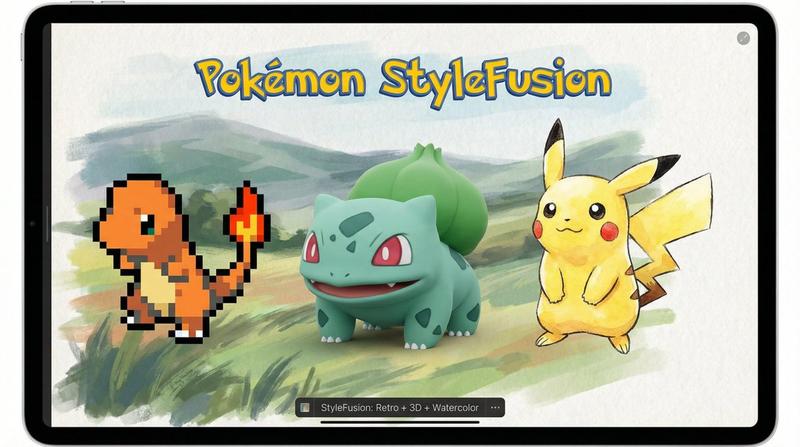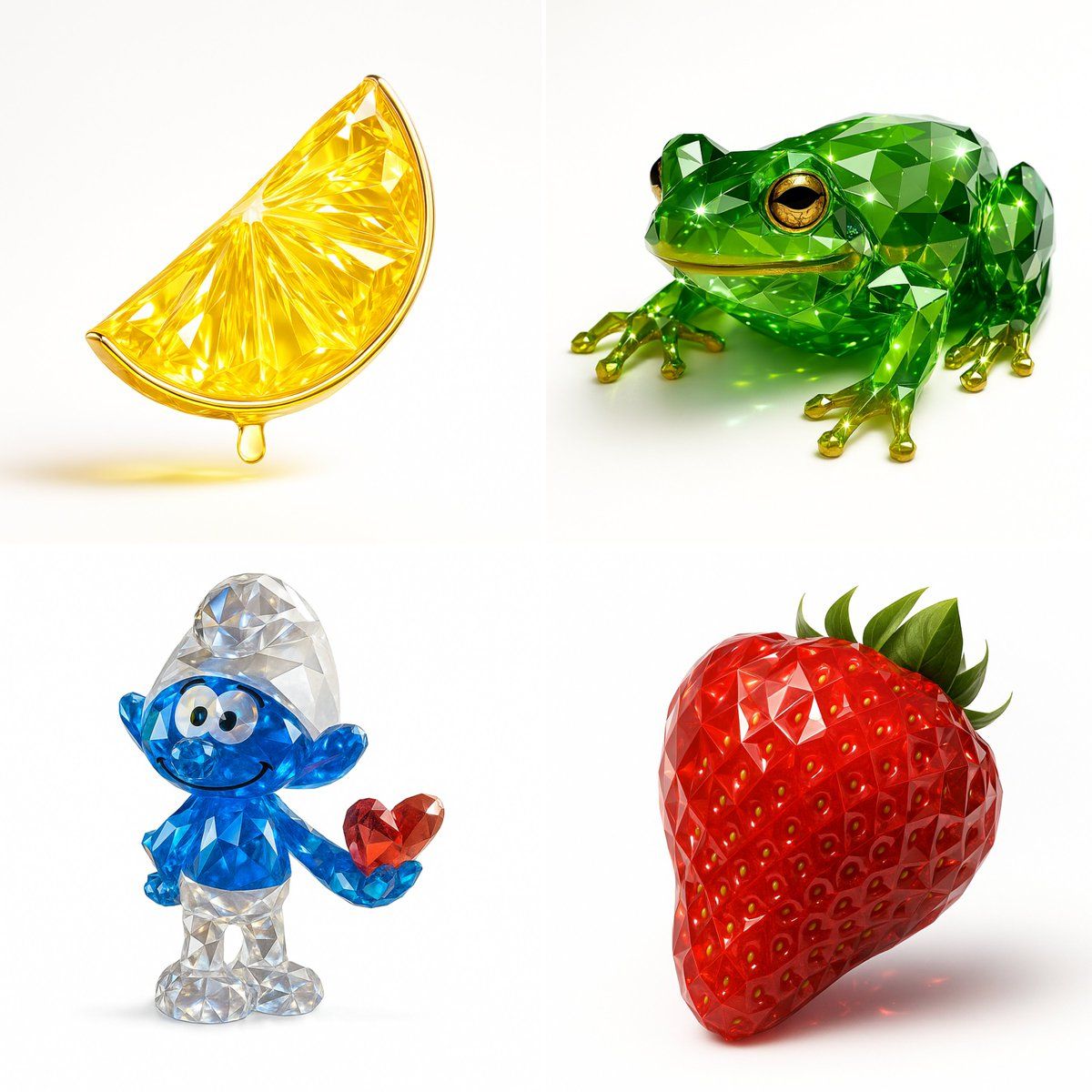
渲染宝石
Prompt
Recreate this image using the pamareters of the JSON provided.\n{\n "name": "Gemstone Render",\n "object": {\n "type": "auto",\n "detected_color": "auto",\n "form": "realistic, natural form preserved",\n "material": "crystal or faceted gemstone glass",\n "surface": "precision-cut facets, sharp reflections",\n "transparency": "high clarity with light refraction",\n "internal_features": "color depth, internal shimmer, and light dispersion"\n },\n "color_and_light": {\n "primary_color": "{detected_color}",\n "highlight_effects": "specular highlights, gemstone brilliance, caustics",\n "lighting_setup": "studio lighting with white or soft background",\n "metallic_accents": {\n "enabled": true,\n "material": "gold or chrome",\n "application": "rim, stem, or edge detailing"\n }\n },\n "style": {\n "artistic_style": [\n "photorealistic 3D render",\n "Gemstone Render Style",\n "luxury object visualization"\n ],\n "design_language": [\n "faceted precision modeling",\n "jewelry-like rendering",\n "optical depth and brilliance"\n ]\n },\n "technical_details": {\n "render_engine": [\n "Blender with Cycles",\n "Cinema 4D + Redshift/Octane"\n ],\n "rendering_techniques": [\n "physically-based rendering (PBR)",\n "ray tracing",\n "global illumination"\n ],\n "resolution": "ultra high-res (4K–8K)",\n "post_processing": [\n "subtle glow",\n "enhanced reflections",\n "color-preserving contrast boost"\n ]\n }
使用提供的 JSON 的 pamareters 重新创建此图像。\n{\n“name”: “宝石渲染”,\n“对象”: {\n“type”: “auto”, //类型\n“detected_color”: “auto”,\n“form”: “保留真实、自然的形式”,\n“material”: “水晶或刻面宝石玻璃”,\n“surface”: “精确切割的刻面,清晰的反射”,\n“transparency”: “高清晰度,光线折射”,\n“internal_features”: “颜色深度、内部微光和光色散”\n },\n“color_and_light”: {\n“primary_color”: “{detected_color}”,\n“highlight_effects”: “镜面高光、宝石亮度、焦散”,\n“lighting_setup”: “白色或柔和背景的工作室照明”,\n“metallic_accents”: {\n“enabled”: true 和\n“material”: “金或铬”,\n“application”: “边缘、茎或边缘细节”\n }\n },\n“样式”: {\n“artistic_style”:[\n“逼真的 3D 渲染”,\n“Gemstone Render Style”(宝石渲染样式)、\n“奢侈品对象可视化”\n],\n“design_language”:[\n“faceted precision modeling”,\n“珠宝般的渲染”,\n“光学深度和亮度”\n ]\n },\n“technical_details”: {\n“render_engine”:[\n“带循环的 Blender”,\n“Cinema 4D + Redshift/Octane”\n],\n“rendering_techniques”:[\n“基于物理的渲染 (PBR)”,\n“光线追踪”,\n“全局照明”\n],\n“resolution”: “超高分辨率 (4K–8K)”,\n“post_processing”:[\n“微妙的光芒”,\n“增强反射”,\n“保色对比度提升”\n ]\n }- Category
- Photography & Realism
- Model
- Unknown
- Creator
- alban_gz
- Source ID
- rendered-gemstone
Views0