17

POV AI 女友互动提示

Prompt
镜头保持主观视角(POV)指尖轻轻拂过镜头边缘,带着一点微凉的触感,布料轻轻蹭过的声音细得像耳语。
她弯着眼,声音温柔地贴过来:
“又在偷偷看我啦?”

下一秒,她忽然靠近,发梢几乎要扫过镜头,暖融融的气息隔着画面都能感觉到。
她略带挑逗的尾音带着一点故意的勾人:
“看够了没有呀……
不如……
好好看看我。”

睫毛轻轻垂了垂,再抬眼时,眼底全是笑意,安静得只剩下彼此的呼吸。
Category
创意图片
Model
seedance-2.0
Views0
Source ID
36307cfe-733e-4c5f-ae9b-a7a1b58bb375
Published
Mar 8, 2026

Guide

About "POV AI 女友互动提示"

What is this prompt for?

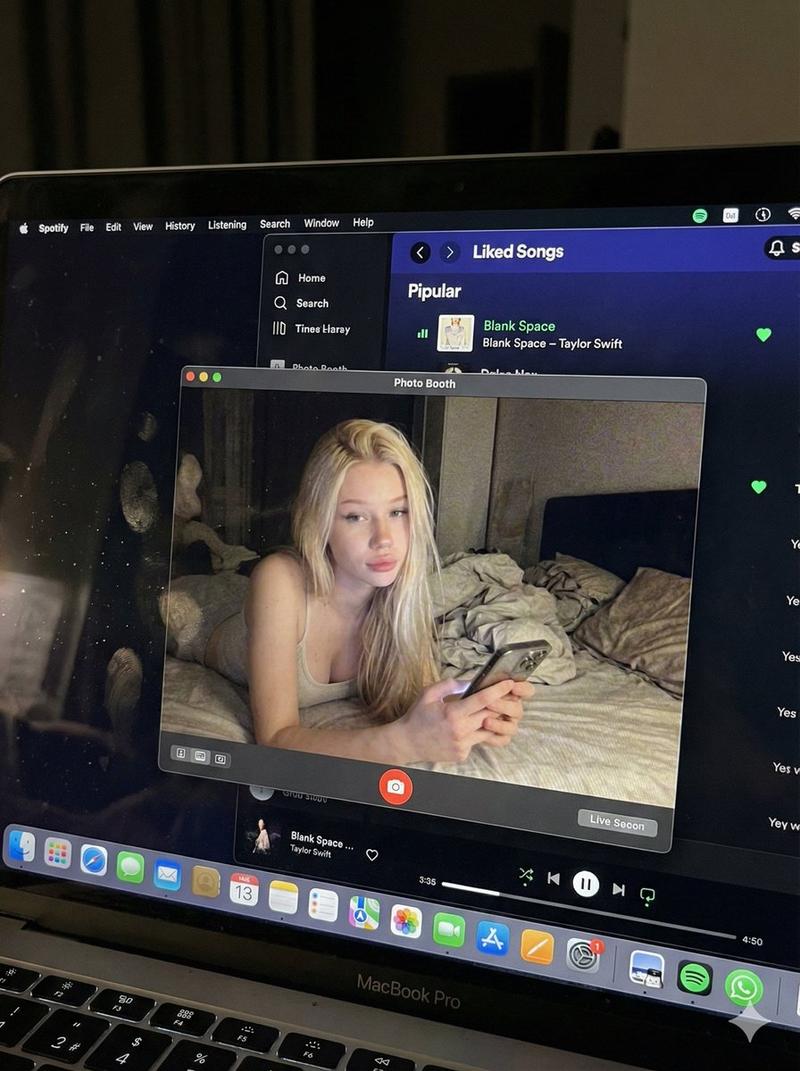
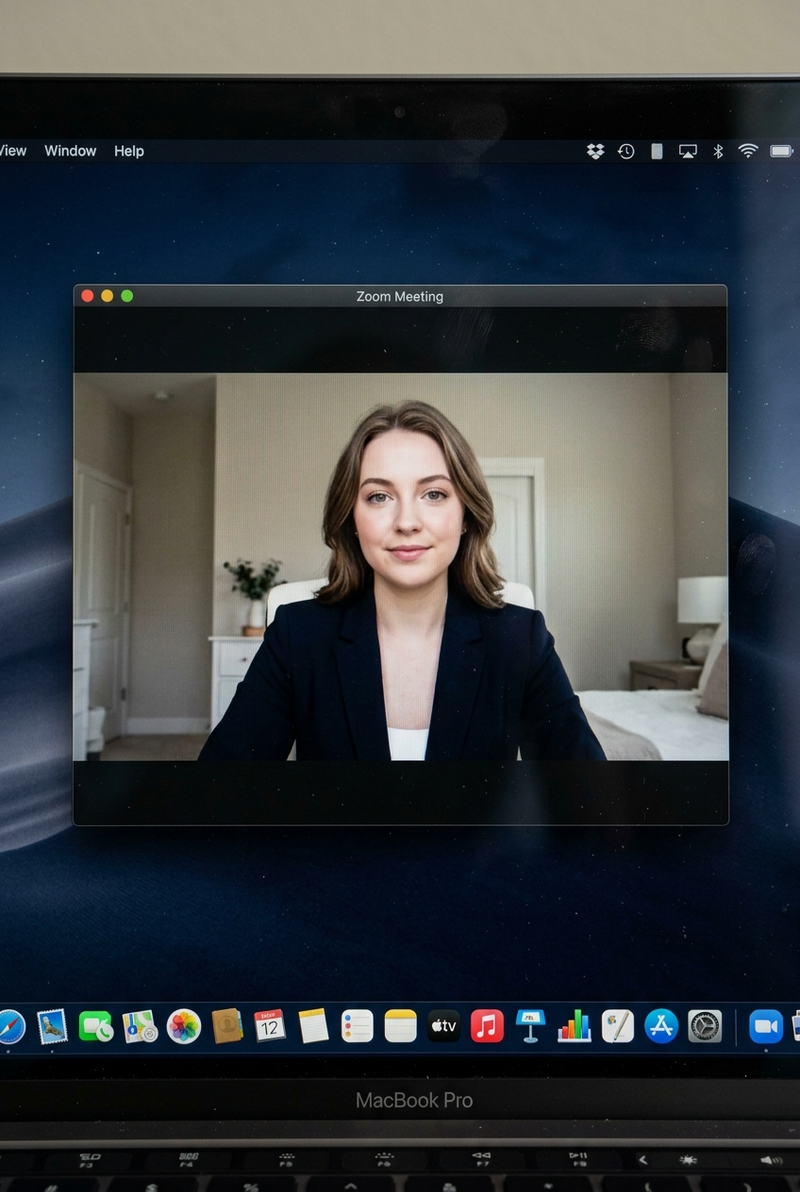
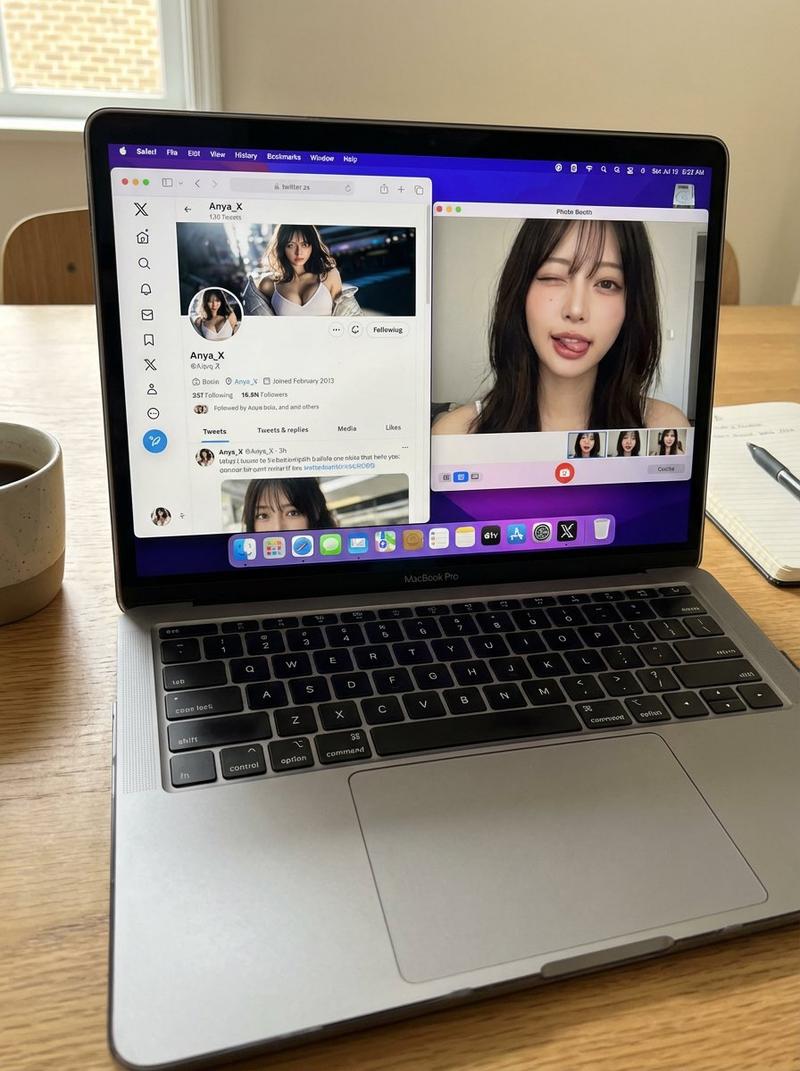
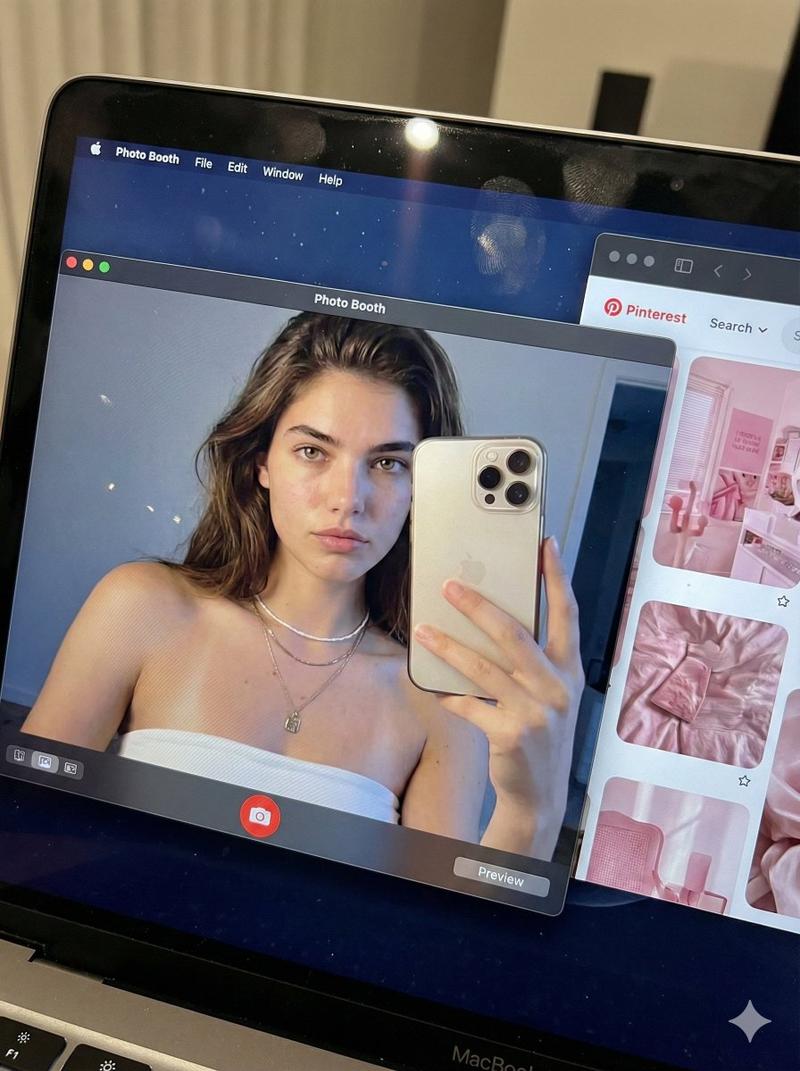
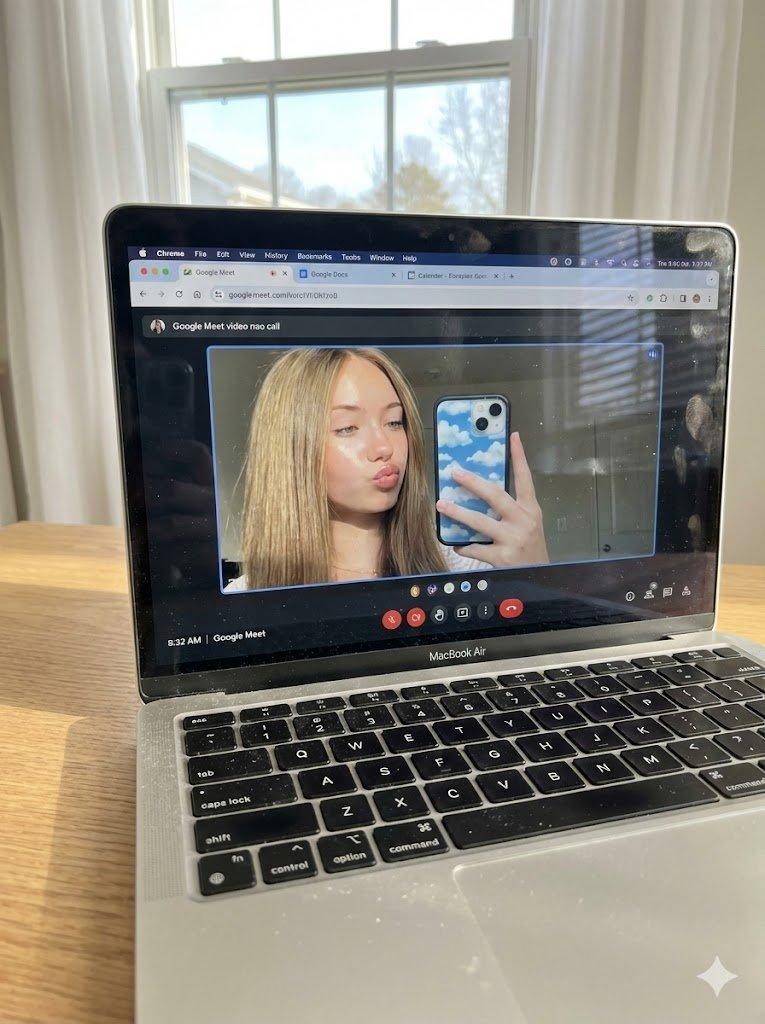
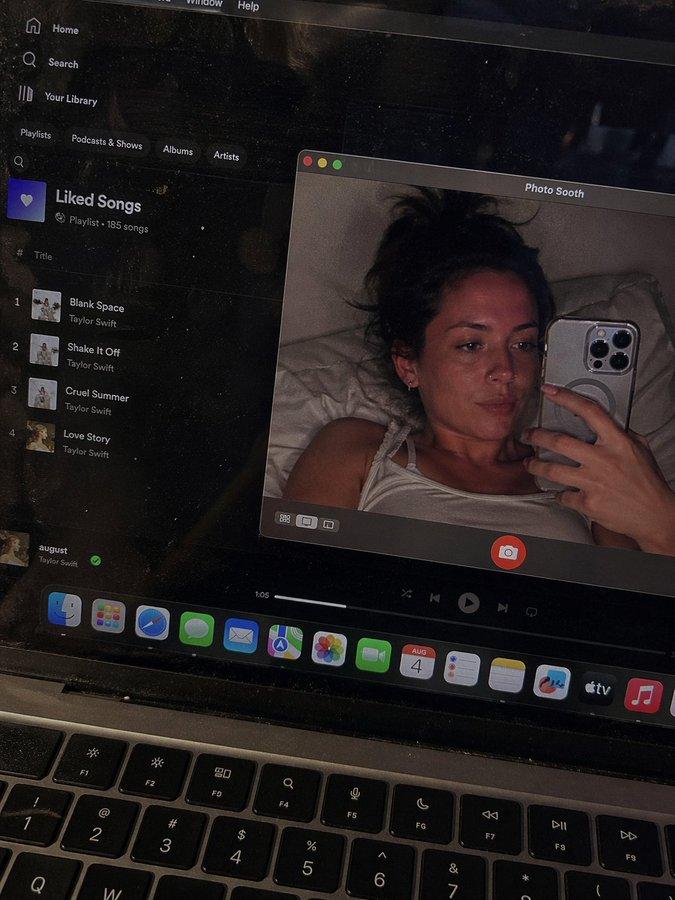
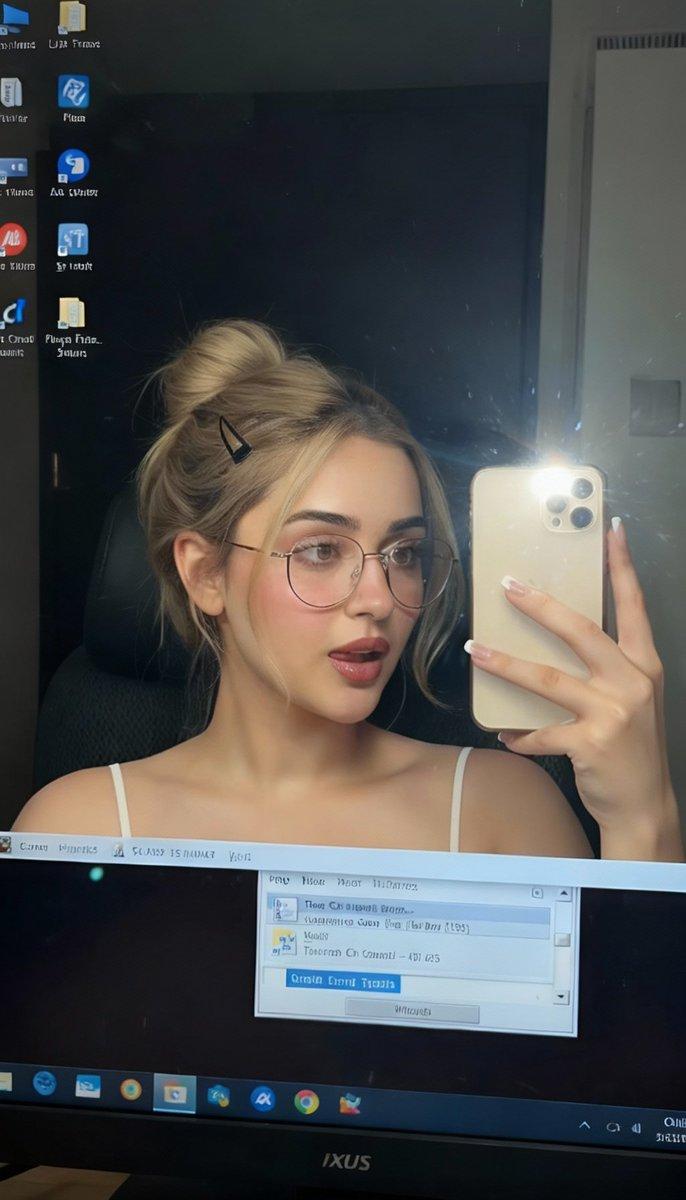
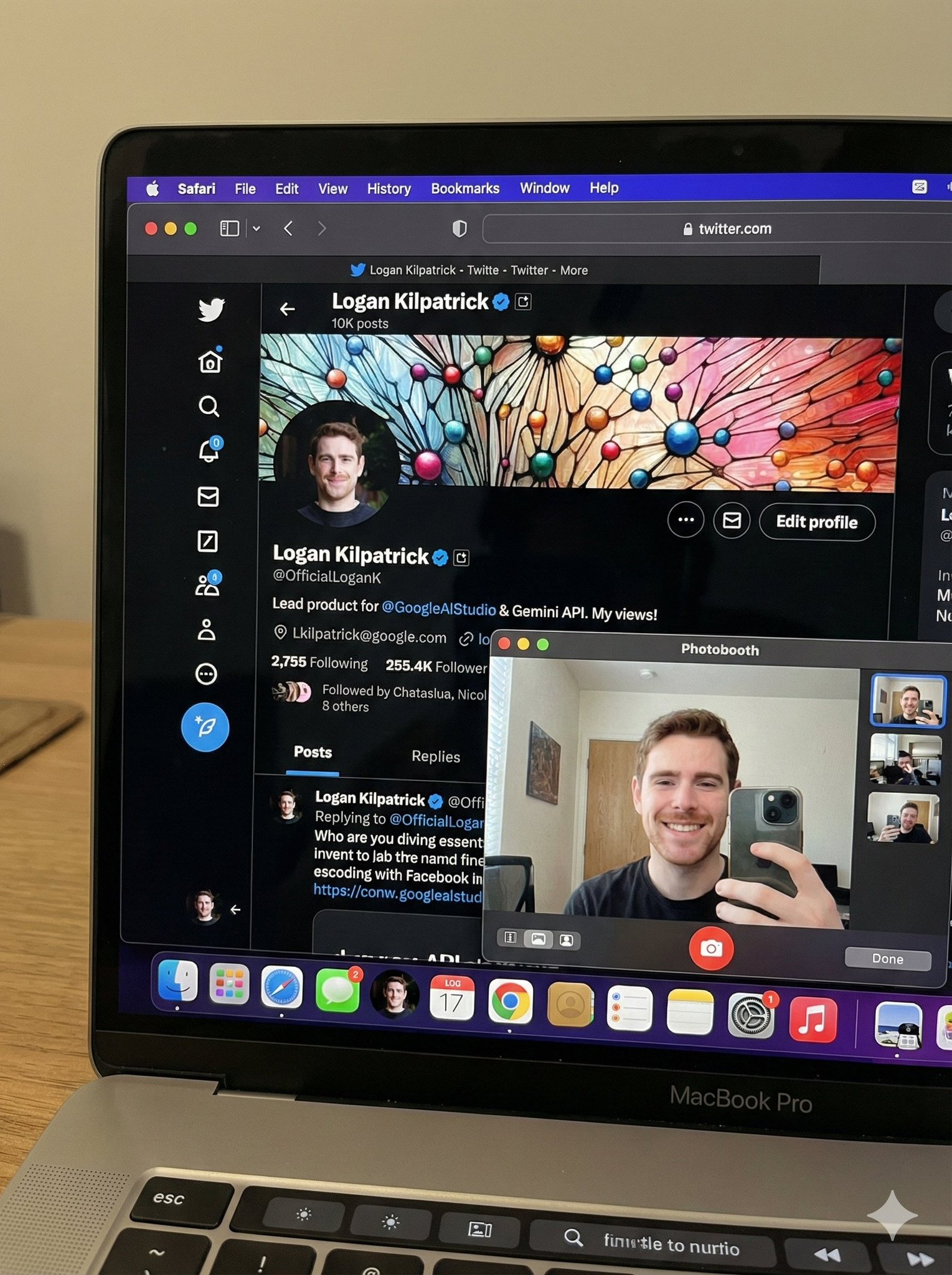
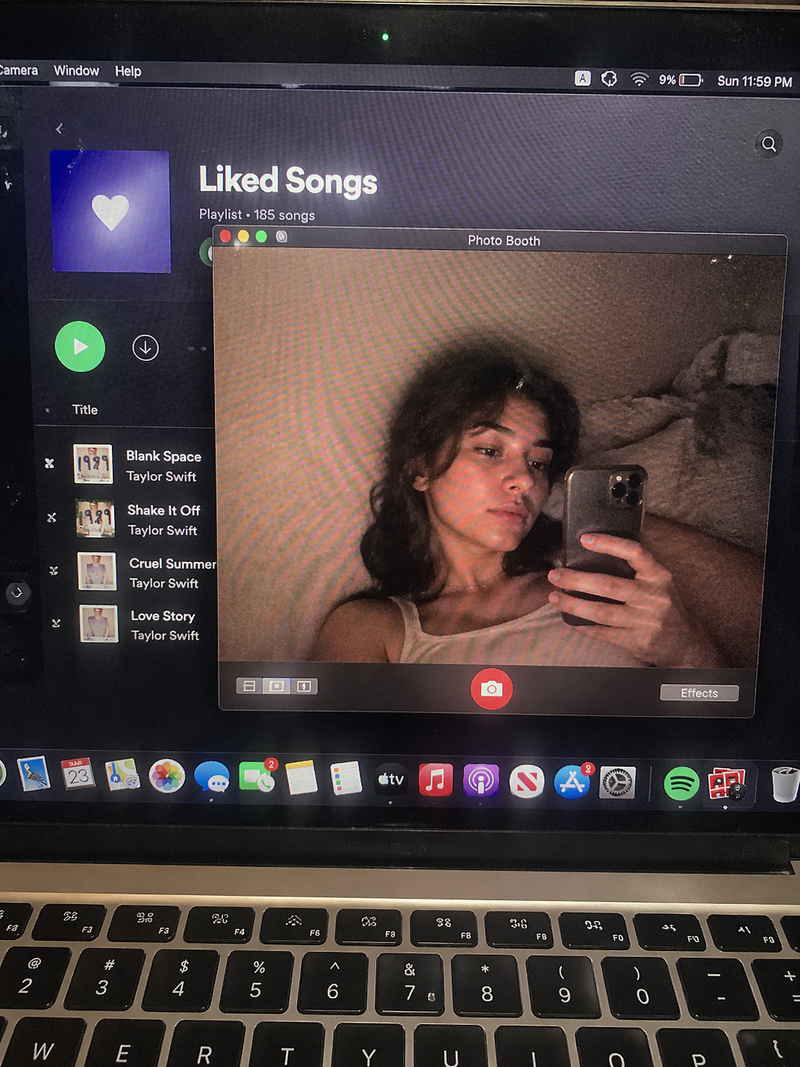
"POV AI 女友互动提示" AI image prompt for seedance-2.0 (创意图片). 一位用户使用 Seedance 2.0 制作了一个有趣的互动视频,视频中一张人物照片活了过来,变成了一个爱调情的 AI 女友。该提示词侧重于第一人称视角(POV),并包含感官细节和对话。 --- 镜头保持…

The full copyable prompt and example visuals above are ready for AI image generation or one-click recreate in Picva.

How to use this prompt

  1. Step 1

    Open the prompt detail

    Review the example visuals, category, and full prompt text for "POV AI 女友互动提示".

  2. Step 2

    Copy the prompt

    Copy the prompt body from this page, or load it directly in Studio.

  3. Step 3

    Pick a model (seedance-2.0)

    Prefer seedance-2.0. If you switch models, keep subject and composition and tweak style terms.

  4. Step 4

    Generate and export

    Recreate the look in Picva, or export into your workflow for editing and publishing.

FAQ

What is the "POV AI 女友互动提示" prompt?
It is an AI image-generation prompt for seedance-2.0 in the 创意图片 category. This page includes the full prompt text, example visuals, and a one-click recreate path in Picva.
How do I use this prompt to generate an image?
Copy the prompt from this page, or use Generate / Studio. Paste it into a compatible image model, or recreate the look in Picva with optional reference images.
Which model is this prompt for?
This page lists seedance-2.0. Most descriptive prompts also transfer to nearby image models such as GPT Image, Flux, or Midjourney with light style tweaks.
Can I use the result commercially?
You can usually copy the prompt for creation, but commercial use of the final image depends on the model terms, reference-image rights, and the generated content. Follow the source author and platform rules.