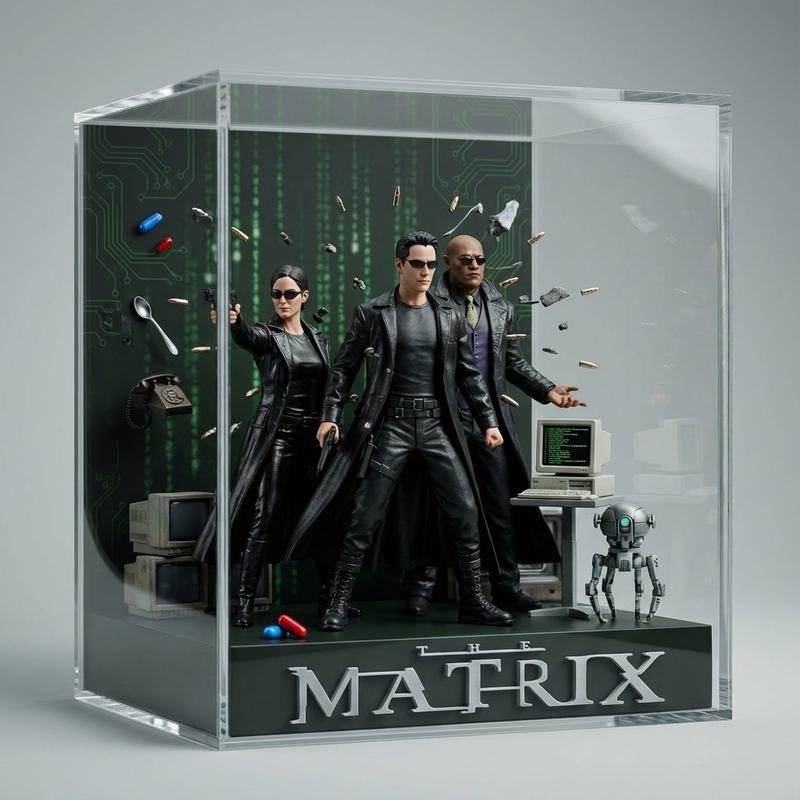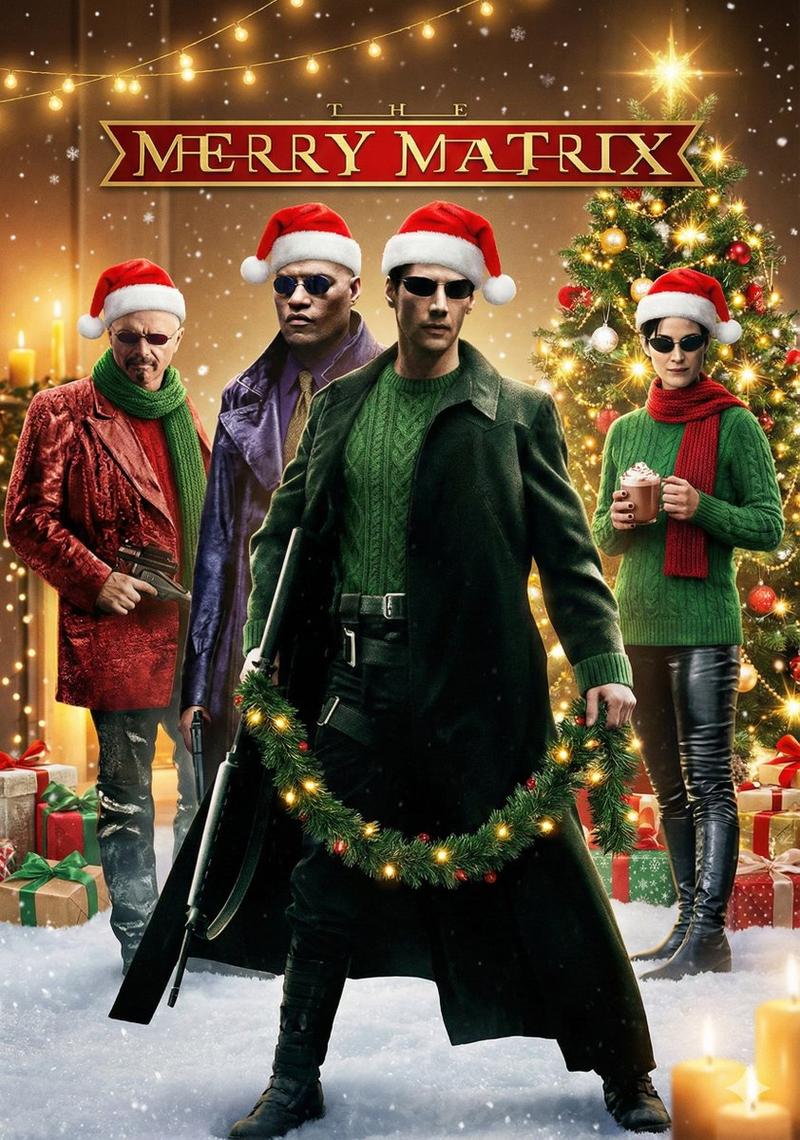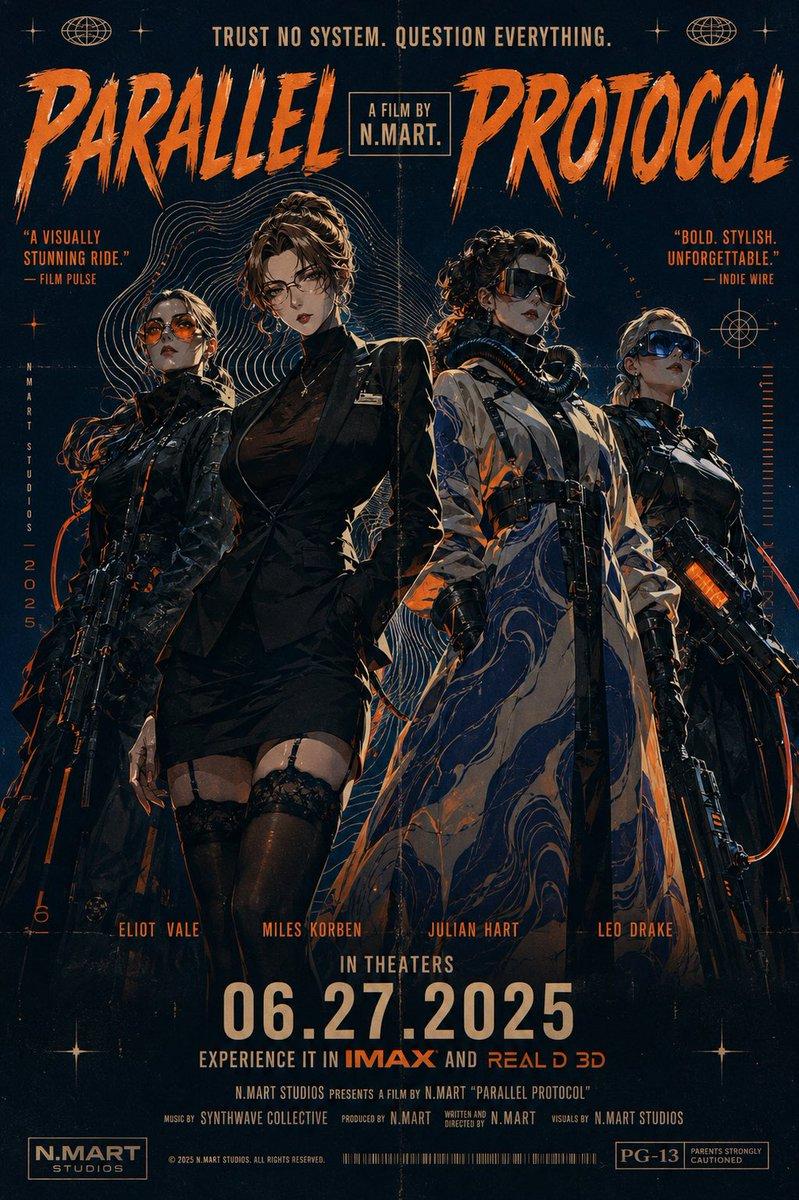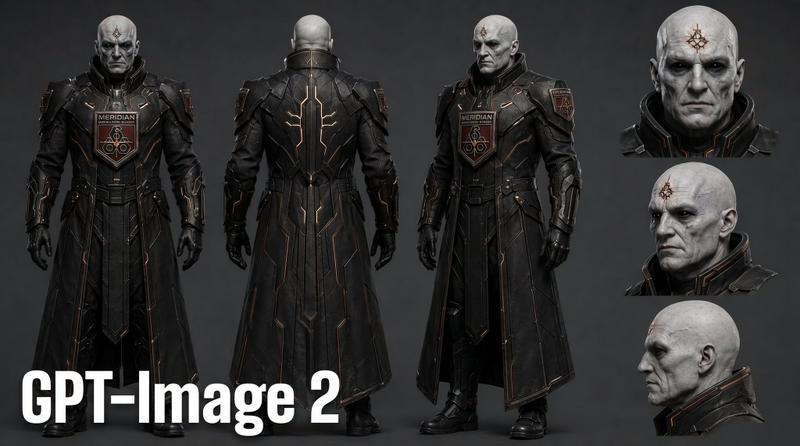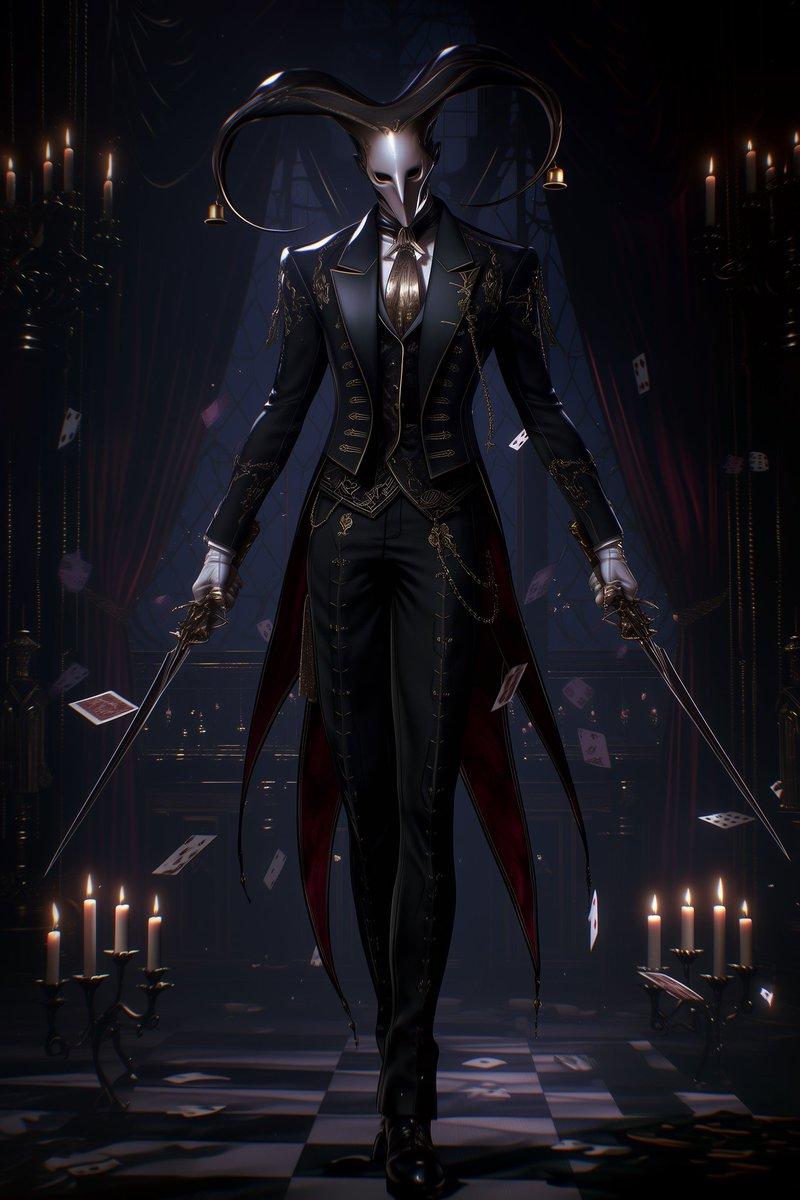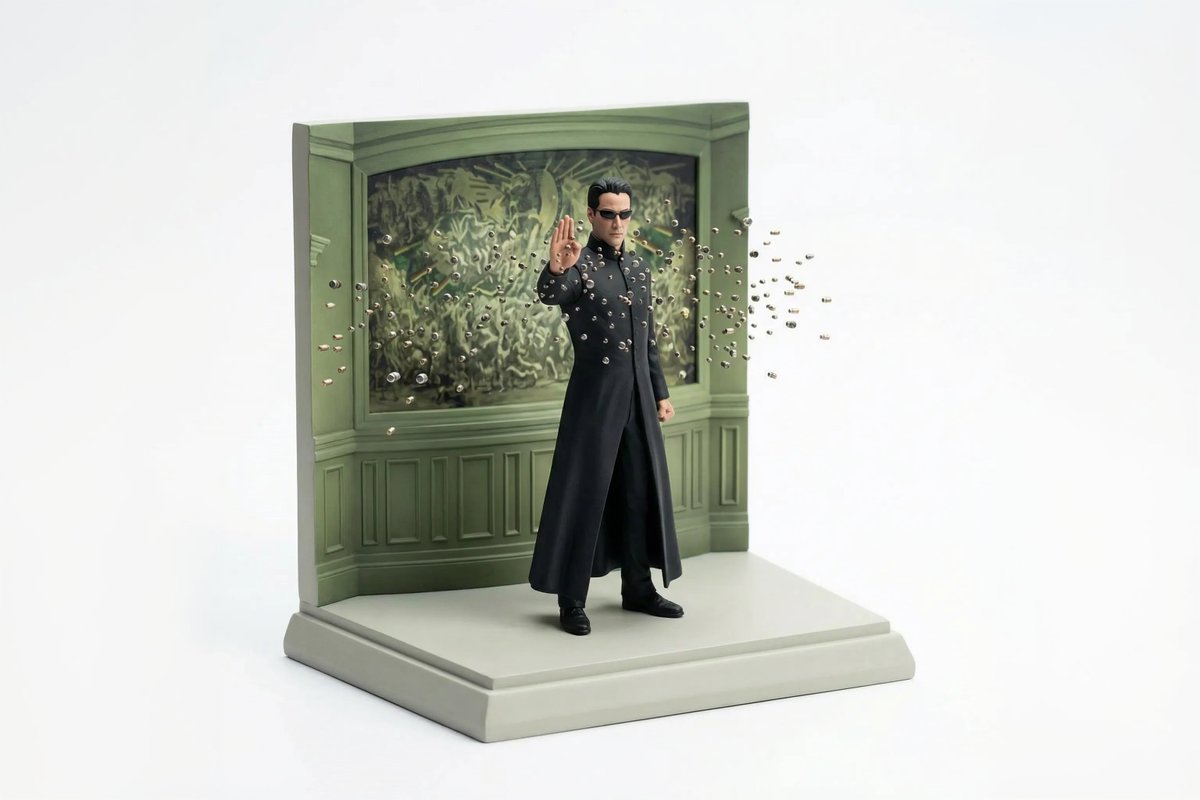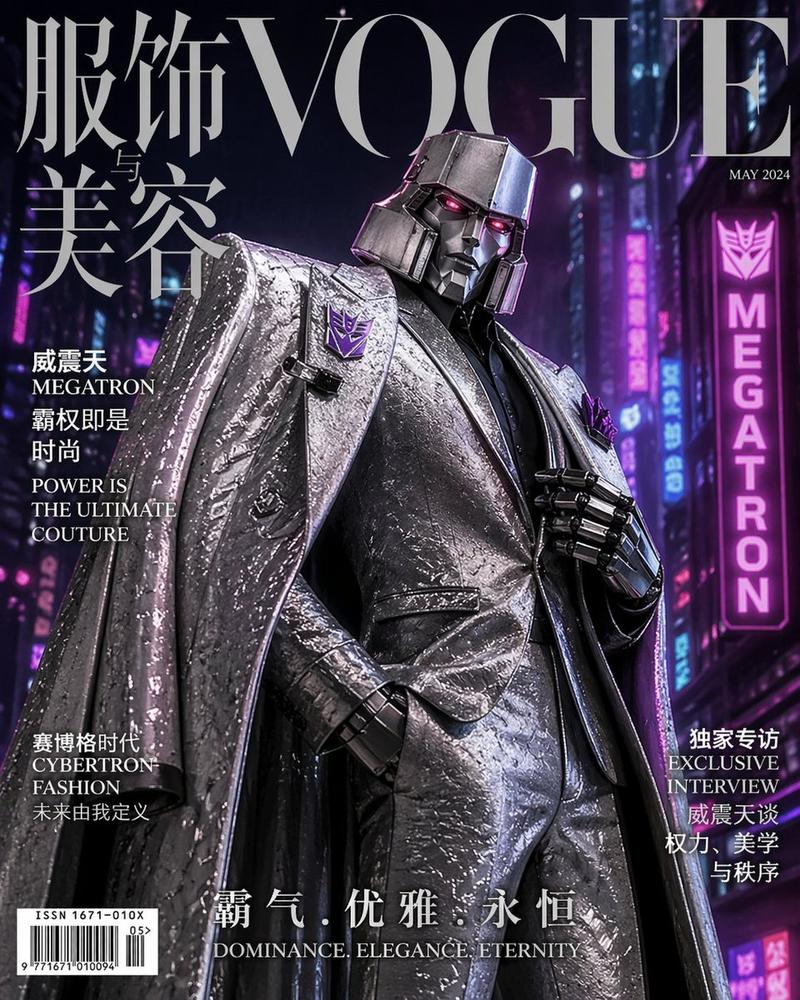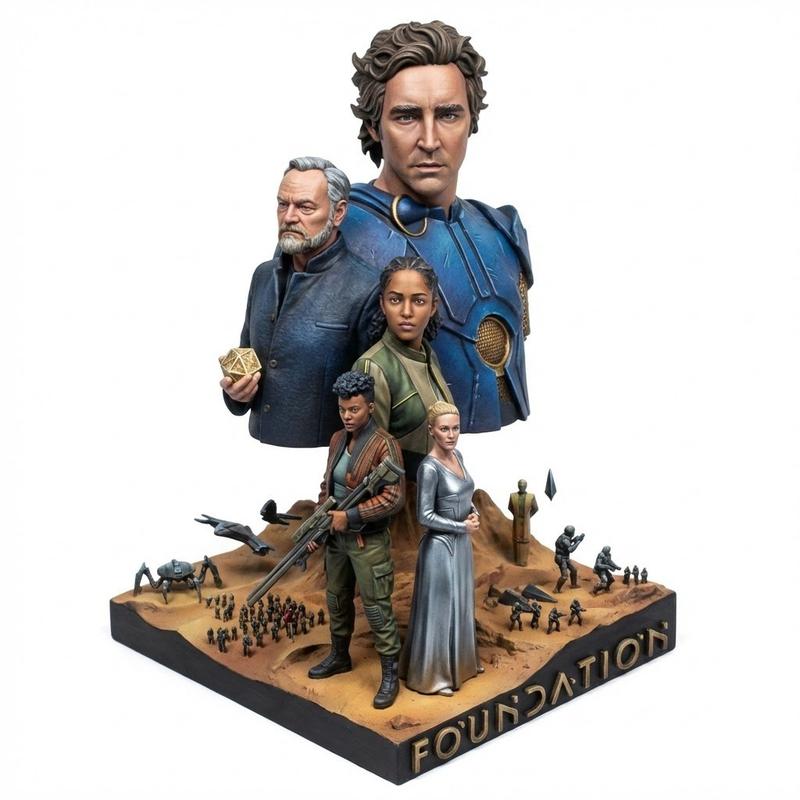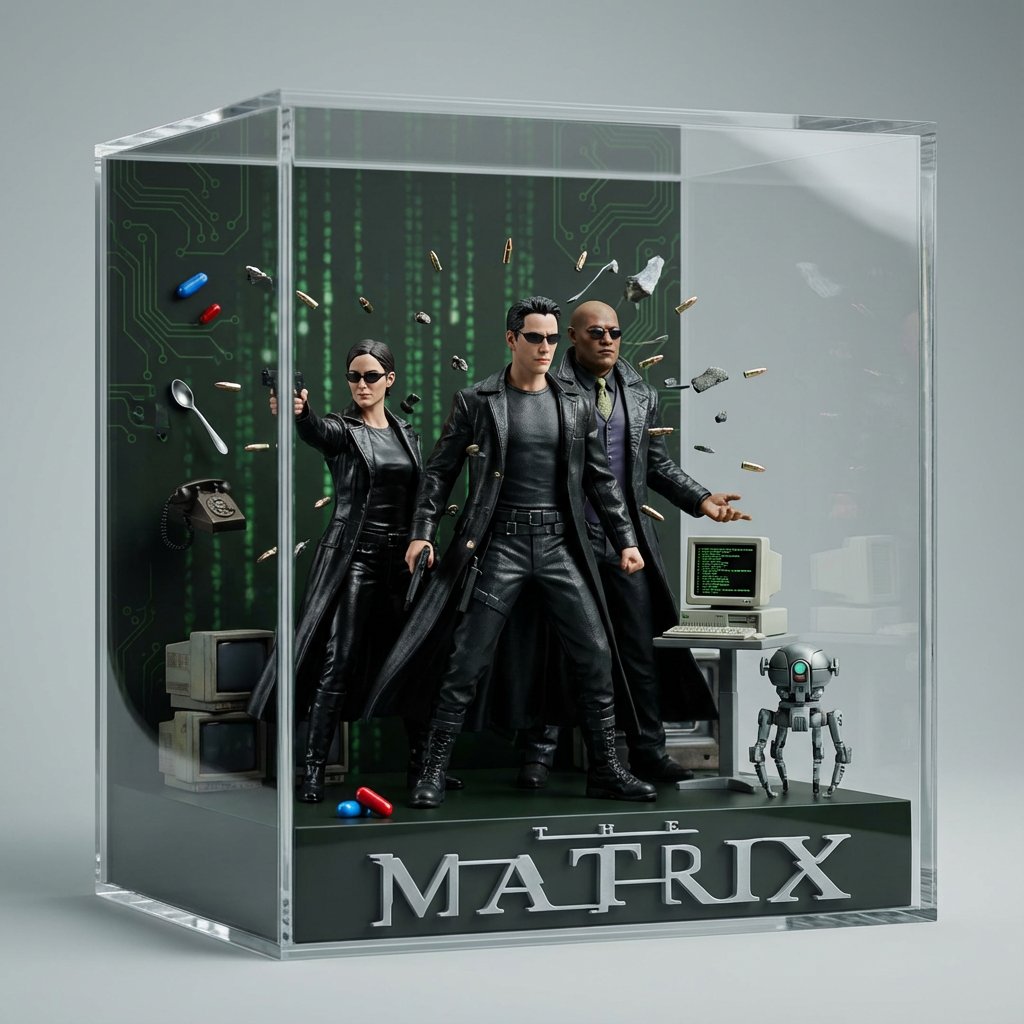
This Nano Banana Pro prompt turns famous movie scenes into toys. I tested with t
提示词
This Nano Banana Pro prompt turns famous movie scenes into toys. I tested with two movies I like. What are your favorites?

Prompt: <instruction>
Toyification
Input A is the subject photo (movie poster or movie name).
Analyze uploaded movie characters, story line, scenes, and pick the most important or iconic scene.

Optional Input B is a style reference (toy photography / product shot you like). If B is missing, choose a premium toy-ad aesthetic.

Goal: Turn Input A into a hyper-real miniature DIORAMA inside a clear acrylic “collector toy box” with beautiful packaging design (no text/logos).

Rules:
- The subjects becomes a tiny, ultra-detailed figurine or miniature version of themselves inside a miniature scene appropriate for the uploaded image.
- Surround it with 6–10 mini props that match the uploaded image's story
- Packaging should look premium: clear acrylic front, matte paper backer, subtle emboss feel, color palette inferred from Input A.
- Lighting: clean studio softbox, crisp reflections, subtle shadow under box.
- Composition: product hero shot, centered, 3/4 view, shallow depth of field.

Output:
- ONE image, 4:5 or 1:1 (choose the most “product post” viral crop).
- movie name 3D printed at the base.
- Keep it cute and premium, not uncanny.
</instruction>
- 分类
- figure_toy
- 模型
- Nano Banana Pro
- 来源作者
- Pixshop
- 来源 ID
- 304bcb2b-9850-44ea-9dea-8ed5bf0d4d54
- 发布时间
- 2026年1月11日
浏览量5