20

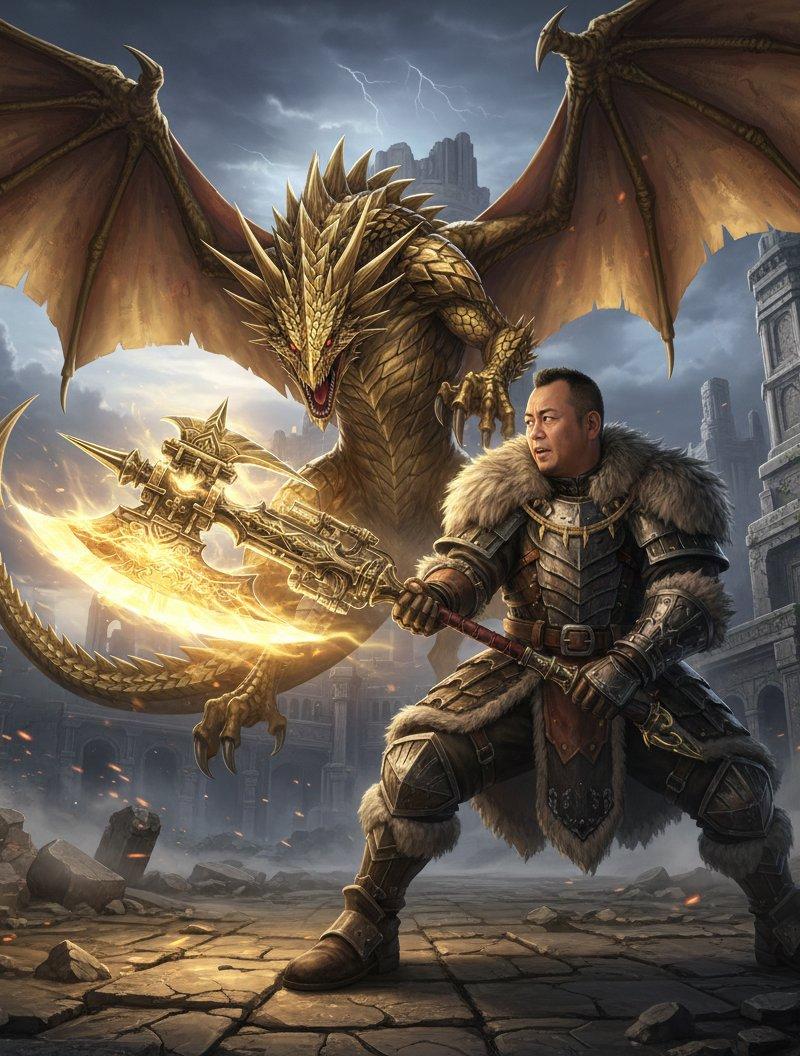
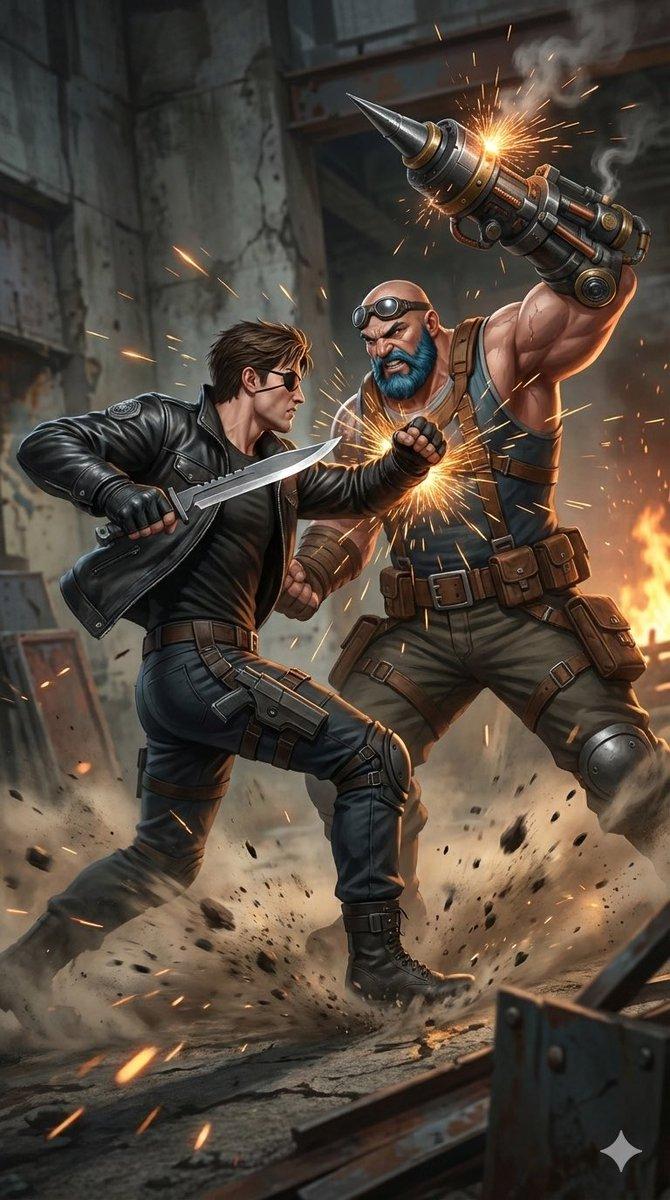
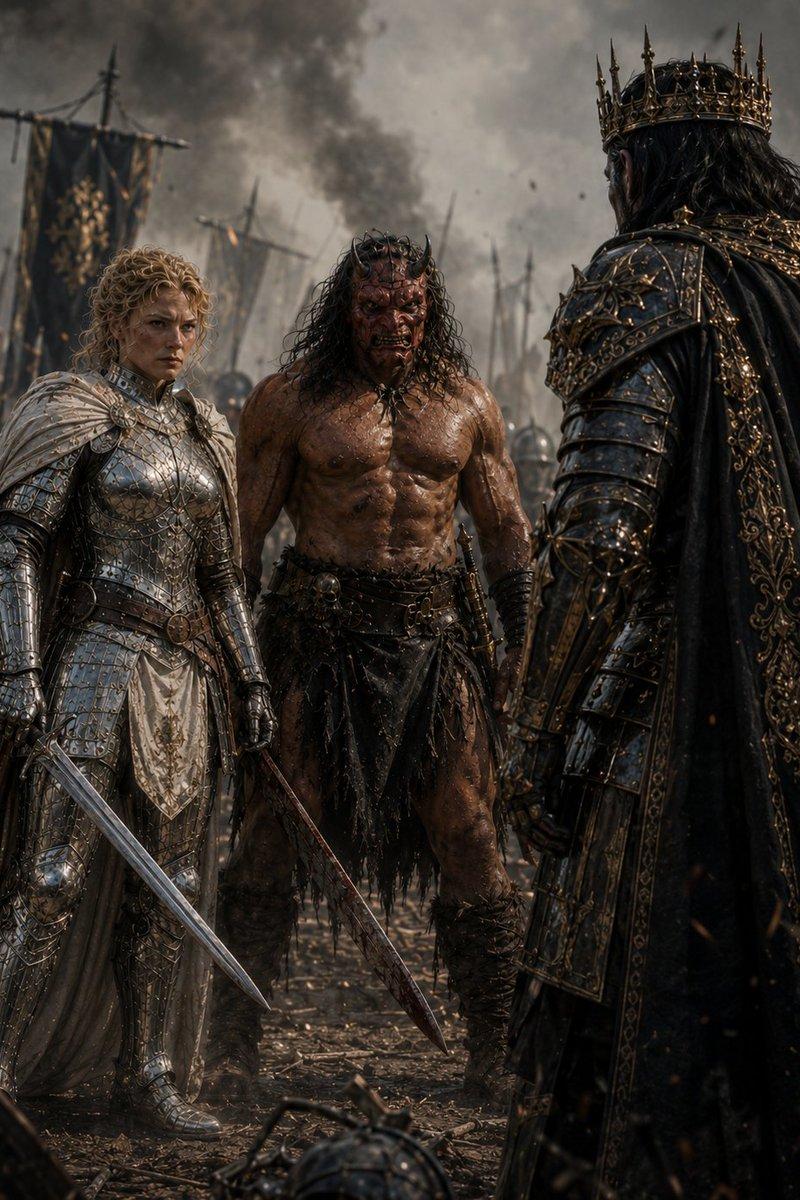
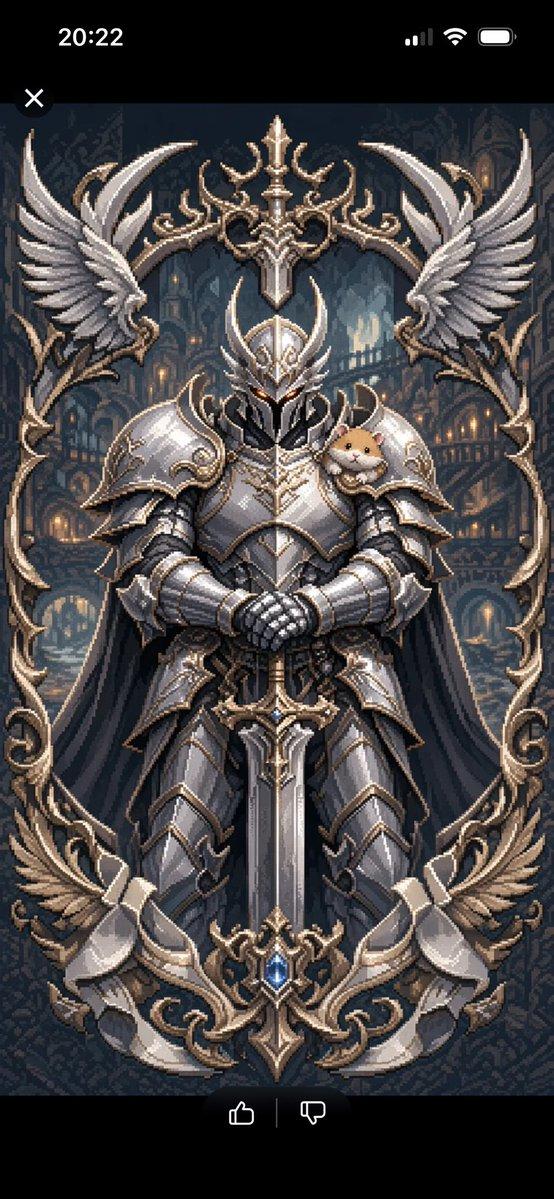
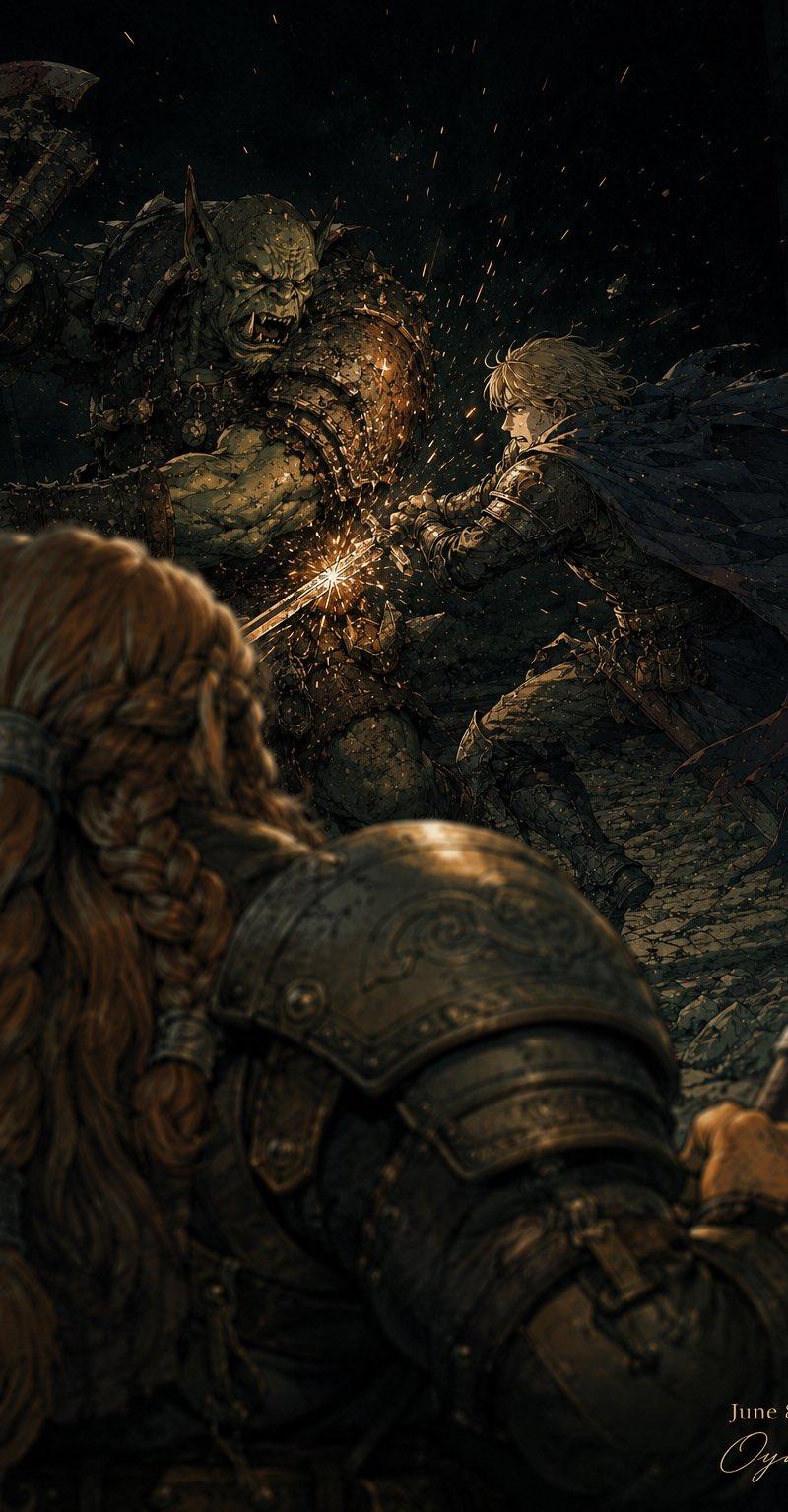
黑暗奇幻兽人战斗
Enlarge

Example images

黑暗奇幻兽人战斗

Prompt
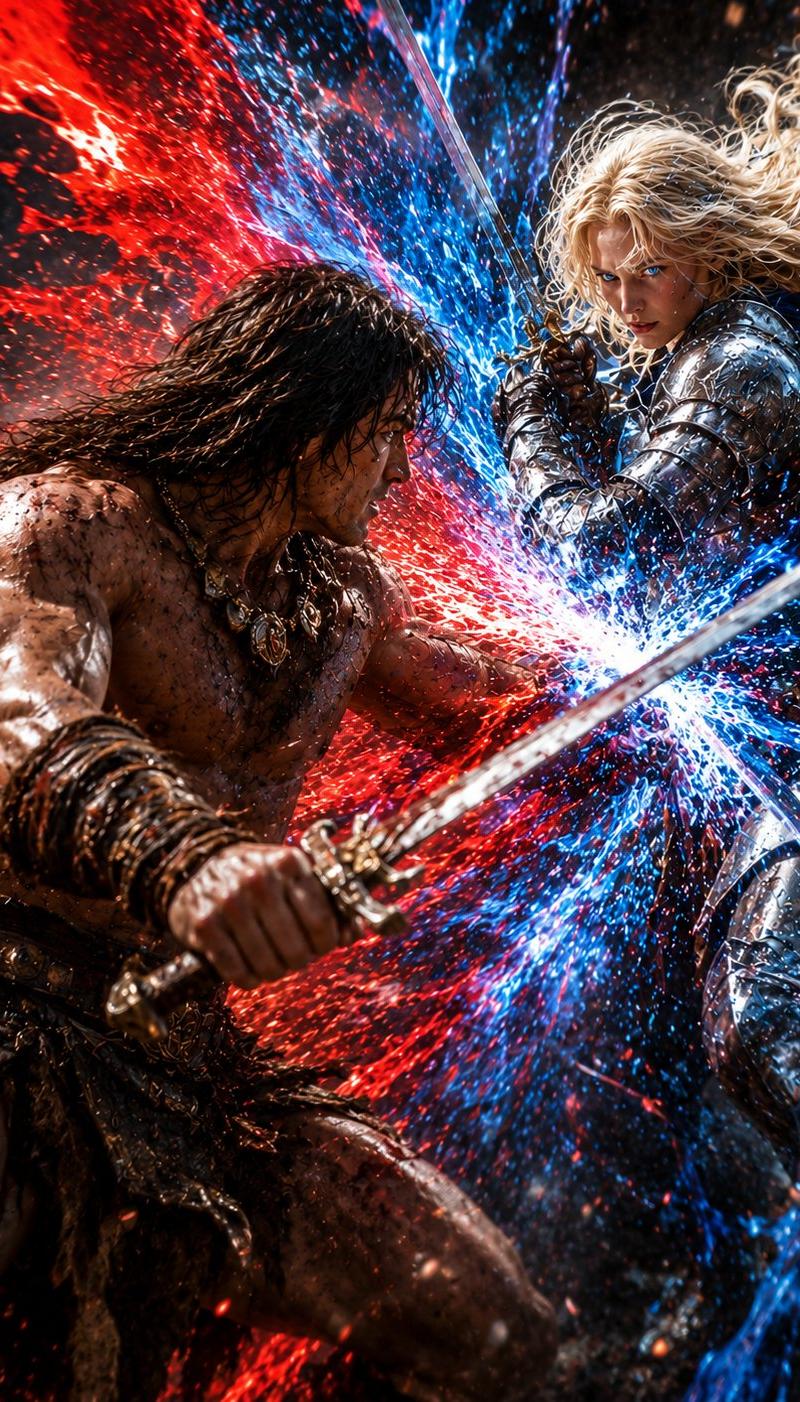
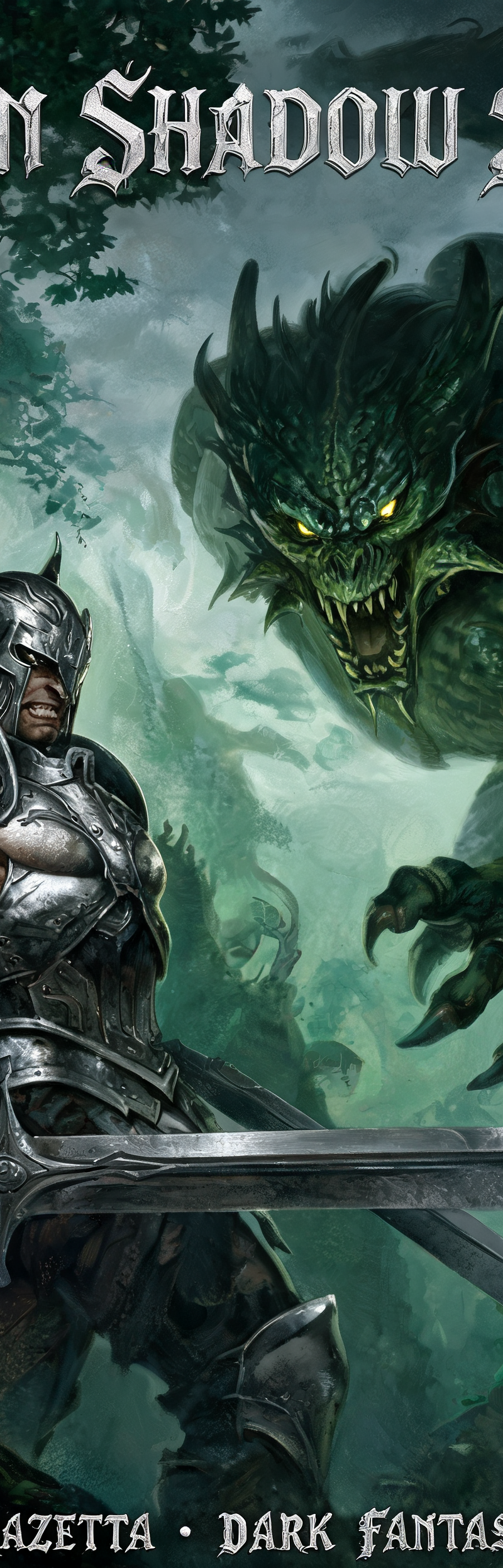
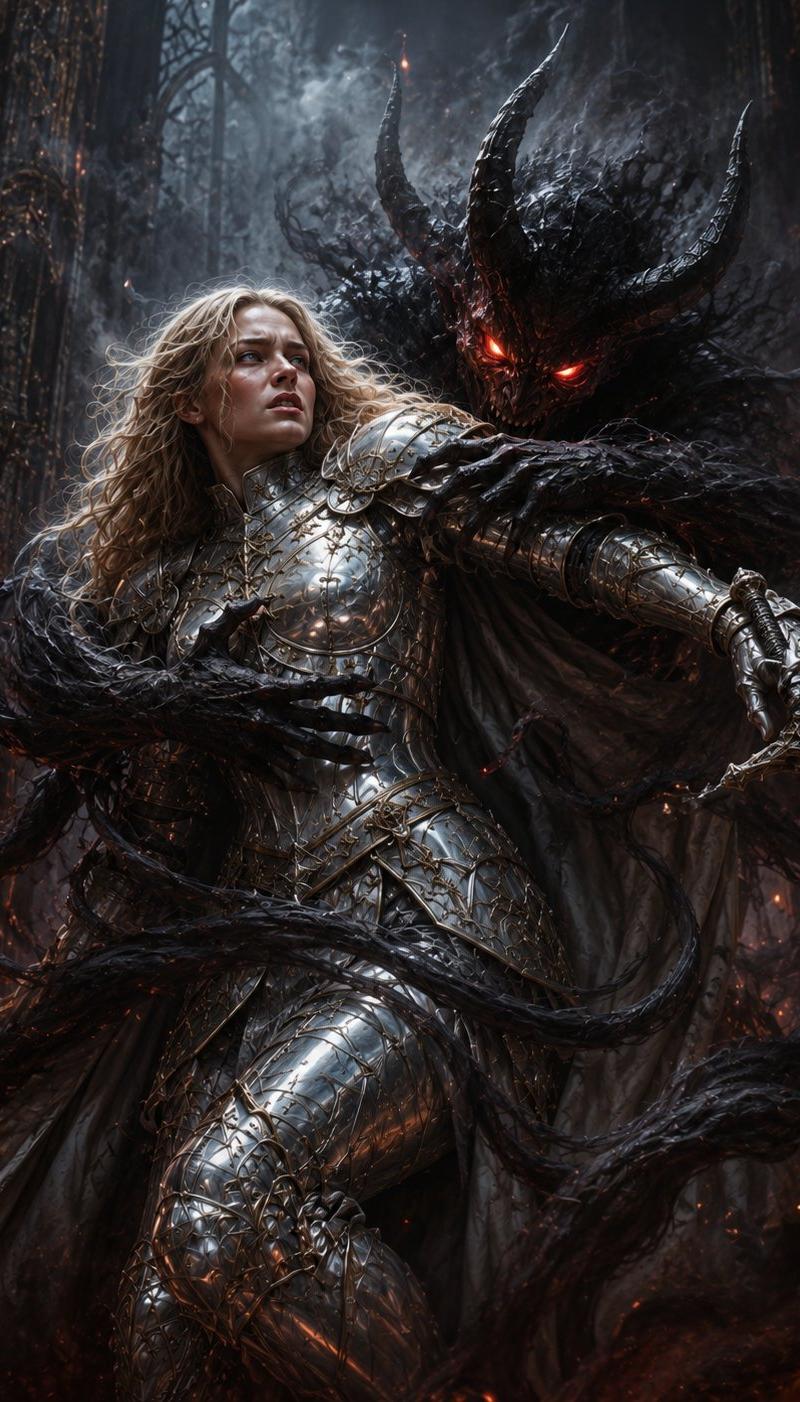
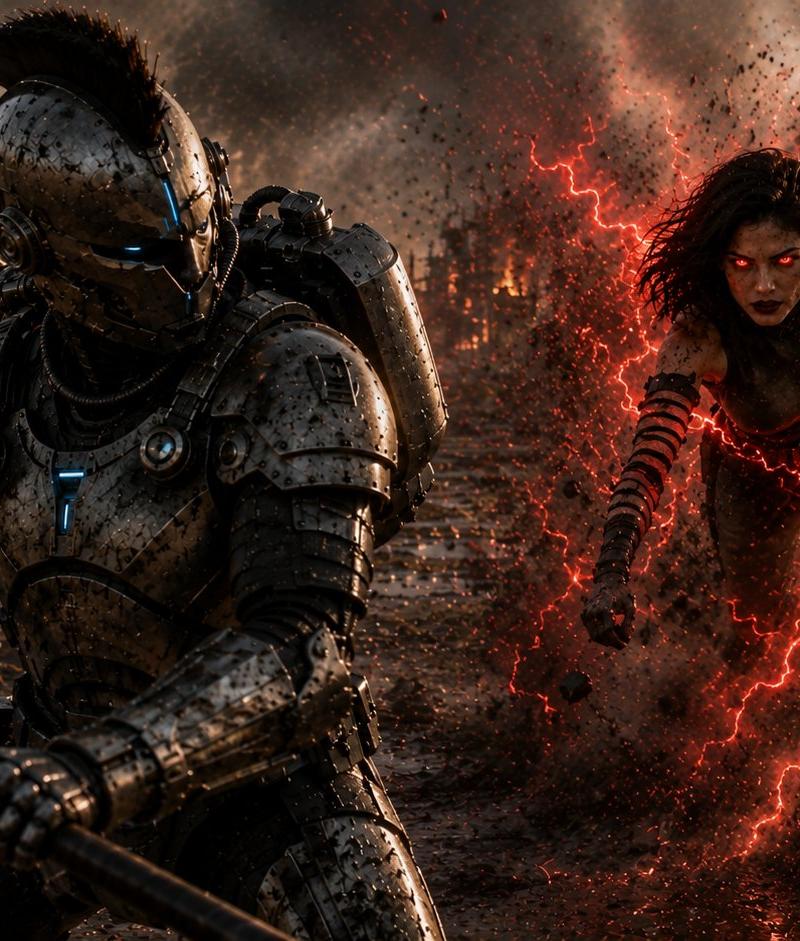
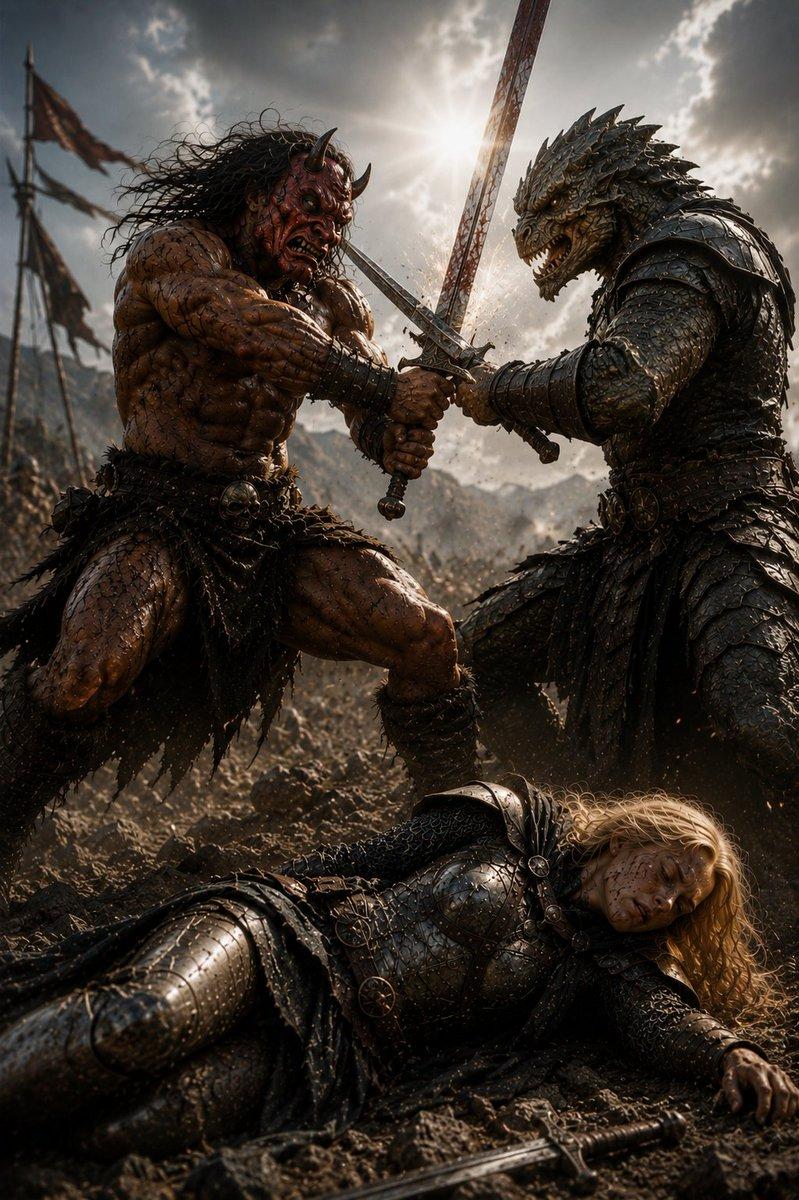
Create a dark cinematic fantasy battle illustration in a gritty semi-realistic painterly style. The scene is set in a ruined stone corridor at night, with broken masonry, black shadows, and a narrow cobblestone floor. In the foreground, show the back of a large dwarf warrior with long reddish-brown braided hair, heavy engraved metal shoulder armor, leather straps, and a hammer or axe handle gripped at the right edge; keep this foreground figure intentionally out of focus to create depth. In the midground, depict exactly two combatants locked in a dramatic clash: one enormous green-skinned orc warlord with tusks, pointed ears, scarred muscular arms, spiked dark armor, and a massive chipped battle axe raised in his left hand; and one agile young human knight with {argument name="hero hair color" default="windblown blond hair"}, sharp determined expression, ornate dark armor, a torn black cape streaming behind him, and a sword braced against the orc at chest level. Add a bright orange-white spark burst where the sword strikes the orc armor, with flying embers and metal fragments radiating through the darkness. Use high contrast chiaroscuro lighting, warm sparks against cold green-black shadows, intricate armor detail, dynamic motion, dramatic perspective from behind the dwarf observer, shallow depth of field, no modern objects. Include a small elegant signature and date in the bottom-right corner reading {argument name="date text" default="June 8, 2026"} and {argument name="signature text" default="Oyagi"}.
Category
Photography & Realism
Model
GPT Image 2
Creator
おやぎ
Source language
en
Views0
Source ID
24805
Published
Jun 8, 2026
Studio

Guide

About "黑暗奇幻兽人战斗"

What is this prompt for?

"黑暗奇幻兽人战斗" AI image prompt for GPT Image 2 (Photography & Realism). 生成一幅电影级的中古奇幻战斗场景,包含兽人督军、人类骑士和矮人观察者,适用于游戏或小说插画。 Copy it on Picva and recreate the look in on…

The full copyable prompt and example visuals above are ready for AI image generation or one-click recreate in Picva.

How to use this prompt

  1. Step 1

    Open the prompt detail

    Review the example visuals, category, and full prompt text for "黑暗奇幻兽人战斗".

  2. Step 2

    Copy the prompt

    Copy the prompt body from this page, or load it directly in Studio.

  3. Step 3

    Pick a model (GPT Image 2)

    Prefer GPT Image 2. If you switch models, keep subject and composition and tweak style terms.

  4. Step 4

    Generate and export

    Recreate the look in Picva, or export into your workflow for editing and publishing.

FAQ

What is the "黑暗奇幻兽人战斗" prompt?
It is an AI image-generation prompt for GPT Image 2 in the Photography & Realism category. This page includes the full prompt text, example visuals, and a one-click recreate path in Picva.
How do I use this prompt to generate an image?
Copy the prompt from this page, or use Generate / Studio. Paste it into a compatible image model, or recreate the look in Picva with optional reference images.
Which model is this prompt for?
This page lists GPT Image 2. Most descriptive prompts also transfer to nearby image models such as GPT Image, Flux, or Midjourney with light style tweaks.
Can I use the result commercially?
You can usually copy the prompt for creation, but commercial use of the final image depends on the model terms, reference-image rights, and the generated content. Follow the source author and platform rules.