20

赛博骑士对决红色闪电袭击者
Enlarge

Example images

赛博骑士对决红色闪电袭击者

Prompt
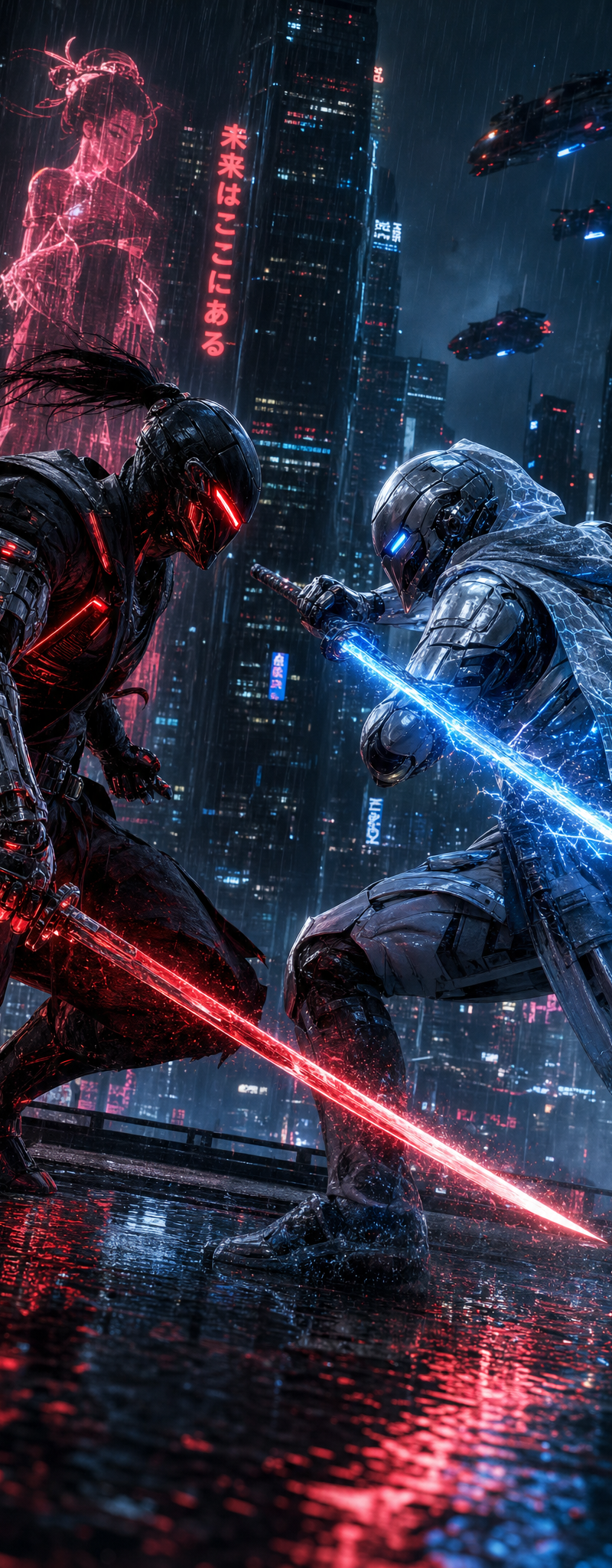
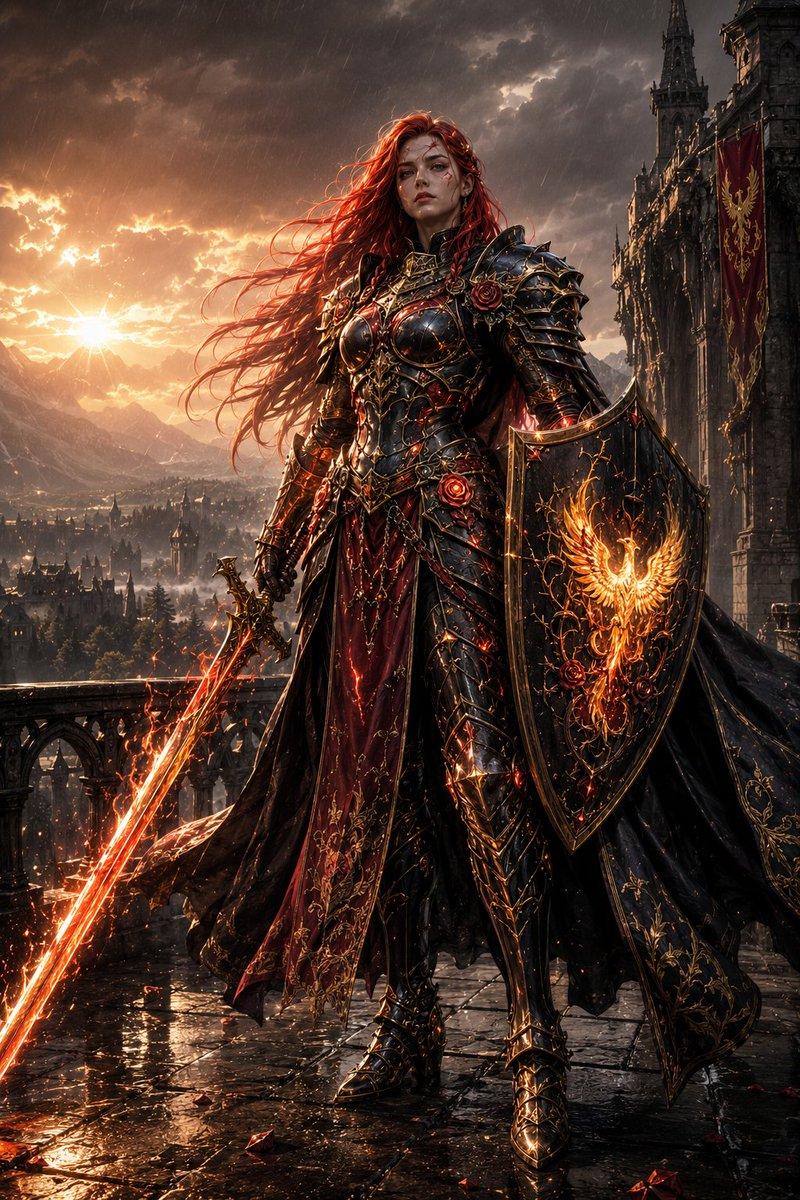
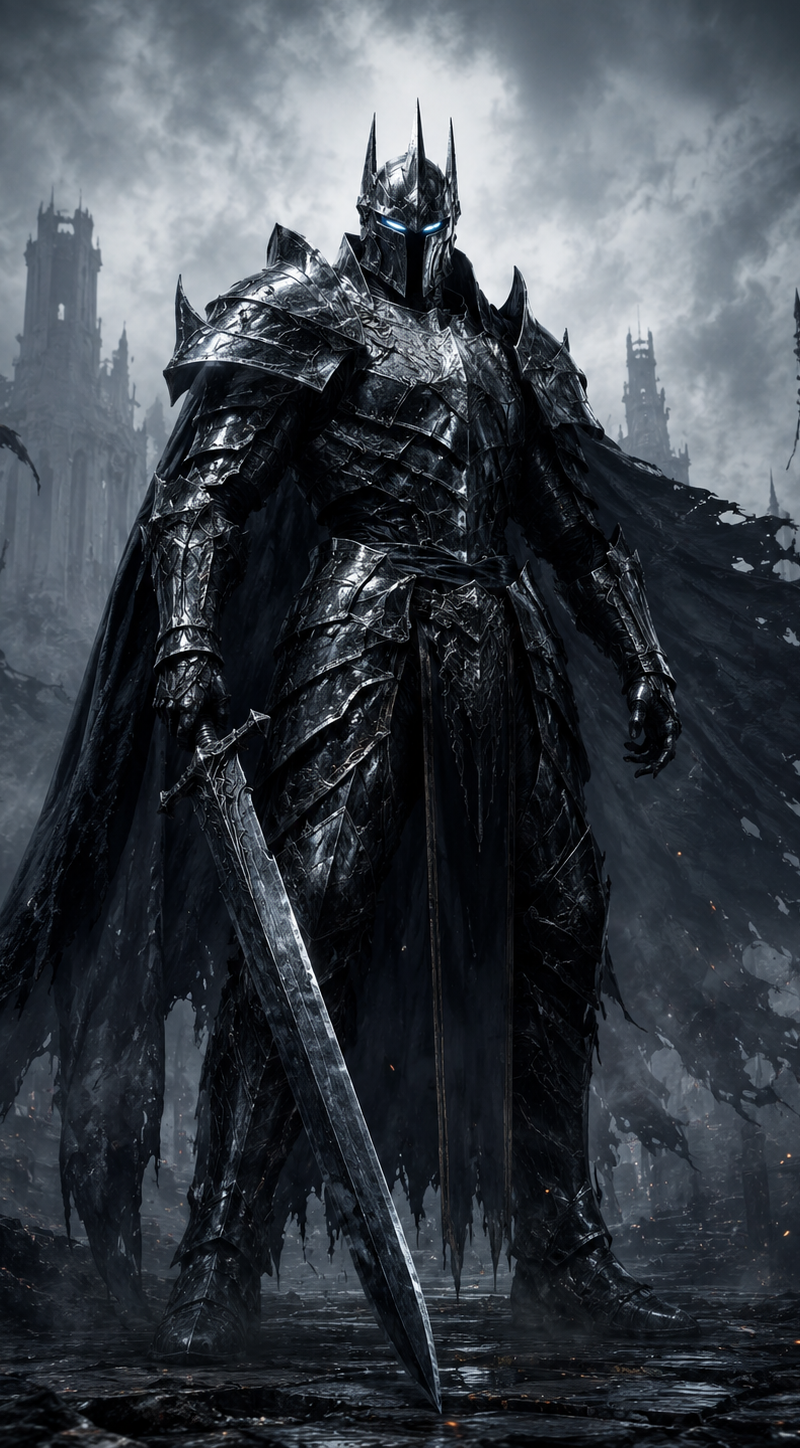
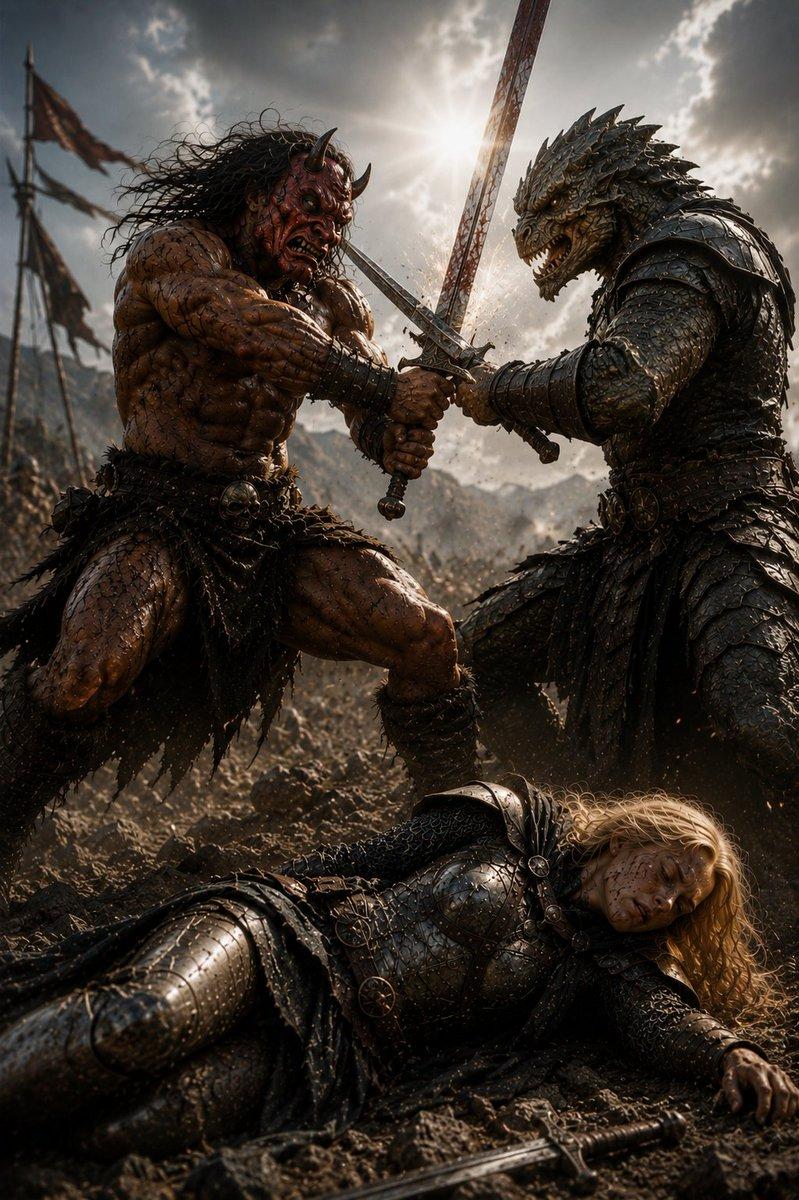
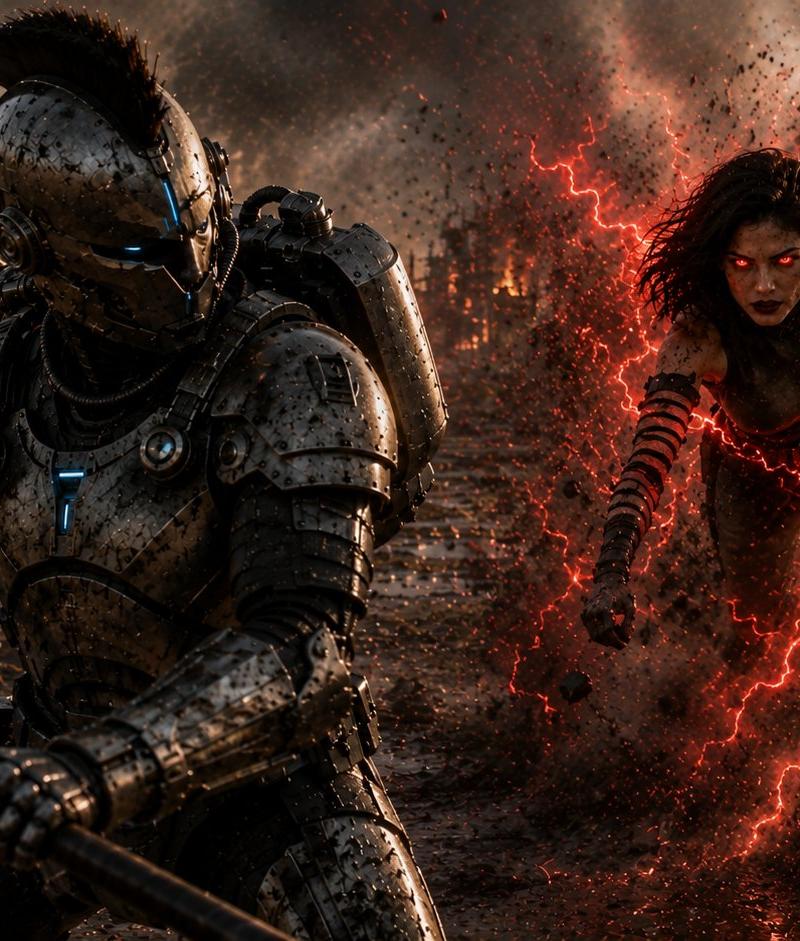
Create a cinematic dark sci-fi battle scene in a devastated muddy wasteland at sunset, wide 16:9 frame. In the left foreground, show a towering futuristic armored knight/cyborg warrior in heavy scratched gunmetal exosuit armor, crouched and bracing forward while gripping a long black spear or staff diagonally across the bottom of the image; the helmet has a Roman-style black crest, narrow glowing blue eye slits, and small cyan light accents on the chest and gear. In the right midground, show one feral female humanoid attacker with wild dark hair, athletic body, ragged dark clothing and bandaged striped forearms, lunging toward the armored warrior through an explosion of mud and debris; her face is obscured by a soft square blur/censor block. Surround her with vivid branching red lightning and crimson energy arcs, making the mud and particles glow red. The environment is a ruined battlefield with shallow reflective puddles, churned mud, scattered wreckage, burning dead trees or industrial ruins in the distance, orange fires, smoke columns, ash, sparks, and a stormy cloud-filled sky. Use ultra-detailed photorealistic concept art, high contrast, gritty texture, dramatic rim lighting, volumetric smoke, motion blur on debris, wet reflections, cinematic color grading with cold steel blues against fiery orange and electric red. Emphasize two discrete characters: 1 armored cyber-knight with spear, 1 red-lightning attacker. No text, no watermark.
Category
Photography & Realism
Model
GPT Image 2
Creator
Spectro 🇺🇸
Source language
en
Views0
Source ID
24833
Published
Jun 8, 2026
Studio

Guide

About "赛博骑士对决红色闪电袭击者"

What is this prompt for?

"赛博骑士对决红色闪电袭击者" AI image prompt for GPT Image 2 (Photography & Realism). 一个用于生成硬核科幻战场对决的电影级提示词,描绘了身穿重甲的赛博骑士与红色能量变异袭击者之间的战斗。 Copy it on Picva and recreate the l…

The full copyable prompt and example visuals above are ready for AI image generation or one-click recreate in Picva.

How to use this prompt

  1. Step 1

    Open the prompt detail

    Review the example visuals, category, and full prompt text for "赛博骑士对决红色闪电袭击者".

  2. Step 2

    Copy the prompt

    Copy the prompt body from this page, or load it directly in Studio.

  3. Step 3

    Pick a model (GPT Image 2)

    Prefer GPT Image 2. If you switch models, keep subject and composition and tweak style terms.

  4. Step 4

    Generate and export

    Recreate the look in Picva, or export into your workflow for editing and publishing.

FAQ

What is the "赛博骑士对决红色闪电袭击者" prompt?
It is an AI image-generation prompt for GPT Image 2 in the Photography & Realism category. This page includes the full prompt text, example visuals, and a one-click recreate path in Picva.
How do I use this prompt to generate an image?
Copy the prompt from this page, or use Generate / Studio. Paste it into a compatible image model, or recreate the look in Picva with optional reference images.
Which model is this prompt for?
This page lists GPT Image 2. Most descriptive prompts also transfer to nearby image models such as GPT Image, Flux, or Midjourney with light style tweaks.
Can I use the result commercially?
You can usually copy the prompt for creation, but commercial use of the final image depends on the model terms, reference-image rights, and the generated content. Follow the source author and platform rules.