18

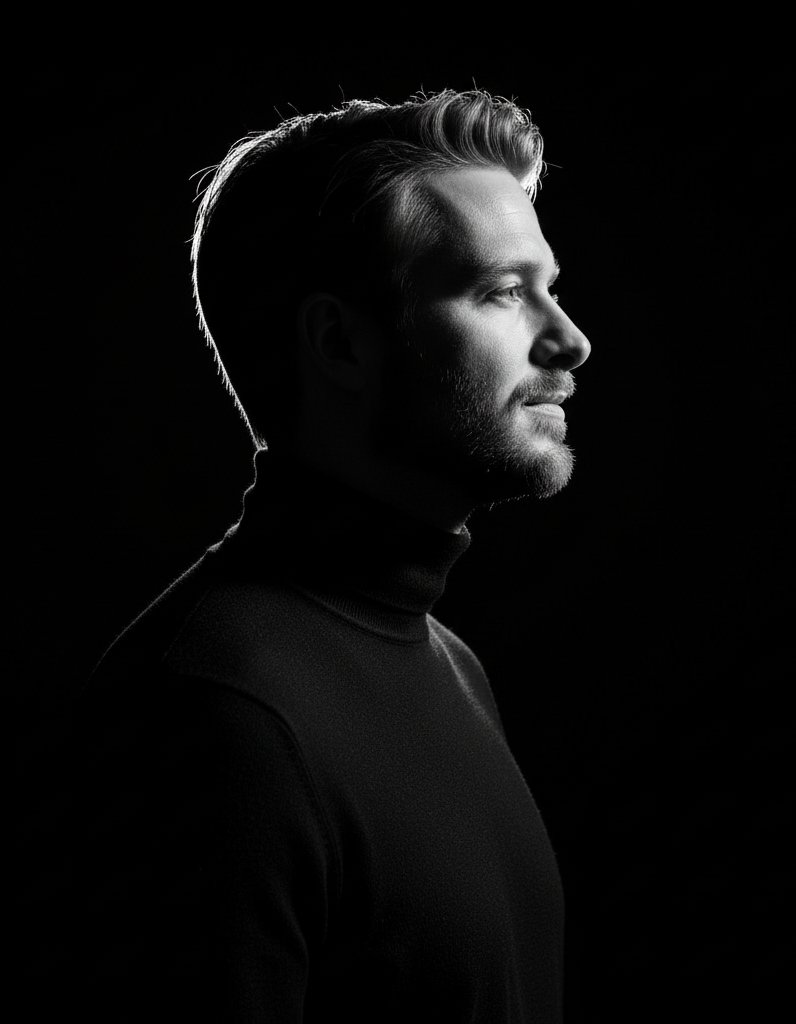
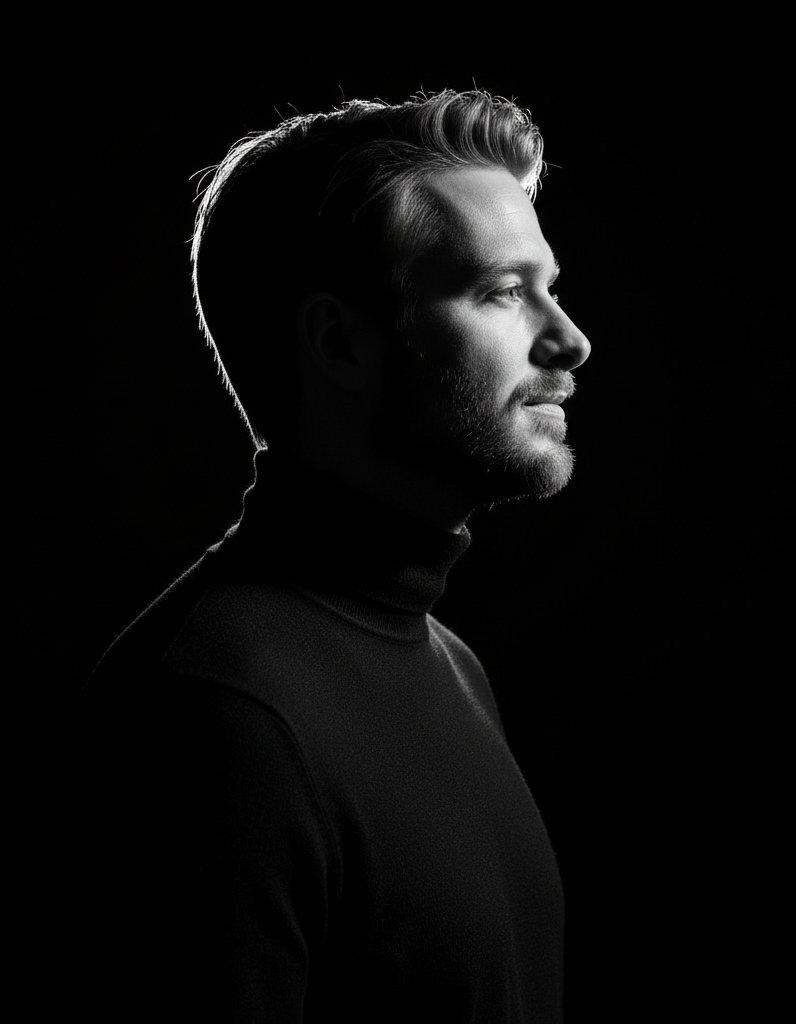
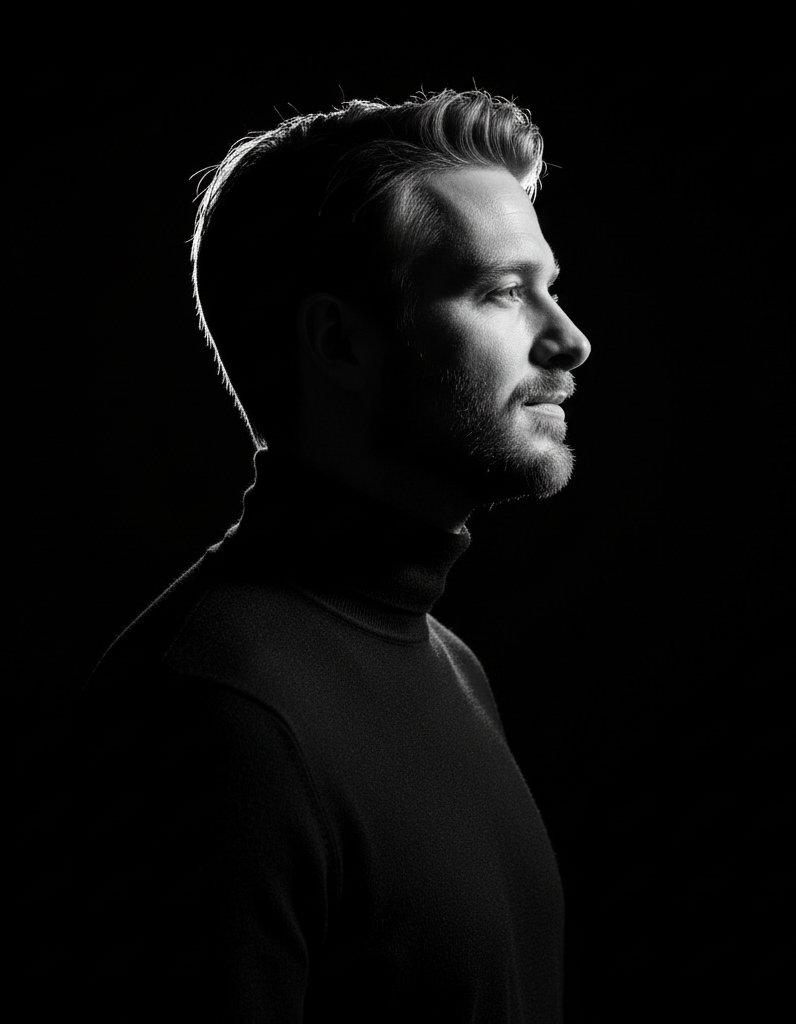
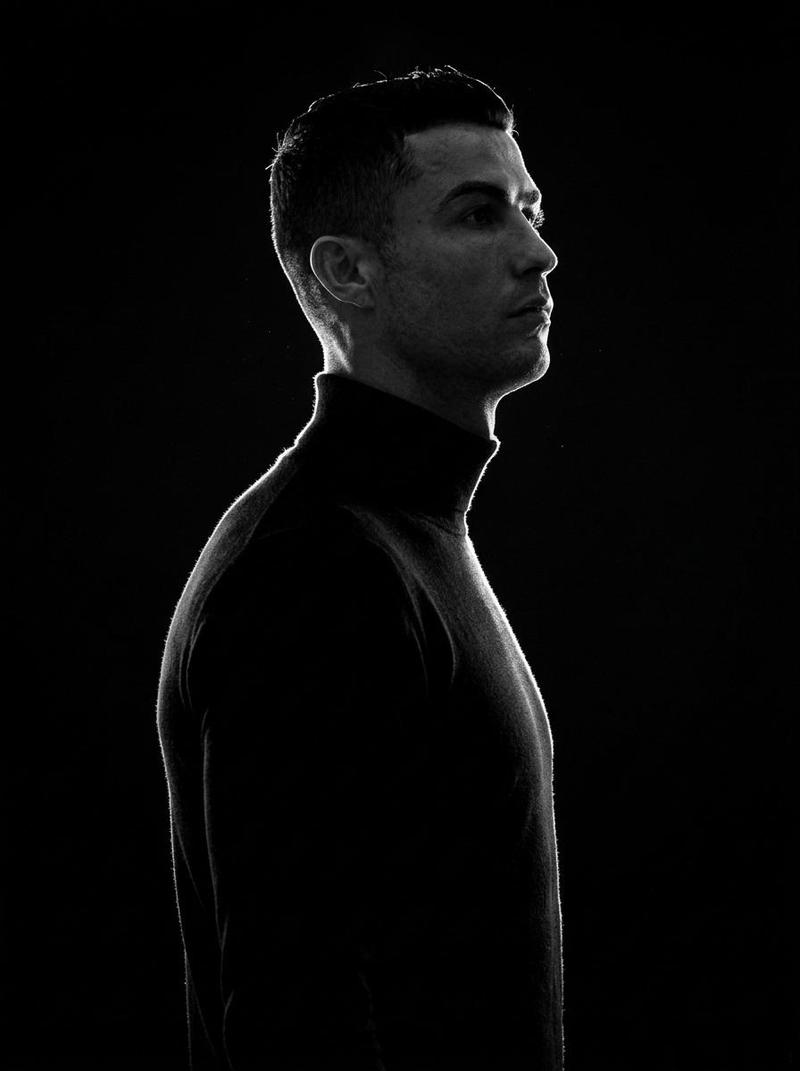
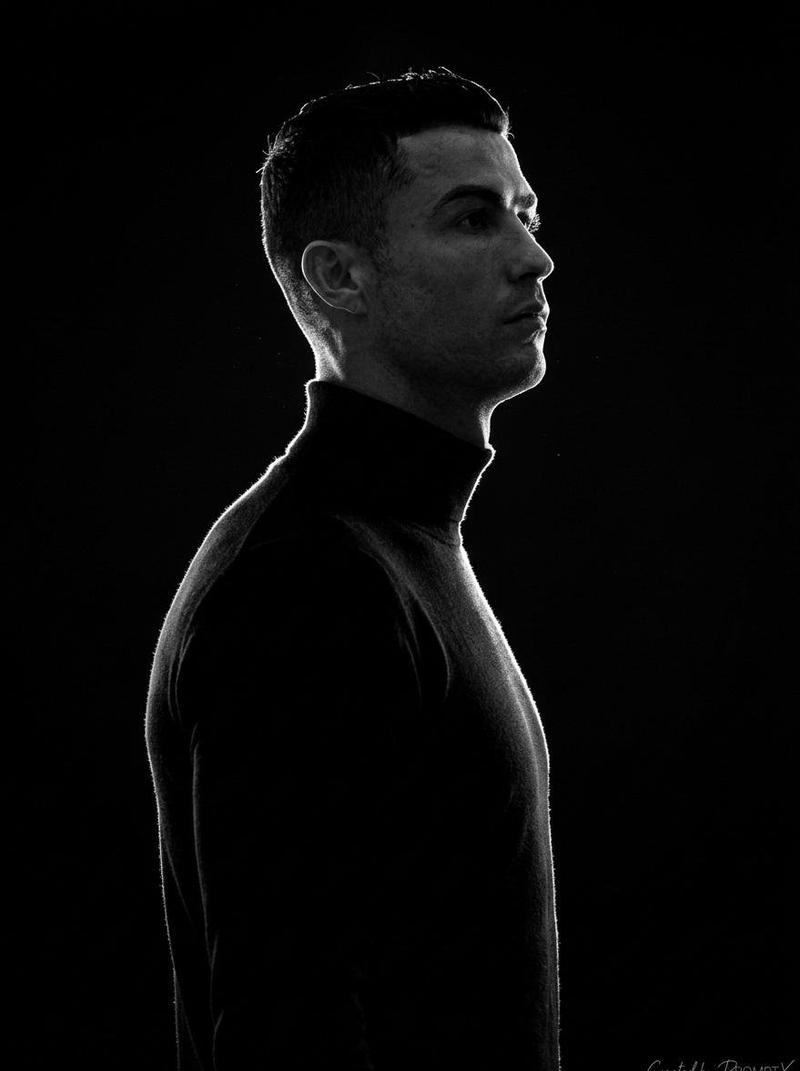
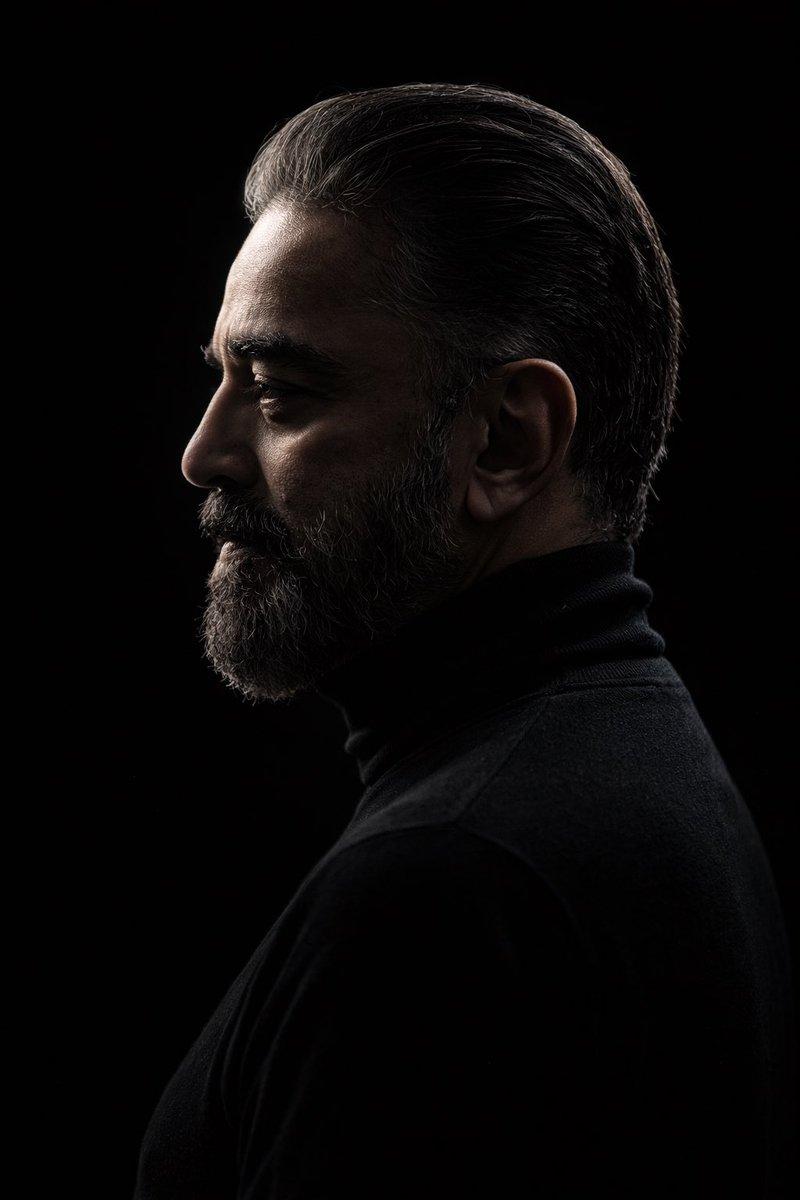
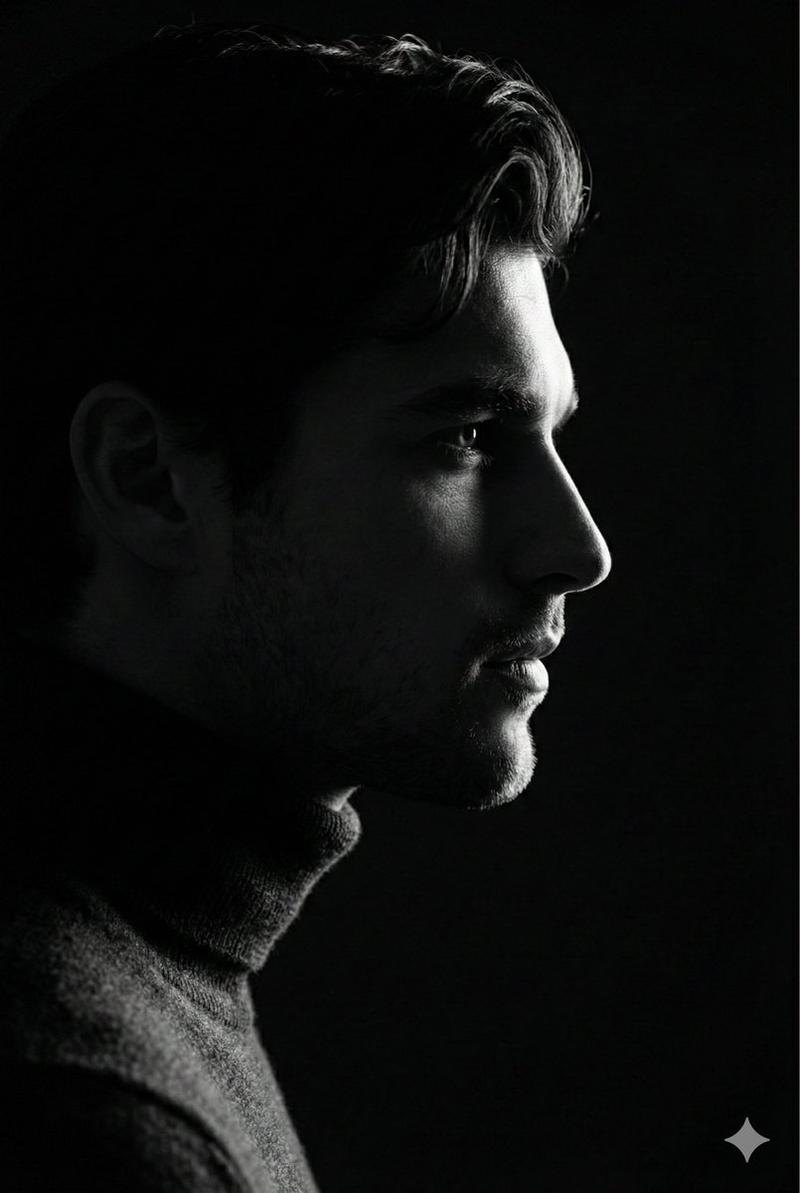
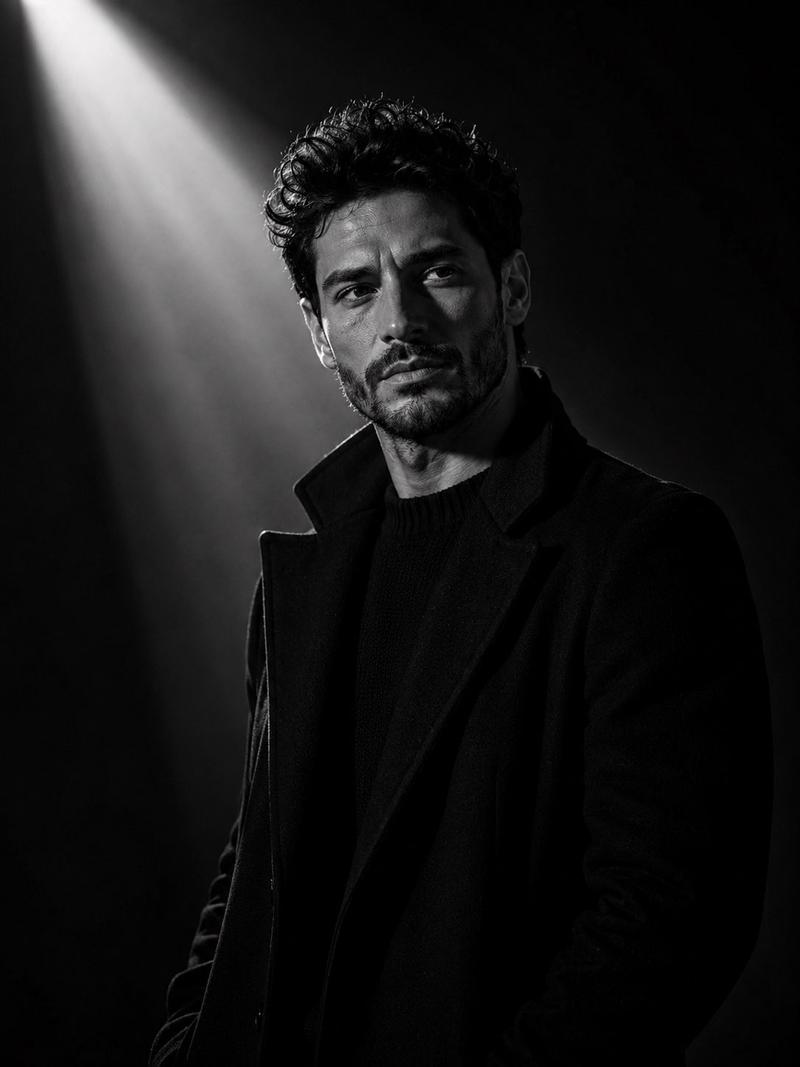
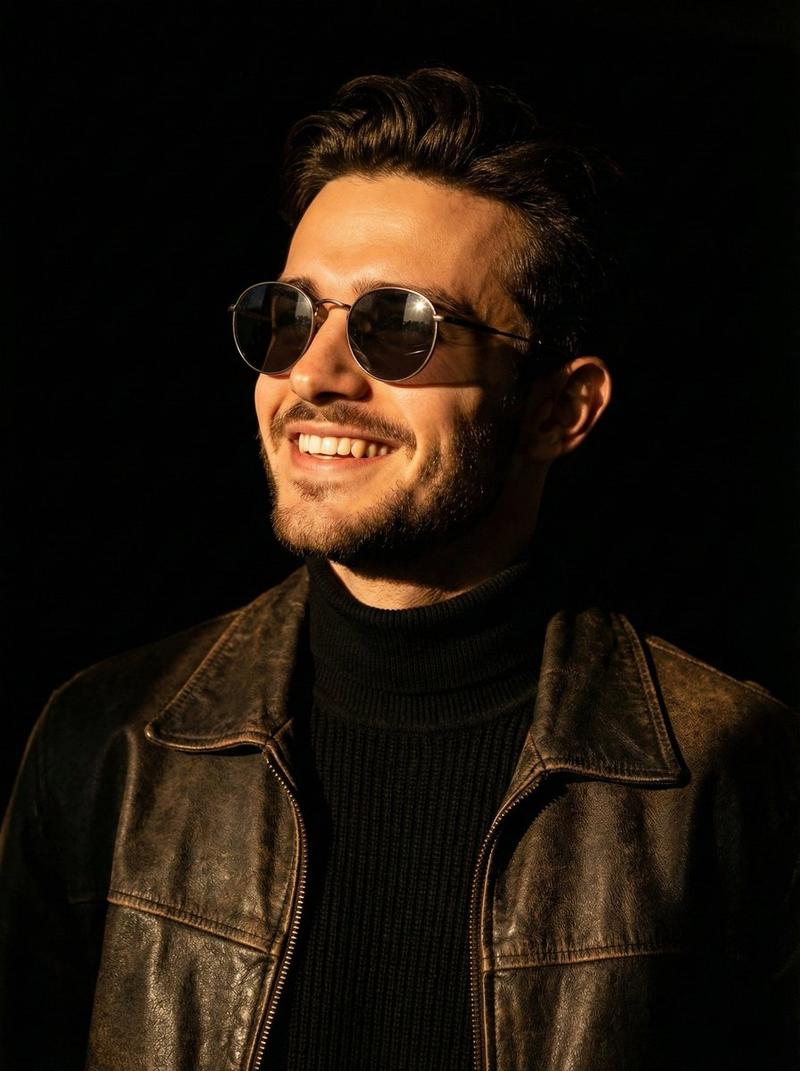
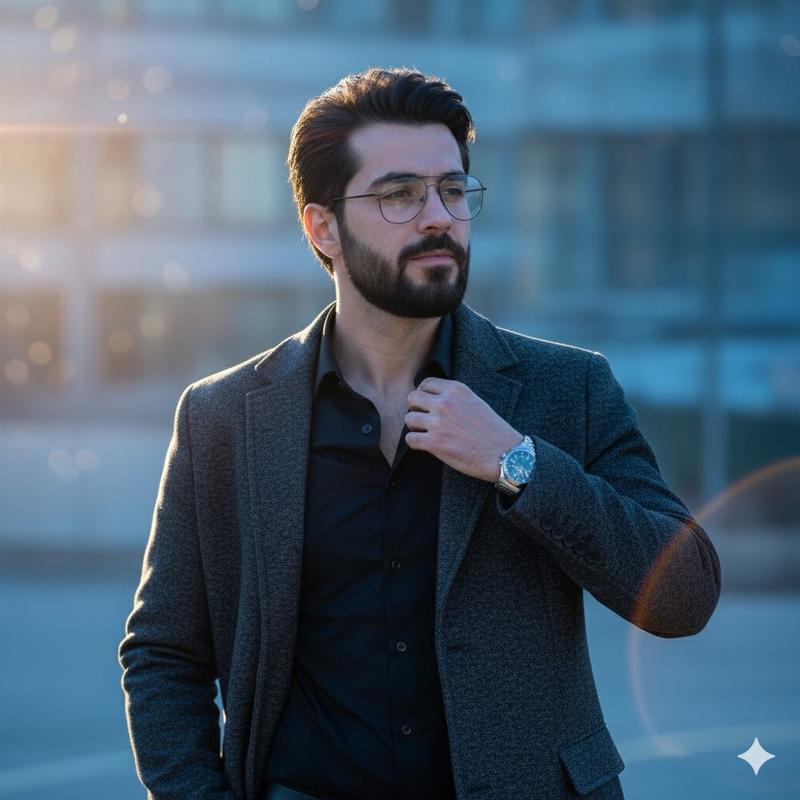
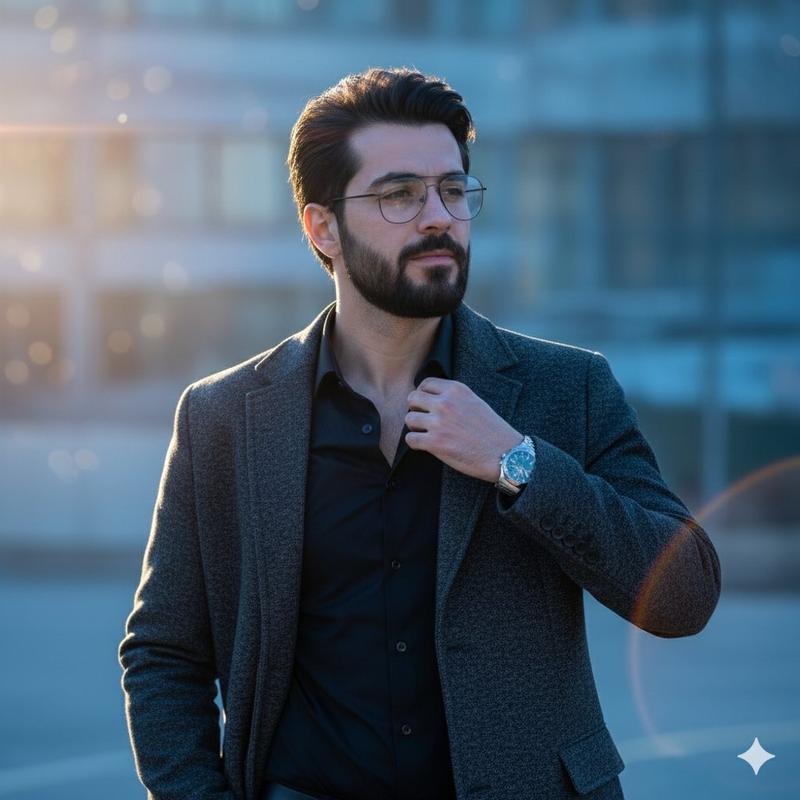
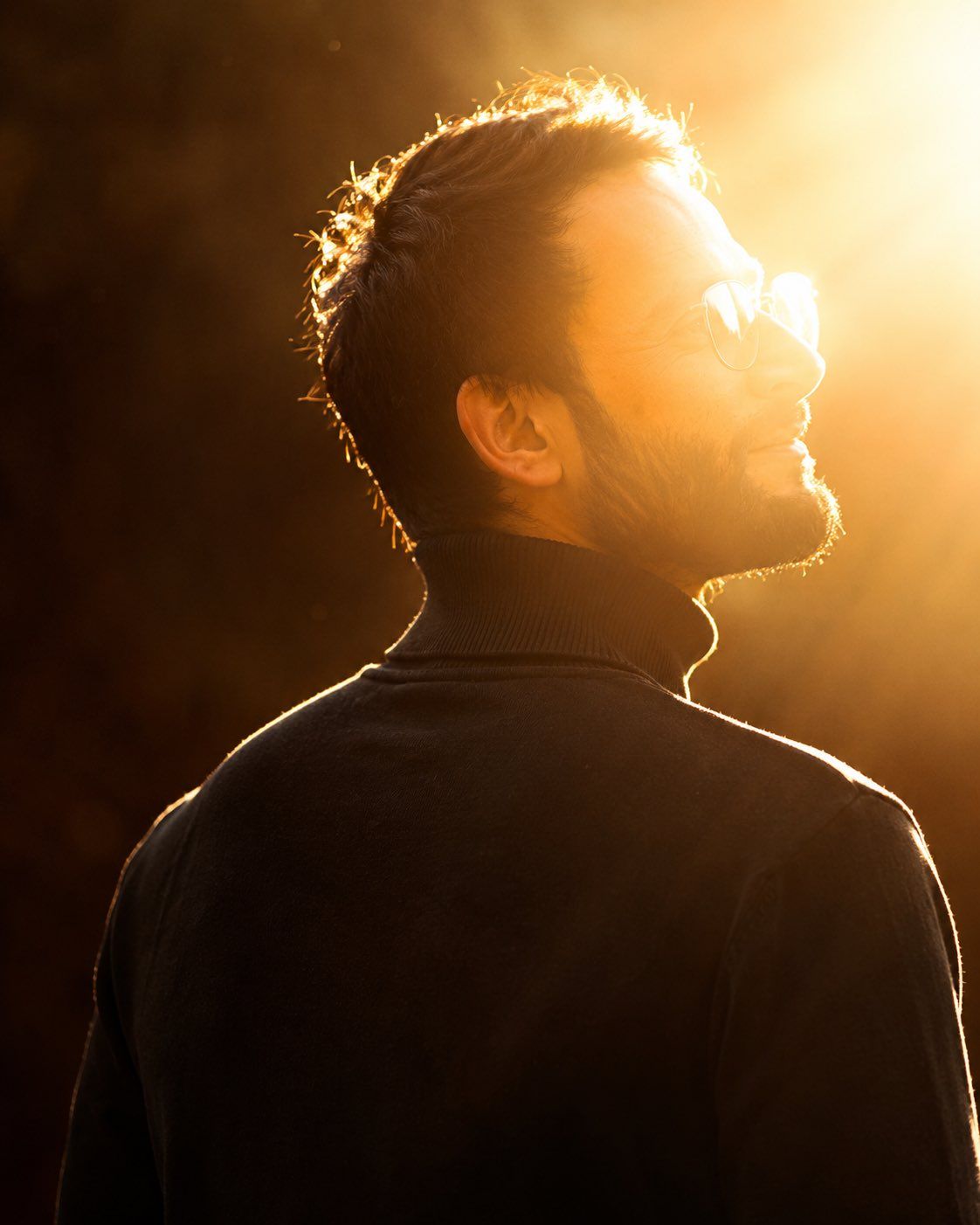
电影感黄金时刻逆光肖像
Enlarge

电影感黄金时刻逆光肖像

Prompt
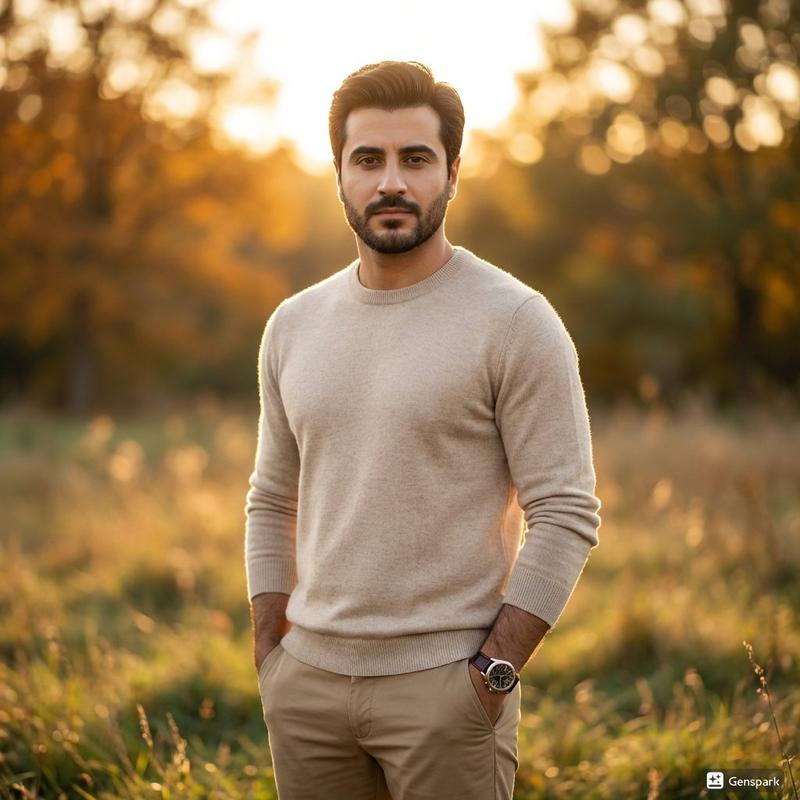
Create a cinematic golden-hour portrait of {argument name="subject" default="a young adult man"} seen from behind in a three-quarter back view, turning his head slightly upward toward the bright sun at the upper right. He has short dark wavy hair, a neatly trimmed beard, and wears thin round eyeglasses plus a {argument name="clothing" default="black ribbed turtleneck sweater"}. The composition is a tight vertical portrait from mid-back to head, with the face in right-facing side profile and the body mostly in shadow. Use extremely warm amber sunlight, intense backlighting, glowing rim light around the hair, ear, beard, shoulders, and sweater edge, with soft haze and lens flare washing across the right side of the frame. The background should be dark, blurred, and minimal, like shaded trees or an indistinct outdoor backdrop, creating strong contrast against the golden sun. Style it as an ultra-realistic cinematic photograph shot at golden hour with shallow depth of field, natural skin texture, soft atmospheric bloom, high dynamic range, warm color grading, dramatic mood, and no text or watermark.
Category
Photography & Realism
Model
GPT Image 2
Creator
Shah
Views0
Source ID
27292
Published
Jun 30, 2026

Guide

About "电影感黄金时刻逆光肖像"

What is this prompt for?

"电影感黄金时刻逆光肖像" AI image prompt for GPT Image 2 (Photography & Realism). 一个温暖的电影感肖像提示词,用于创作具有黄金时刻朦胧感和戏剧性轮廓光的写实男性侧影。 Copy it on Picva and recreate the look in one…

The full copyable prompt and example visuals above are ready for AI image generation or one-click recreate in Picva.

How to use this prompt

  1. Step 1

    Open the prompt detail

    Review the example visuals, category, and full prompt text for "电影感黄金时刻逆光肖像".

  2. Step 2

    Copy the prompt

    Copy the prompt body from this page, or load it directly in Studio.

  3. Step 3

    Pick a model (GPT Image 2)

    Prefer GPT Image 2. If you switch models, keep subject and composition and tweak style terms.

  4. Step 4

    Generate and export

    Recreate the look in Picva, or export into your workflow for editing and publishing.

FAQ

What is the "电影感黄金时刻逆光肖像" prompt?
It is an AI image-generation prompt for GPT Image 2 in the Photography & Realism category. This page includes the full prompt text, example visuals, and a one-click recreate path in Picva.
How do I use this prompt to generate an image?
Copy the prompt from this page, or use Generate / Studio. Paste it into a compatible image model, or recreate the look in Picva with optional reference images.
Which model is this prompt for?
This page lists GPT Image 2. Most descriptive prompts also transfer to nearby image models such as GPT Image, Flux, or Midjourney with light style tweaks.
Can I use the result commercially?
You can usually copy the prompt for creation, but commercial use of the final image depends on the model terms, reference-image rights, and the generated content. Follow the source author and platform rules.