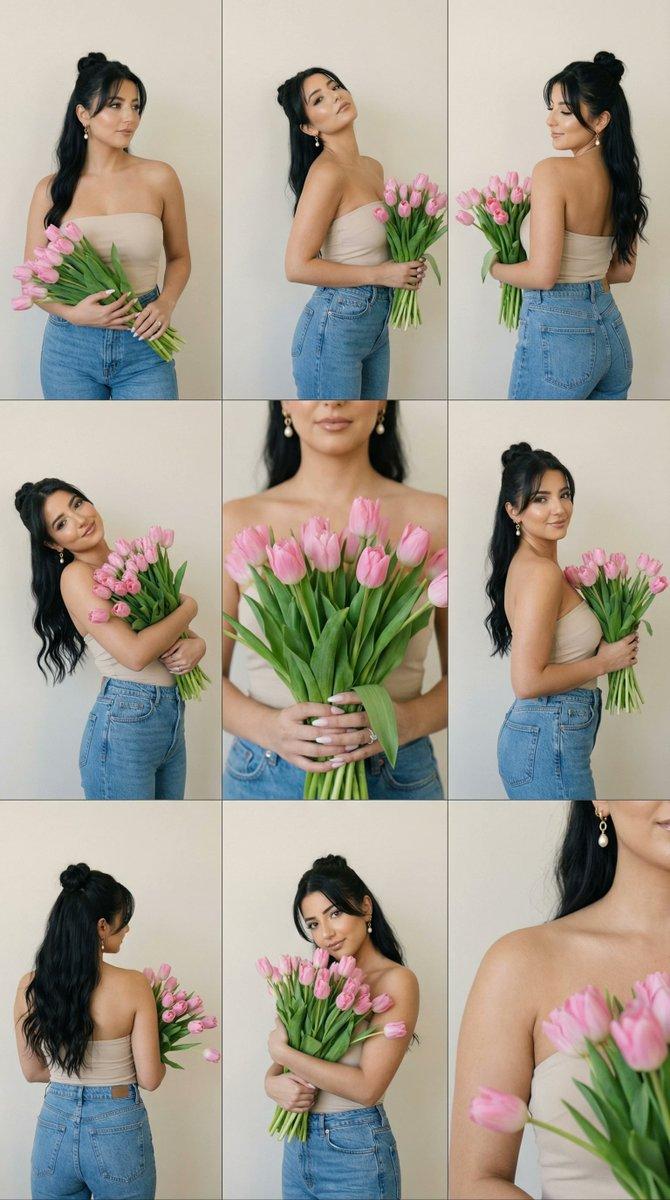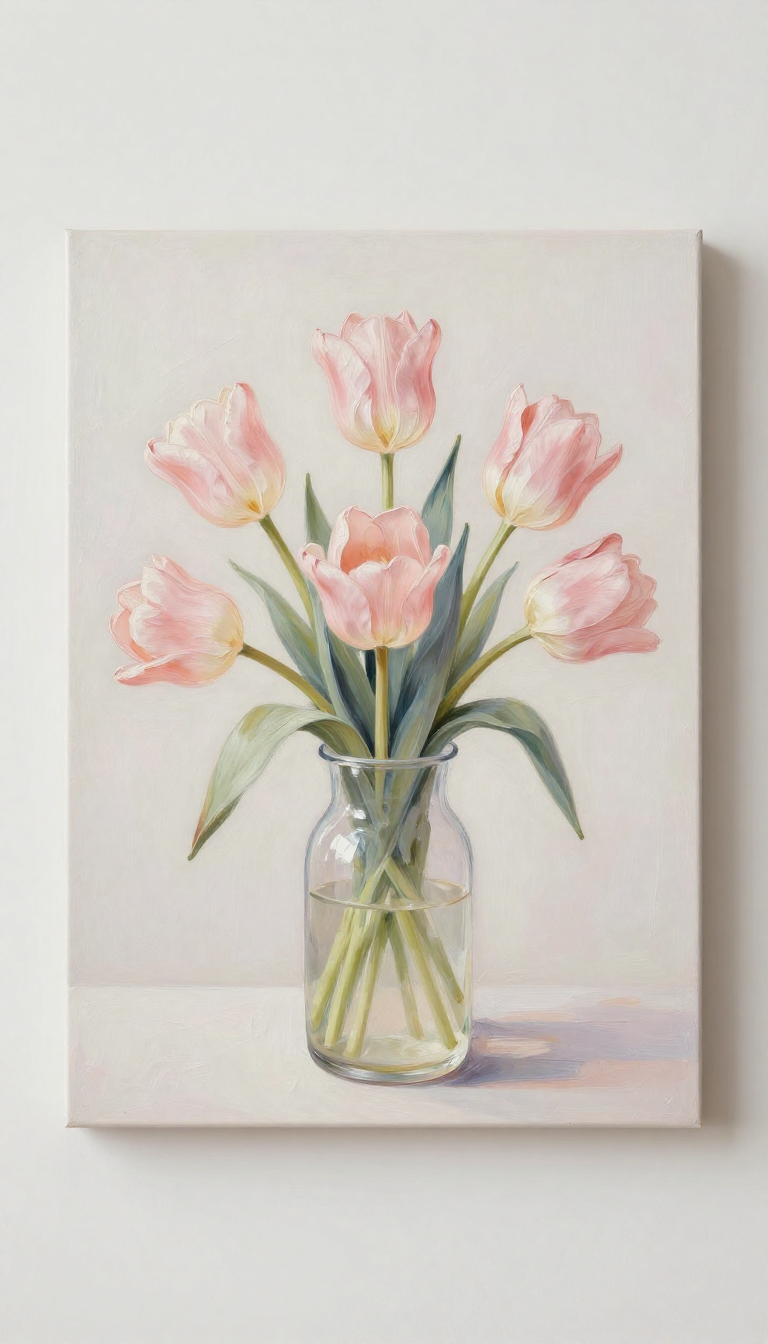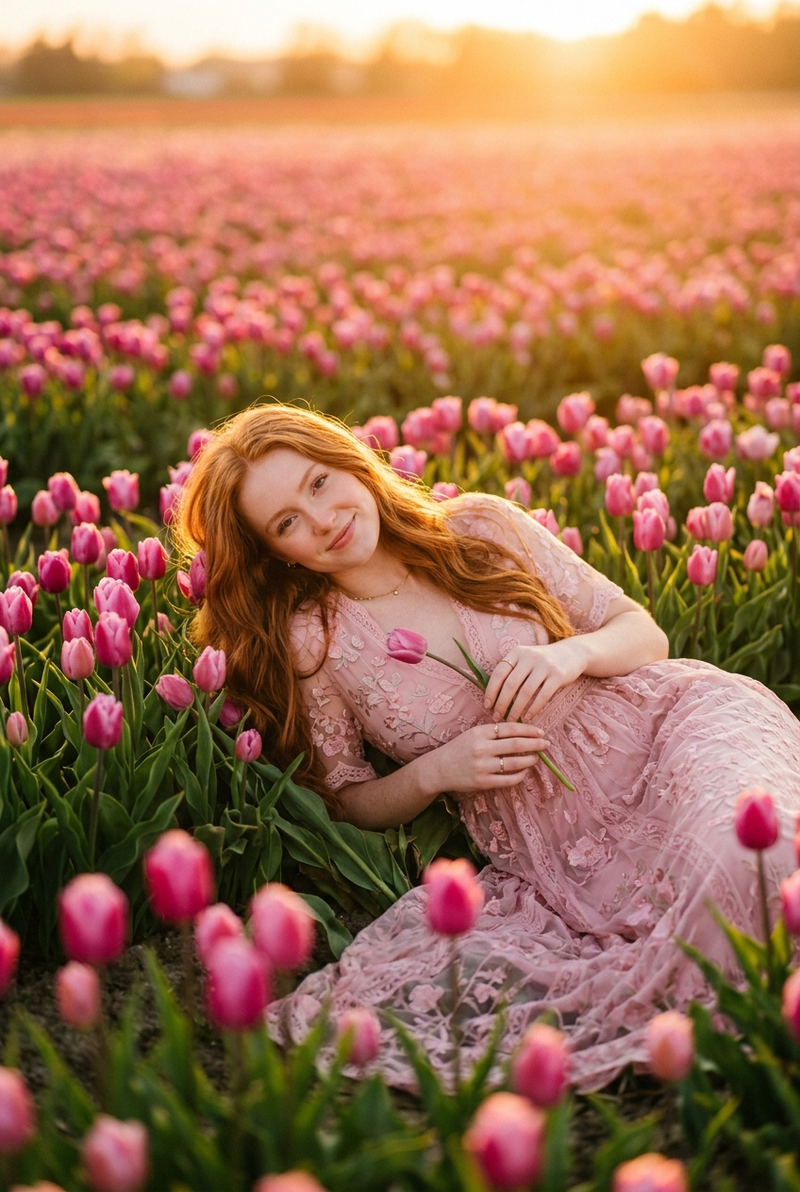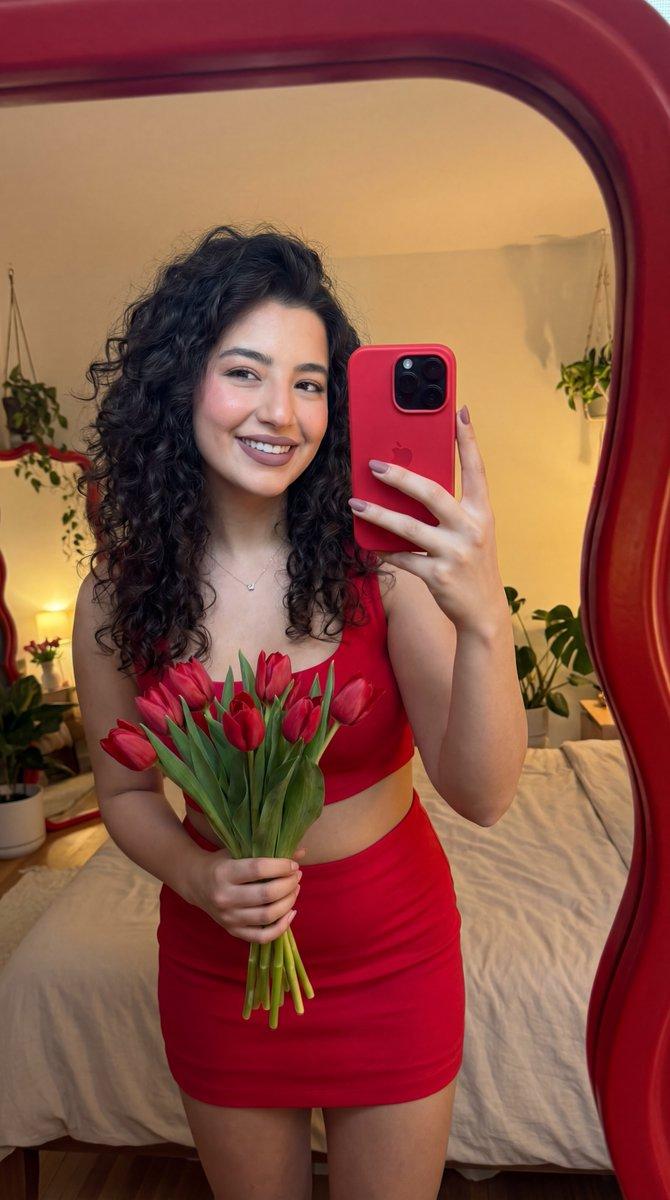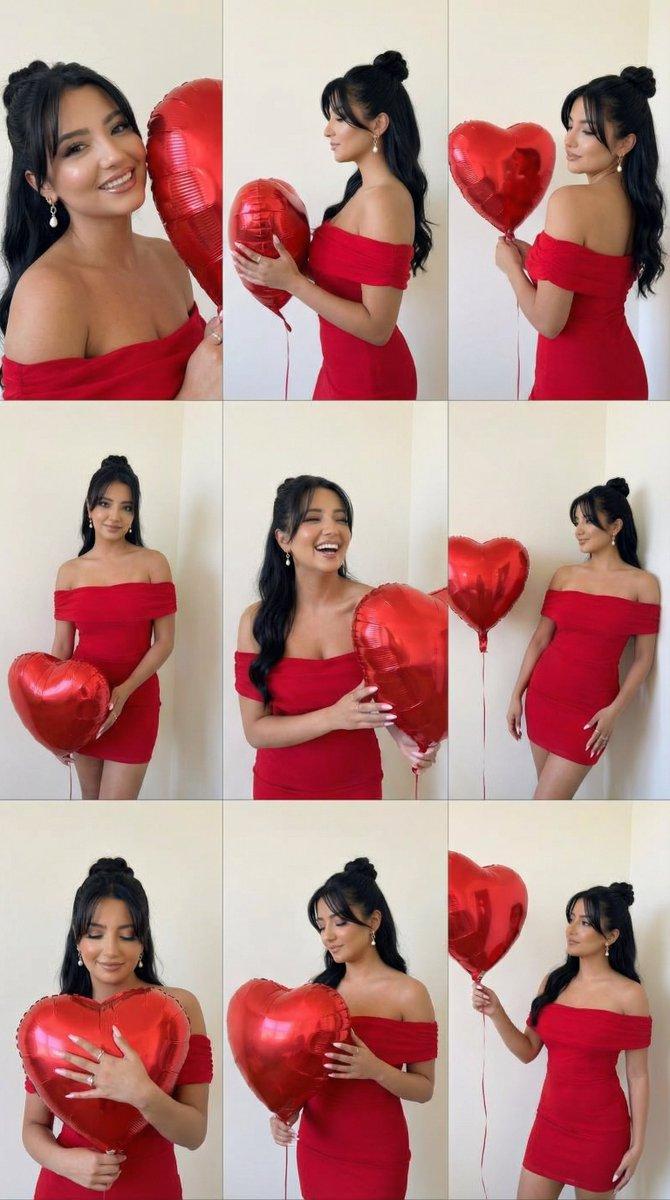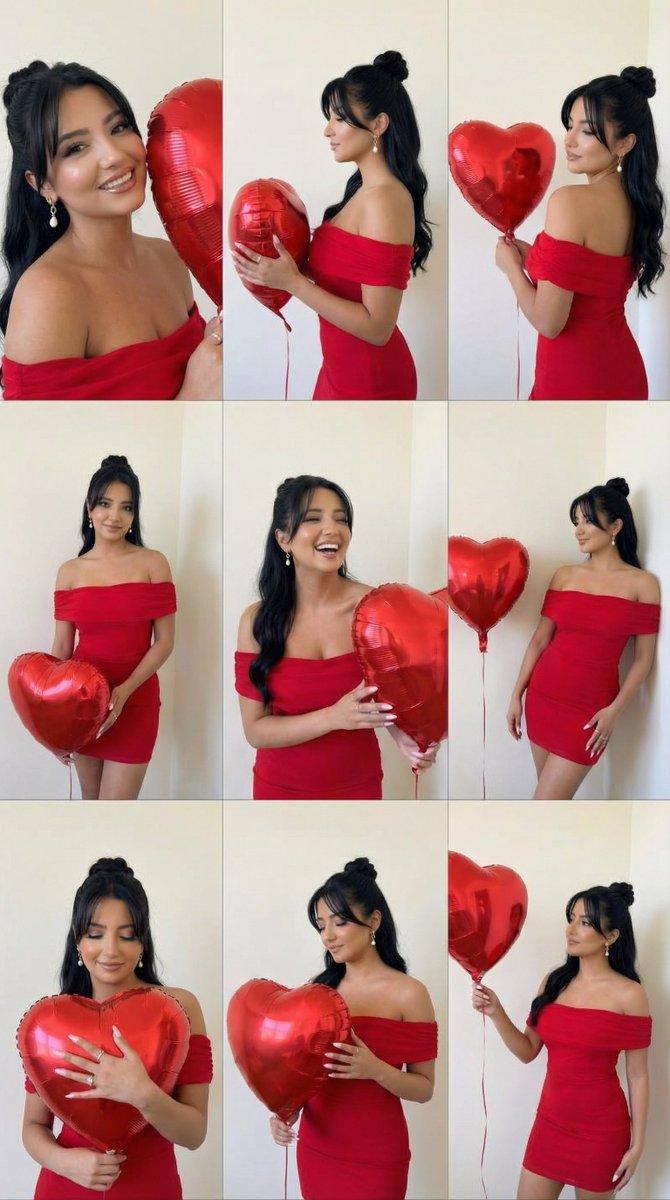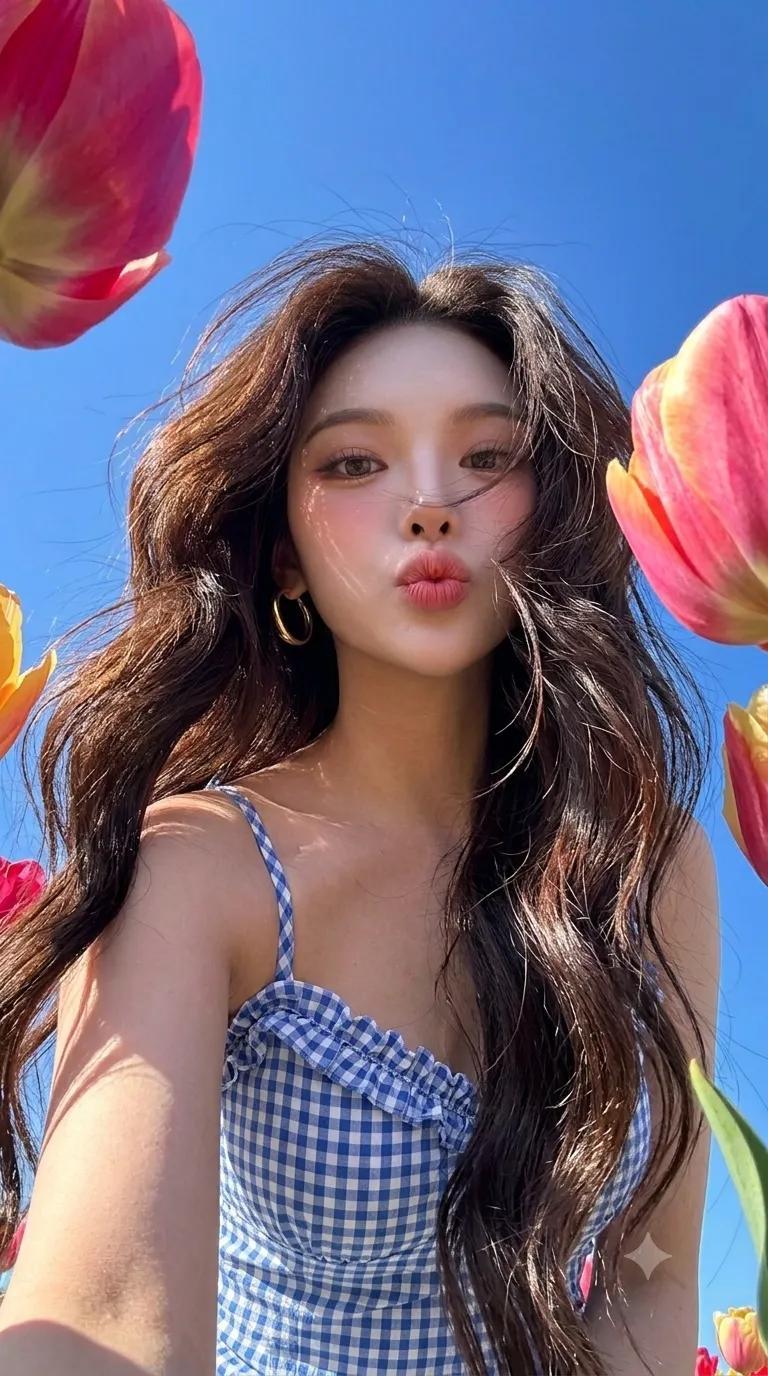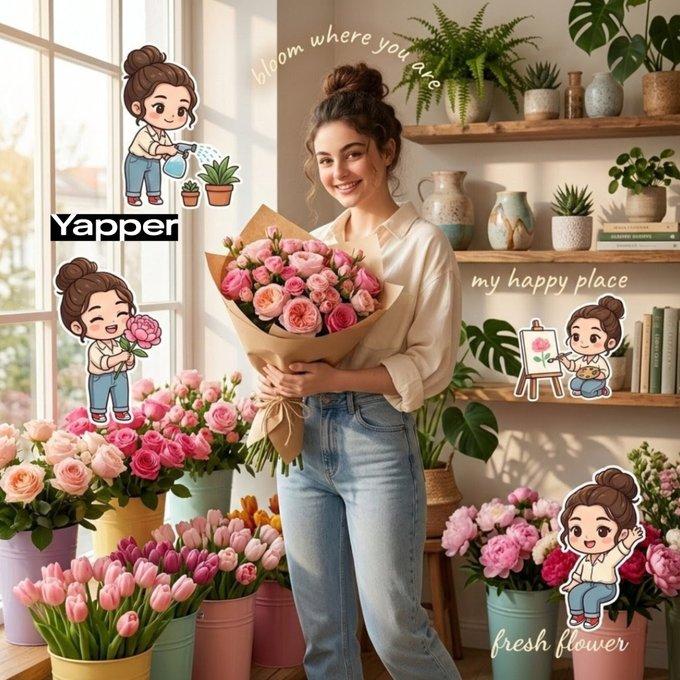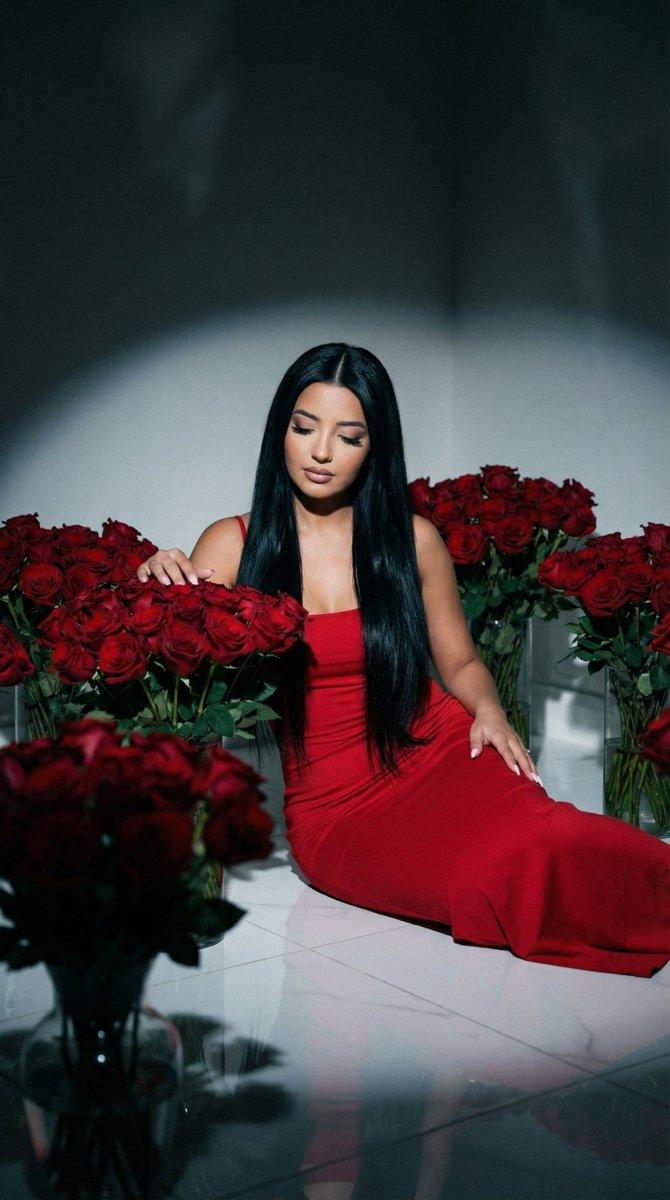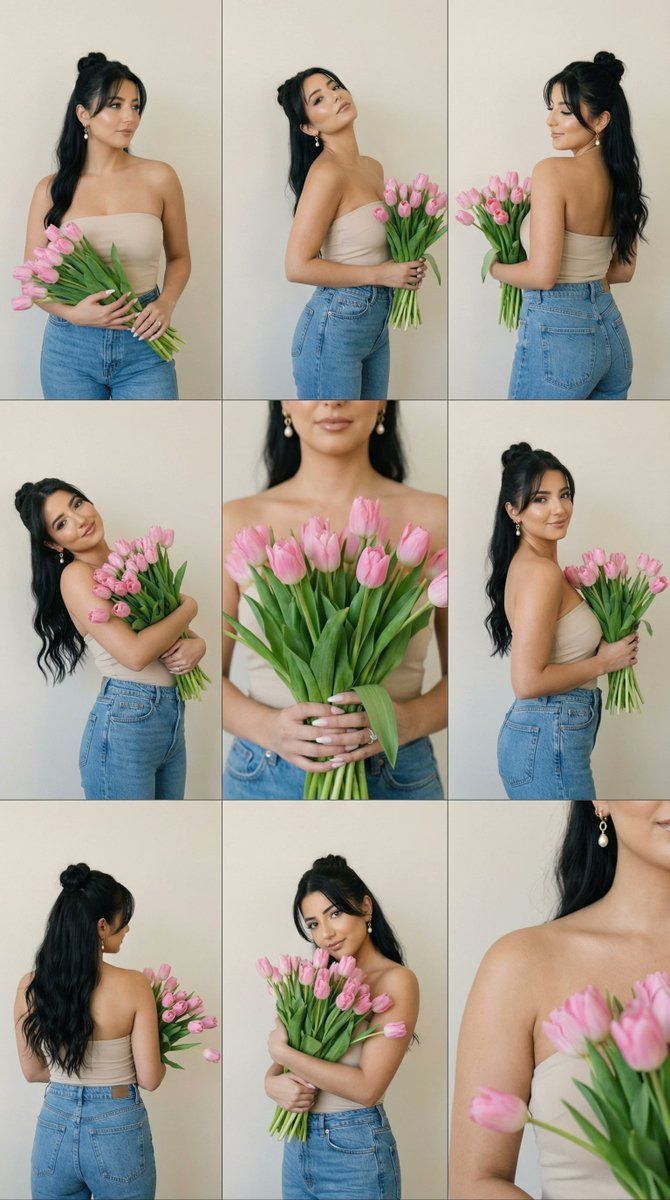
编辑联系表提示:手捧粉色郁金香的女人
Prompt
{
  "generation_request": {
    "meta_data": {
      "tool": "NanoBanana Pro",
      "task_type": "photoreal_editorial_contact_sheet_9panel",
      "version": "v1.0_9PANEL_TULIP_CONTACT_SHEET_MINIMAL_WALL_NO_TEXT_EN",
      "priority": "highest",
      "language": "en"
    },
    "references": {
      "reference_image_style": {
        "source": "UPLOAD_REFERENCE_IMAGE (RECOMMENDED)",
        "purpose": "STYLE_GRID_LAYOUT_POSE_VIBE_ANCHOR",
        "strict_lock": true,
        "preserve_composition": true,
        "preserve_vibe": true
      },
      "reference_image_face": {
        "source": "UPLOAD_REFERENCE_IMAGE (OPTIONAL)",
        "purpose": "FACE_IDENTITY_LOCK",
        "strict_lock": false
      }
    },
    "output_settings": {
      "aspect_ratio": "1:1",
      "orientation": "square",
      "resolution_target": "ultra_high_res",
      "render_style": "editorial_ultra_photoreal_contact_sheet",
      "sharpness": "crisp_but_natural",
      "film_grain": "very_subtle_35mm",
      "dynamic_range": "natural_filmic_not_hdr",
      "color_grade": "soft_neutral_beige_wall_pastel_pink_flowers",
      "skin_rendering": "natural_skin_texture_no_beautify",
      "grid_layout": {
        "type": "3x3",
        "borders": "thin_white_dividers",
        "panel_consistency": "same_room_same_light_same_outfit"
      },
      "lens_and_camera": {
        "camera": "full_frame_dslr_look",
        "lens": "50mm_prime",
        "aperture": "f2.8",
        "focus_style": "subject_in_focus_minimal_distortion"
      },
      "lighting": {
        "key": "soft_window_daylight",
        "fill": "gentle_bounce",
        "mood": "calm_minimal_editorial"
      },
      "background": {
        "environment": "plain_beige_wall_indoor",
        "clean": "no_clutter_no_props"
      }
    },
    "scene": {
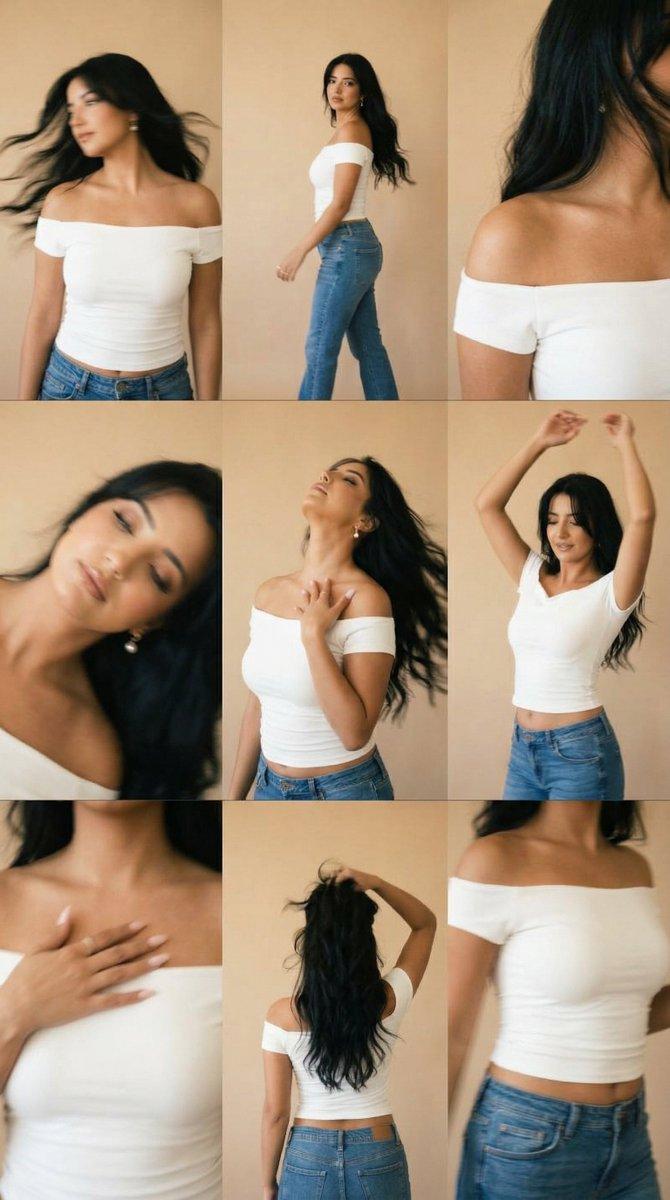
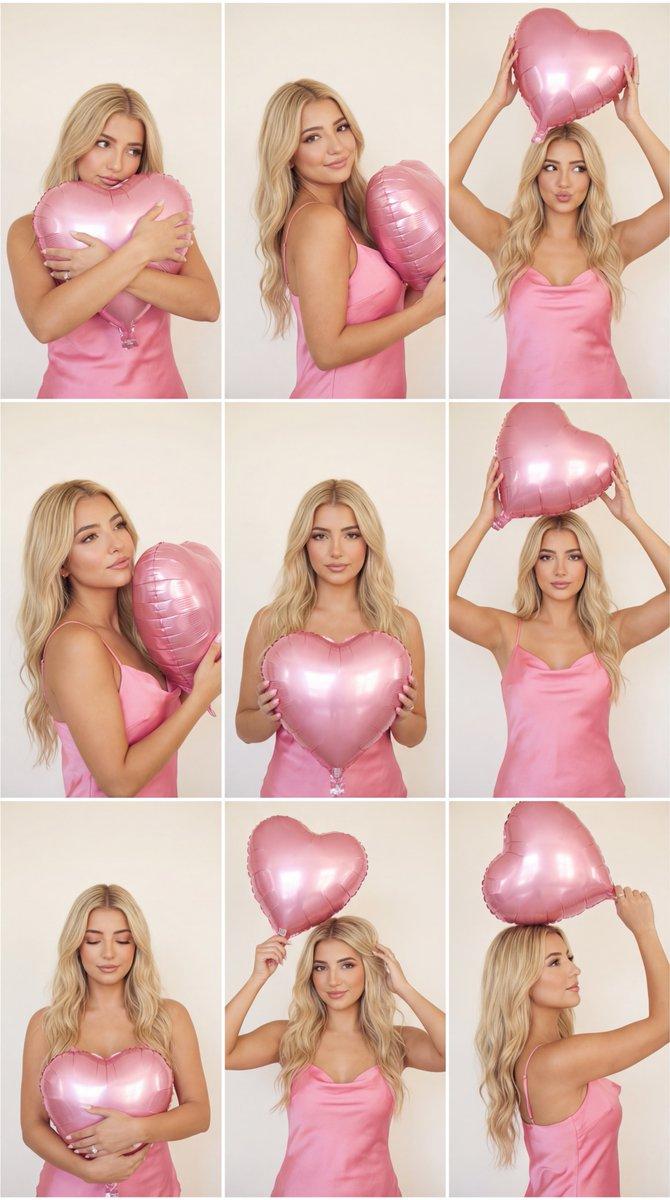
      "global_description": "A 9-panel (3x3) editorial contact sheet featuring the same young woman posing with a large bouquet of pink tulips in front of a plain beige wall. Minimal, clean, natural window light. Same outfit throughout: light neutral top and high-waisted blue jeans. Each panel shows a different pose or crop (side profile, back pose, three-quarter, playful lean, and close-up bouquet). No text anywhere.",
      "subject": {
        "description": "young adult woman, long wavy dark brown hair, natural makeup, relaxed expressions",
        "wardrobe": "simple light neutral top (strapless or thin straps) + high-waisted blue jeans",
        "flowers": "large bouquet of fresh pink tulips with long green stems and leaves"
      },
      "panels": [
        {
          "panel": "1",
          "framing": "medium",
          "pose": "three-quarter view, holding bouquet low, looking to the side"
        },
        {
          "panel": "2",
          "framing": "medium",
          "pose": "arched back slightly, chin up, bouquet held at waist"
        },
        {
          "panel": "3",
"framing": "medium",- Category
- 创意图片
- Model
- Nano Banana Pro
- Creator
- Özge Döner
- Source ID
- f32f1fa9-0597-4936-9439-56763db635f0
- Published
- Mar 8, 2026
Views0