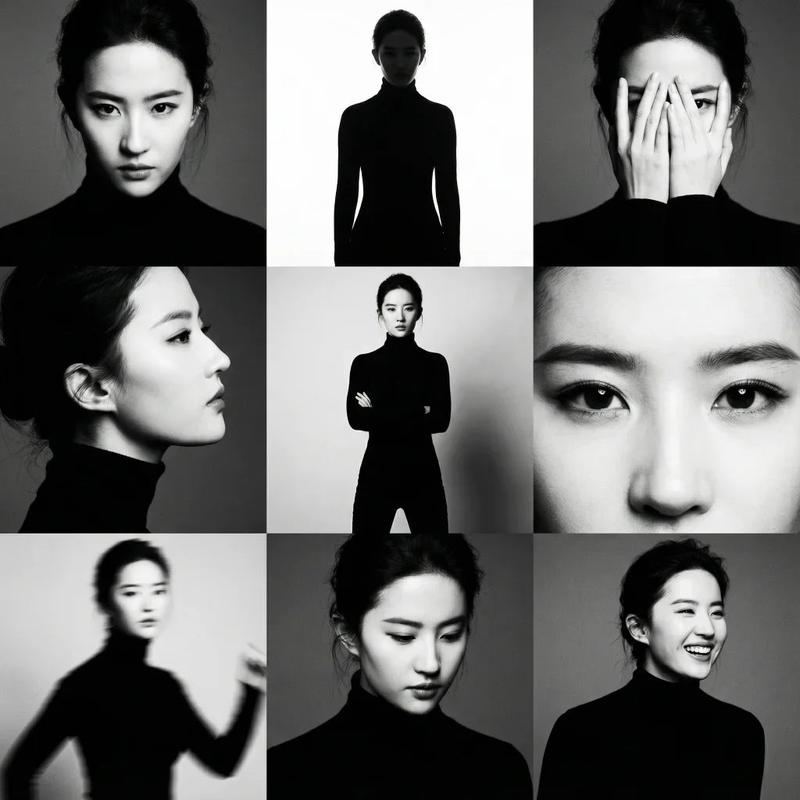
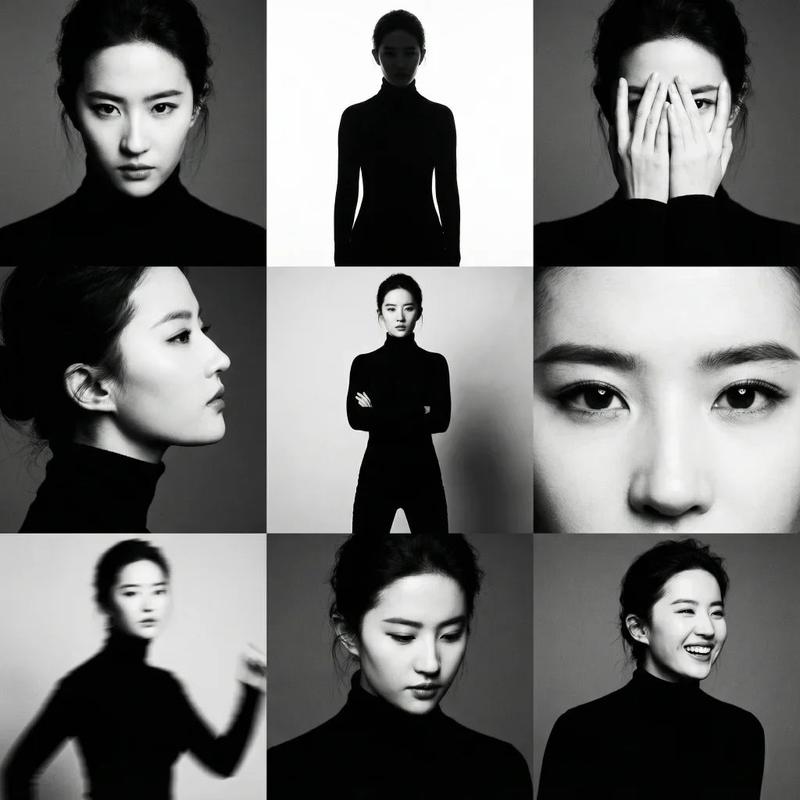
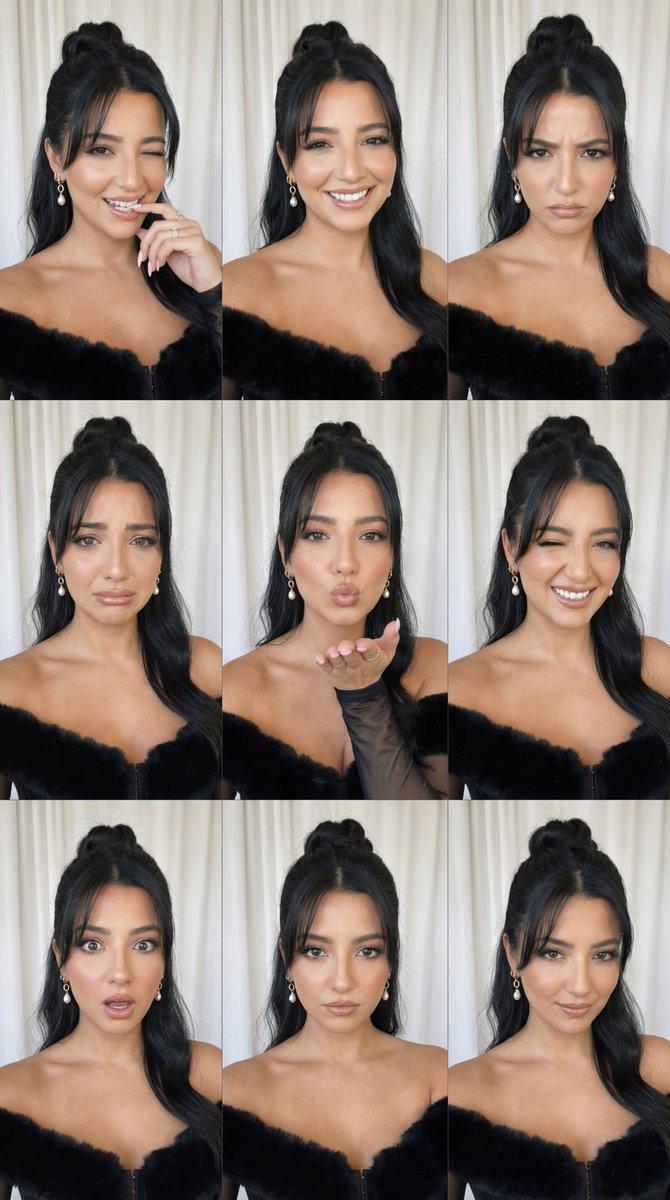
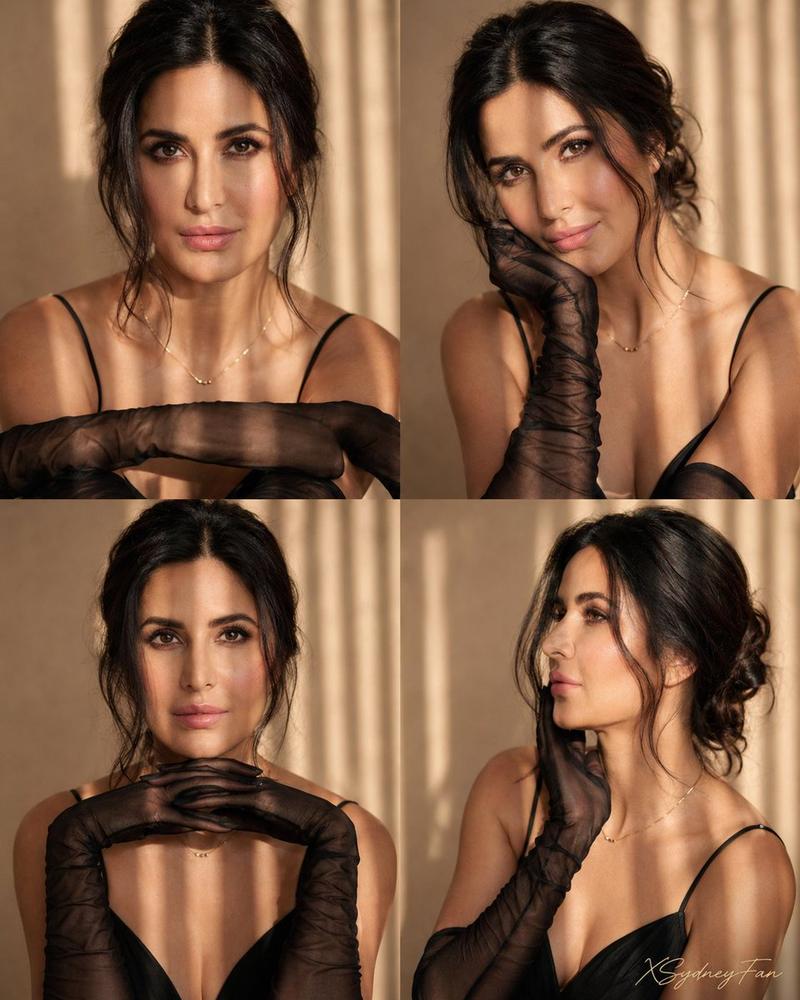
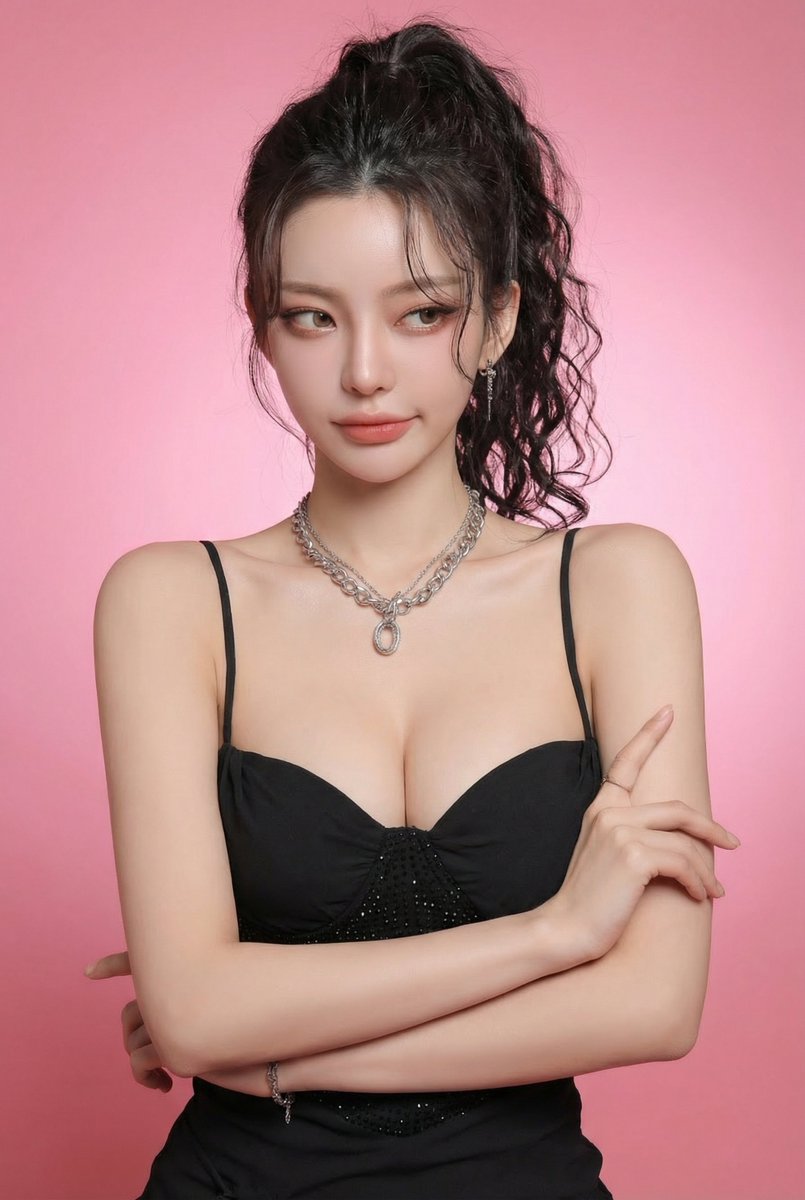
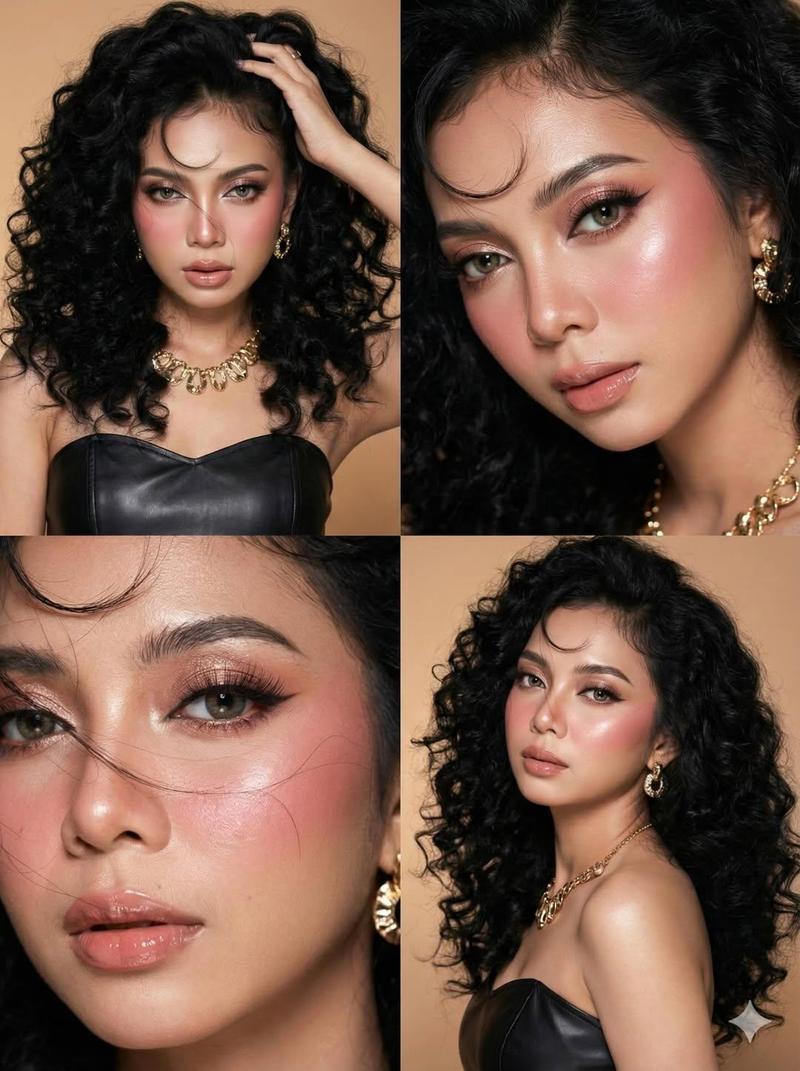
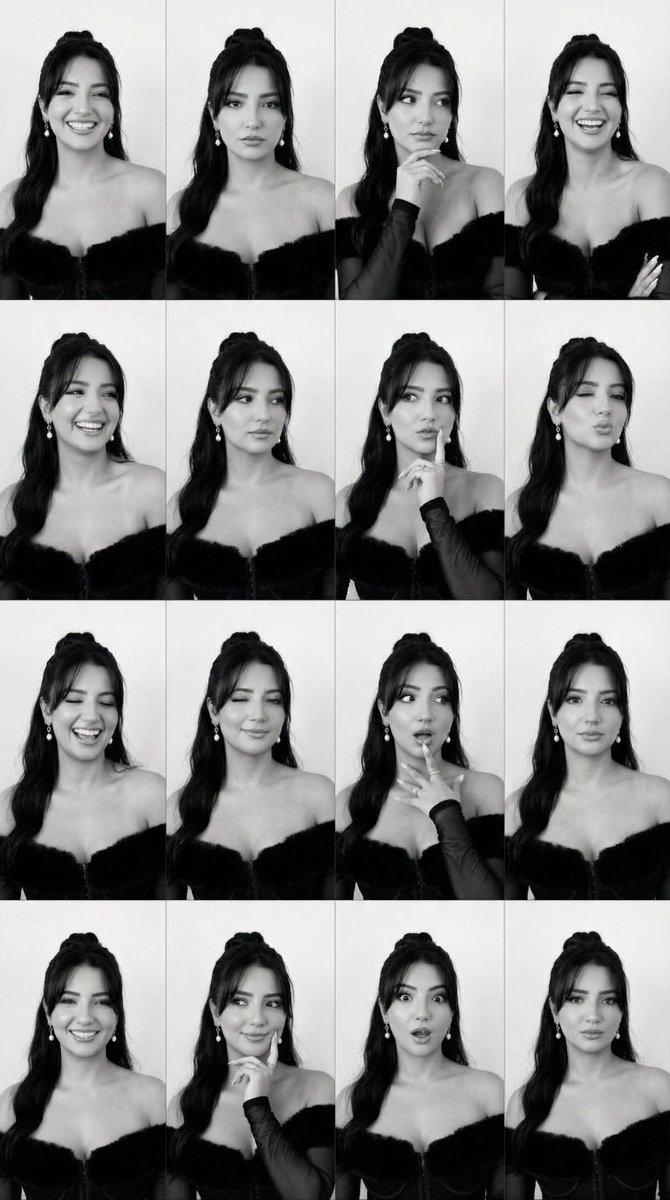
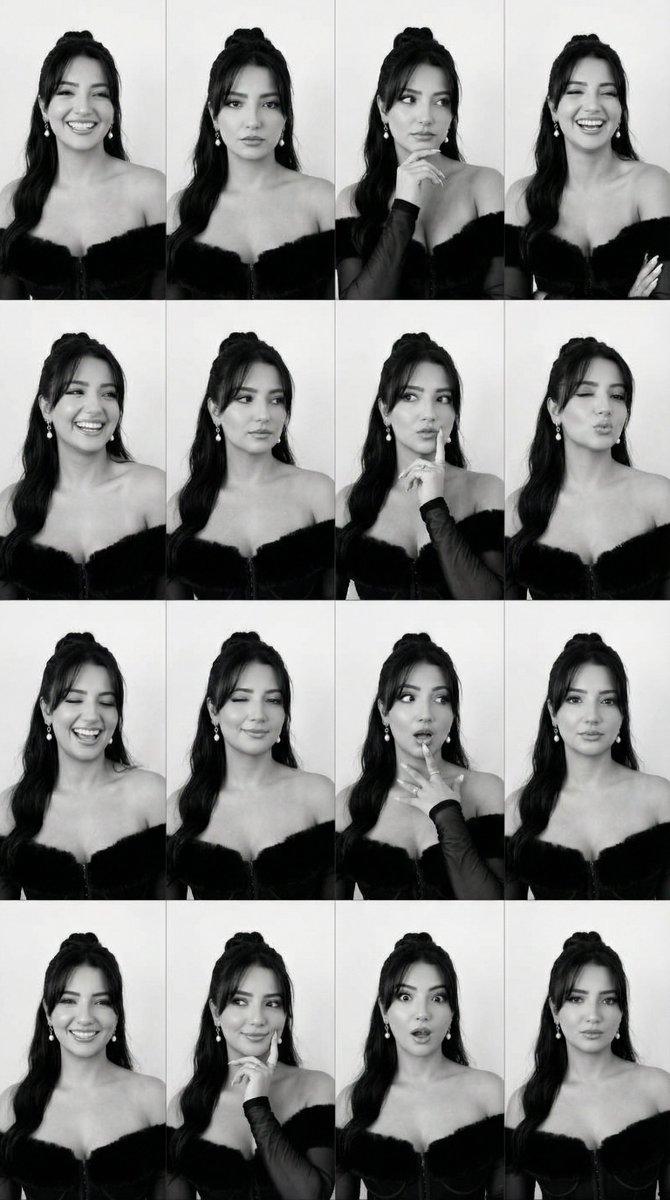
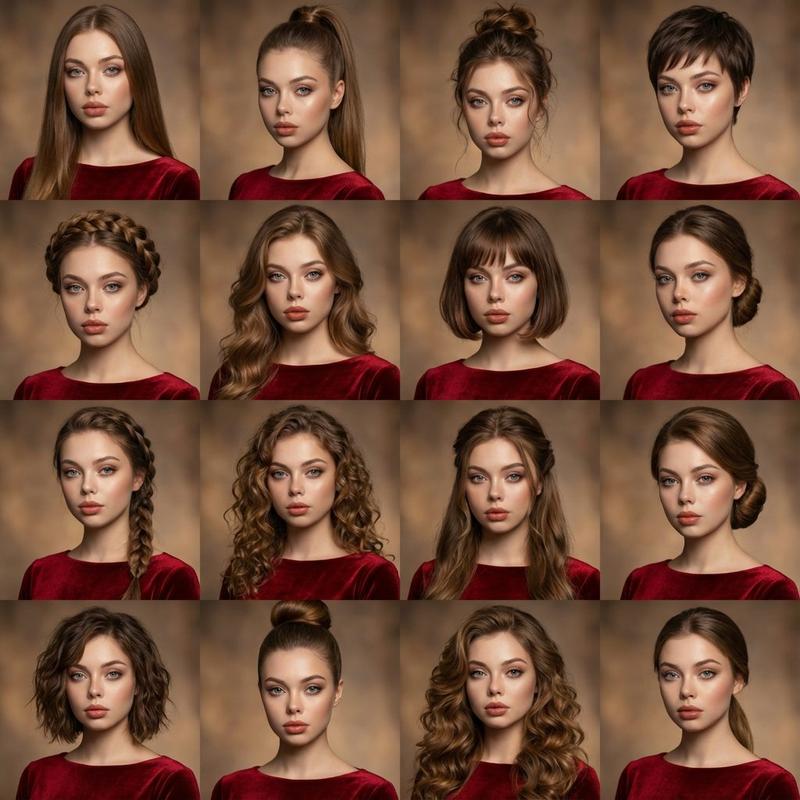
黑白时尚专题联系表单的 JSON 提示
Prompt
{
  "generation_request": {
    "meta_data": {
      "tool": "NanoBanana Pro",
      "task_type": "photoreal_cinematic_black_and_white_fashion_editorial_contact_sheet",
      "priority": "highest",
      "language": "en",
      "version": "v1.0_MONOCHROME_GLAM_CONTACT_SHEET_4UP_NO_TEXT"
    },

    "output": {
      "aspect_ratio": "4:5",
      "resolution": "ultra_high",
      "num_images": 4
    },

    "scene": {
      "concept": "A high-end black-and-white fashion editorial contact sheet: four frames of the model with subtle pose variations. Minimal studio wall background, strong cheekbone lighting, classic glamour styling, intense eye makeup, and a clean strapless black dress with a thin choker.",
      "environment": "minimal studio corner / plain textured wall, no props, no clutter",
      "time_of_day": "studio",
      "atmosphere": "clean, cinematic, high-contrast monochrome"
    },

    "subject": {
      "age_appearance": "adult",
      "expression": "cool, controlled, enigmatic, slightly melancholic",
      "hair": "sleek dark hair pulled back with a single curled strand falling across the face",
      "makeup": "bold winged eyeliner, long lashes, defined brows, sculpted lips, classic glamour",
      "wardrobe": "strapless black dress with clean neckline, thin black choker ribbon tied at the back",
      "pose_language": "subtle micro-expressions, minimal movement, high-fashion restraint"
    },

    "shot_design": {
      "layout": "2x2 contact sheet collage (four frames in one image), thin borders between frames",
      "frame_1": "tight face close-up, direct gaze, strand crossing one eye, choker visible",
      "frame_2": "three-quarter body, model turned slightly away, arm lifted holding a thin strap or ribbon near shoulder, elegant tension",
      "frame_3": "upper body portrait, shoulders squared, neutral gaze, strapless neckline prominent",
      "frame_4": "tight face close-up variation, slightly different head angle and shadow pattern"
    },

    "camera": {
      "camera_body": "Hasselblad X2D",
      "lens": "80mm prime",
      "aperture": "f/2.8",
      "focus": "razor sharp eyes in close-ups, gentle falloff to ears and background",
      "look": "medium-format crispness with filmic softness"
    },

    "lighting": {
      "key_light": "hard-ish directional key from camera-right to sculpt face, classic portrait shadow",
      "fill_light": "very low fill to preserve contrast",
      "rim_light": "subtle separation on hair and shoulder",
      "contrast": "high, controlled highlights"
    },

    "color_grading": {
      "monochrome": true,
      "tone": "rich blacks, luminous skin highlights, smooth midtones",
      "grain": "fine analog film grain",
      "halation": "very subtle bloom on brightest highlights"
    },

    "composition": {
      "visual_hierarchy": "eyes first, then lips and choker, then dress silhouette",
      "background": "clean wall texture, shallow depth "
    }
  }
}- Category
- 创意图片
- Model
- Nano Banana Pro
- Creator
- Özge Döner
- Source ID
- 553a5efe-2949-4fb2-963f-69570d942197
- Published
- Mar 8, 2026
Views0