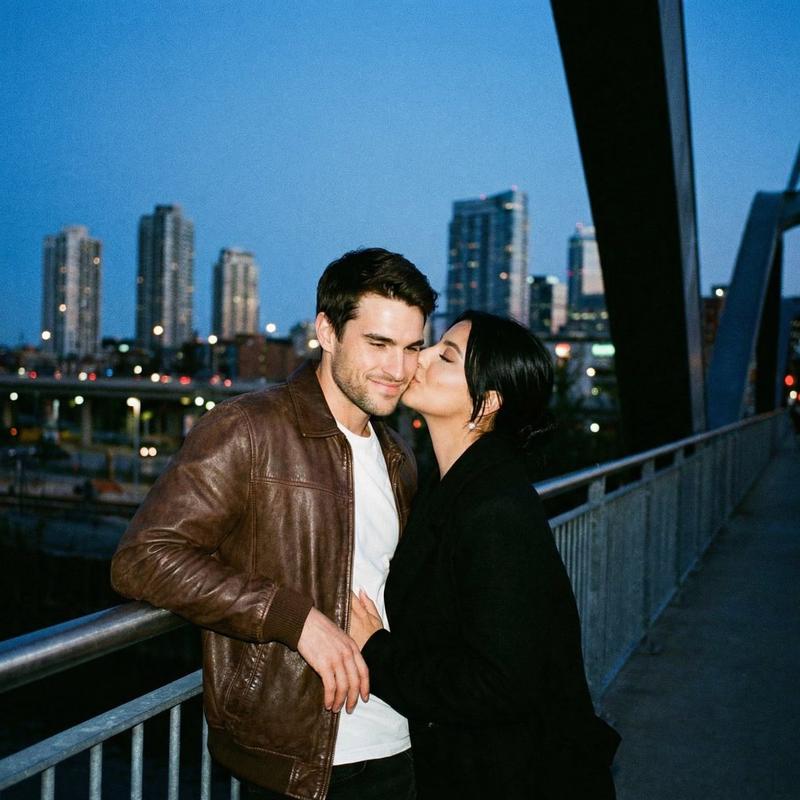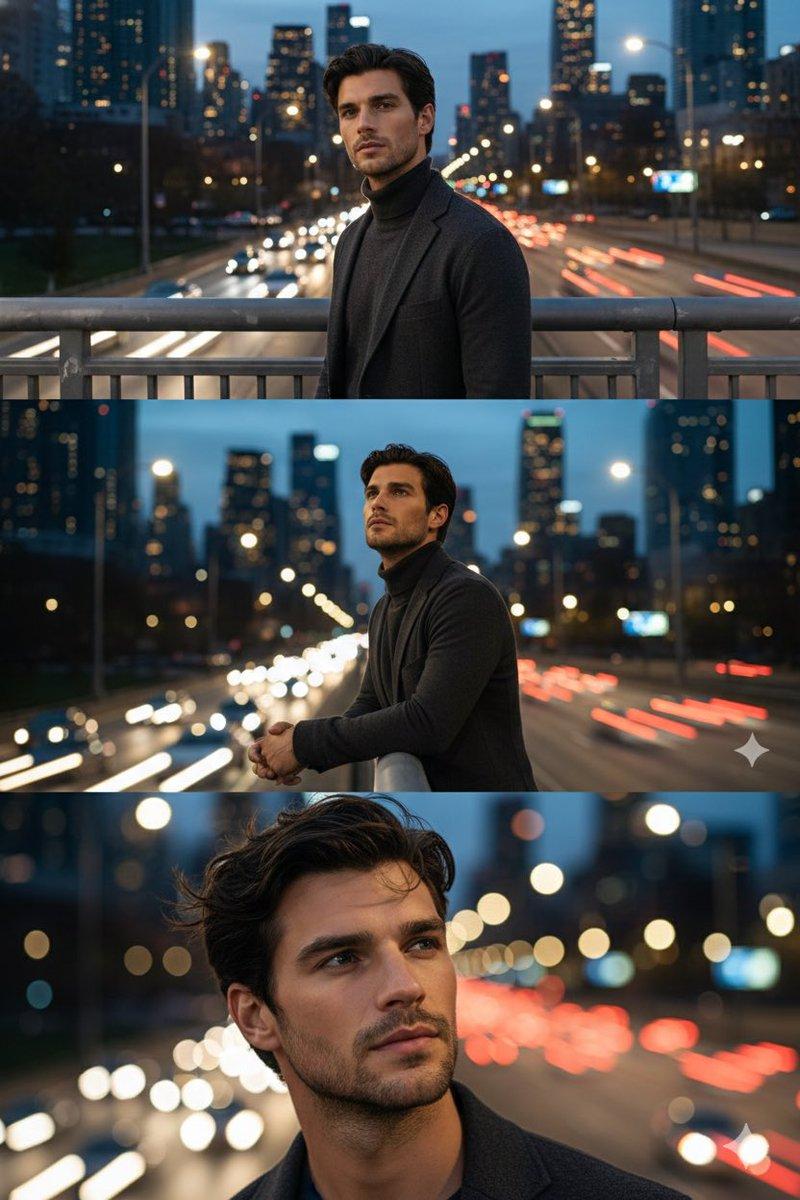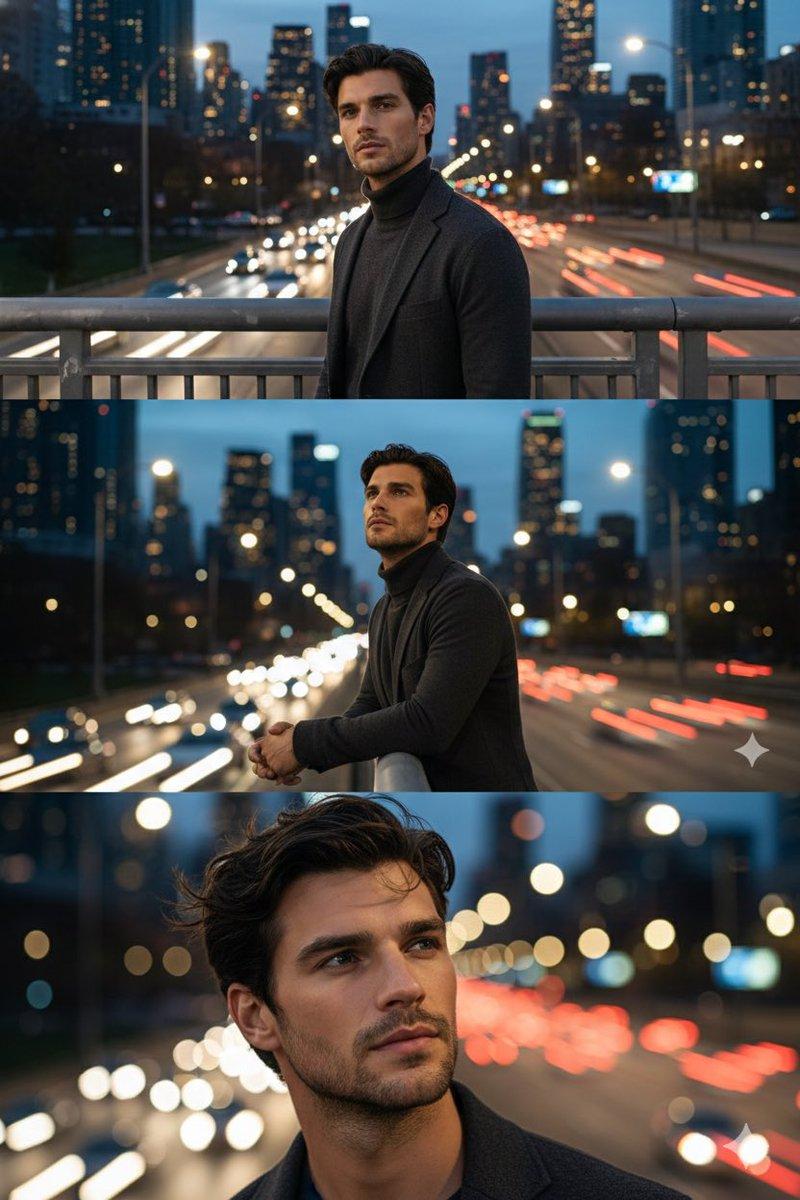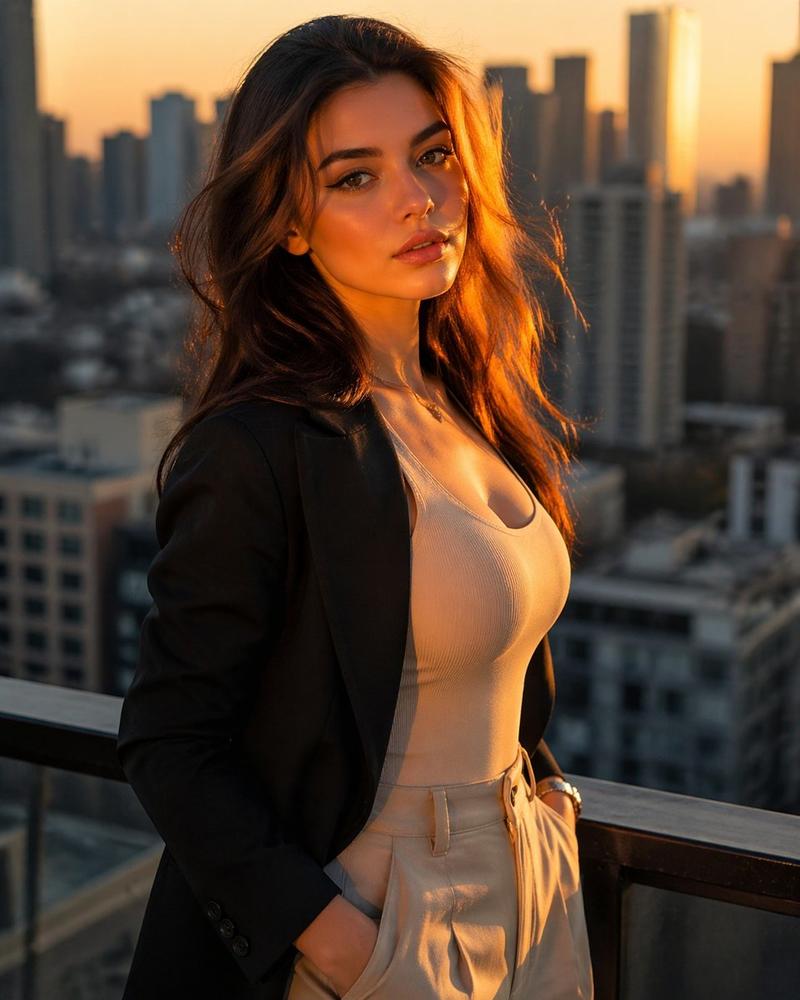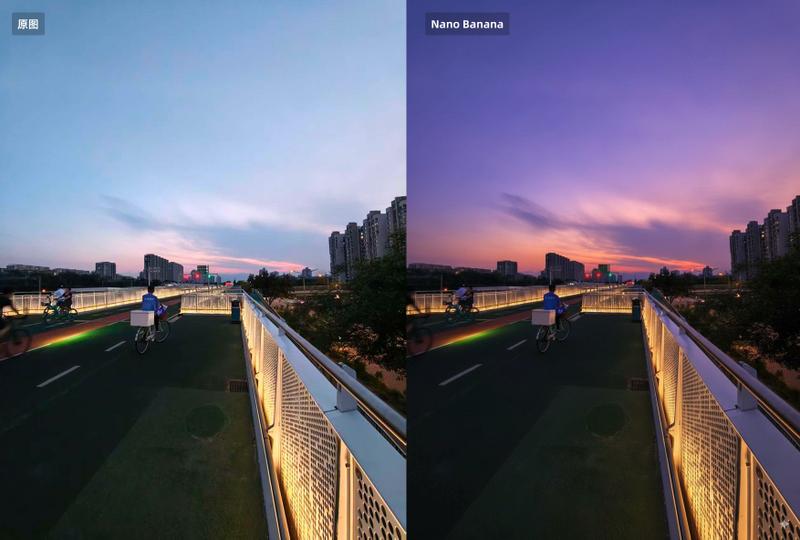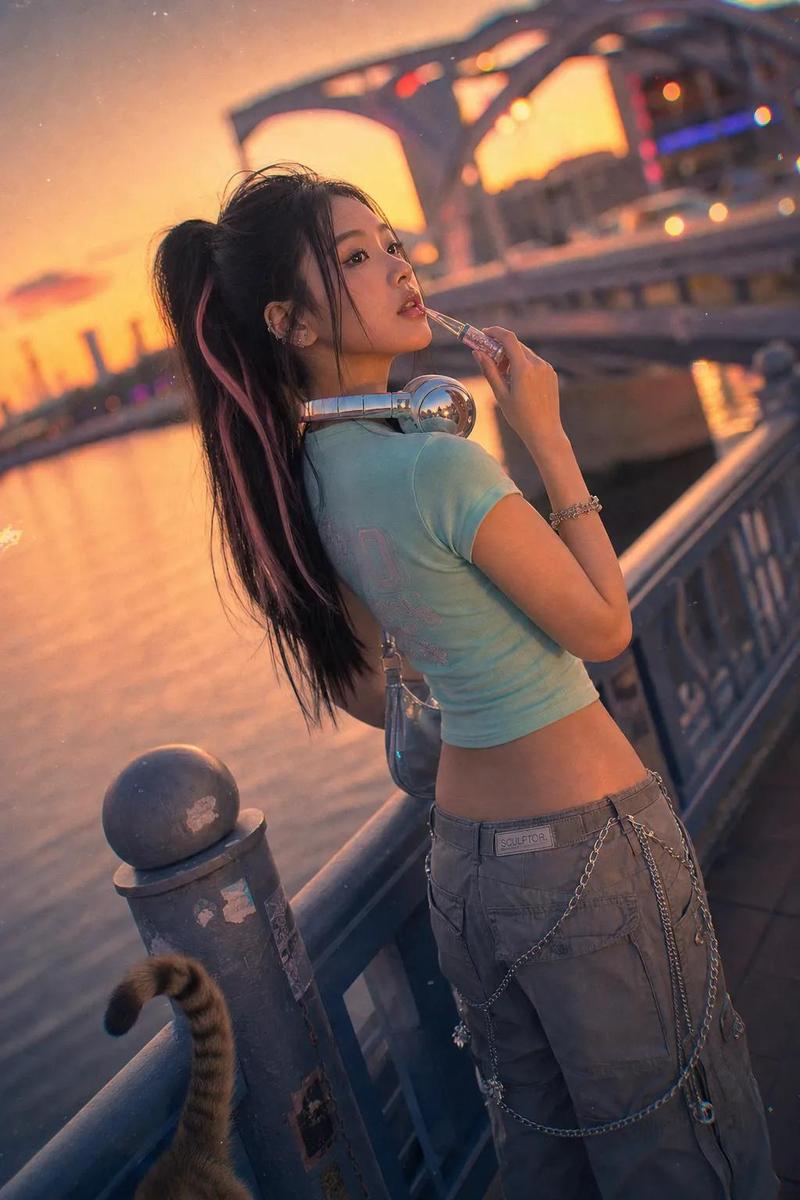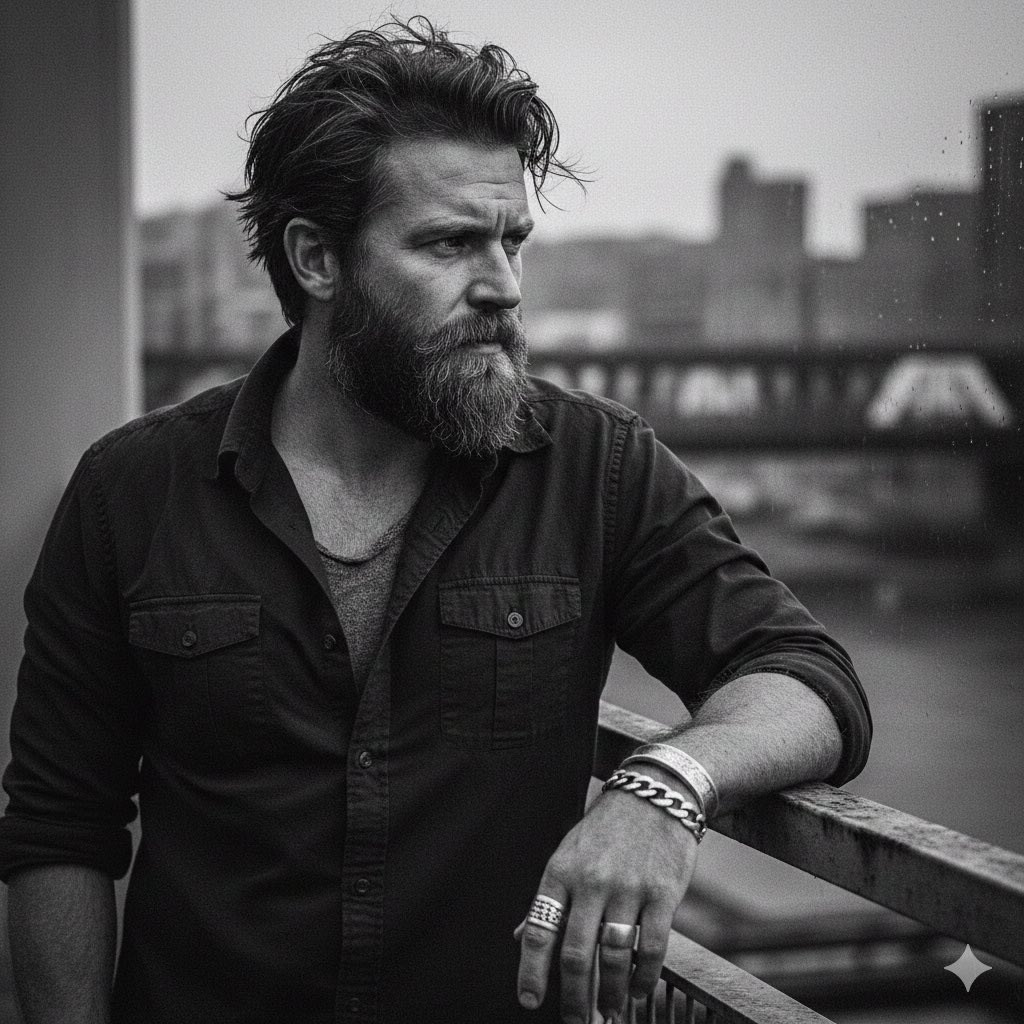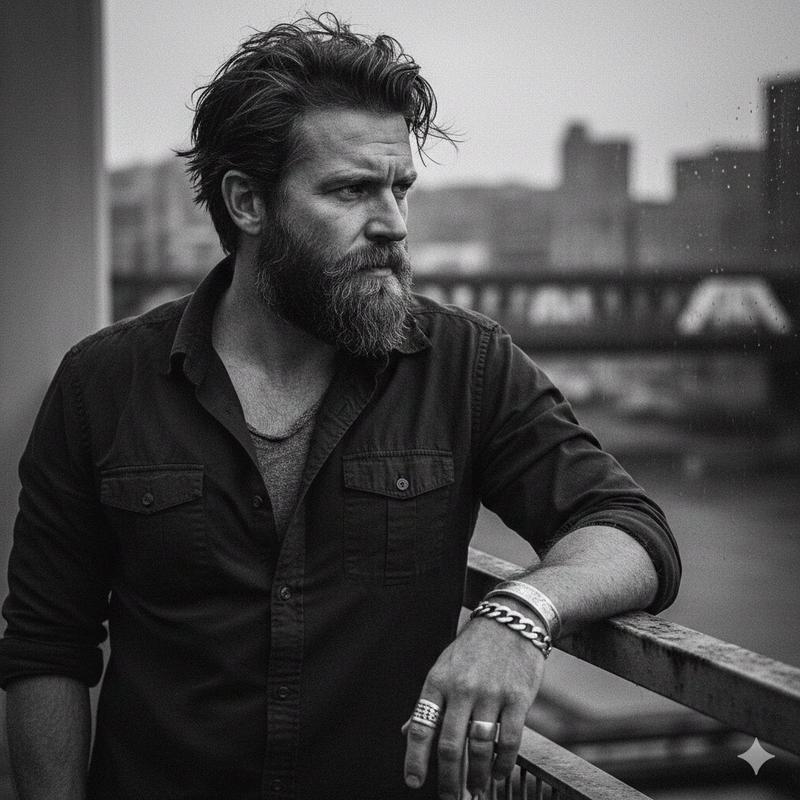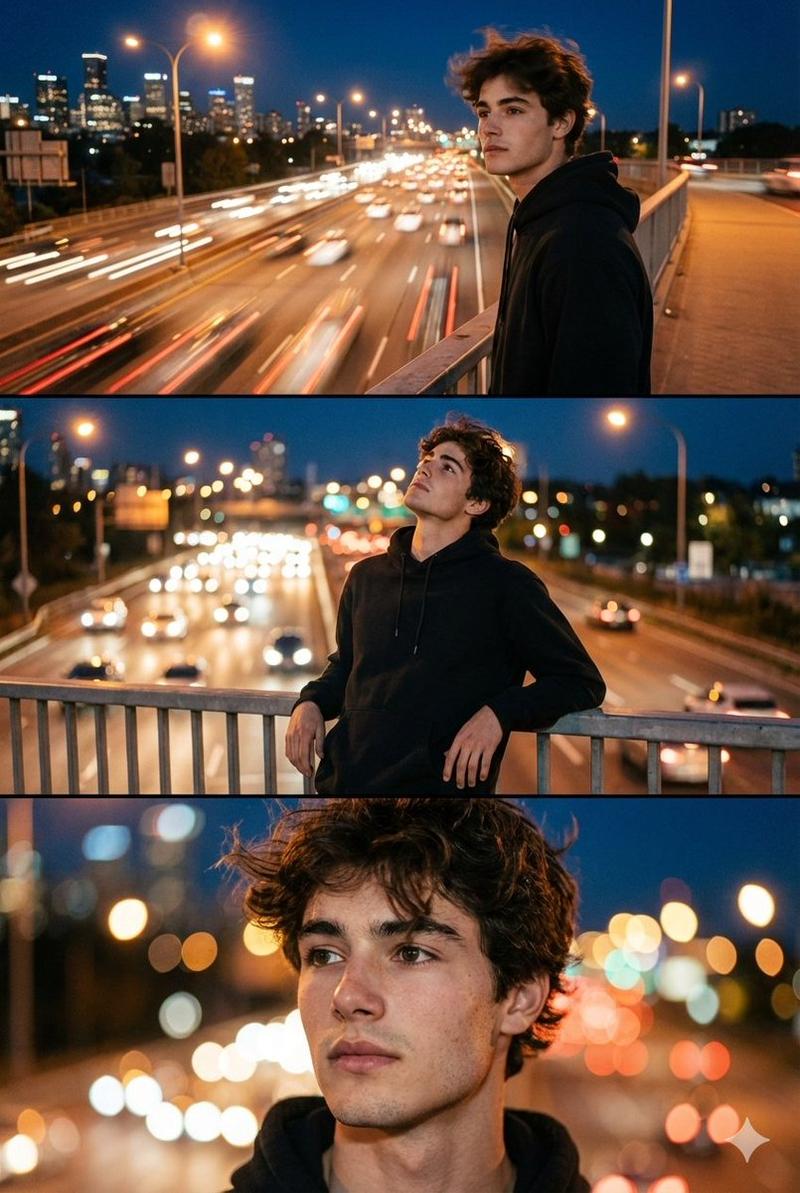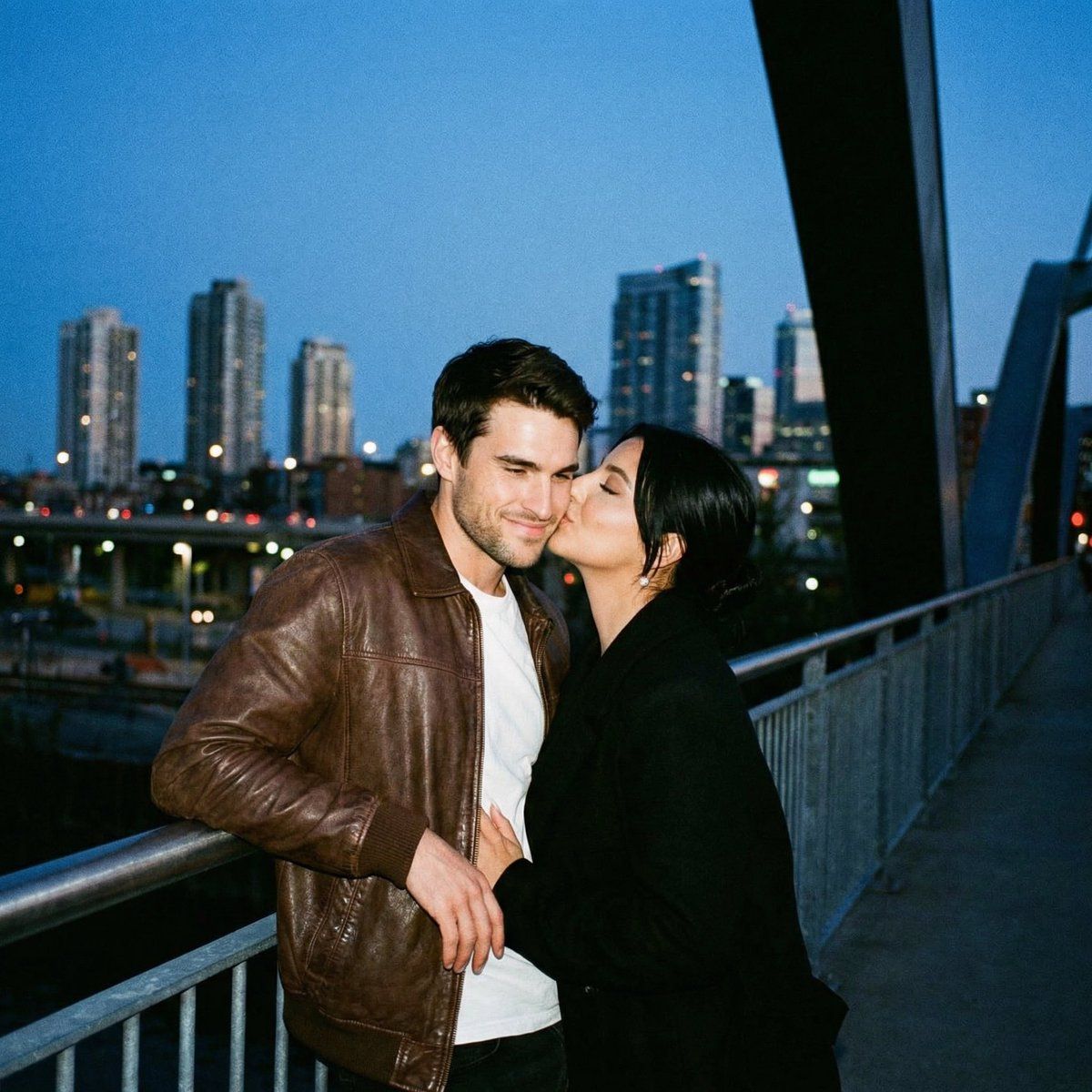
超模拟胶片偷拍浪漫场景
Prompt
{
  "meta": {
    "project": "analog_bridge_kiss_city_bokeh",
    "style": "ultra_analog_film_candid_romance",
    "aspect_ratio": "4:5",
    "output_type": "single_image",
    "priority": "highest"
  },
  "scene": {
    "location": "{argument name="location" default="pedestrian bridge / waterfront promenade at dusk"}",
    "environment": "city skyline across water, distant high-rises softly blurred, bridge structure creating a dark diagonal leading line on the right",
    "time": "blue hour (post-sunset)",
    "weather": "clear, cool air",
    "mood": "intimate, spontaneous, lived-in night"
  },
  "subjects": {
    "couple": {
      "pose": "standing close at the railing, kissing",
      "woman": {
        "appearance": "short dark hair tucked behind ear, subtle natural makeup",
        "wardrobe": "dark jacket, minimal jewelry",
        "action": "left hand cradling the back of his head/neck while kissing, calm soft expression"
      },
      "man": {
        "appearance": "wavy medium-length hair, light stubble",
        "wardrobe": "tan/brown leather jacket over a white t-shirt, dark jeans, thin chain necklace",
        "action": "leaning back slightly into the railing, relaxed posture, one hand resting near hip/railing"
      }
    }
  },
  "composition": {
    "framing": "medium close shot, couple centered slightly right, railing visible at waist level, skyline bokeh in background",
    "foreground": "subtle dark vignette / edge occlusion like a film gate or lens hood",
    "background": "soft city lights as round bokeh, water surface barely visible, bridge structure forming a bold diagonal"
  },
  "camera": {
    "lens": "35mm vintage prime (or 50mm equivalent), wide open",
    "aperture_feel": "f/1.8–f/2.0 shallow depth of field",
    "focus": "focus locked on faces and lips; background heavily defocused",
    "exposure": "slightly underexposed highlights protected; no blown sky",
    "stabilization": "handheld documentary feel, steady (no jitter)"
  },
  "analog_look": {
    "film_stock": "{argument name="film stock" default="Kodak Portra 800 (blue-hour friendly) OR Cinestill 800T vibe (very subtle halation)"}",
    "grain": "prominent but natural film grain",
    "contrast": "low-mid contrast, lifted blacks, soft roll-off in highlights",
    "color": "cool blue ambient shadows + warm skin tones; gentle amber practical lights",
    "halation": "subtle around distant point lights only (not exaggerated)",
    "lens_character": "slight softness, mild chromatic aberration at edges, gentle corner falloff",
    "imperfections": "tiny dust specks, faint gate weave feel, very light vignette"
  },
  "texture_fidelity": {
    "skin": "real pores, natural sheen, no plastic smoothing",
    "leather": "visible grain, creases, patina on jacket",
    "fabric": "t-shirt cotton weave visible, jacket lining subtle texture",
    "hair": "individual strands and flyaways, no clumping"
  },
  "constraints": {
    "perfect_anatomy": true,
    "correct_hands": true,
    "no_extra_fingers": tru
}- Category
- 创意图片
- Model
- Nano Banana Pro
- Creator
- Özge Döner
- Source ID
- b4bef40e-4f7f-4fc1-ab13-55a044d7604e
- Published
- Mar 8, 2026
Views0