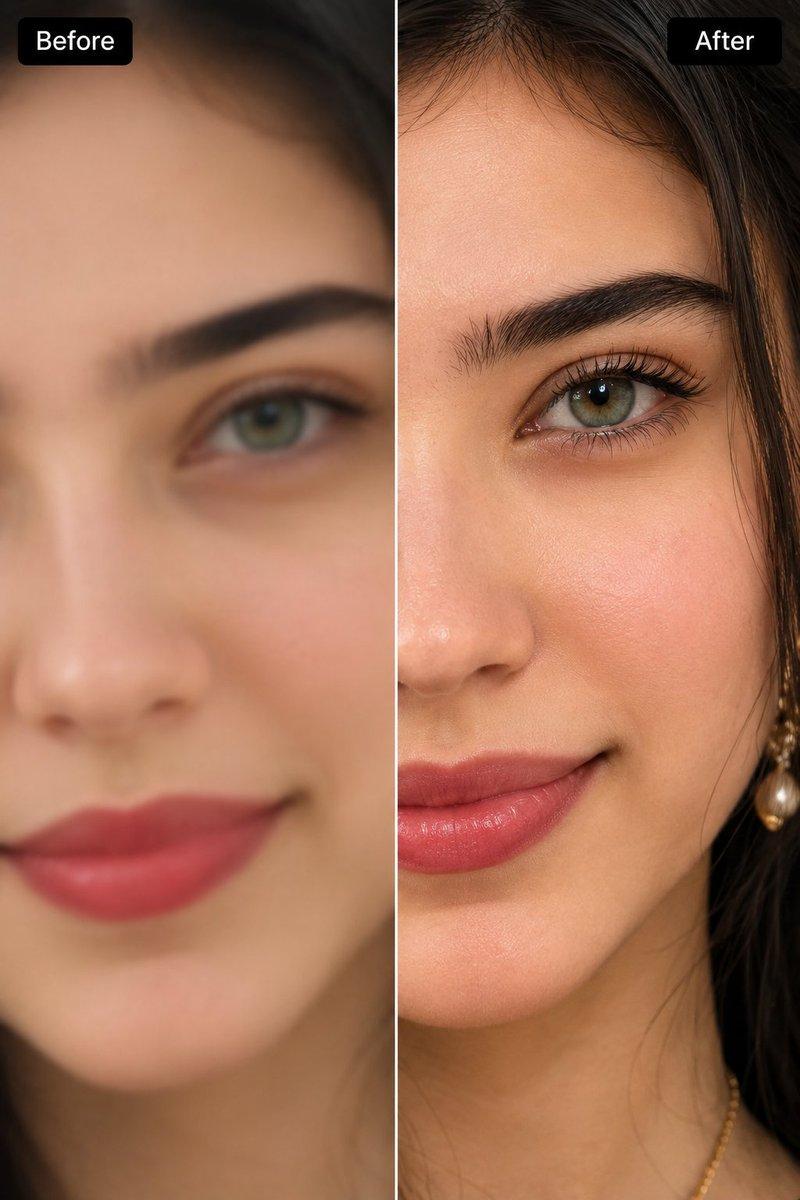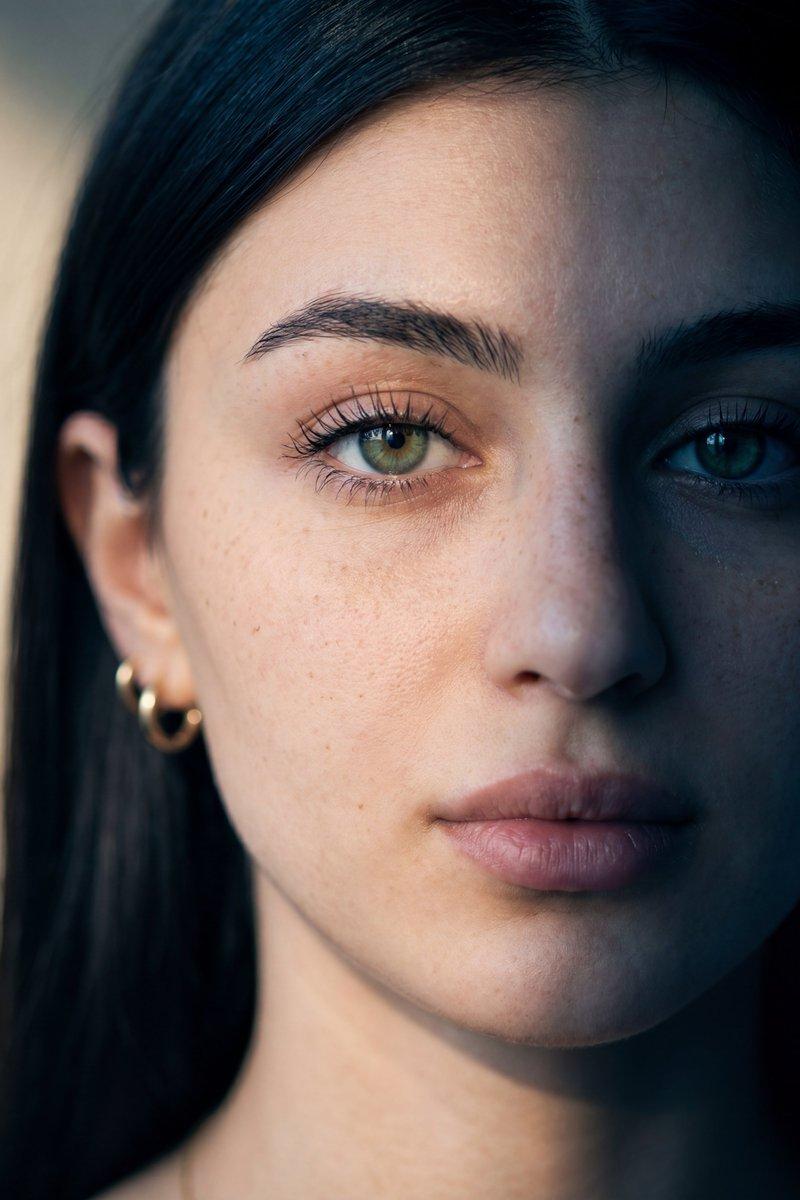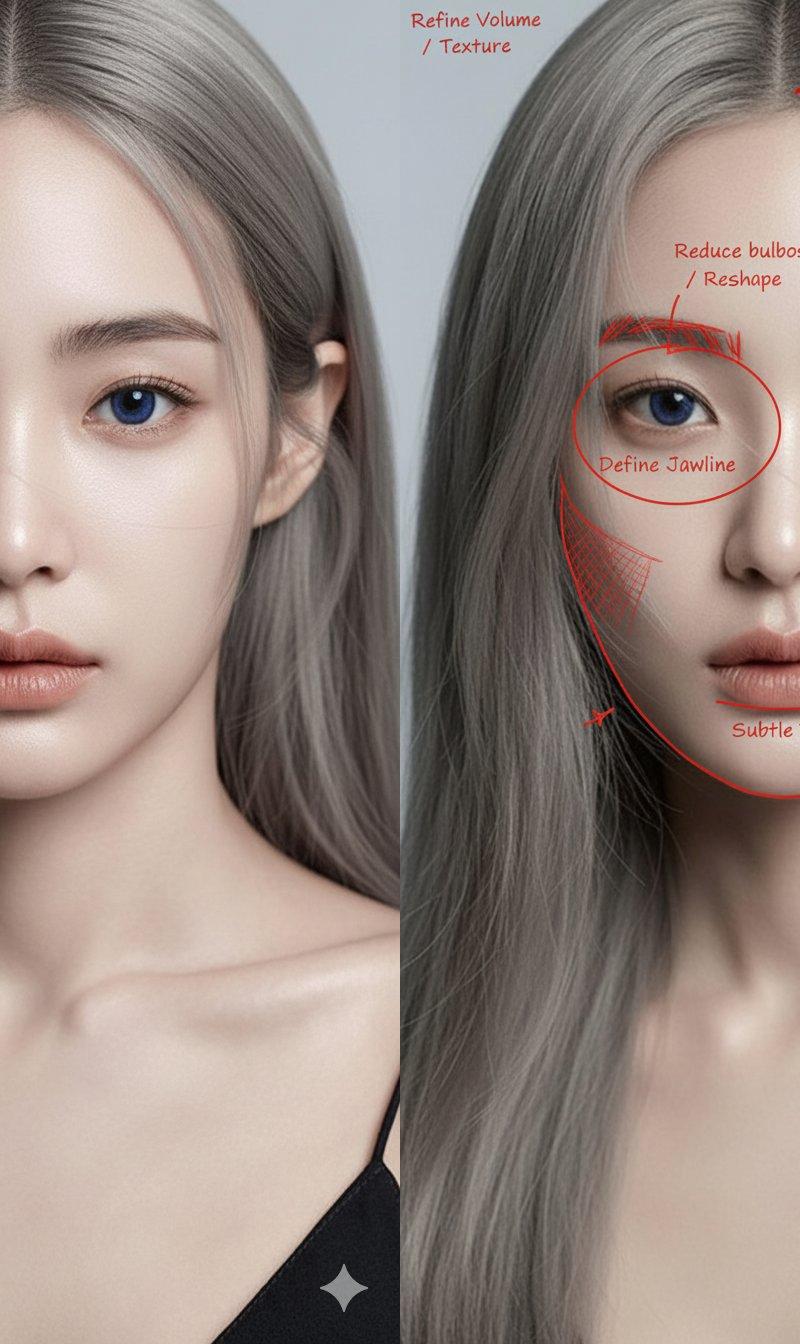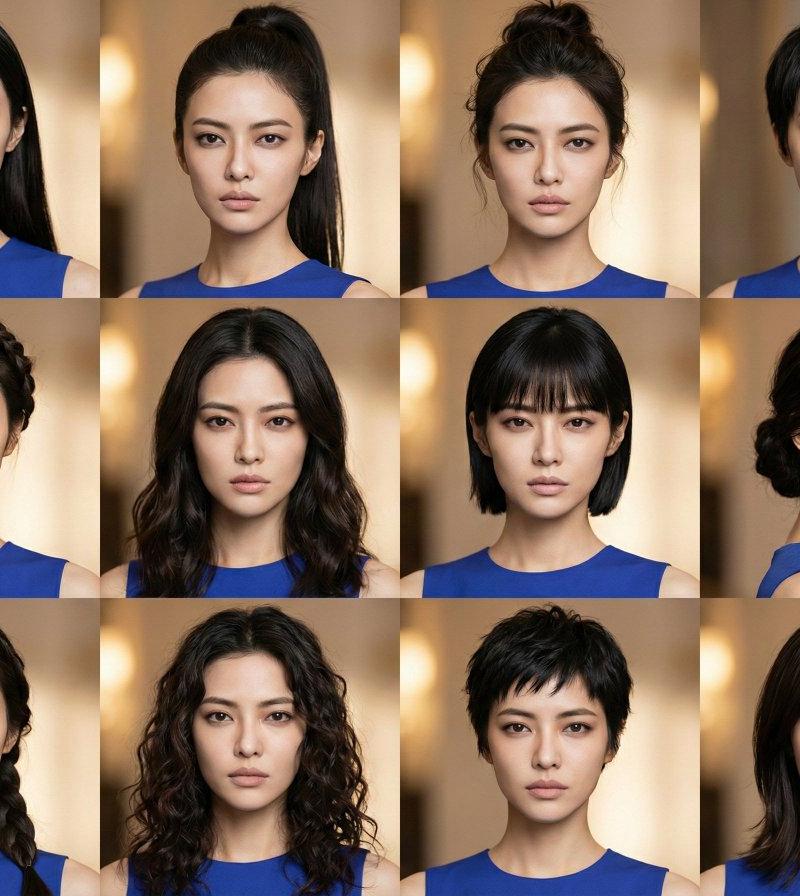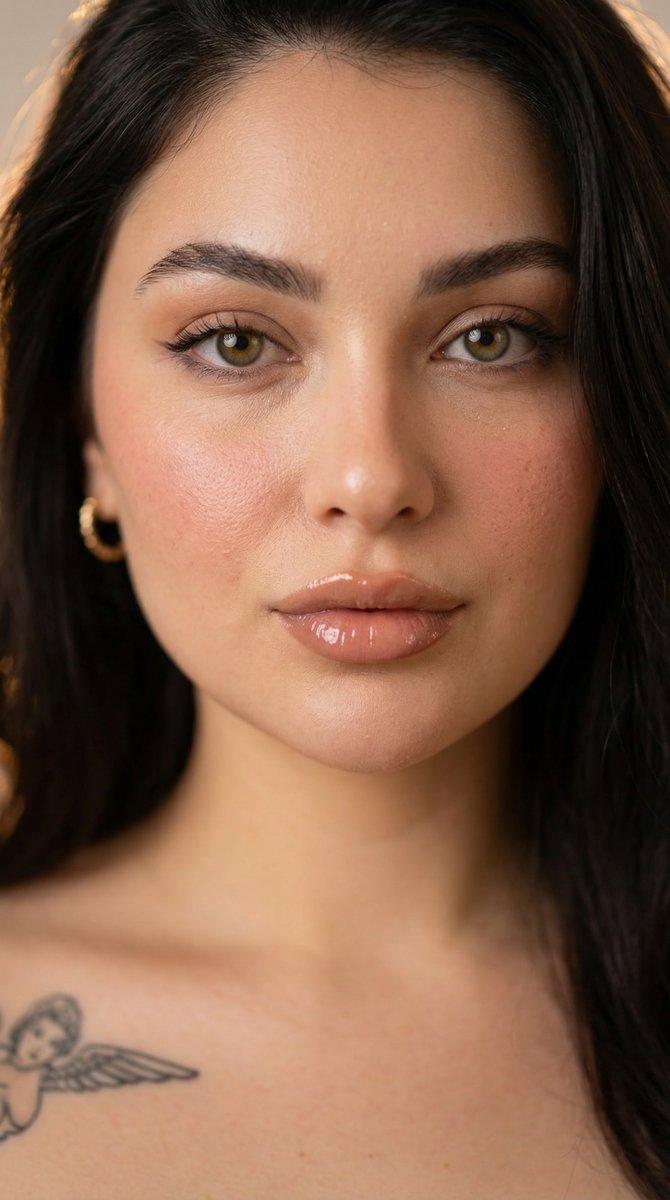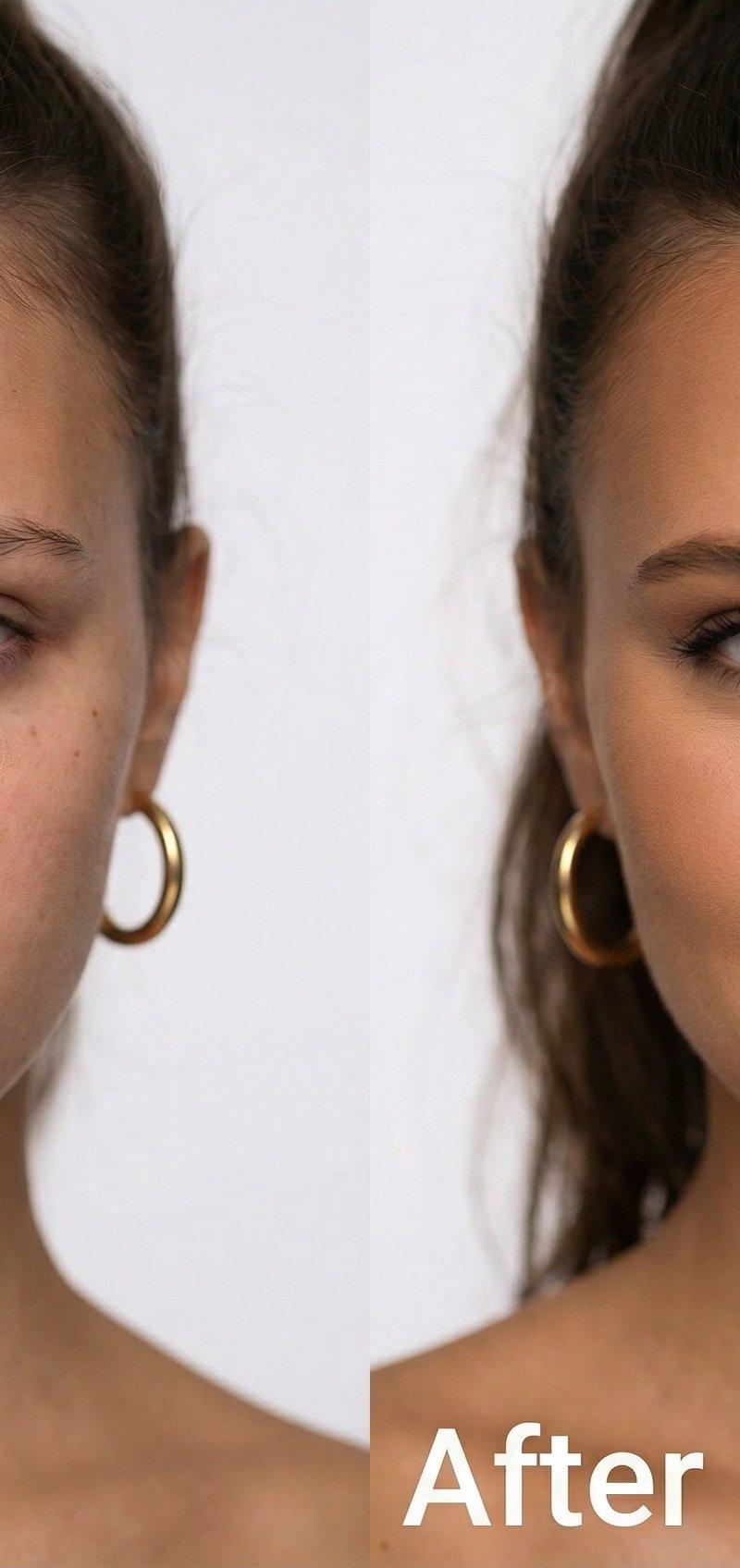
妆前妆后对比
Prompt
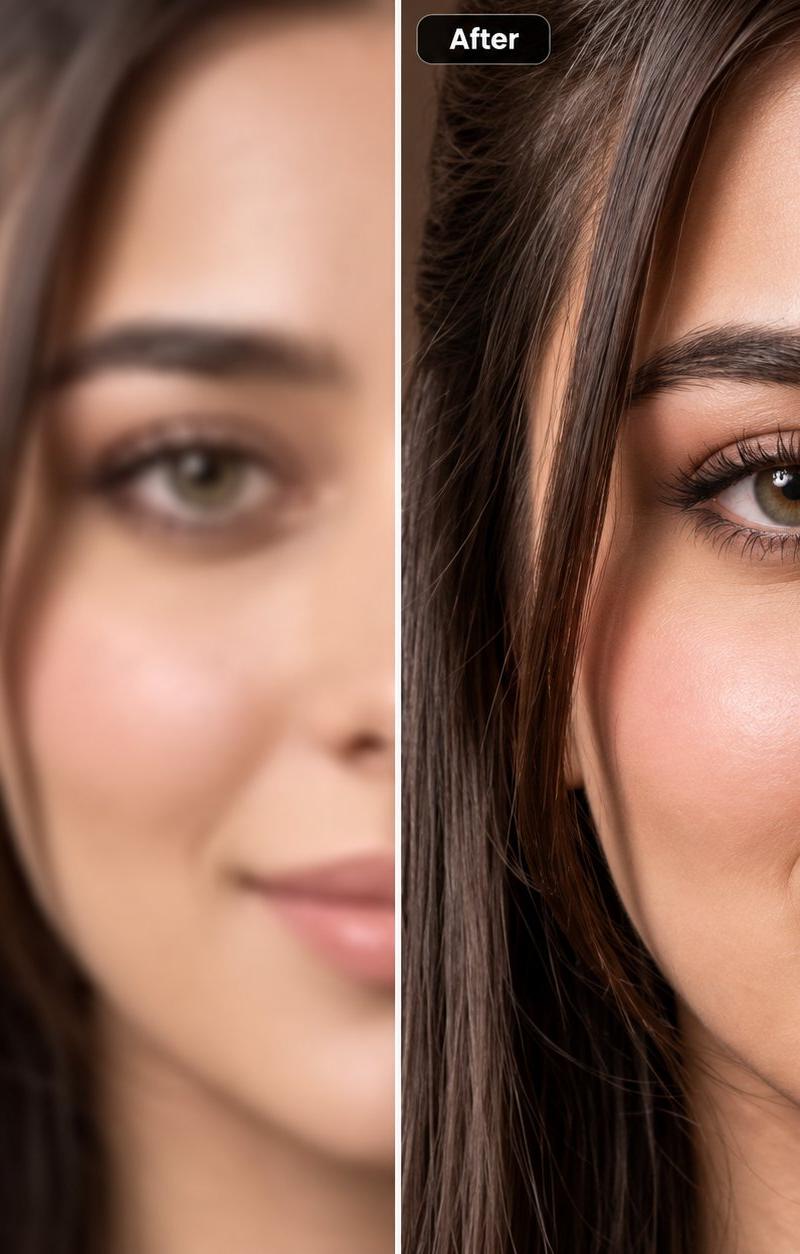
Before/After Make-up.
Which one do you prefer?
Nano Banana JSON Prompt:
{
 "scene_type": "Before and After Makeup Portrait",
 "aspect_ratio": "3:2",
 "layout": {
 "format": "side_by_side",
 "left_panel": "before_makeup",
 "right_panel": "after_makeup"
 },
 "subject": {
 "description": "A beautiful athletic woman with tied-back dark brown hair, warm natural skin tone, defined facial structure, gold hoop earrings",
 "pose": "front-facing portrait, shoulders visible, relaxed posture",
 "expression": "neutral and natural on the left, confident and softly smiling on the right"
 },
 "left_panel_details": {
 "label": "Before",
 "makeup": "no makeup at all, completely bare face",
 "skin": "natural texture visible, pores, subtle redness, natural under-eye tone",
 "lighting": "soft neutral studio light, evenly balanced, no enhancement",
 "mood": "authentic, raw, clean beauty look"
 },
 "right_panel_details": {
 "label": "After",
 "makeup": "professional natural-glam makeup, even foundation, subtle contour, defined eyebrows, soft eyeliner, natural lashes, warm blush, nude lipstick",
 "skin": "smooth but realistic texture, healthy glow without over-retouching",
 "lighting": "slightly warmer studio light with gentle contrast",
 "mood": "polished, confident, elegant"
 },
 "background": {
 "style": "clean seamless white background",
 "distractions": "none"
 },
 "camera": {
 "type": "professional portrait camera",
 "lens": "85mm prime lens",
 "aperture": "f/2.8",
 "focus": "sharp focus on eyes",
 "depth_of_field": "shallow"
 },
 "visual_style": {
 "realism": "hyper-realistic photography",
 "retouching": "minimal, skin texture preserved",
 "color_grading": "natural skin tones, true-to-life colors"
 },
 "quality": {
 "resolution": "high resolution",
 "sharpness": "ultra sharp",
 "noise": "clean"
 }
}- Category
- Photography & Realism
- Model
- Nano Banana
- Creator
- Keskin
- Source language
- zh-CN
- Source ID
- before-and-after-makeup-comparison
Views0