19

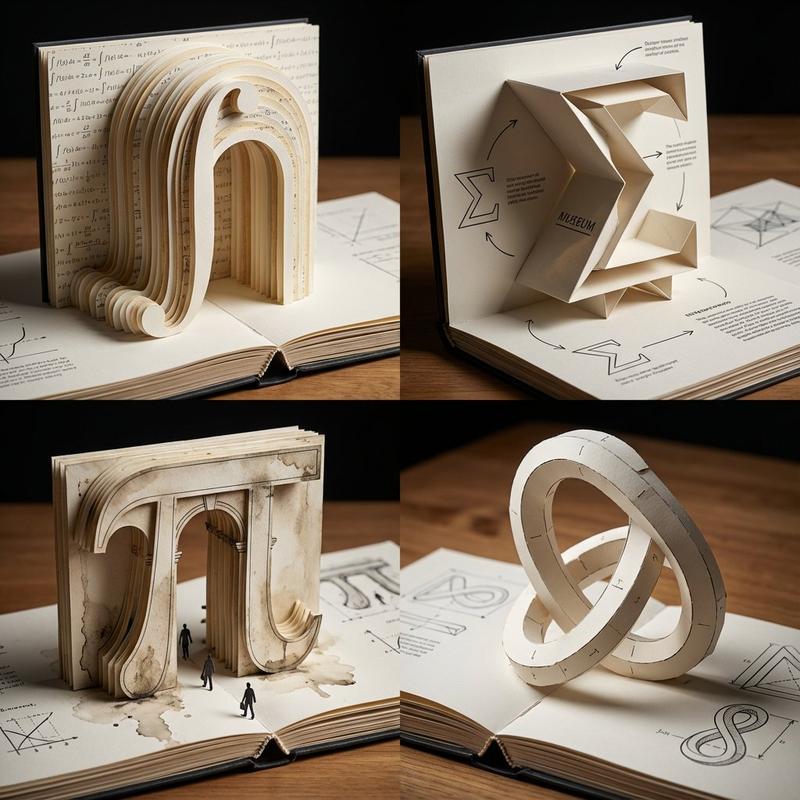
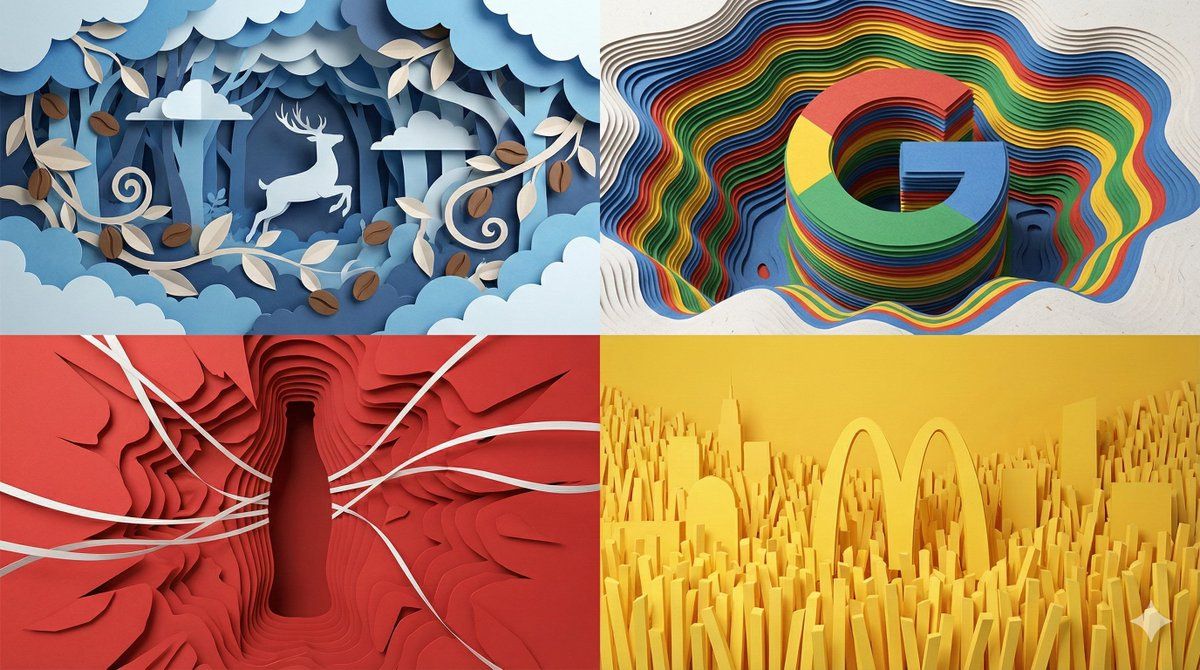
无缝四分屏纸张合成图像
Enlarge

无缝四分屏纸张合成图像

Prompt
调了一下午,都快给我调崩溃了
---
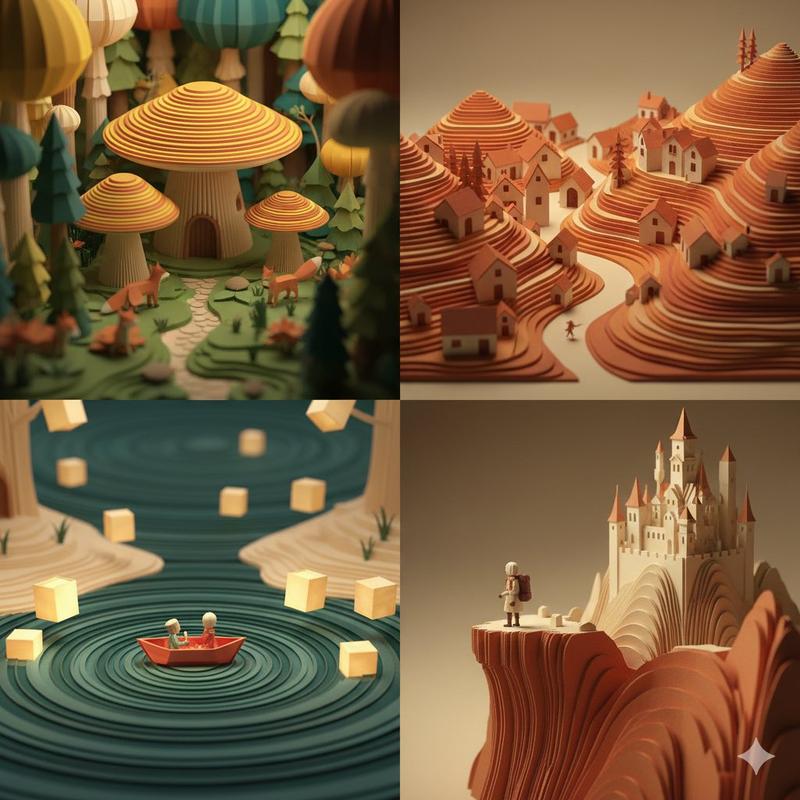
A seamless 16:9 full-frame composite image divided into four distinct quadrants. **CRITICAL:** The four sections touch each other directly. NO GREY BACKGROUND. NO BORDERS. NO GAPS. The image is filled edge-to-edge with paper details.
**Composition:** A split-screen view looking deep into four different paper worlds.
1) **Top-Left (Luckin):** A wide view of a magical paper forest. Blue and white paper clouds and coffee leaves fill the quadrant completely. A white paper stag leaps through the density.
2) **Top-Right (Google):** A wide view of a **"Topographic Map" style paper cavern**. The "G" logo is formed by **hundreds of thin sheets** of Blue, Red, Yellow, and Green paper stacked horizontally. It looks like a sediment canyon or a contour map. Visible paper fibers and sharp cut edges. NO plastic smoothness.
3) **Bottom-Left (Coke):** A wide view of a red paper explosion. The Coke bottle is a **Negative Space Silhouette**—a deep hole void cut through dense layers of red paper. White paper ribbons span across the void.
4) **Bottom-Right (McDonald's):** A wide view of a yellow paper city. Vertical strips of yellow paper (french fries) stand densely packing the frame. The Golden Arches rise from deep within the layers.
**Global Material:** Everything is matte cardstock.
**Lighting:** Soft, even studio lighting revealing the depth of the paper cuts.
**Tech:** Octane render, 8k, --ar 16:9 --stylize 400 --no borders, frames, background wall, isolated objects, 3d plastic, seamless texture
Category
Illustration & Art
Model
Unknown
Creator
两斤
Views0
Source ID
seamless-four-quadrant-paper-composite-image

Guide

About "无缝四分屏纸张合成图像"

What is this prompt for?

"无缝四分屏纸张合成图像" AI image prompt for Unknown (Illustration & Art). 调了一下午,都快给我调崩溃了 --- A seamless 16:9 full-frame composite image divided into four distinct quadra…

The full copyable prompt and example visuals above are ready for AI image generation or one-click recreate in Picva.

How to use this prompt

  1. Step 1

    Open the prompt detail

    Review the example visuals, category, and full prompt text for "无缝四分屏纸张合成图像".

  2. Step 2

    Copy the prompt

    Copy the prompt body from this page, or load it directly in Studio.

  3. Step 3

    Pick a model (Unknown)

    Prefer Unknown. If you switch models, keep subject and composition and tweak style terms.

  4. Step 4

    Generate and export

    Recreate the look in Picva, or export into your workflow for editing and publishing.

FAQ

What is the "无缝四分屏纸张合成图像" prompt?
It is an AI image-generation prompt for Unknown in the Illustration & Art category. This page includes the full prompt text, example visuals, and a one-click recreate path in Picva.
How do I use this prompt to generate an image?
Copy the prompt from this page, or use Generate / Studio. Paste it into a compatible image model, or recreate the look in Picva with optional reference images.
Which model is this prompt for?
This page lists Unknown. Most descriptive prompts also transfer to nearby image models such as GPT Image, Flux, or Midjourney with light style tweaks.
Can I use the result commercially?
You can usually copy the prompt for creation, but commercial use of the final image depends on the model terms, reference-image rights, and the generated content. Follow the source author and platform rules.