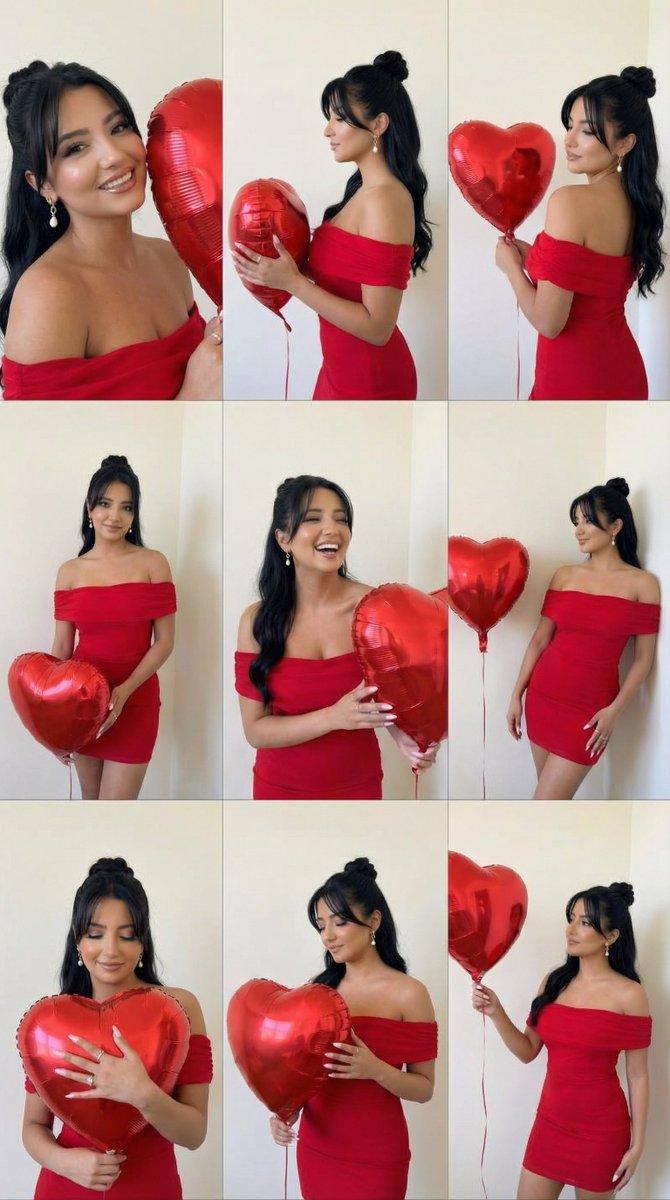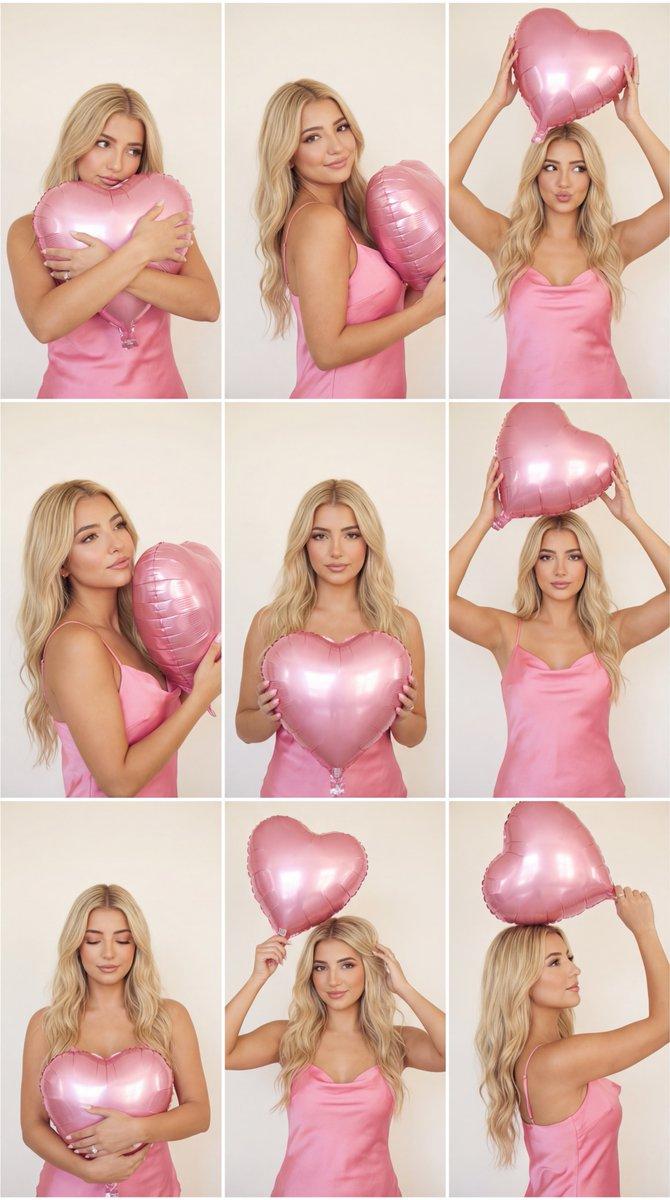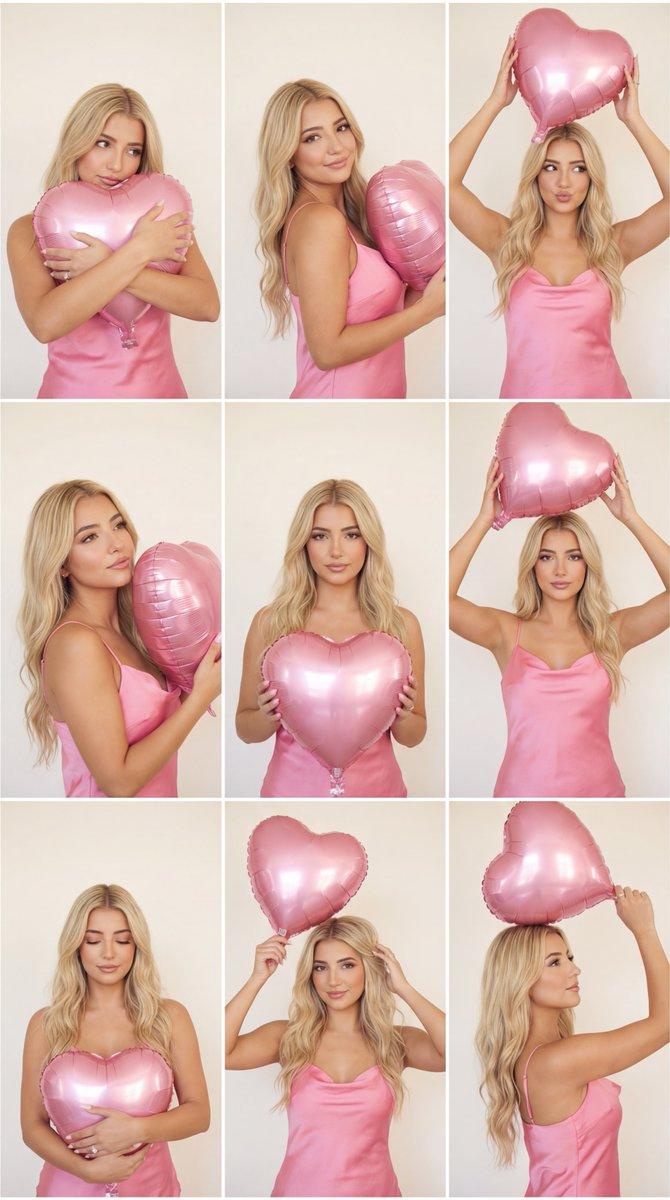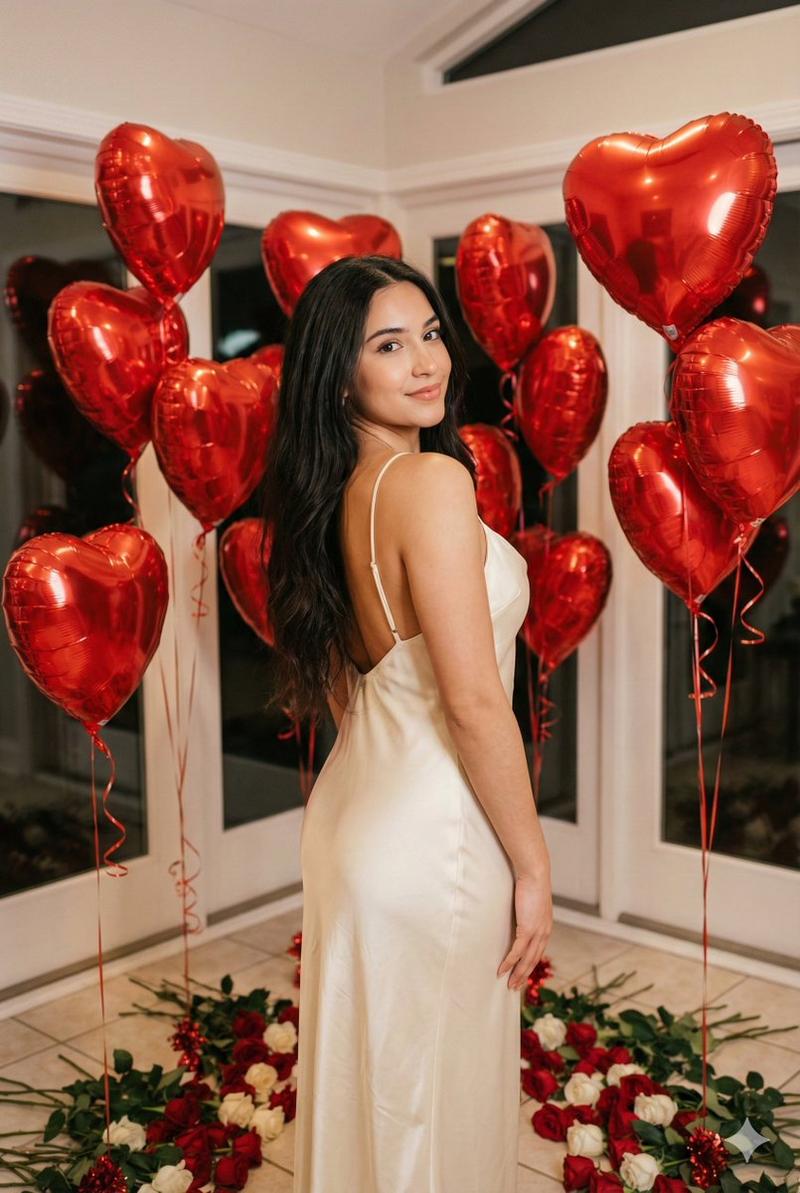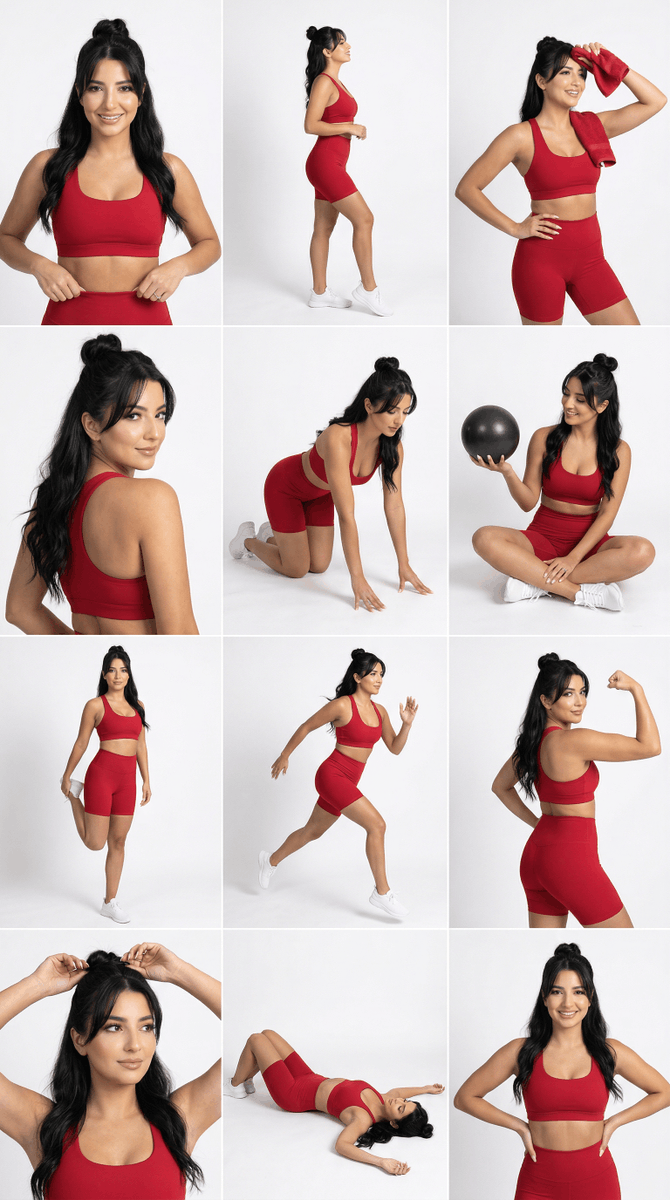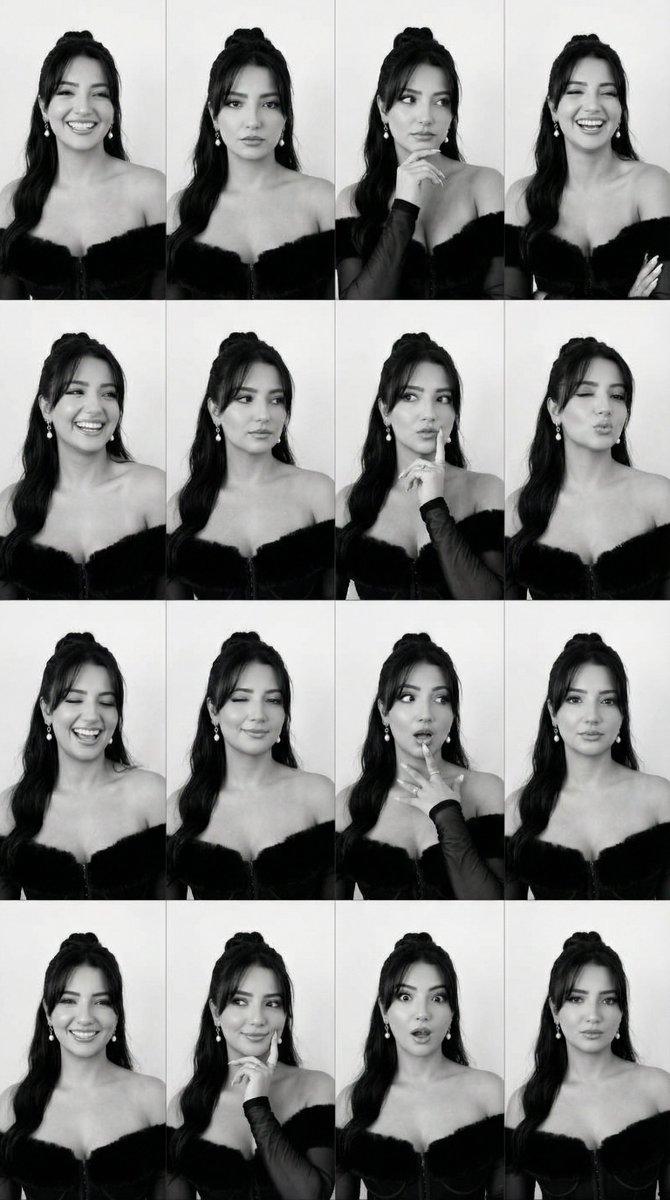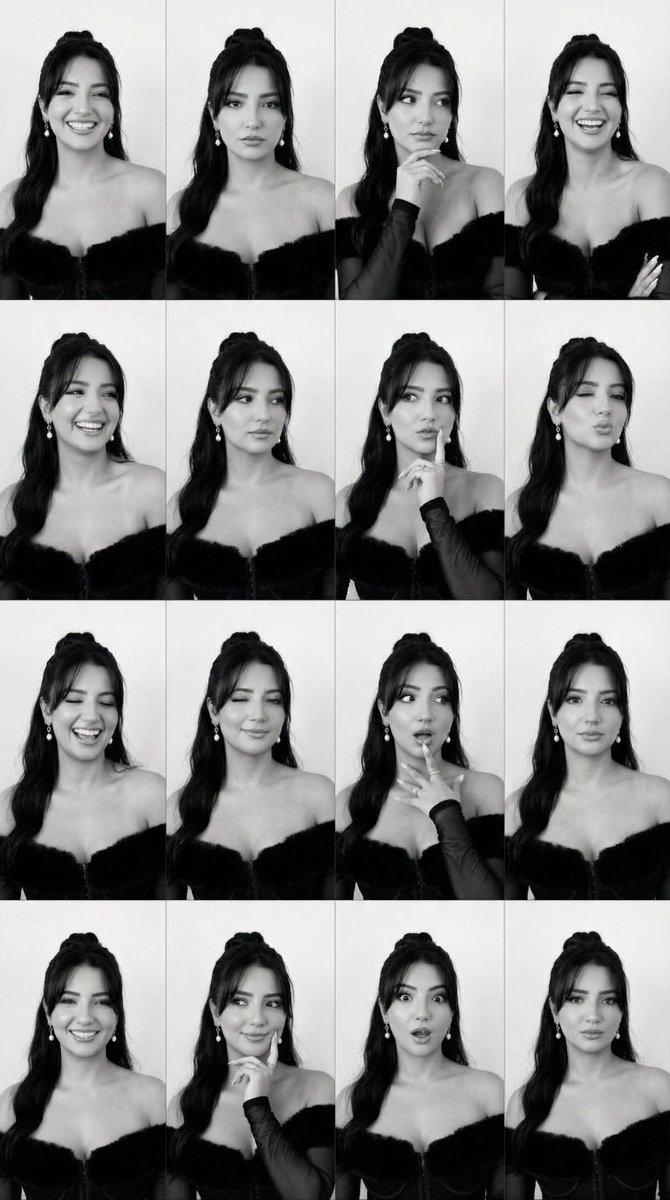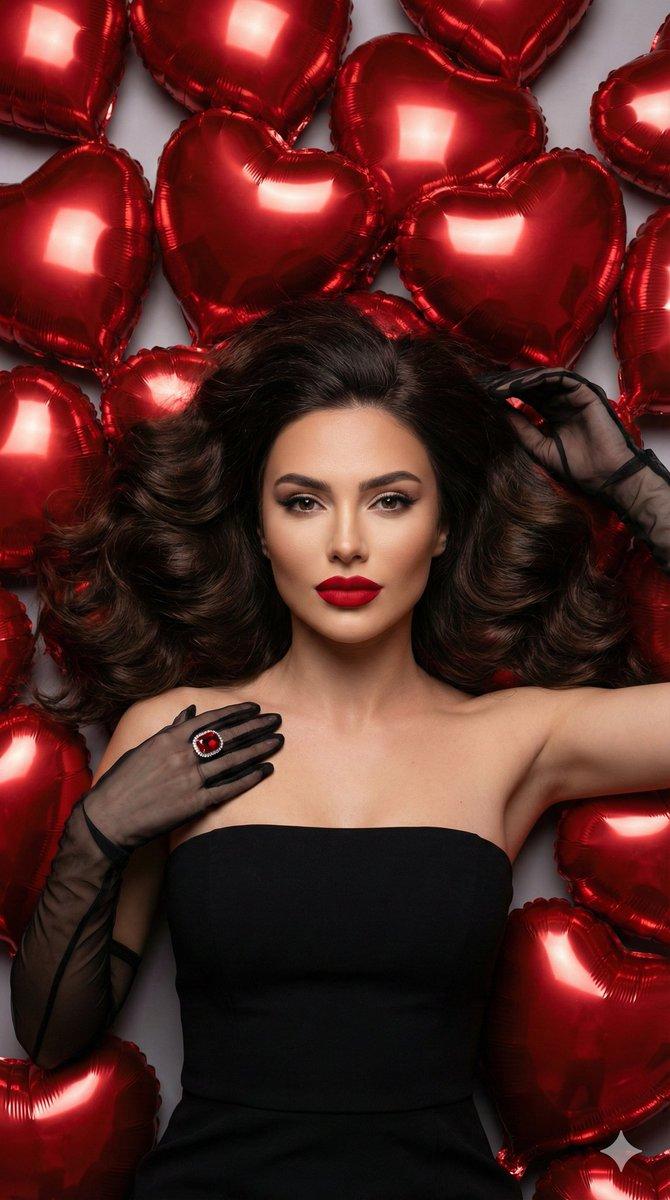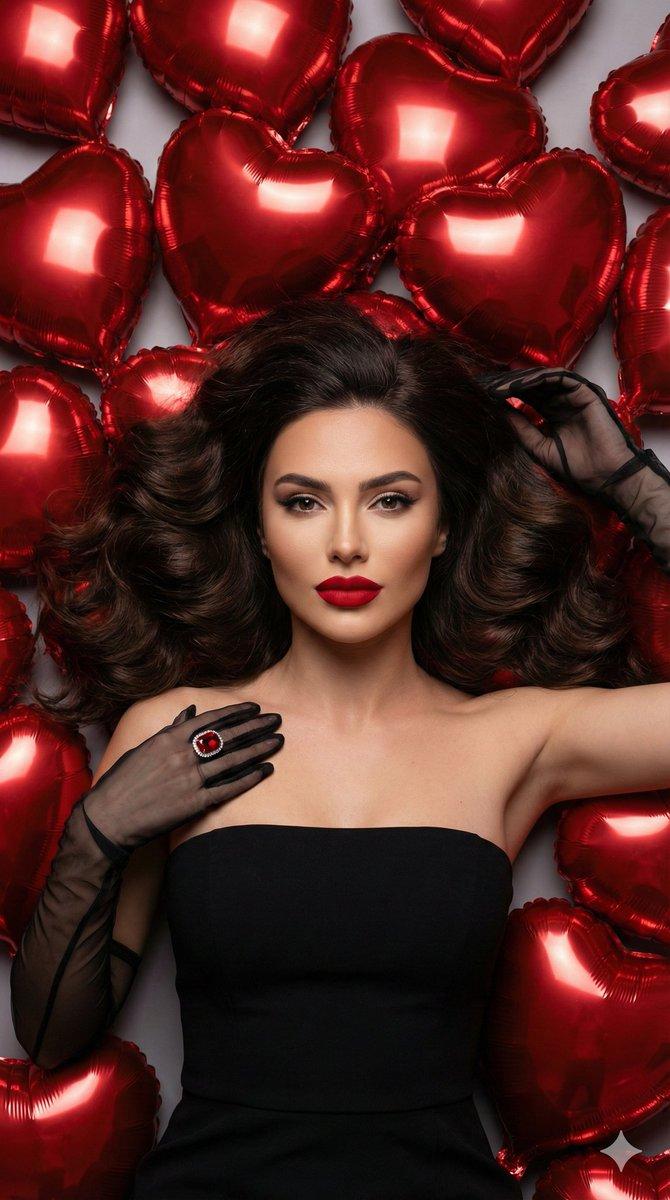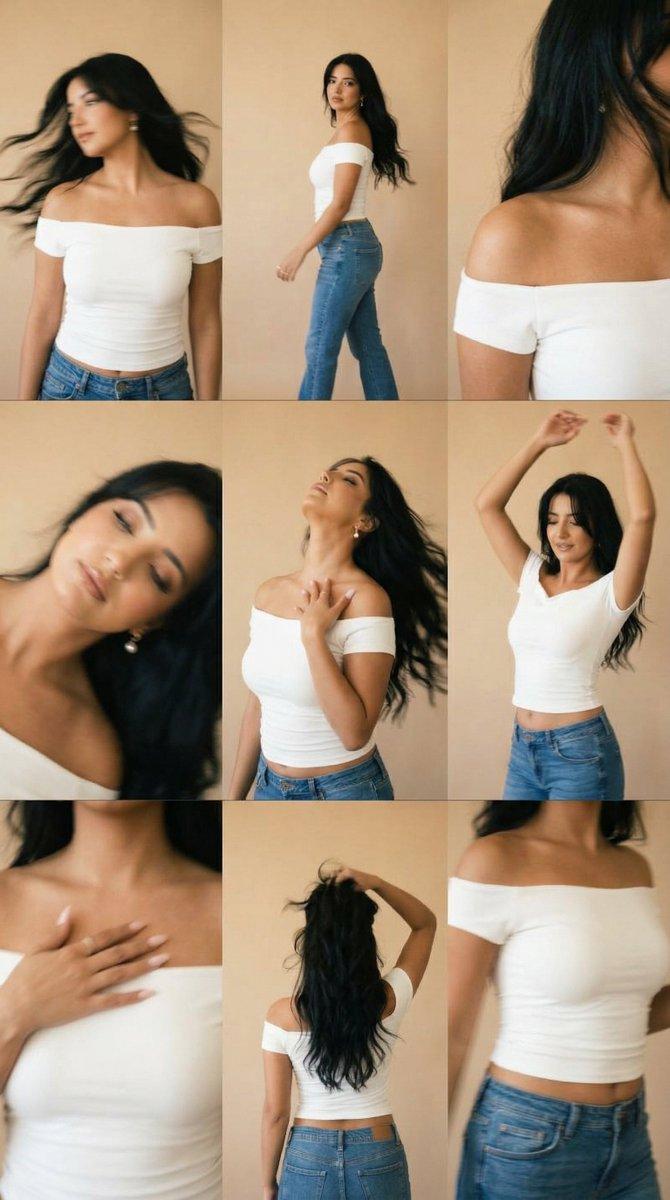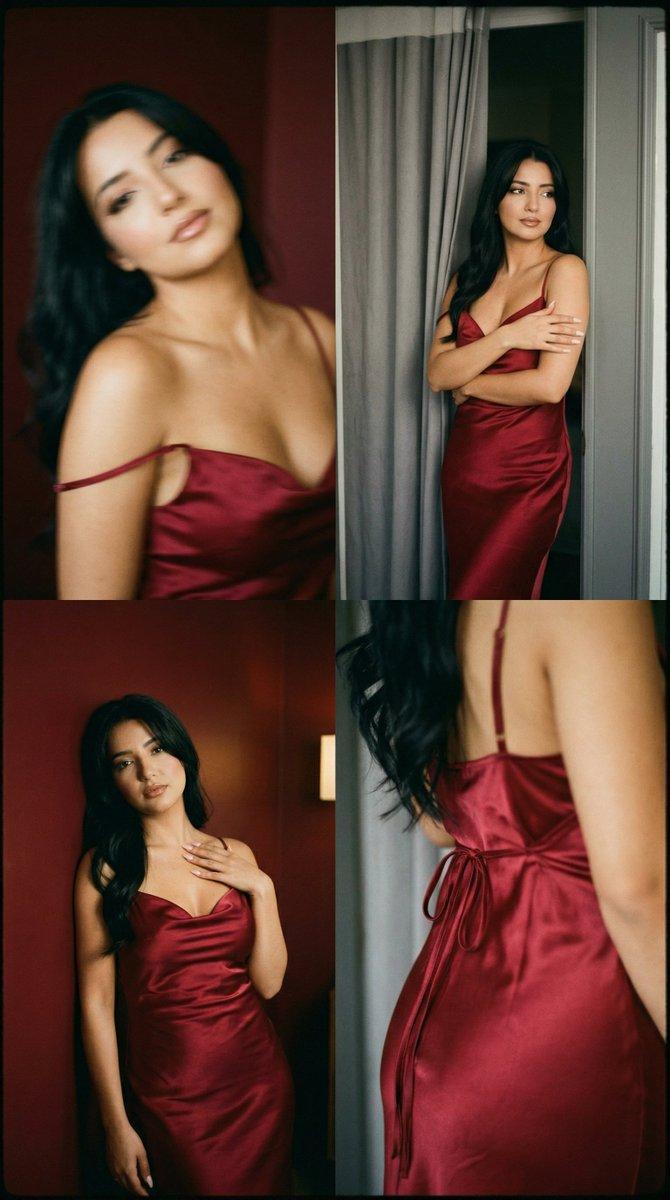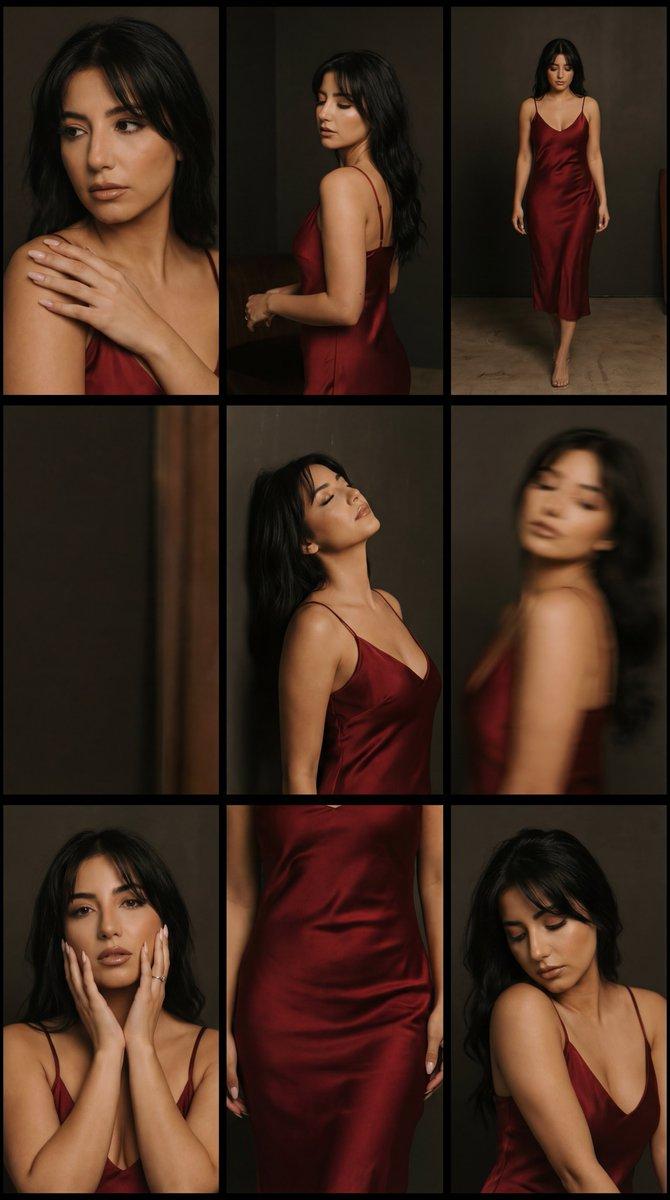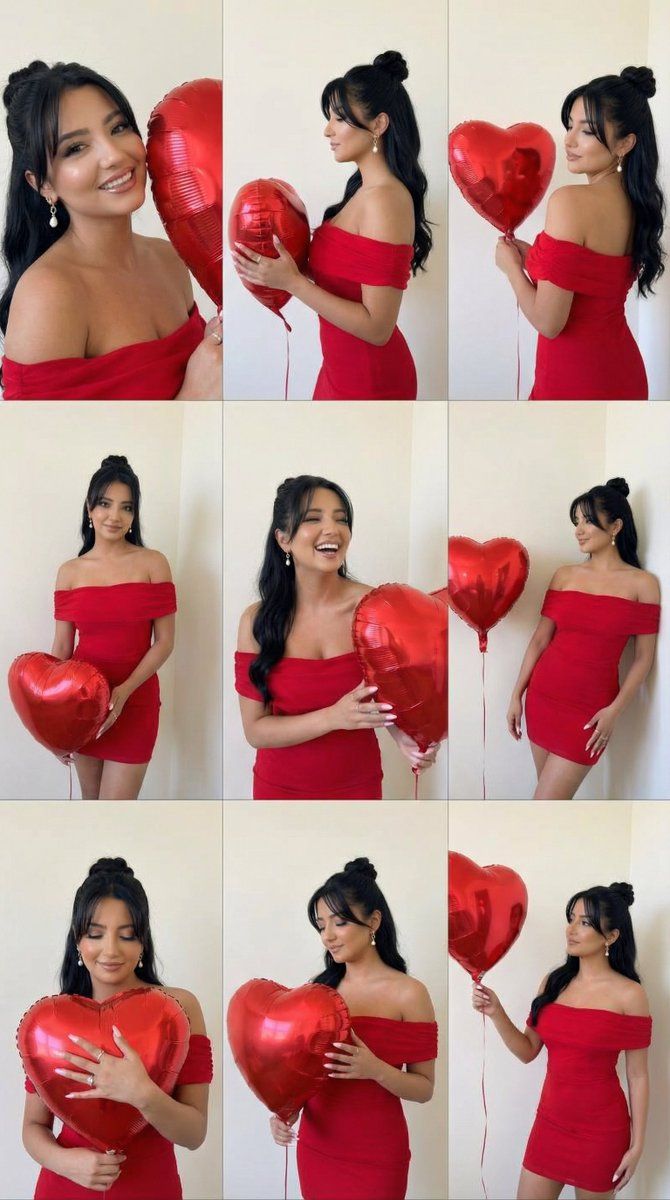
浪漫玫瑰社论 3x3 网格提示
Prompt
{
  "generation_request": {
    "meta_data": {
      "task_type": "romantic_rose_editorial_grid",
      "language": "en",
      "priority": "highest",
      "version": "v1.0_ROSE_EDITORIAL_GRID_3X3"
    },
    "input": {
      "mode": "image_to_image",
      "reference_image_usage": "very_high",
      "preserve_identity": true,
      "preserve_facial_features": true,
      "preserve_body_structure": true,
      "notes": "Keep the same adult woman, same hair length and color, same red off-shoulder dress, same neutral indoor wall. Create a 3x3 editorial collage with varied poses holding a large bouquet of deep red roses."
    },
    "output": {
      "aspect_ratio": "1:1",
      "resolution": "ultra_high",
      "num_images": 1,
      "layout": {
        "type": "grid",
        "rows": 3,
        "cols": 3,
        "gutter": "thin",
        "panel_consistency": "high"
      },
      "sharpness": "high",
      "grain": "subtle_analog_warm"
    },
    "scene": {
      "concept": "romantic valentine rose editorial",
      "environment": "minimal indoor studio with soft beige wall",
      "lighting": {
        "style": "soft on-camera flash aesthetic",
        "temperature": "warm indoor tone",
        "shadow_behavior": "soft short shadows behind subject",
        "highlight_control": "controlled shine on roses, no blown highlights"
      },
      "camera": {
        "lens": "50mm equivalent",
        "framing": "waist-up to half body",
        "focus": "face and roses sharp"
      }
    },
    "subject": {
      "type": "adult woman",
      "expression_range": [
        "soft romantic gaze",
        "eyes closed serene expression",
        "over-the-shoulder look",
        "gentle smile"
      ],
      "pose_variation": [
        "holding bouquet close to chest",
        "over shoulder pose showing back",
        "hiding half face behind roses",
        "looking down at bouquet",
        "turning head while holding stems",
        "hugging bouquet tightly"
      ],
      "anatomy_rules": "perfect hands, correct finger count, realistic wrist bend, no distorted shoulders"
    },
    "wardrobe": {
      "dress": "deep red off-shoulder dress",
      "fabric": "matte satin texture with natural folds"
    },
    "props": {
      "bouquet": {
        "type": "large bouquet of deep red roses",
        "petals": "velvety texture with layered detail",
        "leaves": "natural green leaves with subtle gloss",
        "stems": "visible natural stems",
        "density": "full, luxurious bouquet"
      }
    },
    "color_grading": {
      "palette": "deep red dominant with warm beige background",
      "contrast": "medium-high",
      "skin_tone": "natural warm tone",
      "avoid": "orange cast, plastic skin, oversaturation"
    },
    "negative_prompt": [
      "extra fingers",
      "missing fingers",
      "warped roses",
      "melted petals",
      "distorted face",
      "bad anatomy",
      "low resolution"
    ]
  }
}- Category
- 创意图片
- Model
- Nano Banana Pro
- Creator
- Özge Döner
- Source ID
- df64cce8-d0ea-47f5-9224-f341c1511d43
- Published
- Mar 8, 2026
Views0